

Are you looking to boost your WordPress website’s performance and turn more visitors into loyal customers? A/B testing is the secret tool that can help you discover what really works on your site.
By comparing two versions of a page, you’ll learn exactly which design, headline, or call-to-action grabs your audience’s attention best. Imagine making confident, data-driven decisions instead of guessing what your visitors want. You’ll find simple, step-by-step guidance on how to set up and run effective A/B tests right on your WordPress site—no complicated tech skills needed.
Ready to unlock the full potential of your website? Let’s dive in.
Benefits Of A/b Testing
A/B testing offers clear advantages for any WordPress site. It helps improve your website by comparing two versions of a page. This method reveals which option users prefer. The results lead to better decisions and stronger site performance.
Testing different elements can boost your site’s success. It reduces guesswork and focuses on real user behavior. Below are some key benefits that A/B testing brings to WordPress users.
Increase Conversion Rates
A/B testing identifies the best design or content for your visitors. It shows which version drives more clicks, sign-ups, or sales. This approach directly improves conversion rates. Small changes can lead to big results. Testing lets you find those changes easily.
Enhance User Experience
By comparing page versions, A/B testing reveals what users like most. It helps make your site easier to use and more engaging. Visitors spend more time and return often. A smooth experience encourages trust and loyalty.
Data-driven Decision Making
A/B testing provides clear data on user preferences. It removes assumptions and personal bias from choices. You gain facts to support site changes. This leads to smarter updates and better resource use. Decisions based on data help grow your site steadily.
Choosing The Right Plugin
Choosing the right A/B testing plugin for WordPress can improve your website’s performance. The right tool helps you run tests smoothly. It also fits your budget and technical skills. Select a plugin that matches your goals and offers easy setup. Some plugins focus on page testing, while others specialize in lead capture or conversion tracking.
Below are some popular A/B testing plugins for WordPress. Each has unique features and benefits. Learn about Nelio A/B Testing, Thrive Optimize, OptinMonster, and other useful tools.
Nelio A/b Testing
Nelio A/B Testing is a WordPress-native plugin. It offers easy test creation for pages, posts, and themes. The plugin tracks visitor behavior and conversions automatically. It shows clear reports with valuable insights. This tool works well for beginners and experts. The interface is simple and integrated with WordPress.
Thrive Optimize
Thrive Optimize focuses on landing page testing. It allows you to create multiple variations of a page. The plugin measures visitor responses and conversion rates. Thrive Optimize connects with Thrive Architect for easy page building. It suits marketers who want fast, reliable split tests. The setup process is straightforward and user-friendly.
Optinmonster
OptinMonster is a lead generation tool with A/B testing features. It tests popups, slide-ins, and other opt-in forms. The plugin helps increase email signups and conversions. It includes powerful targeting and trigger options. OptinMonster works well for websites focused on list building. Reports are clear and helpful for decision-making.
Other Popular Tools
Several other A/B testing tools work with WordPress. WPForms offers form testing and easy integrations. VWO (Visual Website Optimizer) is a more advanced platform for detailed experiments. Some free options include Google Optimize, which requires manual setup. Choose a tool based on your test complexity and budget.
Setting Up A/b Tests On WordPress
Setting up A/B tests on WordPress helps improve your website’s performance. It involves comparing two versions of a page to see which one works better. This process can increase conversions and user engagement on your site. Follow these simple steps to start your A/B testing journey on WordPress.
Installing The Plugin
First, choose an A/B testing plugin compatible with WordPress. Popular options include Nelio A/B Testing and Thrive Optimize. Go to your WordPress dashboard and navigate to Plugins > Add New. Search for your chosen plugin and click “Install Now.” After installation, activate the plugin to start using it.
Creating Test Variations
Once the plugin is active, create different versions of your page or post. These variations may have changes in headlines, images, or call-to-action buttons. Use the plugin’s editor to design each version easily. Save your variations and prepare them for testing.
Defining Goals And Metrics
Set clear goals for your A/B test. Common goals include increasing clicks, sign-ups, or sales. The plugin allows you to track these actions as metrics. Choose the metrics that best match your website’s objectives. Monitor these metrics to find the winning variation.

Credit: kinsta.com
Designing Effective Test Variations
Designing effective test variations is key to successful A/B testing on WordPress. Crafting clear and distinct differences between versions helps identify what truly impacts user behavior. Focus on changes that are easy to measure and understand. Simple tweaks often reveal powerful insights.
Test only one element at a time to get accurate results. Keep variations relevant to your goals, such as increasing clicks or sign-ups. Avoid making multiple changes in a single test. This approach ensures clarity in your findings and improves your site step by step.
Testing Headlines And Copy
Headlines and copy greatly influence visitor engagement. Try different headlines that vary in length, tone, or keywords. Use clear and direct language that matches your audience’s needs. Test short versus longer headlines to see what grabs attention better.
Modify the main text by simplifying sentences or adding persuasive phrases. Highlight benefits and avoid jargon. Small wording changes can increase readability and encourage users to stay longer on your site.
Experimenting With Call-to-actions
Call-to-actions (CTAs) guide visitors toward desired actions. Test different CTA texts like “Buy Now” versus “Get Started.” Change button colors and shapes to see which attract more clicks. Position CTAs in various spots on the page to find the most effective placement.
Use action-oriented words that create urgency or curiosity. Make CTAs stand out visually but keep them consistent with your overall design. Clear and compelling CTAs improve conversion rates significantly.
Optimizing Layout And Design Elements
Page layout and design affect user experience and navigation. Test different arrangements of images, text blocks, and menus. Try varying whitespace to improve readability and focus. Experiment with font sizes and styles for clarity.
Test colors and contrasts to ensure important elements catch attention. Simplify design elements to reduce distractions. A clean and organized layout helps users find information quickly and boosts engagement.
Running And Monitoring Tests
Running and monitoring A/B tests on WordPress helps improve your website’s performance. It shows which version works better for your audience. Careful setup and close tracking make tests reliable. Monitoring results guides smart decisions for your site.
Split Traffic Setup
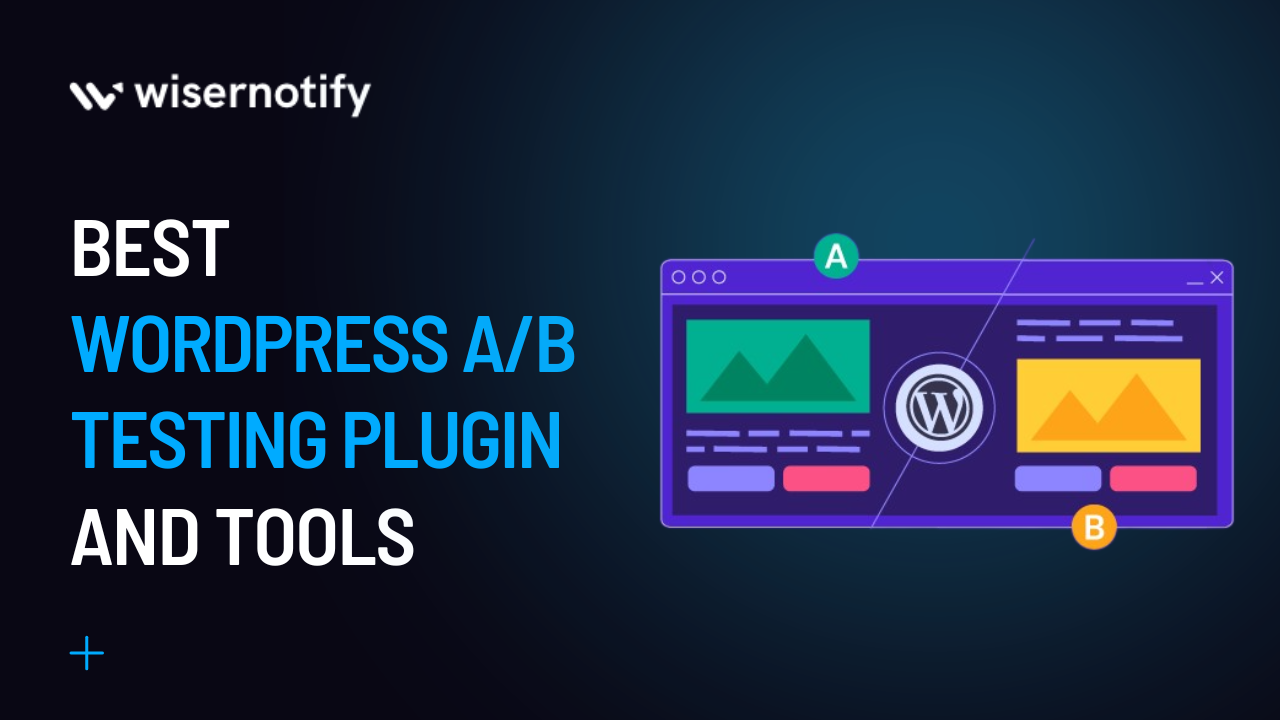
Divide your visitors into groups to test different versions. Use plugins like Nelio A/B Testing or Google Optimize for easy setup. Assign half of the traffic to version A and the other half to version B. Keep traffic split balanced for accurate results. Avoid sending repeat visitors to different versions.
Tracking User Behavior
Track clicks, time spent, and conversion actions to understand user reactions. Use built-in plugin features or tools like Google Analytics. Monitor which version drives more sign-ups, purchases, or other goals. Set clear metrics before starting to measure success. Collect data continuously during the test period.
Analyzing Test Results
Review data after the test ends to find the better version. Look for statistically significant differences in key metrics. Focus on improvements in conversion rates or engagement. Avoid guessing; rely on actual user behavior data. Use reports from your A/B testing tool to decide next steps.
Common Challenges And Solutions
A/B testing on WordPress can boost your website’s performance. Still, some common challenges may arise during the process. These issues can affect your test results and slow down your progress. Understanding these problems helps you handle them better and get clear, reliable data. This section covers typical hurdles and offers practical solutions.
Handling Low Traffic Issues
Low website traffic makes A/B testing harder. Tests need enough visitors for meaningful results. Without enough users, the data may not show real trends.
To fix this, run tests longer to gather more data. Focus on high-traffic pages to increase visitors. Use social media or ads to bring more people to the test pages.
Avoiding Testing Bias
Bias can skew your A/B test outcomes. If visitors see test versions unevenly, results become unreliable. Also, external factors like time of day can affect behavior.
Ensure random and equal visitor distribution to each test version. Use tools that automatically split traffic fairly. Run tests at different times and days to avoid timing bias.
Ensuring Accurate Data Collection
Accurate data is key to successful A/B testing. Errors in tracking or technical glitches can distort results. This leads to wrong decisions based on flawed information.
Test your tracking setup before starting. Use reliable plugins designed for WordPress A/B testing. Monitor data regularly and fix any issues quickly.
Advanced Strategies For Conversion Boost
Boosting conversions on WordPress goes beyond basic A/B testing. Advanced strategies help you understand your audience deeply. These methods increase the chances of turning visitors into customers. Use smart tools and data to refine your approach. Here are three key tactics to enhance your conversion rates effectively.
Personalization Techniques
Personalization tailors your website experience for each visitor. Show content based on user behavior or location. Use dynamic text and images that change according to visitor profiles. This makes users feel valued and understood. Personalized calls to action often lead to higher click rates. Testing different personalized versions reveals what works best.
Using Heatmaps And Analytics
Heatmaps show where users click, scroll, and spend time. This data highlights popular and ignored areas on your site. Combine heatmaps with analytics to track visitor paths and drop-off points. Use these insights to create test variations that fix weak spots. Understanding user interaction helps create smoother and more engaging experiences.
Integrating Ai For Optimization
AI tools analyze large data sets quickly and find patterns humans miss. Use AI to predict which versions of your pages will perform better. Some AI tools automate test setups and adjustments based on results. This saves time and improves accuracy. AI-driven testing adapts your site continuously for better conversions.
Credit: wisernotify.com
Security And Performance Tips
Running A/B tests on WordPress helps improve your site’s design and user experience. While testing, focus on security and performance to keep your site safe and fast. Protect your website from threats and ensure visitors have a smooth experience. Follow these simple tips to maintain a secure and high-performing site during A/B testing.
Keeping Plugins Updated
Plugins add features to your WordPress site. Outdated plugins can cause security risks and slow down your site. Update plugins regularly to fix bugs and patch vulnerabilities. Use only trusted plugins from reputable sources. Disable or delete plugins that are no longer in use. This reduces potential security threats and keeps your site running smoothly.
Optimizing Site Speed
Fast websites improve user experience and test accuracy. Compress images to reduce load times. Use caching plugins to speed up page delivery. Choose a reliable hosting provider with good server response times. Limit the number of active plugins to avoid site slowdowns. Test your site speed often to catch any issues early.
Protecting Against Vulnerabilities
WordPress is popular, so hackers often target it. Use strong passwords and change them regularly. Install a security plugin to detect and block attacks. Enable two-factor authentication for admin accounts. Keep WordPress core files updated to close security gaps. Regular backups help restore your site quickly after an attack.

Credit: kinsta.com
Frequently Asked Questions
Why Are People Moving Away From WordPress?
People move away from WordPress due to security risks, frequent updates, plugin conflicts, and the desire for faster, more customizable platforms.
Can You Do A B Testing On A Website?
Yes, you can do A/B testing on a website using tools like Google Optimize, Nelio A/B Testing, or OptinMonster. These tools help compare different page versions to improve conversions effectively. Many WordPress plugins simplify setting up and managing A/B tests without coding.
How To Do WordPress Testing?
Test WordPress by setting up a local server, installing WordPress, and creating a test database. Use plugins like Nelio A/B Testing to run and analyze tests. Check site functionality, speed, and security regularly to ensure optimal performance and user experience.
Is WordPress Still Popular In 2025?
WordPress remains highly popular in 2025 due to its flexibility, extensive plugin ecosystem, and strong community support. Many businesses and creators rely on it for websites and blogs. Continuous updates and improvements keep it relevant and secure for modern web needs.
Conclusion
A/B testing on WordPress helps improve your website’s performance. It lets you compare different page versions easily. Small changes can lead to better user engagement. Test headlines, images, or calls to action. Use plugins like Nelio or Thrive Optimize for smooth setup.
Regular testing helps you understand what your visitors prefer. Keep tests simple and track results carefully. This way, you make data-driven decisions for your site. Start with small tests and grow from there. Consistent A/B testing leads to steady website improvement.


