
Imagine you’re browsing your favorite website on your phone, but everything looks jumbled and hard to navigate. Frustrating, right?
Now, think about your own WordPress site. Is it giving mobile users a seamless experience, or are they struggling to get past the homepage? In a world where smartphones rule, ensuring your WordPress theme is mobile-friendly isn’t just a nice-to-have—it’s essential for keeping your visitors engaged and happy.
In this guide, you’ll discover simple, effective steps to make your WordPress theme shine on mobile devices, capturing your audience’s attention and keeping them coming back for more. Ready to transform your site into a mobile-friendly powerhouse? Let’s dive in!

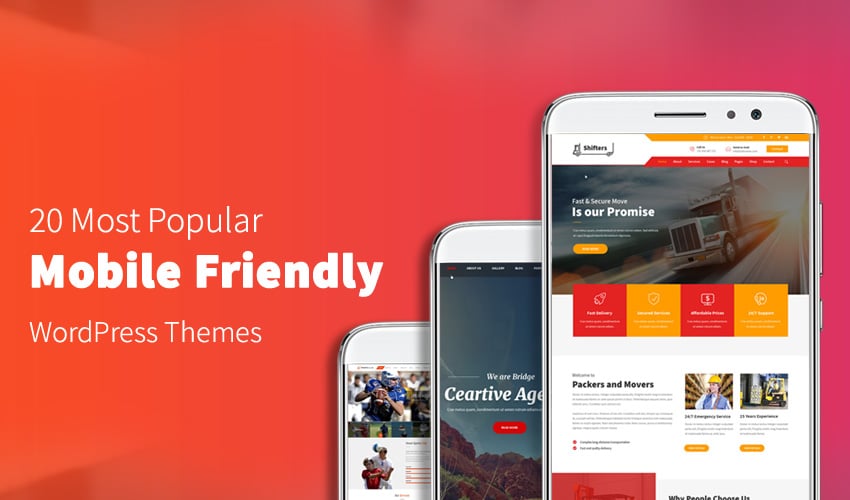
Credit: colorwhistle.com
Importance Of Mobile-friendly Themes
Mobile-friendly themes are crucial for your website. Most people use phones to browse. A theme that works well on phones is important. This makes the site easy to use. Users stay longer if pages load fast. Google ranks sites higher with mobile-friendly themes. Better ranking means more visitors. More visitors can lead to more sales.
Mobile-friendly designs improve user experience. Buttons and text should be easy to read. No one likes to zoom in on a phone. Small text is hard to read. Users might leave if they struggle to navigate. A good theme adapts to different screen sizes. Images should be responsive. They should fit any screen without losing quality.
Choosing Responsive Themes
Responsive themes help your site look good on all devices. They adjust layouts to fit screens. This means text and images won’t be cut off. Choose themes that automatically resize. Test them on phones and tablets. Make sure buttons are easy to tap. Avoid themes with fixed-width designs. These can cause issues on small screens. Responsive themes improve user experience. They keep visitors on your site longer. Faster loading times are another benefit. Mobile users often have slow internet. Themes with clean code load faster. This helps keep users happy. Search engines prefer mobile-friendly sites. They rank them higher. This brings more visitors to your site. Choose a theme that offers regular updates. This ensures compatibility with new devices. Mobile-friendly themes boost engagement. They make your site accessible to everyone.
Utilizing Customization Tools
The Theme Customizer is a helpful tool in WordPress. It allows you to change the look of your site easily. You can adjust colors, fonts, and layouts. These changes make your site look great on phones. This tool shows changes in real-time. You can see how your site looks on different devices. This way, you know it will look good everywhere.
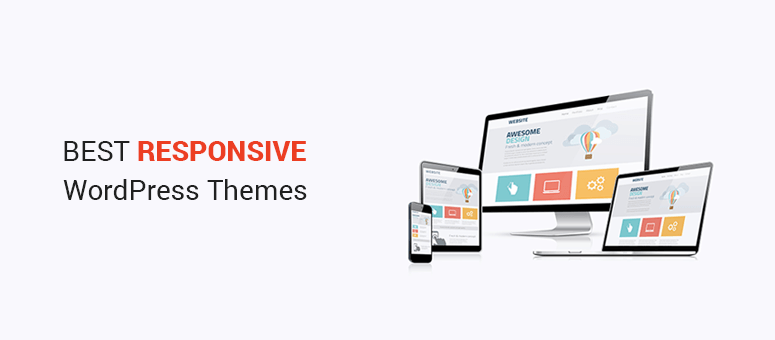
Responsive Preview helps you check your site’s look on phones and tablets. It lets you switch views between desktop, tablet, and phone screens. This ensures each view is working well. With this feature, you can make quick fixes. It saves time and improves your site’s mobile appearance.
Credit: gracethemes.com
Optimizing Images For Mobile
Images on websites can be large. Large images slow down mobile sites. Using image compression tools helps. These tools make images smaller. They keep the quality good. Some popular tools are TinyPNG and JPEGmini. These tools are easy to use. They work well for beginners. Smaller images load faster. Faster loading helps mobile users. Mobile users like speedy sites.
Scalable Vector Graphics (SVG) are great for mobile. SVGs are different from regular images. They are made from lines and shapes. This makes them resize
Improving Load Speed
Minifying removes unnecessary spaces in code. This makes files smaller. Smaller files load faster. Use tools like Uglify for JavaScript. Use CSSNano for CSS. These tools are simple. They help code load quickly. Quick load is important for mobiles. Faster sites make users happy.
Browser caching saves files in your device. This helps load sites faster. Users don’t download files each visit. Files are already saved. Use caching plugins. Plugins make caching easy. Choose a popular plugin. Popular plugins have good support. They make caching simple. Fast sites are good for users.
Implementing Mobile-friendly Navigation
Hamburger menus are easy to use. They keep the screen clean. Users tap a button to see options. This saves space on small screens. Icons are better than words here. They are simple and clear. Users know the icon shows more options. Designers love hamburger menus for this reason.
Sticky navigation bars stay at the top. Users can see them all the time. This helps users move around quickly. Important links are easy to find. Users won’t get lost on a website. Sticky bars make navigation simple. They work well on mobile devices. Users have a smooth experience.
Testing For Mobile Compatibility
Mobile testing tools help ensure a WordPress theme works on phones. These tools show how a website looks on different screens. Use them to check if buttons are easy to tap. Make sure text is readable without zooming. Google Mobile-Friendly Test is free and easy to use. It gives a quick report on mobile issues. The report helps find problems that need fixing. This test is great for beginners.
Analyzing User Feedback
User feedback is important for improving mobile compatibility. Ask friends to test the site on their phones. They can tell if something is hard to use. Listen carefully to what they say. Fix issues they point out. Look at comments left on your website. Feedback helps understand what users like or dislike. Use surveys for detailed opinions. These insights guide changes to make the theme better.
Credit: www.isitwp.com
Updating And Maintaining Themes
Keeping your WordPress theme updated is crucial. Updates improve security and performance. Developers often fix bugs and add new features. Update your theme regularly. It helps keep your site safe. Regular updates ensure better compatibility with plugins. Also, they may enhance the user experience. Updating is an easy process. Check for updates in your WordPress dashboard. Always back up your site before updating. This ensures you don’t lose data.
Themes may not work with all plugins. Compatibility issues can break your site. Always check after installing new plugins. Visit your site on different devices. Test its look and feel. If there are problems, try disabling plugins. Check if the issue goes away. Contact theme support if needed. They can help fix issues. Regular monitoring keeps your site smooth and user-friendly.
Frequently Asked Questions
How Do I Make My WordPress Site Mobile-friendly?
Use a responsive theme, optimize images, and enable mobile caching. Test with Google’s Mobile-Friendly Test. Simplify navigation and avoid large pop-ups.
Are WordPress Themes Mobile-friendly?
Many WordPress themes are mobile-friendly and responsive. They automatically adjust to fit different screen sizes. Always check the theme’s description or demo for mobile compatibility. Responsive themes enhance user experience and improve SEO by ensuring your site is accessible on all devices.
How Do I Optimize My WordPress Site For Mobile?
To optimize your WordPress site for mobile, use a responsive theme. Install caching plugins to enhance speed. Optimize images for faster loading. Enable Accelerated Mobile Pages (AMP) for improved mobile performance. Test site responsiveness using Google’s Mobile-Friendly Test tool. Prioritize user-friendly navigation and ensure content is easily accessible on smaller screens.
Why Is My WordPress Site Not Mobile-friendly?
Your WordPress site may not be mobile-friendly due to an outdated theme, lack of responsive design, or improperly configured plugins. Ensure themes and plugins are updated, use mobile-first design principles, and test with online tools to improve mobile responsiveness. Optimize images and reduce page load times for better performance.
Conclusion
Making your WordPress theme mobile friendly boosts user experience. Mobile users expect fast, responsive sites. Ensure images are optimized for quick loading. Use plugins to enhance mobile functionality. Test your site on various devices regularly. Responsive design is key for user engagement.
Simple tweaks can make your site shine on mobile. Focus on readability and easy navigation. This attracts more visitors and keeps them longer. Implement changes today for better mobile performance. Your site deserves the best look on every device. Mobile-friendly sites lead to more satisfied users.
Keep improving for better results.


