
Are you struggling to find the perfect WordPress theme for your website? With countless options available, it can feel overwhelming to find the one that truly fits your needs.
But don’t worry, you’re not alone. Many people face the same challenge, and the good news is that discovering the right theme can be both simple and fun. Imagine having a theme that not only looks great but also enhances your site’s functionality and user experience.
This guide will show you how to efficiently search for WordPress themes that align with your vision and goals. By the end, you’ll be equipped with the knowledge to make an informed choice that will captivate your audience and elevate your online presence. Stay with us, and let’s transform your WordPress theme search into a success story!
Understanding Your Needs
Choosing a WordPress theme starts with knowing why you need it. Is it for a personal blog, a business site, or an online store? Each purpose asks for different features. Personal blogs need simple layouts. Business sites require professional designs. Online stores demand shopping functionalities. A clear purpose guides your theme choice.
Think about who will visit your site. Are they young kids or older adults? Different ages like different styles. Young people enjoy bright colors and fun designs. Older adults prefer easy-to-read and clear layouts. Knowing your audience helps you pick the right theme.
Each website needs specific functions. Blogs need comment sections and easy sharing. Business sites often need contact forms and maps. Online stores require product listings and payment gateways. Make a list of your site’s needs. Choose a theme that supports these functions. This ensures your site works well.
Researching Theme Options
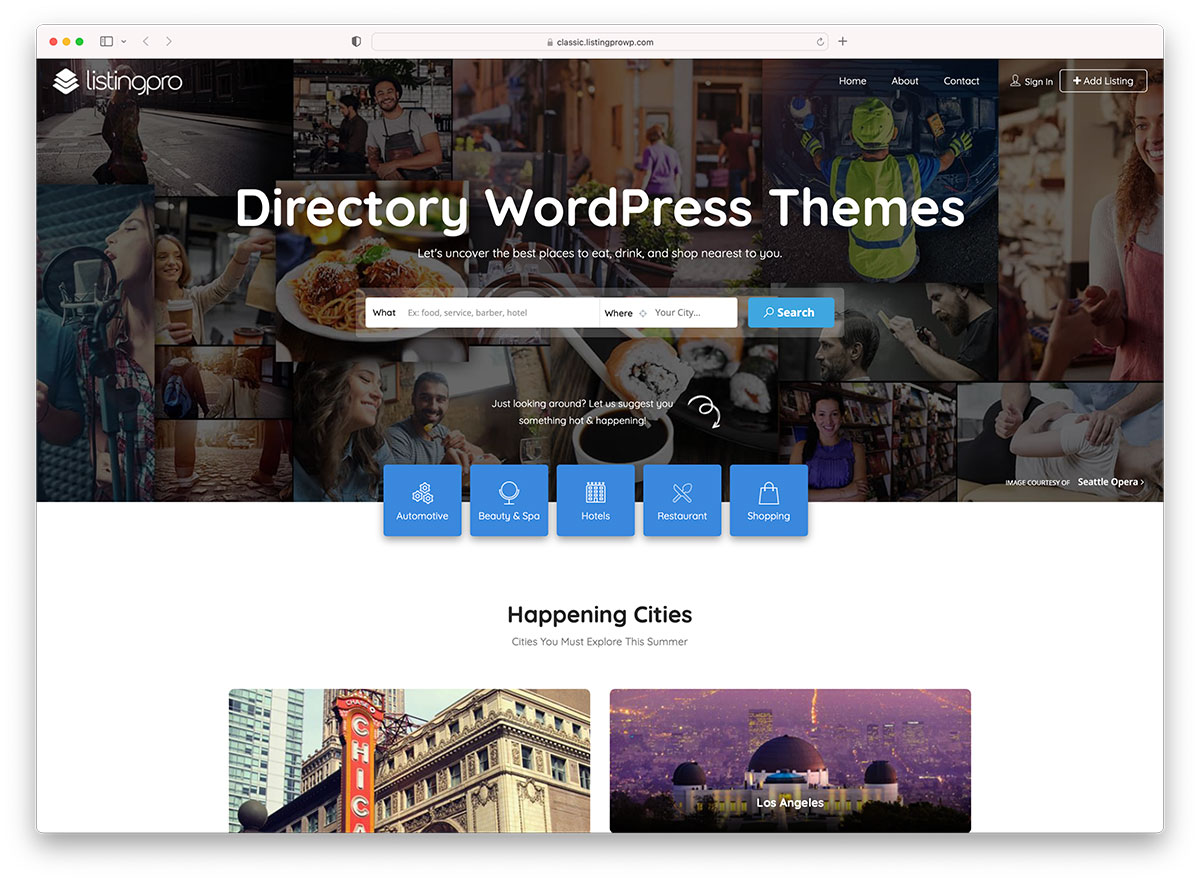
Many people find themes on popular marketplaces. These places have a lot of choices. ThemeForest, Mojo Marketplace, and TemplateMonster are big names. They offer many themes. These themes are for different needs. You can search by category or style. Each theme has details. Read them carefully. Check the ratings. Look at the number of downloads. This helps you pick the best one.
Free themes cost nothing. They are simple and easy to use. But they may have fewer features. Premium themes cost money. They offer more options and support. They are often more secure. Think about your needs. Do you need more features? Or is a simple theme enough? Make a wise choice.
User reviews are helpful. They tell you what others think. Good reviews often mean a good theme. Bad reviews warn you. Look for patterns in reviews. Do many people complain about the same thing? This can be a red flag. Happy users talk about good features. They share how easy the theme is. Choose themes with many positive reviews. This means more people like them.
Key Features To Look For
A theme must work on all devices. This means phones and tablets too. A responsive design makes this possible. It helps the site look good everywhere. Big screens or small ones. It adjusts to fit. This keeps users happy.
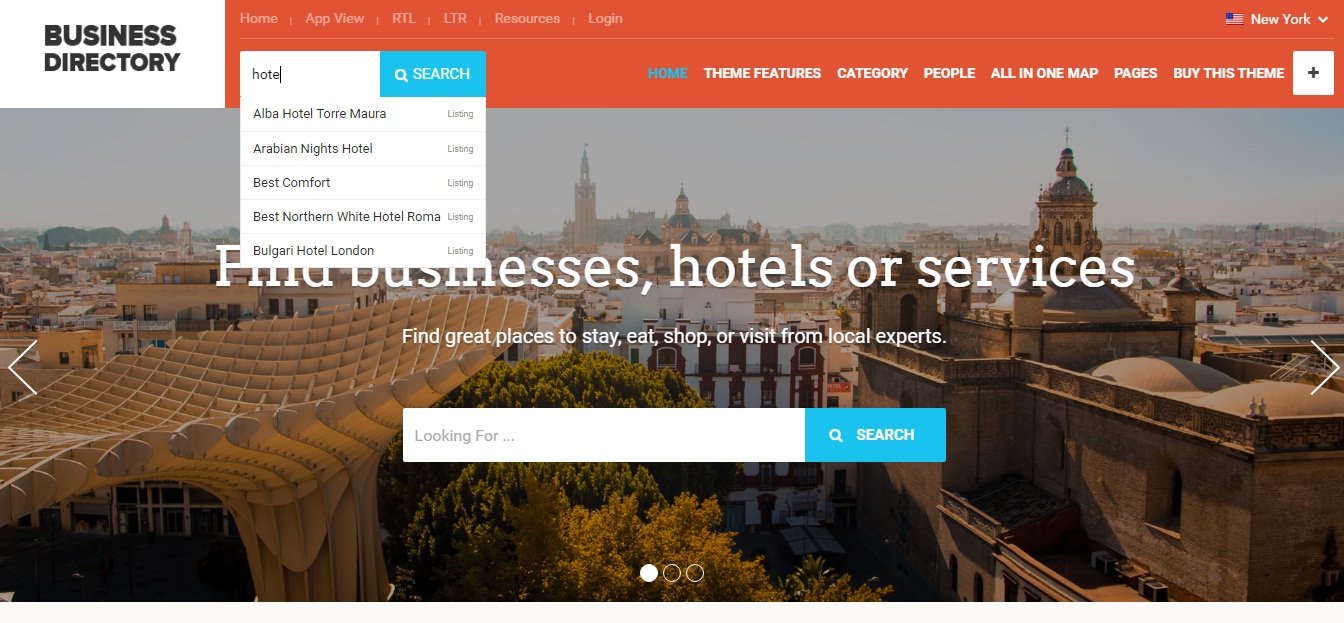
Good themes help with search engines. They make your site easy to find. This means more visitors. A theme must have SEO optimization. It should load fast. This helps in search ranking.
Everyone wants a unique site. Themes with customization options allow this. Change colors and fonts easily. Add your own logo. This makes your site special. Easy tools help with changes.
Credit: www.searchiq.co
Compatibility And Support
A theme must work well with plugins. Plugins add features to your site. Some themes might not support every plugin. It’s important to check compatibility. This ensures your site functions smoothly. Popular plugins like WooCommerce need special attention. Themes should also support SEO plugins. These help improve your site’s visibility. Always verify plugin integration before choosing a theme.
A theme should look good in all browsers. Browsers like Chrome, Firefox, and Safari are common. Each browser displays websites differently. Your theme should work well on each one. Cross-browser compatibility is crucial. This ensures all users see your site clearly. Check theme demos in different browsers. This helps find any display issues.
Good themes come with support. Developers offer help for problems. Support might include email or chat. Updates keep your theme secure and fresh. Themes should have regular updates. This improves features and fixes bugs. Always look for themes with active development. Access to support and updates is vital. It ensures a smooth experience for your site.
Testing Before Final Selection
Many themes offer a demo or preview. This helps you see the theme in action. You can check layouts and features. This is a good way to know if the theme fits your needs. It’s like trying on shoes before buying.
Most people use phones to browse. Themes must look good on mobile. Use tools to test the theme’s speed. Fast themes keep users happy. Slow themes can make people leave. Always pick a theme that is quick.
Testing different themes is important. This helps you find the right one. Try many themes before you decide. It’s okay to test and change. This method helps you find the best fit for your site.
Credit: colorlib.com
Making The Purchase
WordPress themes come with different price tags. Some are free. Others can be expensive. It’s important to know your budget. Cheap themes might lack features. Expensive themes offer more. Think about value for money. Compare prices. Choose wisely. Remember, quality matters. A well-priced theme can be a good investment.
License agreements are crucial. They tell you what you can do with a theme. Some licenses allow unlimited use. Others have restrictions. Always read the terms. Understand them fully. Ensure the license fits your needs. Don’t skip this step. It’s important for avoiding trouble. A clear license means peace of mind.
Paying for themes should be safe. Use trusted platforms. Ensure your payment is secure. Look for SSL certificates. They protect your data. Avoid unknown sites. They might not be safe. Choose methods like PayPal or credit cards. These are reliable. Safety first when buying online.
Credit: www.namecheap.com
Frequently Asked Questions
How To Find The Theme Of A Website?
Use a tool like BuiltWith or Wappalyzer to identify a website’s theme. Check the page source code for theme names. Look for comments or meta tags mentioning the theme. You can also contact the website owner directly for information.
Where Can I Find Wp-content Themes?
Find WP-content themes in your WordPress installation under “wp-content/themes” via an FTP client or File Manager. You can also access them from your WordPress dashboard by navigating to “Appearance” then “Themes. ” Explore various themes in the WordPress Theme Directory for more options.
How To Find Theme Options In WordPress?
To find theme options in WordPress, log into your dashboard. Navigate to “Appearance” and click on “Customize. ” Here, you’ll see your theme options. Adjust settings as needed to personalize your site.
How To Find Active Theme In WordPress?
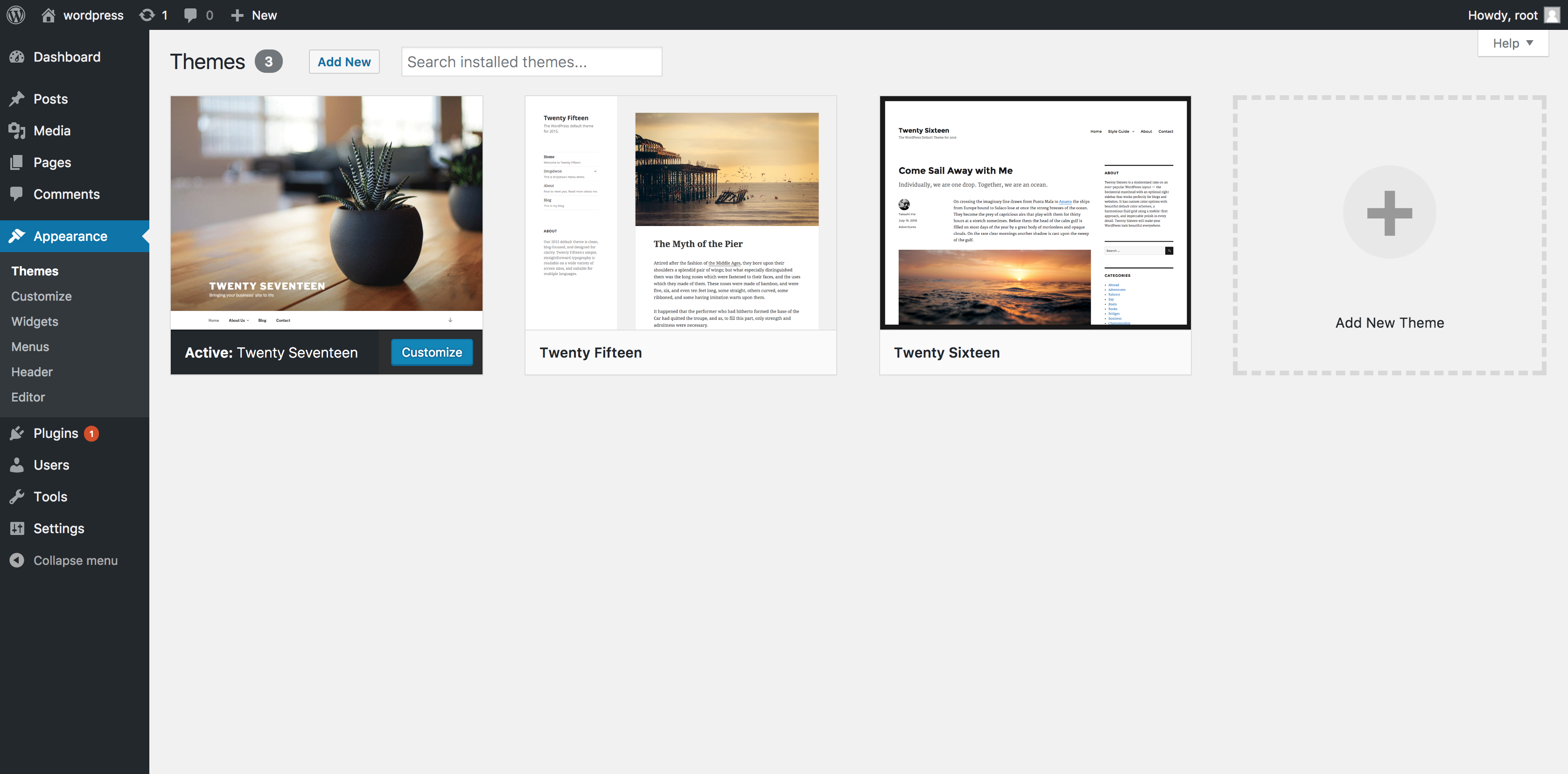
Check your WordPress admin dashboard to find the active theme. Navigate to “Appearance” and click “Themes. ” The active theme will be labeled as “Active” on the top left corner. This method ensures quick identification of the current theme used on your website.
Conclusion
Finding the right WordPress theme is crucial for your site. It sets the tone and look. Start by knowing your site’s needs. Then, explore theme directories. Check reviews and ratings. Make sure the theme is updated regularly. This ensures compatibility and security.
Preview themes before deciding. This gives a better idea of the design on your site. Don’t forget to check support options. Good support can save time and hassle. Remember, the perfect theme enhances your site’s appeal and usability. Happy theme hunting!


