
Are you tired of the same old WordPress theme on your website? Do you crave a fresh look that can captivate your visitors and keep them coming back for more?
You’re not alone. Many WordPress users find themselves yearning for a wider selection of themes to truly express their brand’s personality and enhance user experience. Imagine transforming your site into a visually stunning masterpiece, all with just a few clicks.
You’ll discover simple strategies to access a treasure trove of WordPress themes that can elevate your site from ordinary to extraordinary. Get ready to explore a world of creative possibilities and unlock the potential to make your website truly unforgettable. Keep reading, and you’ll learn how to easily navigate the vast theme options available to you.
Exploring Free Themes
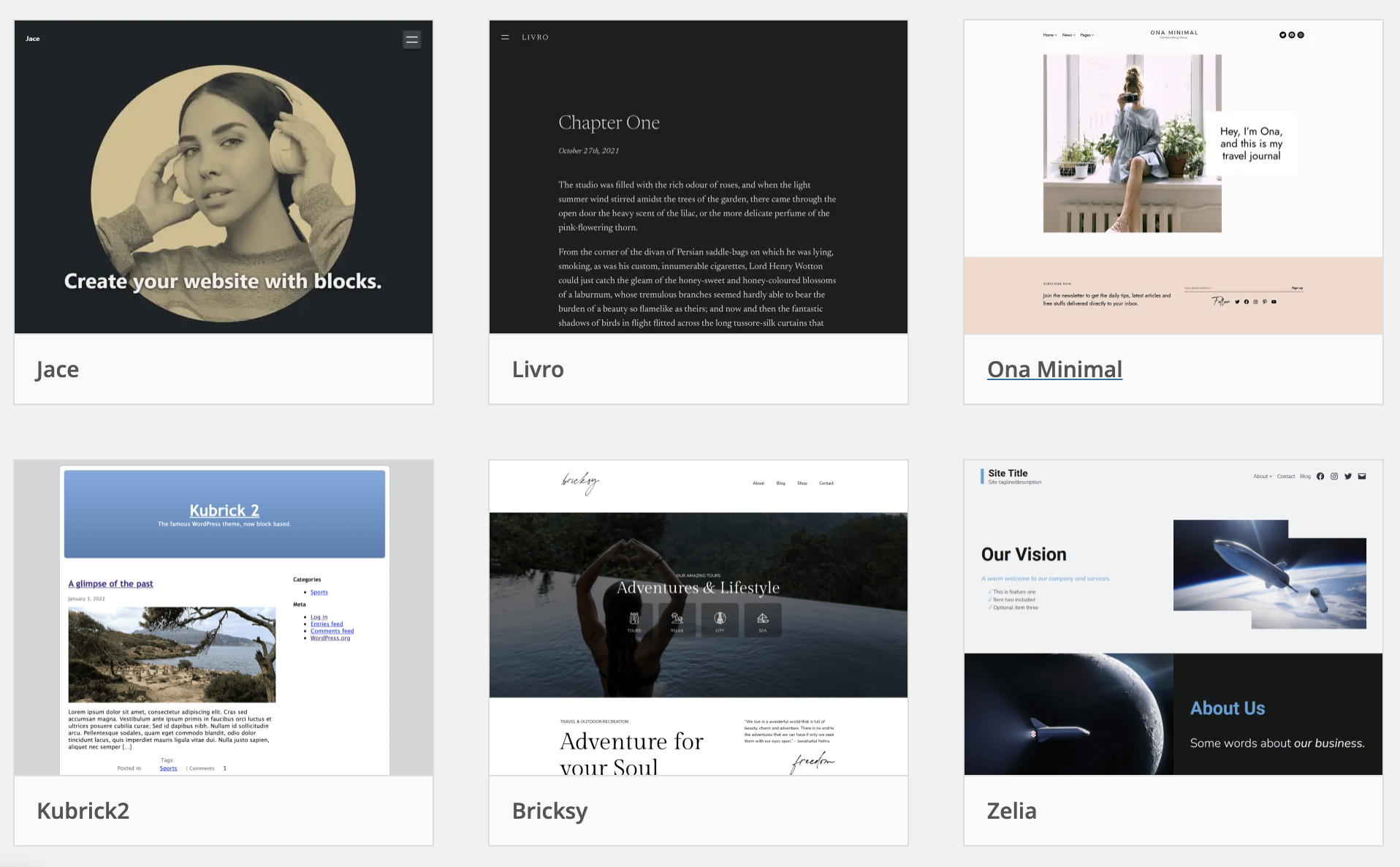
The WordPress Theme Directory is a great place. It has many free themes. Visit the directory by going to your WordPress dashboard. Click on “Appearance”, then “Themes”. Next, press the “Add New” button. You will see many themes. Each theme has its own style. Pick the one you like. It’s easy and fun.
Installing themes is easy. First, find a theme you like. Then, click on the theme. You will see an “Install” button. Click it. After that, press “Activate”. Your new theme is now live. Now your site looks different. It’s simple and quick. Try new themes often.
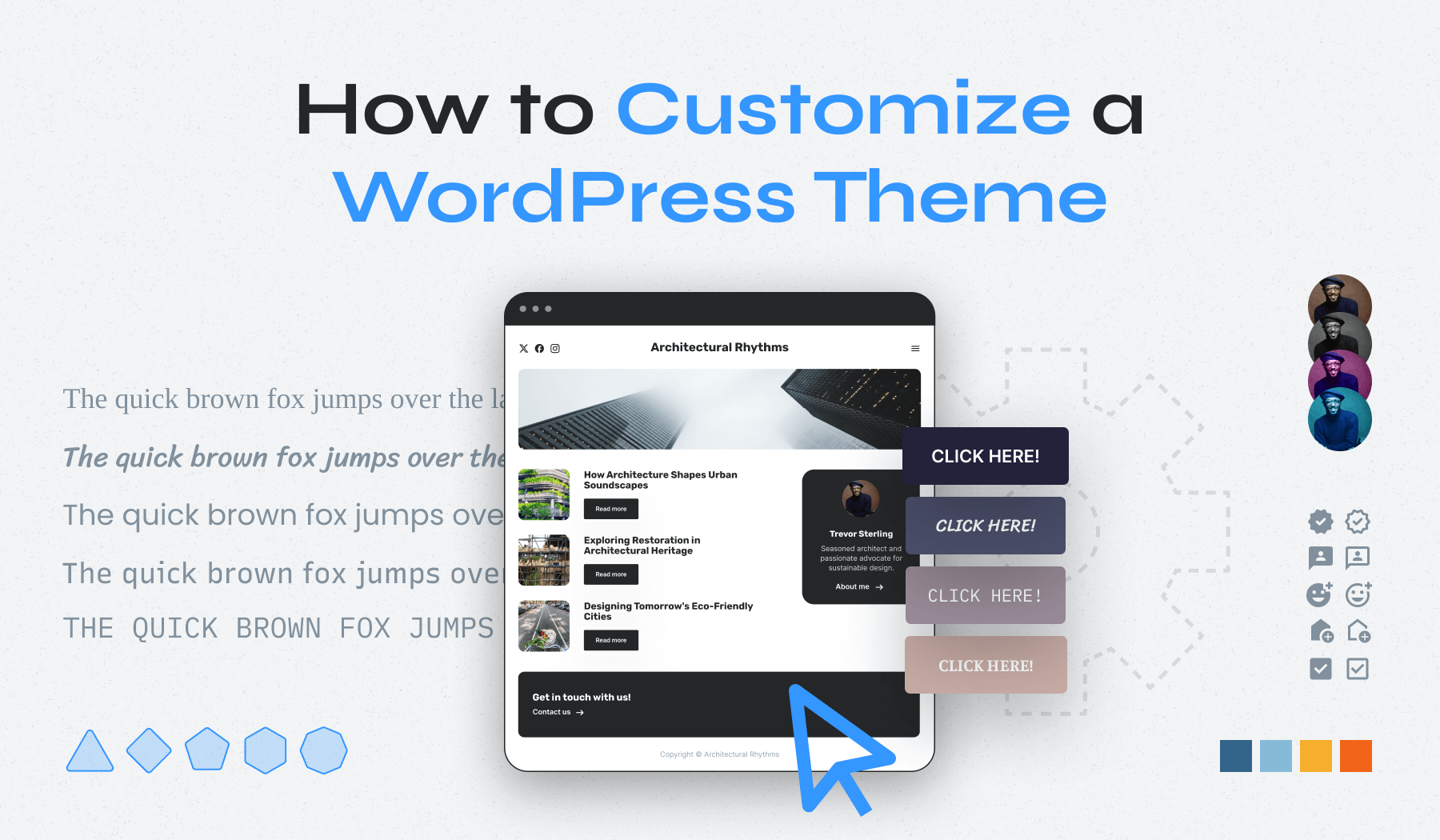
Customizing themes makes them special. Go to the “Customize” option. You can change colors and fonts. Adjust the layout too. See changes live on your site. Make it look how you want. Enjoy creating a unique look. Play around with options. Have fun with your design.
Credit: www.wpzoom.com
Premium Themes
Premium themes offer a range of unique designs. They provide more customization options than free themes. Users can enjoy regular updates and support. These themes often have better security features. They are built to be SEO-friendly. This helps your site rank higher. Premium themes also come with advanced features. These can include sliders, galleries, and custom widgets.
Many sites sell premium themes. Popular sites include ThemeForest and Elegant Themes. StudioPress and TemplateMonster are also good options. Check each site’s reviews and ratings. This helps in choosing a reliable provider. Some developers offer direct purchases. Always compare features and prices.
First, download the theme file. It usually comes as a .zip file. Go to your WordPress dashboard. Click on “Appearance“, then “Themes“. Select “Add New“. Choose “Upload Theme“. Now, upload the .zip file. Click “Install Now“. After installation, click “Activate“. Your new theme is now live.
Third-party Theme Marketplaces
Many people love ThemeForest for its wide choices. Elegant Themes is known for its beautiful designs. Mojo Marketplace offers many themes too. Each place has a special set of themes. Some are free, some cost money. It’s fun to explore new designs.
Always check theme reviews before buying. Reviews tell if a theme is good. Look for themes with good ratings. Check how often they update. Updates keep themes safe and fast. Also, see if the theme fits your website’s needs. Good themes work on phones and computers.
First, pick a theme you like. Next, click the buy button. You need a credit card or PayPal. After buying, download the theme. Save it on your computer. Then, upload it to your WordPress. Follow the instructions to install. Now, your website has a new look!
Using Theme Frameworks
Theme frameworks are like ready-made solutions. They help build WordPress themes faster. These frameworks have basic code and design elements. Developers use them to create custom themes. This saves time and effort. Frameworks are like a skeleton. You add your own style and details.
- Save time in theme development.
- Offer built-in features and functionality.
- Provide a solid foundation for themes.
- Easy to update and maintain.
Some popular frameworks include Genesis, Thesis, and Gantry. These are used by many developers. They offer great flexibility. Each has unique features. Many websites use these frameworks. They help create professional-looking themes. Explore these options for your next project.
Custom Theme Development
Custom development is great for unique design needs. It’s also useful for sites with complex functionality. Pre-made themes might not meet these needs. Custom themes offer flexibility and control. They can be tailored to fit your exact vision. This is ideal for businesses with specific branding. Custom themes can also improve website performance. Consider this option if you have specific requirements that off-the-shelf themes can’t meet.
Hiring a developer ensures a professional finish. Developers know the latest coding standards. They ensure your site is secure and optimized. A good developer can save you time and effort. They bring expertise to your project. This option is perfect for those who lack technical skills. Hiring a developer can be more expensive. But it offers long-term benefits for your website.
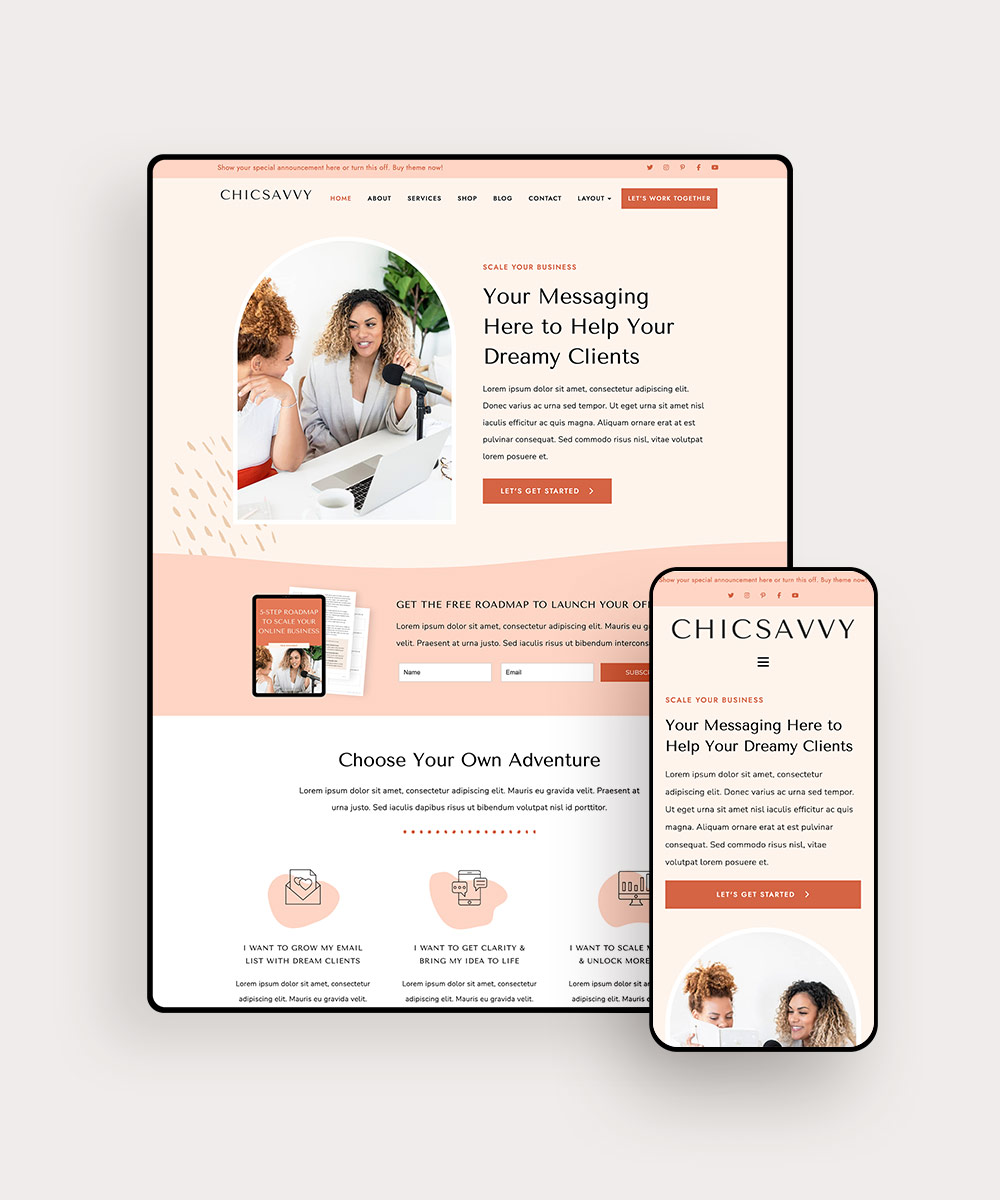
DIY tools are great for budget-conscious users. They allow you to create themes without coding. These tools are often easy to use. Drag-and-drop interfaces make design simple. DIY tools are perfect for small projects. They provide basic functionality and customization. This option is ideal if you have limited resources. DIY tools help you learn and experiment with theme design.
Credit: www.bluchic.com
Theme Security And Updates
Discovering more WordPress themes is easy. Navigate to the WordPress dashboard, click on ‘Appearance,’ then select ‘Themes. ‘ From there, explore thousands of themes by clicking ‘Add New’ to access various designs that suit your site’s needs.
Importance Of Regular Updates
Regular updates keep your WordPress themes safe. They fix bugs and add new features. This makes your site run better. Updates also protect against hackers. Old themes can have security holes. These holes make it easy for hackers to attack. So, always update your themes.
Ensuring Theme Security
Theme security is very important. Use themes from trusted sources. Check reviews and ratings before you install. Secure themes protect your website data. Avoid free themes from unknown sites. They may contain harmful code. Use a security plugin for extra safety. It can block suspicious actions.
Backup And Restore Procedures
Backup your site often. This saves your data if something goes wrong. Use plugins to make backups easy. Store backups in a safe place. Cloud storage is a good option. If you face issues, restore your site. This can fix many problems quickly. Backups are your safety net.
Troubleshooting Theme Issues
Many face common theme problems on WordPress. Themes may not work well with plugins. This can make your site look strange. Sometimes, themes don’t update. This makes them incompatible with new WordPress versions. If a theme is slow, visitors might leave. This affects your site’s performance. Always check for theme updates. This helps prevent many issues.
Compatibility issues happen often. Check if your theme is up-to-date. Use the latest WordPress version. This fixes many problems. Deactivate plugins one by one. See if this solves the issue. Sometimes, plugins and themes conflict. Ensure your theme and plugins are compatible. Test changes on a staging site first. This keeps your main site safe.
Support is key for theme issues. Visit the theme’s official website. Many have support forums. There, ask questions and get help. Check WordPress.org forums too. Many experts help there. You can also contact theme developers. They know their themes best. Always look for documentation. It has many solutions to common problems.
Credit: wptavern.com
Frequently Asked Questions
How To Access WordPress Themes?
Access WordPress themes by logging into your dashboard. Navigate to “Appearance” and click “Themes. ” Browse available themes or upload your own.
Where Can I Find WordPress Themes?
Find WordPress themes on the official WordPress. org directory. Explore ThemeForest for premium options. Visit Elegant Themes for unique designs. Check StudioPress for Genesis Framework themes. Consider ThemeIsle for diverse selections.
Can You Have More Than One Theme In WordPress?
WordPress allows only one active theme at a time. You can install multiple themes and switch between them easily. Customize each theme separately, but only one will be visible on your website. Use plugins to create different layouts or styles if needed.
How Do I Switch WordPress Themes?
To switch WordPress themes, go to your WordPress dashboard. Select “Appearance,” then “Themes. ” Click “Add New” to install a new theme. Once installed, hover over the theme and click “Activate. ” Preview your site to ensure everything looks correct.
Backup your site before making changes to avoid data loss.
Conclusion
Accessing more WordPress themes is simple. Start with the theme directory. Explore different categories to find what suits your needs. Don’t forget to check theme reviews and ratings. They help in making informed choices. Premium themes offer more features and support.
Consider them if your budget allows. Always preview themes before activating. This ensures they match your vision. Keep your site fresh and engaging. Regularly updating your theme can help. Experiment with different looks. It keeps your site dynamic and interesting.
Your WordPress journey is now well-equipped with theme options. Happy blogging!


