
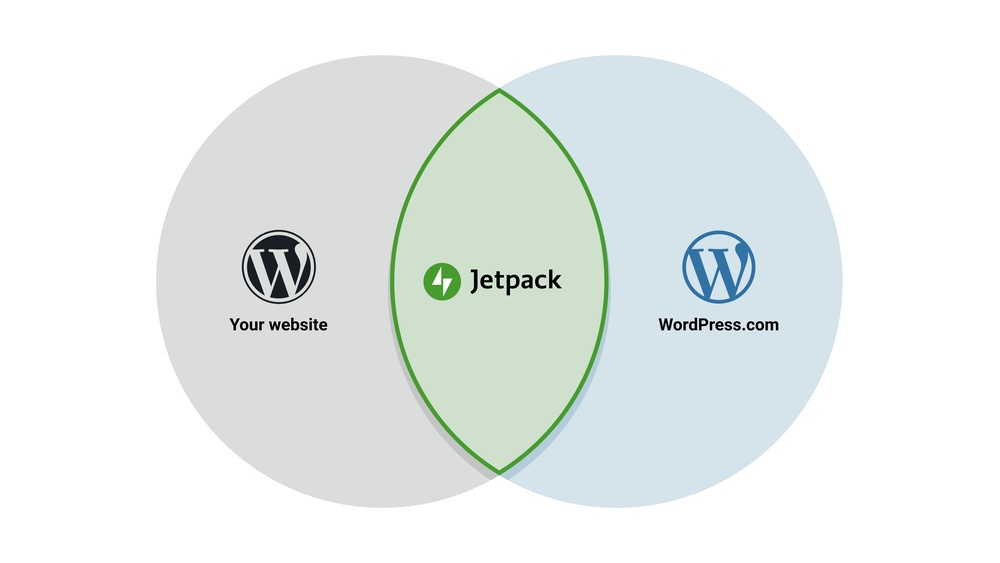
Are you wondering if you really need Jetpack for your WordPress site? You might have heard a lot about it but still feel unsure whether it’s worth the hassle.
Jetpack promises to boost your site’s security, performance, and design, but does it deliver all that? Before you decide, it’s important to understand what Jetpack can do for you—and what it might be missing. Keep reading, and you’ll get clear answers that help you make the best choice for your website.
What Jetpack Offers
Jetpack is a popular plugin for WordPress that offers many useful tools. It helps website owners manage their sites easily. Jetpack combines several functions in one place. This saves time and effort. Understanding what Jetpack offers can help you decide if you need it for your site.
Key Features
Jetpack includes features like site stats, social sharing, and automatic updates. It also offers downtime monitoring to alert you if your site goes offline. These features keep your website running smoothly. You can track visitors and share posts quickly. Jetpack handles common tasks so you don’t have to.
Performance Boosts
Jetpack improves site speed with a free content delivery network (CDN). It optimizes images and videos to load faster. Faster loading sites keep visitors happy. Jetpack also reduces server load. This helps your website stay reliable even with many visitors.
Security Enhancements
Jetpack protects your site from brute force attacks and spam comments. It offers secure login options and automatic backups. Security scans check for malware regularly. These tools help keep your website safe from hackers. You get peace of mind knowing your data is protected.
Design Tools
Jetpack provides extra themes and customization options. You can add galleries, slideshows, and contact forms easily. These tools help make your site look professional. Jetpack also supports mobile-friendly designs. Your visitors get a better experience on any device.
When Jetpack Makes Sense
Jetpack is a popular plugin for WordPress, but it is not for everyone. It makes sense only in certain situations. Understanding these helps you decide if Jetpack fits your website needs.
Jetpack combines many features in one plugin. This can save time and effort for some users. Others may find it too much or prefer specific tools instead.
Ideal User Profiles
Jetpack suits small business owners who want simple site tools. Bloggers who need easy security and stats also benefit. Non-technical users who want everything in one place find Jetpack helpful. It works well for those who want basic performance improvements without extra setup.
Common Use Cases
Many use Jetpack to boost site security with firewall and backups. It helps show visitor stats directly on the dashboard. Users add social sharing buttons quickly with Jetpack. It can speed up images and improve mobile site experience. Some use Jetpack for simple contact forms and related posts features.
Benefits For Beginners
Beginners find Jetpack easy to install and manage. No need to search for many plugins to cover basics. It offers guided setup and clear options. The plugin reduces the chance of conflicts between multiple plugins. Beginners get a good start with site speed, security, and engagement features all included.
Alternatives To Jetpack
Jetpack offers many features for WordPress users. Some find it useful, but others want simpler or lighter options. Several plugins provide similar functions. These alternatives focus on specific needs without extra bulk. Exploring these choices helps match your site’s goals and speed.
Popular Plugins
Many plugins can replace Jetpack’s features. Wordfence handles security and firewall needs. Yoast SEO improves search engine optimization. WP Super Cache speeds up loading times. Akismet filters spam comments effectively. Each plugin focuses on one task, which keeps your site lean.
Feature Comparisons
Jetpack bundles many tools in one plugin. This can slow your site if you use all features. Separate plugins often perform better in their areas. Security plugins offer advanced protection compared to Jetpack’s basic tools. SEO plugins like Yoast provide detailed guidance. Cache plugins boost speed more than Jetpack’s built-in option.
Choosing The Right Tools
Think about your website’s main needs first. Choose plugins that match those goals clearly. Avoid installing many plugins with overlapping features. Pick trusted plugins with good reviews and updates. Test plugins on a staging site before going live. This keeps your site fast and secure.

Credit: pressable.com
Potential Drawbacks
Jetpack offers many benefits for WordPress users. Yet, it has some potential drawbacks. These issues might affect your site’s speed, compatibility, and budget. Understanding these points helps you decide if Jetpack fits your needs.
Performance Concerns
Jetpack can slow down your website. It loads many features even if you do not use them all. Extra code and scripts increase page load time. Slow pages can hurt user experience and search rankings. Consider whether your site needs all Jetpack features.
Compatibility Issues
Jetpack may conflict with other plugins or themes. Some users report broken layouts or errors. Compatibility problems can cause your site to malfunction. Always test Jetpack on a staging site before activating it live. Check if your theme and plugins work well with Jetpack.
Cost Considerations
Many Jetpack features are free, but some require payment. Advanced security, backups, and SEO tools need a subscription. Costs can add up for small websites. Evaluate your budget and decide if paid features are worth it. Free alternatives might suit basic needs better.
How To Decide
Deciding whether to use Jetpack for your WordPress site depends on several factors. You need to understand what your site requires and how Jetpack fits into those needs. This section helps you make a clear choice by breaking down the decision process.
Assessing Your Needs
Start by listing what your website needs most. Do you want better security, faster loading, or easier content sharing? Think about your site’s goals and challenges. This helps you see if Jetpack covers those areas well.
Consider your technical skills too. Jetpack offers many tools, but some may be too complex or unnecessary. Focus on what will help you manage your site better without adding confusion.
Evaluating Features
Look at the features Jetpack offers. It includes security scans, backups, site stats, and more. Match these features to your list of needs. Some features come free, others require payment. Weigh the cost against the benefit.
Check if other plugins already provide similar features. Avoid overlap that can slow down your site. Choose Jetpack if it simplifies your setup by combining multiple tools in one.
Testing Before Committing
Try Jetpack on a test site or backup your current site first. This lets you explore its features safely. Notice if it improves site speed or ease of use. Watch for any conflicts with your theme or plugins.
Use the trial period or free version to test core functions. This hands-on approach helps you decide confidently. Stop using Jetpack if it causes problems or doesn’t add value.

Credit: jetpack.com

Credit: www.wpexplorer.com
Frequently Asked Questions
What Is Jetpack For WordPress?
Jetpack is a plugin that enhances WordPress sites with security, performance, and marketing tools. It offers features like backups, spam protection, and site analytics.
Do I Need Jetpack For WordPress Security?
Jetpack provides essential security features like brute force attack protection and downtime monitoring. However, specialized security plugins may be needed for advanced protection.
Can Jetpack Improve My WordPress Site Speed?
Yes, Jetpack includes a content delivery network (CDN) that optimizes images and static files to speed up your site’s loading time.
Is Jetpack Necessary For WordPress Backups?
Jetpack offers automated daily backups with easy restoration options, making it a reliable choice for site data protection without manual effort.
Conclusion
Jetpack offers many features for WordPress sites. It helps with security, backups, and site speed. Some users find it useful, while others prefer separate tools. Consider your needs and budget before deciding. Not every site requires Jetpack’s full suite. Focus on what improves your site most.
Choose tools that fit your skill level. Keep your site simple and easy to manage. The right choice depends on your goals.


