
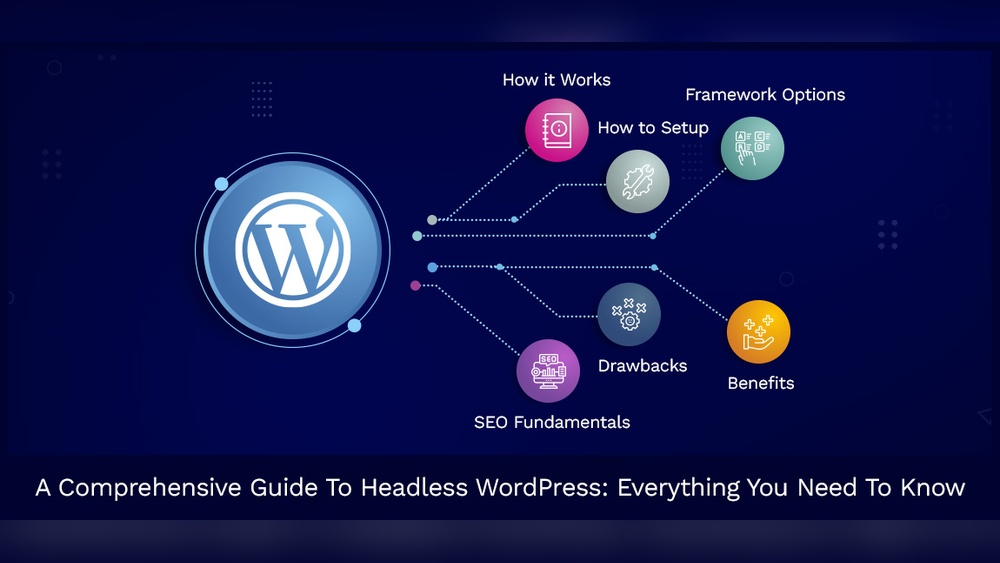
Have you ever wondered if there’s a faster, more flexible way to run your WordPress site? A setup that gives you full control over how your content looks and performs, without the usual limits?
That’s exactly what a headless WordPress setup offers. Imagine separating the way your website’s content is managed from how it’s displayed, giving you the power to create stunning, lightning-fast experiences for your visitors. You’ll discover what a headless WordPress setup is and why it might be the game-changer your website needs.
Keep reading to unlock the benefits that could transform your online presence.

Credit: cmsminds.com
Headless WordPress Basics
Headless WordPress is a way to use WordPress as a backend only. It separates the content management from the website display. This setup changes how websites are built and managed. It offers more flexibility in design and technology choices.
Understanding the basics helps to see why many developers choose this approach. The content is created and stored in WordPress. The website’s front end is built with different tools or frameworks. This makes websites faster and more adaptable.
Traditional Vs Headless WordPress
Traditional WordPress combines content and display in one system. You create content and see it on the same platform. Themes control how the website looks and works. This method is simple but can limit design options.
Headless WordPress splits content and front end. WordPress manages content, while a separate system controls the front end. Developers can use JavaScript frameworks like React or Vue. This leads to faster, more dynamic websites. The user experience improves, especially on mobile devices.
Core Components Of Headless Setup
The first core component is WordPress as a content source. It stores and manages all data and posts. The second is the front end, built with modern web tools. It fetches content from WordPress via APIs.
REST API or GraphQL connects WordPress and the front end. These APIs send content data to the display layer. Developers build the front end to show content in any way needed. This setup supports multiple platforms, like web, mobile, and apps.
How Headless WordPress Works
Understanding how a headless WordPress setup works helps you see its true power. It splits WordPress into two parts: backend and frontend. This separation gives more freedom to build websites with custom designs and fast performance. Data moves from WordPress to the frontend using special tools. These tools make sure content is delivered smoothly and efficiently.
Role Of Rest Api And Graphql
REST API and GraphQL are key to headless WordPress. They send data from WordPress to any frontend. REST API uses fixed routes to deliver content. It is simple and widely supported. GraphQL allows more control over what data is fetched. It asks for exactly what is needed and nothing more. Both make content available through web requests. This helps frontend frameworks like React or Vue.js show the content.
Frontend And Backend Separation
In headless WordPress, backend and frontend work independently. WordPress handles content management and storage. The frontend focuses on displaying the site to visitors. This split means developers can use any technology on the frontend. It also improves site speed and user experience. Changes in frontend do not affect the backend content. This separation gives more flexibility in design and functionality.
Key Benefits Of Headless WordPress
Headless WordPress offers many benefits that improve how websites work. It separates the backend from the frontend, allowing more control over each part. This setup helps websites run faster, stay safer, and adapt better to changes. Below are some key benefits that make headless WordPress a strong choice for modern sites.
Improved Performance And Speed
Headless WordPress delivers content through APIs, reducing server load. This method speeds up page loading times significantly. Visitors enjoy quick access to content without waiting. Faster websites also rank better in search engines. Speed matters for user experience and SEO alike.
Enhanced Security Measures
With the frontend and backend separated, vulnerabilities reduce. Attackers cannot easily access the content management system. This setup lowers the risk of common WordPress hacks. Security updates become simpler to apply. A safer website protects users and data efficiently.
Greater Flexibility In Design
Headless WordPress allows developers to use any frontend technology. This freedom supports creative and unique designs. It is easier to customize the user interface fully. Designers are not limited by WordPress theme constraints. The result is a tailored experience for visitors.
Scalability For Growing Websites
Websites can grow without performance loss using headless WordPress. It handles high traffic better by spreading workload. New features and pages add smoothly without breaking the site. This approach supports business growth and changing needs. Scalability ensures the site stays reliable over time.
Credit: wcanvas.com
Popular Frontend Technologies
Popular frontend technologies power the user experience in headless WordPress setups. These tools help build fast, interactive, and modern websites. Developers choose them to create smooth and dynamic interfaces. Each technology offers unique benefits and fits different project needs.
React And Next.js
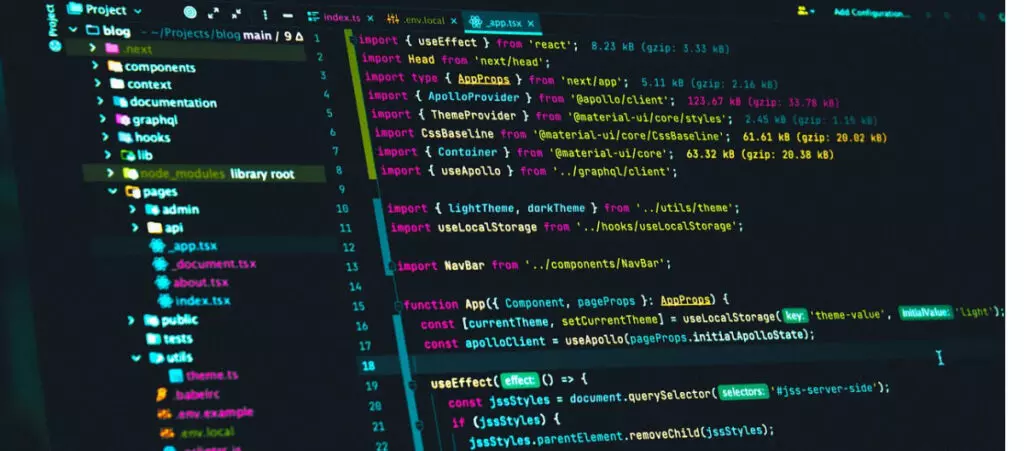
React is a JavaScript library for building user interfaces. It breaks down UI into small, reusable components. Next.js builds on React to add server-side rendering and routing. This combination improves website speed and SEO. Many developers prefer React and Next.js for their flexibility and strong community support.
Vue.js And Nuxt.js
Vue.js is a progressive framework for creating user interfaces. It is easy to learn and integrates well with other projects. Nuxt.js enhances Vue.js with features like server-side rendering. Together, they help build fast and SEO-friendly websites. These tools are popular for their simplicity and powerful capabilities.
Static Site Generators
Static site generators create websites by pre-building HTML files. They serve pages quickly without relying on a server for every request. Tools like Gatsby and Hugo are common choices. Static sites are secure, fast, and easy to host. They work well with headless WordPress as a content source.
Use Cases For Headless WordPress
Headless WordPress offers flexibility by separating the front end from the back end. This approach suits many different projects. It helps developers build fast and interactive websites. The content from WordPress can be used in many places, not just one website. Below are some common use cases for headless WordPress setups.
E-commerce Platforms
Headless WordPress works well for online stores. It allows smooth integration with various shopping carts. Developers can create fast, user-friendly product pages. The checkout process can be customized easily. This setup helps improve site speed and user experience, which boosts sales.
Content-rich Websites
Websites with lots of articles or media benefit from headless WordPress. Content loads quickly, even with heavy traffic. Editors can manage posts easily without worrying about design. This method keeps content organized and accessible. It helps deliver a clean and simple reading experience.
Multi-channel Publishing
Headless WordPress supports sharing content across many platforms. It sends data to websites, apps, and social media. Content teams can update once and publish everywhere. This saves time and keeps messages consistent. It is ideal for brands with a broad online presence.
Setting Up Headless WordPress
Setting up a headless WordPress means splitting the backend and frontend. WordPress handles content management only. The frontend shows content using a separate framework. This setup allows more design freedom and faster websites.
Configuring WordPress As A Backend
Start by installing WordPress as usual. Disable the default theme and frontend features. Use plugins like WP REST API to enable content access. Set user roles and permissions carefully. This keeps your backend secure and efficient.
Connecting Frontend Frameworks
Choose a frontend framework like React, Vue, or Angular. These frameworks fetch data from WordPress via API calls. Use JavaScript to build dynamic and interactive user interfaces. This approach improves site speed and user experience.
Managing Content Delivery
Content flows from WordPress backend to the frontend through APIs. Use caching techniques to speed up delivery. Optimize images and scripts for faster loading. Monitor API performance to avoid slowdowns. This ensures content reaches users quickly and reliably.
Challenges And Considerations
Switching to a headless WordPress setup brings many benefits. Yet, it also poses some challenges. Understanding these challenges helps you plan better. This section covers key points to consider.
Technical Complexity
Headless WordPress requires more technical skills than traditional setups. You need knowledge of APIs and front-end frameworks. Managing separate systems for content and display can be tricky. Developers must handle server configurations and security carefully. This setup is not ideal for beginners or small teams.
Content Management Workflow
Editing content may feel different in a headless setup. Authors use WordPress only for content creation, not layout. Previewing changes before publishing can be difficult. Teams must adjust to new tools and processes. Collaboration might slow down without real-time content feedback.
Seo Implications
SEO requires extra attention in a headless environment. Search engines rely on fast, well-structured pages. You must ensure proper metadata and URL structures. Content loading speed affects rankings and user experience. Some SEO plugins may not work seamlessly with headless setups. Constant monitoring and adjustments are necessary.
Future Of Headless Cms
The future of headless CMS is bright and full of change. Websites and apps need faster, smarter ways to deliver content. Headless WordPress setups are part of this shift. They separate the content from the design, making updates easier and faster. This approach fits well with new technology trends and user demands. It helps businesses stay flexible and ready for new challenges.
Trends In Decoupled Architectures
Decoupled architectures are growing in use. More companies choose to split the content management system from the front-end display. This separation allows teams to work independently. Content creators focus on content while developers build custom designs. It leads to faster site performance and better user experience. APIs connect the back-end and front-end smoothly. This trend supports multi-channel publishing, like websites, apps, and devices.
Evolving Developer Tools
Developer tools for headless CMS keep improving. New frameworks and libraries make building front-end faster. Tools like React, Vue, and Next.js work well with headless WordPress. They help create dynamic and interactive sites easily. Developers get better debugging and testing tools. This reduces errors and speeds up launch times. The community around these tools grows strong, sharing knowledge and solutions.
Credit: www.cloudways.com
Frequently Asked Questions
What Is A Headless WordPress Setup?
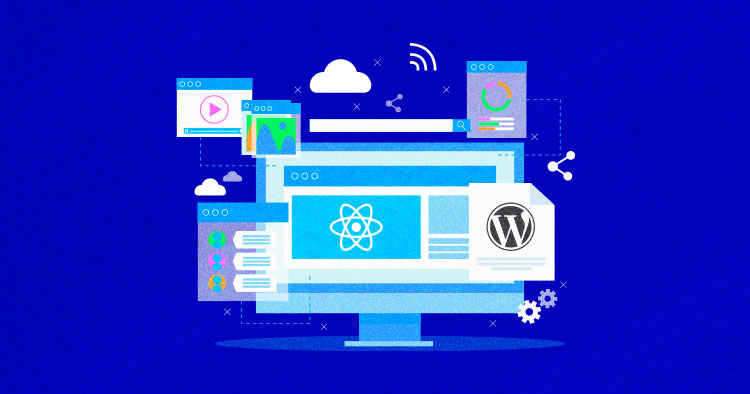
A headless WordPress setup separates the backend from the frontend. WordPress manages content via API, while frontend uses frameworks like React. This approach boosts flexibility and performance by allowing custom frontends independent of WordPress themes.
How Does Headless WordPress Improve Website Speed?
Headless WordPress delivers content through APIs, reducing server load. Frontend frameworks render faster, enhancing user experience. This setup enables better caching and optimized code, resulting in significantly improved website speed and responsiveness.
What Are The Main Benefits Of Headless WordPress?
Headless WordPress offers greater design freedom, improved performance, and enhanced security. It supports multi-channel content delivery and easier integrations with modern technologies. Developers gain flexibility to build custom user experiences and scalable websites.
Is Headless WordPress Suitable For Beginners?
Headless WordPress requires technical knowledge, especially in frontend development and APIs. Beginners might find it challenging. However, it offers great scalability and customization, making it ideal for developers and businesses with specific needs.
Conclusion
A headless WordPress setup separates the front and back ends. This allows faster website performance and better flexibility. Developers can use any technology to build the front end. It also improves security by limiting access to the backend. Content managers still enjoy WordPress’s easy editing features.
These benefits make headless WordPress a smart choice for many sites. It suits those wanting speed, control, and a modern web experience. Consider your needs carefully before switching to this setup. The right choice can help your website grow smoothly.


