
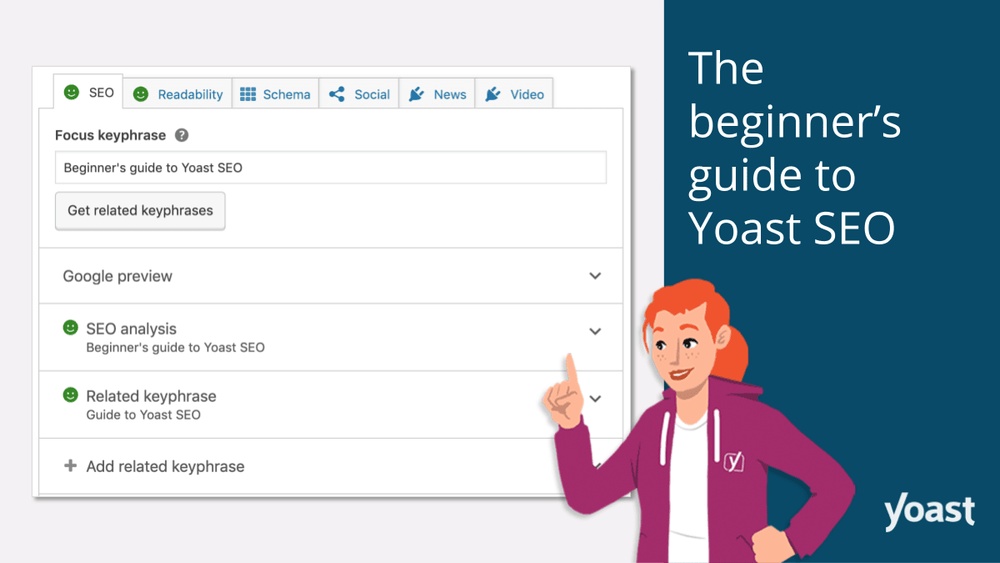
Are you struggling to get your WordPress site noticed by search engines? You’re not alone.
Many website owners find SEO confusing and overwhelming. That’s where Yoast SEO comes in. This powerful tool can help you boost your site’s visibility, attract more visitors, and improve your rankings—all without needing to be an expert. You’ll discover exactly what Yoast SEO is, how it works, and why it could be the game-changer your website needs.
Keep reading to unlock the secret to making your content stand out online.
Yoast Seo Basics
Understanding Yoast SEO is important for anyone using WordPress. It helps improve your website’s visibility on search engines. This section explains the basics of Yoast SEO. Learn what it is, why it matters, and what features it offers.
What Is Yoast Seo
Yoast SEO is a popular WordPress plugin. It guides you to optimize your content for search engines. The plugin checks your posts and pages for SEO quality. It offers tips to improve readability and keyword use. Yoast SEO makes your site easier to find online.
Why Use Yoast Seo In WordPress
Yoast SEO simplifies website optimization. It helps non-experts understand SEO rules. The plugin saves time by giving clear instructions. It improves your chances to rank higher on Google. Using Yoast SEO can increase your website traffic. It also enhances user experience with better content.
Key Features Of Yoast Seo
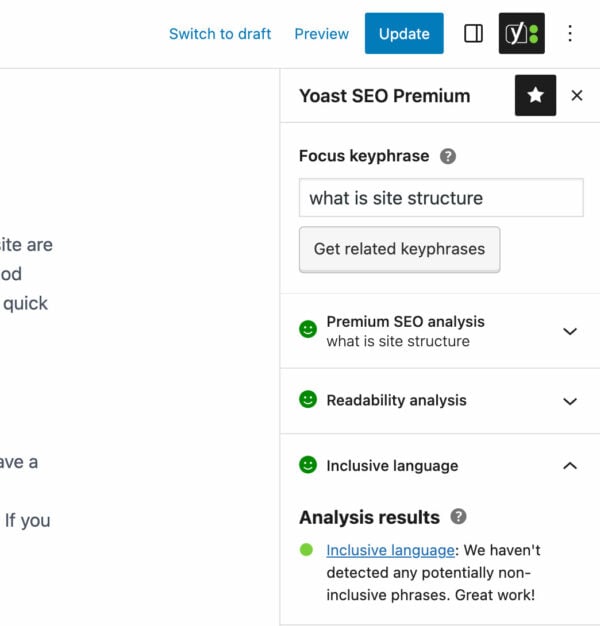
Yoast SEO offers many helpful tools. It includes a keyword analysis tool to check focus words. The readability checker makes your content clear and easy to read. It creates XML sitemaps automatically for search engines. The plugin also manages meta titles and descriptions. It warns about duplicate content issues. Yoast SEO integrates with social media for sharing optimization.
Installing Yoast Seo
Installing Yoast SEO on your WordPress site is a quick and simple process. This plugin helps improve your website’s search engine ranking. You can manage SEO settings easily without coding skills. Follow these steps to add Yoast SEO to your site.
Finding Yoast Seo Plugin
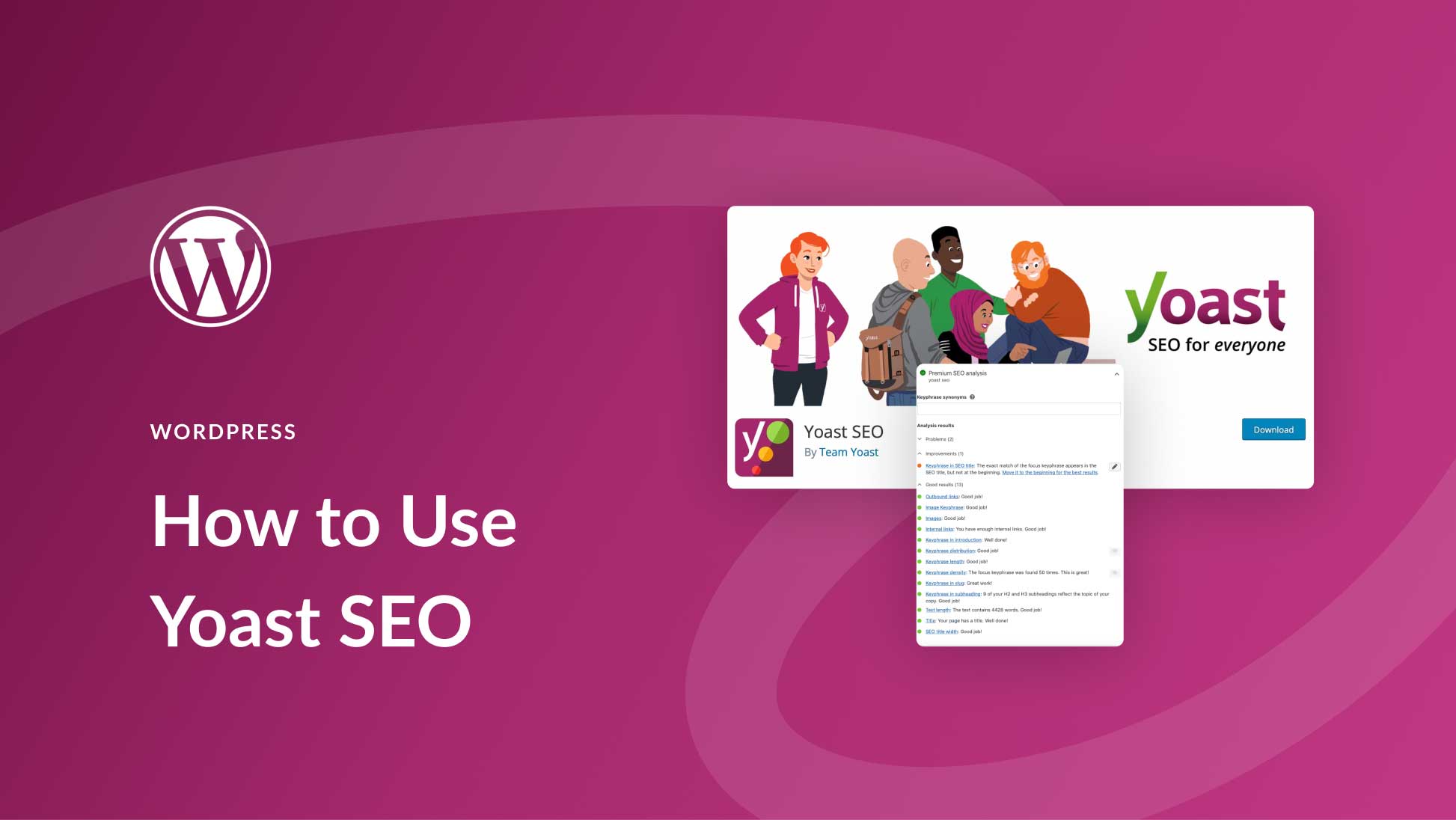
Log in to your WordPress dashboard. Go to the left menu and click on “Plugins.” Select “Add New” to open the plugin search page. Type “Yoast SEO” in the search bar. Look for the plugin named “Yoast SEO” by Team Yoast.
Installation Steps
Once you find Yoast SEO, click the “Install Now” button next to it. The plugin files will download and install automatically. Wait for the process to finish. Avoid clicking away during installation to prevent errors.
Activating The Plugin
After installation, click the “Activate” button. This enables the plugin on your WordPress site. You will see a new SEO menu in your dashboard. Yoast SEO is now ready for setup and use.
Configuring Yoast Seo
Configuring Yoast SEO is the first step to improving your website’s search engine ranking. It helps you control how your site appears on search results. The settings are simple to follow and easy to change. Each part of the configuration plays a key role in SEO performance.
General Settings
The General Settings section lets you set your website’s main details. You can enter your site’s name and choose the language. Here, you also configure the Webmaster Tools verification. This helps search engines recognize your site. Make sure to save changes before moving on.
Search Appearance Setup
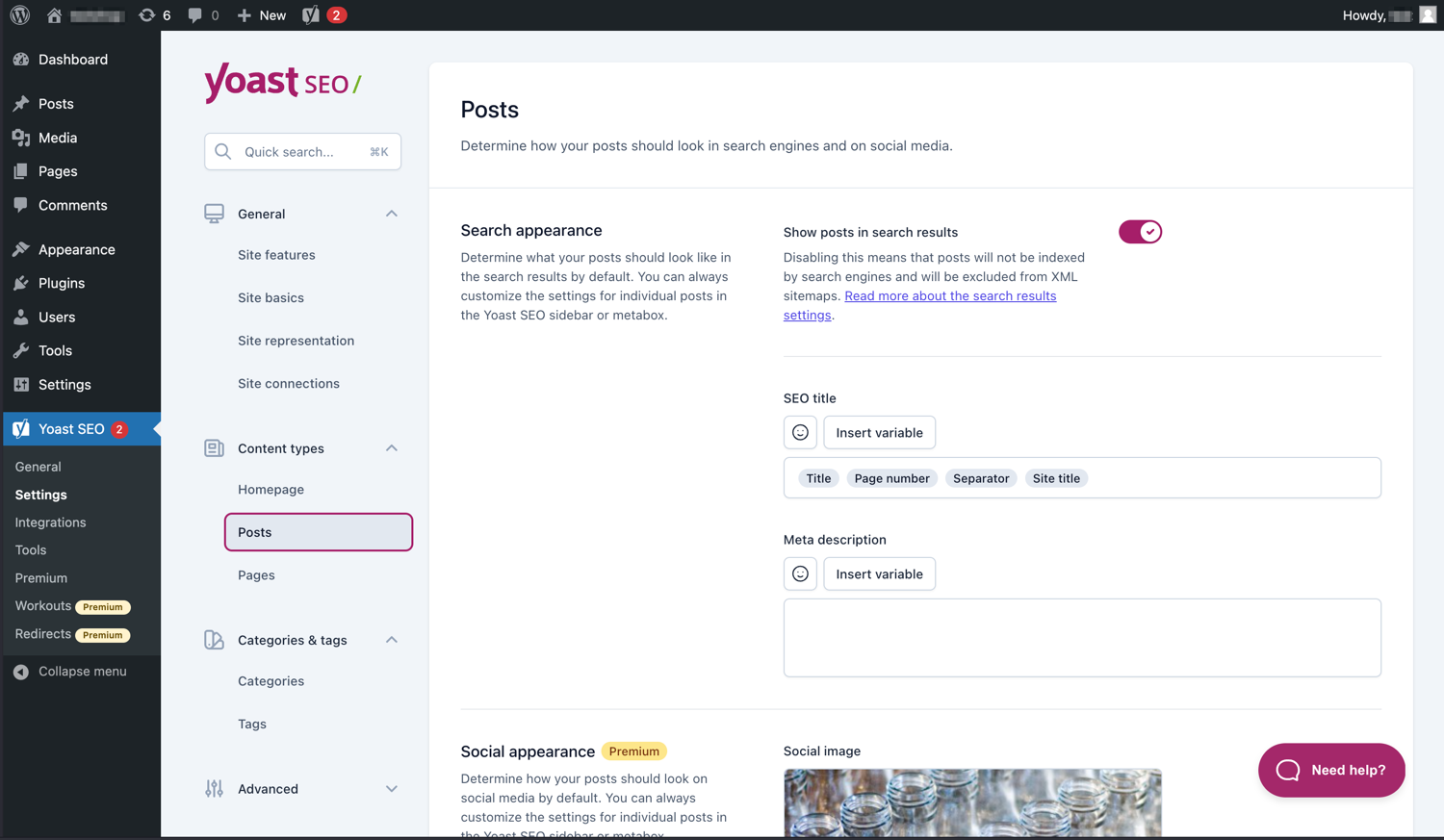
This section controls how your pages and posts show up in search results. You can set templates for titles and meta descriptions. It also allows you to decide which content types appear in search engines. Breadcrumbs settings are available to improve navigation for users.
Social Media Integration
Social Media Integration connects your website with platforms like Facebook and Twitter. You can add your social profiles for better visibility. This section also allows you to customize how your content looks when shared. Proper setup here helps increase traffic from social sites.
Credit: yoast.com
Optimizing Content With Yoast
Optimizing content with Yoast SEO helps improve your website’s visibility. This tool guides you to create better content for search engines. It offers clear tips and checks for SEO and readability. Using Yoast SEO, you can make your posts easier to find and understand. This section explains key features for content optimization.
Using The Seo Analysis Tool
The SEO analysis tool scans your content and finds SEO issues. It checks keyword use, meta descriptions, and links. The tool gives suggestions to fix problems. You get a simple score to see how well your content performs. Fixing these points helps your page rank higher on search engines.
Writing Focus Keywords
Focus keywords are the main words users search for. Yoast lets you set one or more focus keywords per post. Use keywords naturally in titles, text, and meta tags. Avoid stuffing keywords too much. Proper use helps search engines match your content with user searches.
Improving Readability Score
Readability is how easy your text is to read. Yoast checks sentence length, paragraph size, and word choice. It suggests breaking long sentences and using simple words. Clear content keeps visitors longer and lowers bounce rates. Good readability also helps search engines understand your content better.
Advanced Yoast Features
Yoast SEO offers powerful features beyond basic SEO tools. These advanced options help improve your website’s structure and user experience. They make managing SEO easier and more effective.
Xml Sitemaps
XML sitemaps help search engines find all pages on your site. Yoast SEO creates these sitemaps automatically. They update whenever you add or change content. This ensures search engines index your site quickly and correctly.
Breadcrumbs Setup
Breadcrumbs show visitors their path on your website. Yoast SEO lets you enable breadcrumbs with a few clicks. They improve navigation and help users find content easily. Search engines also use breadcrumbs to understand site structure better.
Redirect Manager
The Redirect Manager handles URL changes smoothly. It sends visitors from old URLs to new ones. This prevents broken links and keeps your site’s SEO intact. You can create and manage redirects without technical skills.
Credit: www.elegantthemes.com
Common Yoast Seo Mistakes
Yoast SEO is a popular tool for WordPress users. It helps improve website rankings and content quality. Many users make common mistakes that reduce its effectiveness. Avoiding these errors makes your SEO efforts stronger.
Overusing Keywords
Many users add too many keywords in their content. This practice is called keyword stuffing. It makes the text hard to read. Search engines may lower your site’s rank for this. Use keywords naturally and sparingly.
Ignoring Readability Tips
Yoast SEO gives tips on making content easy to read. Some users ignore these suggestions. Long sentences and complex words confuse visitors. Clear and simple writing keeps readers engaged. Follow the readability score for better results.
Neglecting Meta Descriptions
Meta descriptions show a summary in search results. Many forget to write or customize them. This misses a chance to attract clicks. A good meta description is short and clear. It should include the main keyword.
Yoast Seo Premium Benefits
Yoast SEO Premium offers extra benefits that help improve your website’s SEO. These features save time and make optimization easier. The premium version is made for users who want more control and better results.
Additional Tools
Yoast SEO Premium includes tools not found in the free version. It has a redirect manager to fix broken links quickly. This keeps your site user-friendly and avoids losing visitors. The internal linking suggestions help connect your pages better. These tools improve site structure and boost SEO scores.
Multiple Focus Keywords
With Yoast SEO Premium, you can target more than one keyword per page. This means your content can rank for several search terms at once. The plugin analyzes each keyword separately. This helps you write content that appeals to a wider audience and increases traffic.
Priority Support
Premium users get access to priority support from the Yoast team. This means faster help with any issues or questions. Good support saves time and reduces stress. It ensures your SEO efforts continue without interruptions or delays.
Credit: wordpress.org
Frequently Asked Questions
What Is Yoast Seo Plugin In WordPress?
Yoast SEO is a WordPress plugin that improves website SEO. It helps optimize content, keywords, and meta tags to boost search rankings and site visibility.
How Does Yoast Seo Improve WordPress Site Ranking?
Yoast SEO guides you to optimize on-page SEO elements like keywords, readability, titles, and meta descriptions. This helps search engines understand and rank your content better.
Is Yoast Seo Free Or Paid For WordPress?
Yoast SEO offers a free version with basic SEO tools. The premium version includes advanced features like internal linking suggestions and redirect management.
Can Yoast Seo Optimize Content Readability?
Yes, Yoast SEO analyzes your text for readability. It checks sentence length, passive voice, and transition words to make content easier to read and engage users.
Conclusion
Yoast SEO helps make your WordPress site easier to find. It guides you to improve content and keywords. This tool checks readability and SEO scores quickly. Using Yoast SEO can boost your website traffic over time. It saves effort by giving clear, step-by-step advice.
Any website owner can benefit from these simple tips. Try Yoast SEO to see how it fits your site. Your pages can rank better with consistent use. A small tool with big impact on your site’s success.


