
When you’re choosing a web hosting service, you might find yourself overwhelmed with technical jargon. Terms like CPU and RAM pop up frequently, but do they really matter for your web hosting needs?
You might be wondering if these computer components are just techy buzzwords or crucial elements for your website’s performance. Understanding the role of CPU and RAM in web hosting could be the difference between a sluggish site and a smooth, responsive one.
Imagine your website loading quickly, keeping visitors engaged, and boosting your online presence—all because you made informed decisions about your hosting service. Let’s dive into why these components are essential, and how they can impact your website’s success. Keep reading to discover the secrets of a faster, more reliable site.
Web Hosting Essentials
The CPU is like the brain of your hosting. It handles tasks and processes. A faster CPU means better performance. Websites load quicker. More visitors can access at the same time. This is important for busy sites. The CPU helps with calculations. It makes sure everything runs smoothly. Without a good CPU, websites might lag or crash.
RAM is the memory for hosting. It stores data temporarily. More RAM allows more data storage. This helps your website run faster. It handles multiple requests easily. Without enough RAM, sites can slow down. Visitors may leave if pages take too long to load. RAM ensures stability. It supports efficient website operations.
Performance Impact
The CPU is like the brain of your computer. A faster CPU makes websites load quickly. Slow CPUs might make pages take longer to open. This can be frustrating for users. People like websites that work fast. So, a good CPU helps keep visitors happy. It also helps handle more tasks at once. This is important for busy websites with lots of visitors.
RAM is the computer’s memory. It helps store data temporarily. More RAM can make websites load faster. It helps keep things smooth when many people visit at once. Less RAM can slow everything down. This can annoy users waiting for pages. Having enough RAM is important for smooth experiences.
Resource Allocation
CPU and RAM are key for web hosting. A balanced setup helps your site run smoothly. Too little CPU can slow your site. Too much is wasteful. RAM is like your computer’s short-term memory. More RAM means your site can handle more visitors. Less RAM means fewer tasks at once. It’s important to find the right mix. This helps avoid crashes and slowdowns. Sites with heavy traffic need more resources. Smaller sites need less. Choose wisely.
Optimizing resources is crucial for hosting. Use what you need. Don’t overuse. Monitor your site’s performance. Check CPU usage. Check RAM usage too. Adjust if needed. Keep track of visitor numbers. High numbers need more resources. Low numbers need less. This helps your site stay fast. Avoid slowdowns. Avoid downtime. Users like fast sites. They leave slow ones. Keep your site quick. Use resources wisely.

Credit: www.youtube.com
Types Of Web Hosting
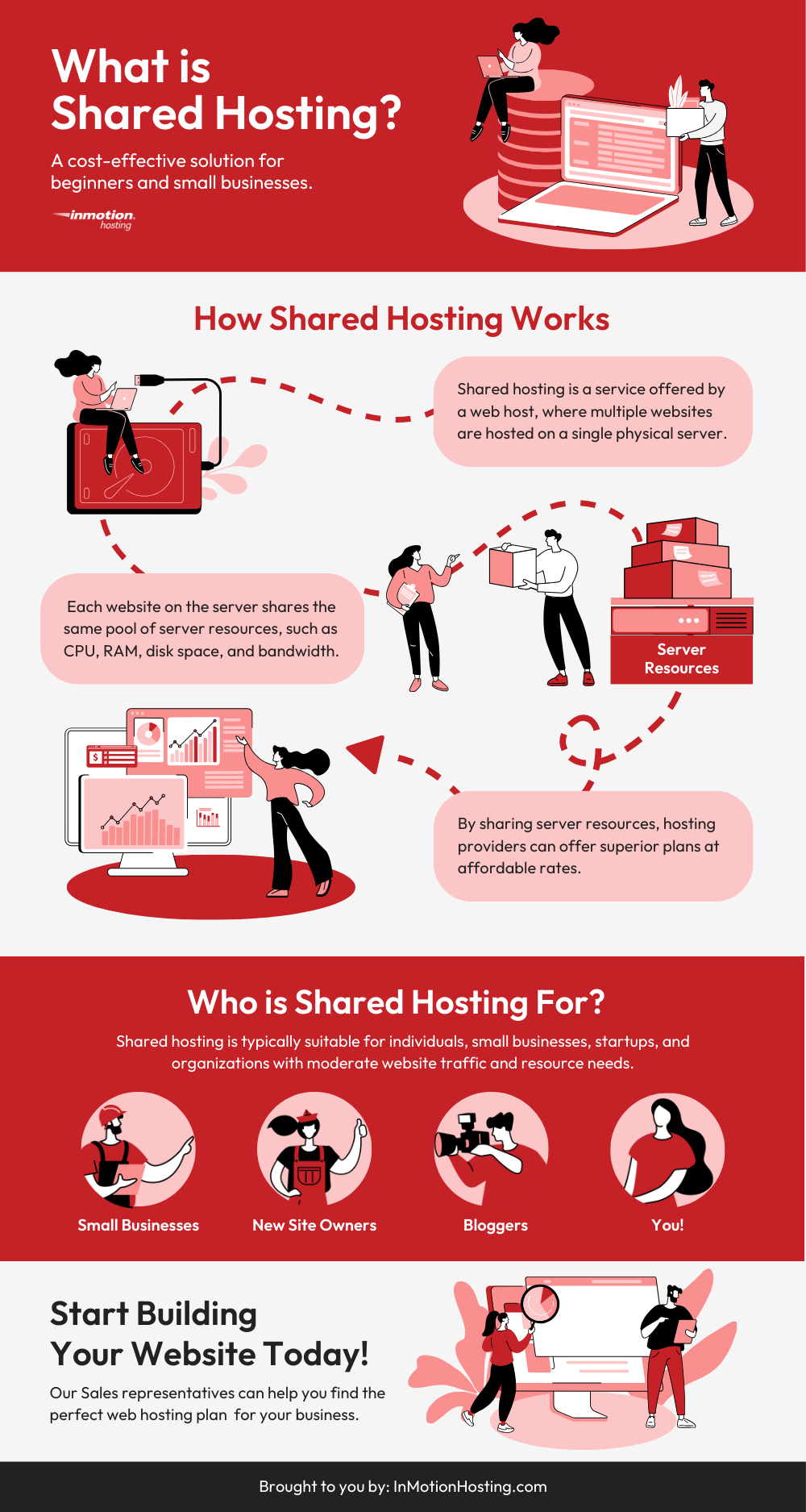
In shared hosting, many websites use the same server. CPU and RAM are shared among all users. If one site uses too many resources, others might slow down. This affects performance. Shared hosting is cheaper but may not be fast. It’s good for small websites. Not ideal for big sites with lots of visitors.
Dedicated hosting provides a whole server for one website. This means more CPU and RAM. Websites run faster with dedicated hosting. It is perfect for big businesses. They can handle heavy traffic easily. Dedicated hosting costs more. But offers better performance and security.
VPS stands for Virtual Private Server. It is a mix of shared and dedicated hosting. Each user gets a part of the server. CPU and RAM are more than in shared hosting. VPS is more secure and faster. It’s good for medium-sized websites. Offers flexibility and reliability.
Scalability Factors
CPU power is crucial for web hosting. More CPU means faster processing. It handles multiple requests quickly. Websites run smoothly with good CPU. High traffic sites need more CPU. They must handle thousands of visitors. Low CPU can slow down sites. Choose hosting with scalable CPU options. Upgrade when traffic grows. Pay only for needed CPU power. This saves money. Ensures site runs efficiently.
RAM is another key factor. More RAM helps store data temporarily. It speeds up website loading. Sites with big images need more RAM. Heavy applications run better. RAM affects site performance. Insufficient RAM slows down processes. Scalable RAM options are important. Upgrade RAM as site demands grow. Avoid overpaying for unused RAM. Efficient RAM use boosts site speed. Keeps visitors happy.
Credit: www.embedded.com
Cost Implications
Choosing a good CPU is important. A strong CPU helps in quick tasks. It can handle many users at once. Cheaper CPUs may slow things down. Spending a little more can save headaches. Balance cost and performance wisely.
More RAM means smoother websites. It keeps the site fast. Visitors will be happy. Less RAM might cause pages to load slow. Think about how many visitors you expect. Too many users need more RAM.
Investing in enough RAM is like having a big table. It lets you spread out lots of work. Ensure you choose the right amount for your needs.
Future Of Web Hosting
Web hosting’s future relies heavily on CPU and RAM. These components ensure fast, reliable website performance. Choosing the right specifications supports seamless online experiences.
Emerging Technologies
The future of web hosting is bright. New technologies are changing things fast. Cloud hosting is now very popular. It helps websites load faster. Edge computing is another trend. It brings data closer to users. This means less delay. AI is also a big deal. It helps servers work better. All these techs make web hosting better for everyone.
Trends In Cpu And Ram
CPU and RAM are key parts of web hosting. Fast CPUs help websites run smooth. More RAM means more speed. Websites open quicker with good RAM. Small websites need less RAM. Big websites need more. CPUs and RAM are getting better each year. This helps websites stay fast and reliable.
Credit: www.inmotionhosting.com
Frequently Asked Questions
How Much Ram Do I Need For Web Hosting?
For basic websites, 2GB RAM is often enough. Hosting multiple sites or running applications may require 4GB or more. Consider future growth and choose a hosting plan that allows easy upgrades to ensure your site runs smoothly. Always evaluate your specific needs and traffic expectations before deciding.
Does Cpu Matter For Web Browsing?
Yes, the CPU impacts web browsing speed. A faster CPU loads pages and processes scripts quicker. Modern browsers often require efficient processing power for smooth performance, especially with resource-heavy websites. While basic browsing needs minimal CPU power, multitasking or using demanding applications benefits from a robust CPU.
Does Ram And Cpu Matter?
Yes, RAM and CPU are crucial for computer performance. More RAM allows smoother multitasking, while a powerful CPU boosts processing speed. They both significantly impact gaming, software efficiency, and overall system responsiveness. Upgrading them can enhance your device’s performance and user experience.
What Is The Cpu In Web Hosting?
The CPU in web hosting refers to the server’s central processing unit. It handles data processing and operations. A powerful CPU ensures faster website performance, affecting loading speed and user experience. Consider CPU specifications when choosing a hosting plan for optimal website functionality.
Conclusion
Choosing the right CPU and RAM is vital for web hosting. They influence your website’s speed and performance. A faster CPU handles more requests. More RAM supports multiple tasks smoothly. Visitors expect quick page loads. Slow sites can lose traffic.
Consider your website’s needs. Small sites need less power. Larger sites require more resources. Balance cost with performance wisely. Invest in what suits your site best. This ensures a smooth user experience. Always prioritize user satisfaction. Keep your hosting efficient and reliable.
Your website deserves the best foundation. Make informed decisions for better results.


