
Have you ever logged into your GoDaddy account, ready to manage your website, only to find that the Web Hosting tab is nowhere in sight? You’re not alone.
This small hiccup can leave you feeling frustrated and confused, especially when you’re all set to dive into your website tasks. But don’t worry – you’re about to uncover why this happens and how you can easily navigate through it.
Stick around, because by the end of this article, you’ll have the clarity you need to tackle this issue head-on, ensuring a smoother experience with your GoDaddy account. Let’s get started on solving this puzzle together!
Common Reasons For Missing Tabs
Some accounts do not have access to all tabs. Basic accounts might have fewer features. This can include the web hosting tab. Upgrading your account might help. Always check your account type first.
Different service plans offer different features. Some plans may not include web hosting. Check your service plan details. You might need to change your plan. Ensure your plan supports all needed features.
Recent changes to your account can affect tabs. Updates or modifications might temporarily hide tabs. Sometimes, new settings take time to update. If your tab is missing, wait a bit. It might come back soon.
Checking Account Settings
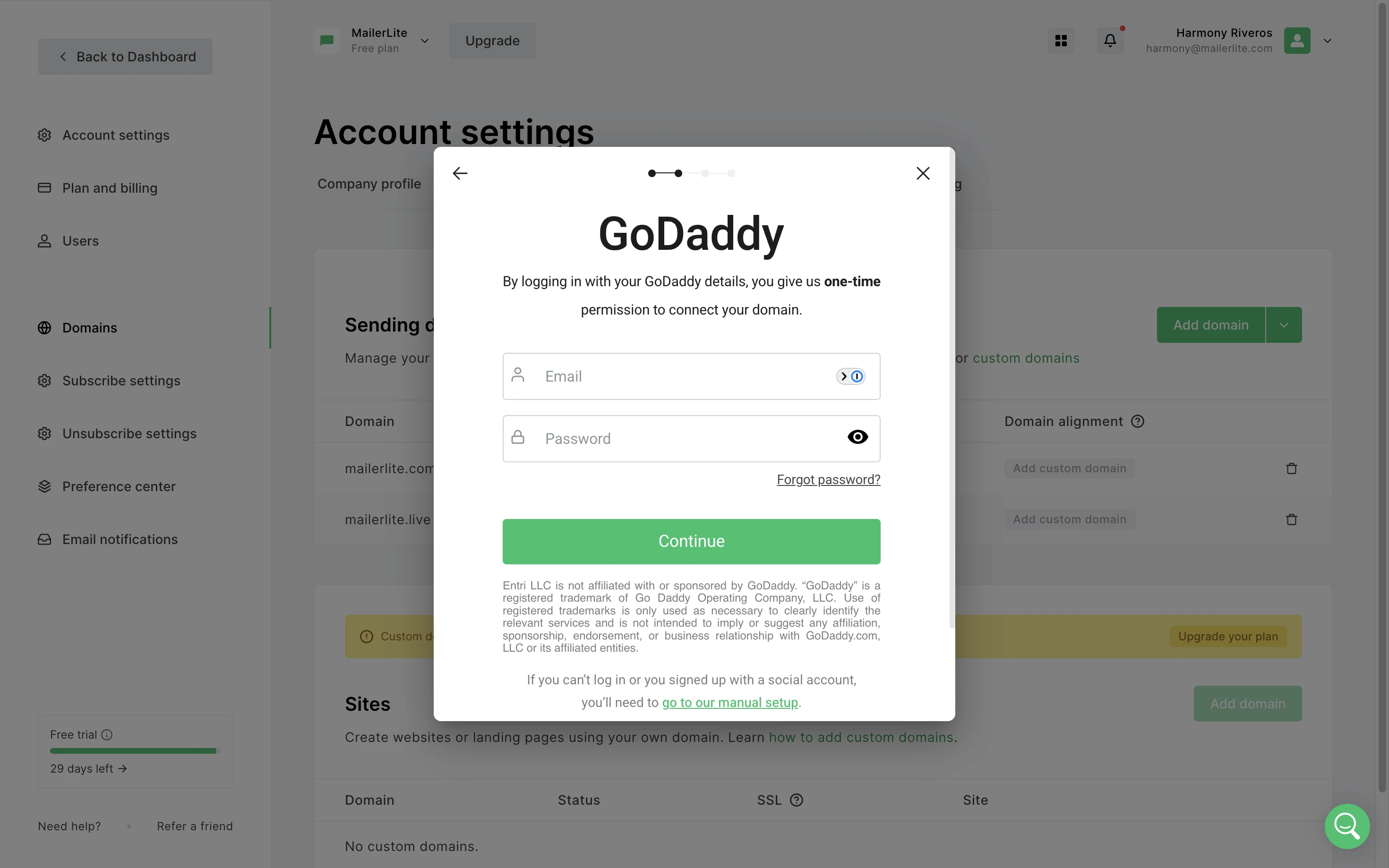
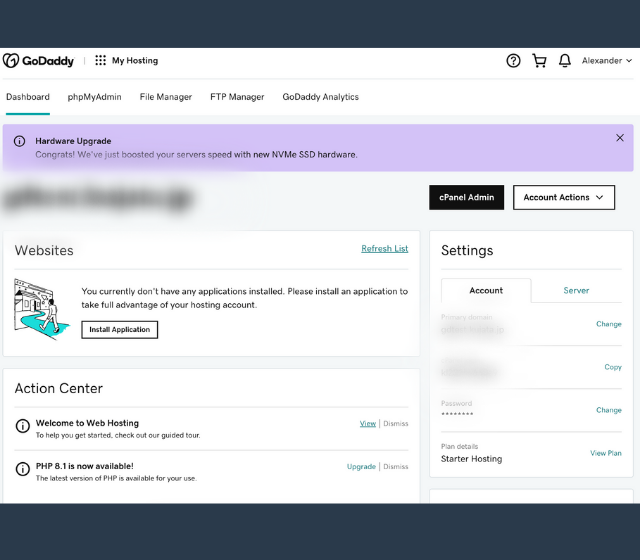
To find the web hosting tab, go to your account dashboard on GoDaddy. First, log in using your username and password. You will see your main dashboard. Look for the menu options on the top or side. If the tab is missing, you may need to check your account type or subscription plan. Sometimes, certain features are not included in basic plans.
Sometimes, the web hosting tab is hidden due to account permissions. Permissions control what you can see and access. Go to the settings section of your dashboard. Look for permissions or roles settings. Make sure you have the right permissions to view hosting features. If uncertain, contact GoDaddy support for help. They can guide you through the steps to adjust permissions.
Verifying Active Services
First, log into your GoDaddy account. Check the My Products section. Look for the Hosting category. If hosting was purchased, it appears here. Sometimes, hosting is bundled with domains. Check if this applies to your purchase. Verify with the purchase history. Ensure the transaction was successful. If not found, contact GoDaddy support for help.
Services may expire without notice. Check the My Renewals section. Look for expired services. If hosting expired, it won’t show up. Renew expired services promptly. Ensure payment methods are up to date. Expired services can cause issues. Always keep track of renewal dates. Contact GoDaddy support for renewal help.
Credit: www.mailerlite.com
Exploring User Interface Changes
Godaddy has changed its look. The user interface is different now. Some tabs are not where they used to be. This includes the Web Hosting tab. People might feel a bit lost at first. But, it’s all about getting used to it. Updates are made to improve things. Sometimes, this means moving things around.
Users can find many new features. These updates aim to help users. Navigation has become easier with these features. The menu may look different. But the important tools are still there. Exploring can help find these tools. Patience is key while learning the new layout.
Troubleshooting Steps
Browser cache stores site data. This helps sites load faster. Sometimes, it causes issues. Clearing cache can fix missing tabs. Open browser settings. Find the option to clear cache. Click and confirm. Make sure all browser windows are closed. This clears stored data. It refreshes your browser experience. Your GoDaddy tab might appear now. This process is simple. It often solves many browsing problems.
Different browsers work differently. Some might show missing tabs. Others might not. Try switching browsers. Use Chrome, Firefox, or Safari. Each browser has unique features. Some are faster. Others are more secure. Switch to a different browser. Check if the tab appears. This method can be helpful. Sometimes, browser compatibility is the issue. It’s an easy step to try.

Credit: www.godaddy.com
Contacting Customer Support
Getting help from customer support is easy. Use the chat or call option. Explain your problem clearly to them. Always be polite and patient. Support people are there to help you.
Tell them your account details. Share your domain name too. This helps them find your info fast. If possible, mention any error messages you see. Describe the problem in simple words. Use short sentences. This makes it easy for them to understand.
Credit: www.godaddy.com
Frequently Asked Questions
Where Can I Find Web Hosting On Godaddy?
Visit GoDaddy’s website and navigate to the “Hosting” section. You can find various web hosting options there. Explore the plans and choose one that suits your needs. Sign up to get started with your web hosting service.
How Do I Add Hosting To My Godaddy Domain?
Log into your GoDaddy account. Navigate to “My Products. ” Click “Web Hosting” and choose your desired hosting plan. Select your domain and complete the purchase. Your hosting will be added to your domain.
Does My Godaddy Domain Come With Hosting?
No, GoDaddy domains do not automatically include hosting. You need to purchase hosting separately. Explore GoDaddy’s hosting plans to find the best fit for your website needs. This allows you to manage your domain and hosting services independently.
How To Check Hosting On Godaddy?
Log in to your GoDaddy account. Click “My Products” to view your hosting details. Select the hosting package to check specifics.
Conclusion
Explore Godaddy’s dashboard for hidden hosting options. Check all settings carefully. Sometimes, features are not immediately visible. Contact customer support for guidance. They assist with navigation issues. Consider checking your account type. Some packages include limited features. Read the plan details thoroughly.
It helps avoid confusion. Remember, Godaddy aims for user satisfaction. They provide resources for troubleshooting. Stay informed about updates. Features can change over time. Regularly review your account settings. This keeps you aware of available options. Ultimately, understanding your hosting plan is crucial.
It ensures you use all tools effectively.


