
Are you looking to host multiple websites but unsure about which package to choose? You’re in the right place.
Navigating the world of web hosting can be confusing, especially when you need to manage more than one site. You might be wondering if a basic plan will suffice or if investing in a more robust package is necessary. The truth is, the right hosting package can make all the difference in performance, security, and scalability.
By the end of this article, you’ll have a clear understanding of what to look for in a hosting plan that suits your needs and ensures your websites run smoothly. Ready to unlock the secrets to successful multi-site hosting? Let’s dive in!
Web Hosting Basics
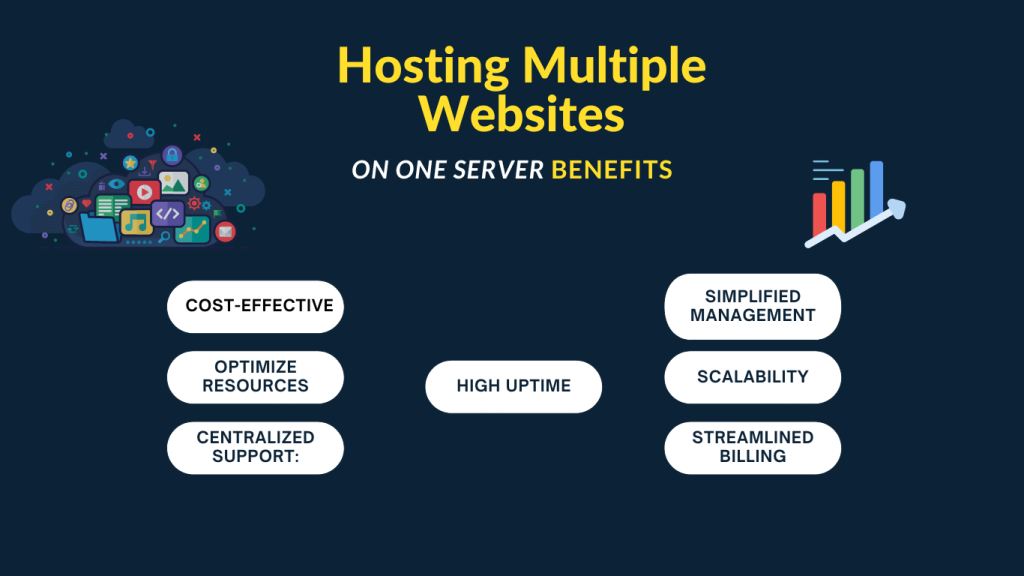
Web hosting is like renting a space. It holds your website’s files. Shared hosting is a basic plan. It suits beginners with one site. For multiple sites, VPS or dedicated hosting is better. These plans offer more power. You get more control over the server. VPS hosting is like having a private room. Dedicated hosting is like owning the whole building. Both options cost more than shared hosting. But they offer more security and speed. Choosing the right package is important. It affects your site’s performance. Think about your needs. Plan wisely for your website’s future.
Credit: cyberpanel.net
Shared Vs. Dedicated Hosting
Shared hosting is often cheaper. Many websites use the same server. This makes it less costly. But, it can be slow at times. Many users share the same resources. Some sites may get more traffic. This can slow down others.
Security can be a concern. One site can affect others. If one is hacked, others might be too. It is good for small websites. Not ideal for big sites or shops.
Dedicated servers are for one user. This means faster performance. No sharing with other websites. You get all the resources. It is very secure. Only your site is on the server. Great for big businesses or high-traffic sites.
Though more expensive, they offer more control. You can choose the software and settings. This makes it more flexible for your needs. Perfect for large and busy websites.
Vps Hosting
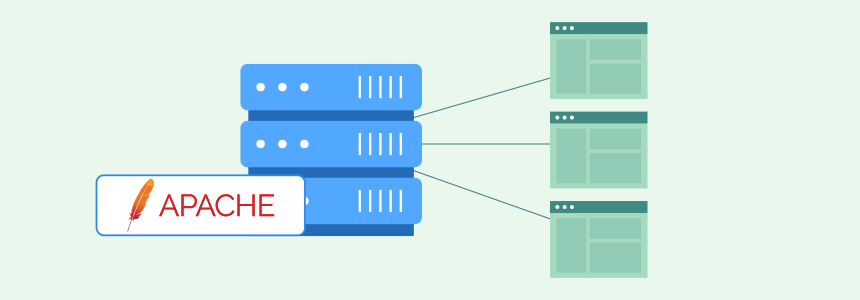
VPS hosting offers more resources for your websites. Each site has its own space. This boosts site performance. It provides better security and control. You can customize settings as needed. This helps in managing different sites smoothly. VPS is cost-effective compared to dedicated servers. You get dedicated resources at a lower price. It supports more traffic without issues. Sites load faster and stay online.
VPS hosting can be more affordable than other options. It offers dedicated resources for less money. Prices vary based on needs. Choose a plan that fits your budget. Compare different providers for best deals. Look for features like uptime and support. Ensure the plan covers all your websites. Avoid overpaying for unused resources. Start with a small plan and upgrade later. This saves money and meets growth needs.
Credit: www.cloudpanel.io
Cloud Hosting Solutions
Cloud hosting gives you more scalability for your websites. As your sites grow, you can easily add more resources. This means adding more space and speed. It helps your websites run smoothly even with many visitors. You can also manage different kinds of websites. It works for both small and big sites. This way, you have more flexibility to meet your needs. Cloud hosting adapts to your growth. No need to worry about outgrowing your server. It’s like having a big room for all your stuff.
Cloud hosting has different pricing models. Some charge you as you use. You pay for what you need. Others have fixed prices. This means you pay the same each month. Both ways can help you save money. It’s important to choose what fits your budget. Some plans offer extra features for more money. Make sure to understand what you are paying for. This helps avoid surprises in bills. You can change plans if you need to later.
Managed WordPress Hosting
Managed hosting offers automated updates for WordPress. This helps keep sites secure. Backups occur daily, preventing data loss. Performance is optimized, making sites fast. Security is strong, blocking threats. Support is 24/7, solving issues quickly. Managed hosting is easy to use, perfect for beginners.
Choose managed hosting for multiple websites. It’s best for sites needing high security. Traffic spikes are handled well. Beginners find it user-friendly. Businesses prefer it for reliability. It’s great for those with limited tech skills. Managed hosting is ideal for important projects.
Choosing The Right Hosting Package
Start by thinking about your website goals. How many sites do you want? Some need only two, others might need more. Consider your storage and bandwidth needs. More visitors mean more data. Some websites need more space for images or videos. Check if you want email accounts with your website. Some hosting packages offer this. Think about how much support you need. New users might need more help. Experienced users might need less.
Many companies offer hosting. Look for reliable ones. Check their uptime scores. A high score means your site stays online. Compare prices and see what features they offer. Some have free trials. Others give money-back guarantees. This can help you choose. Look for easy-to-use tools. These make website building simple. Check for customer reviews. They tell you if the service is good. Some providers offer special discounts. These can save you money.
Important Hosting Features
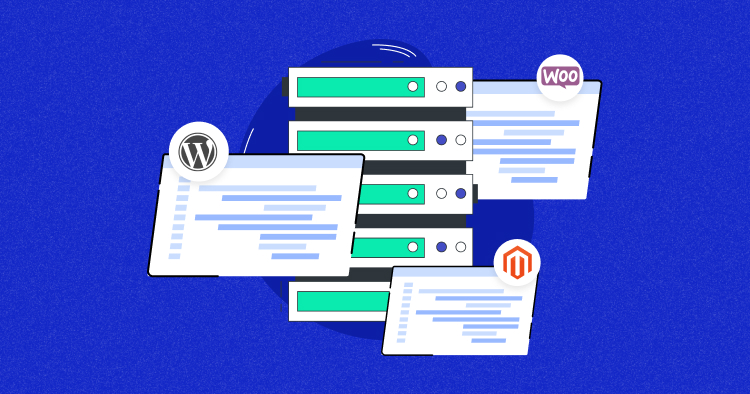
Security is very important for hosting. SSL certificates keep data safe. Firewalls block bad traffic. Regular backups protect your files. DDoS protection stops attacks. These features guard your site.
Good support helps fix issues fast. 24/7 support is best. Chat support is quick and easy. Phone support offers direct help. Email support is detailed. Support teams must be friendly and smart.
Websites must stay online. 99.9% uptime is ideal. Downtime can hurt your site. Monitoring tools check uptime. Alerts warn you of problems. Reliable uptime builds trust.
Credit: www.cloudways.com
Migration And Setup
Moving sites needs careful work. First, make a backup of each site. It’s like taking a picture before moving. After that, pick a good hosting package that supports many sites. Shared hosting can be an option. Next, transfer site files to the new server. Use tools like FTP for this. Finally, check all links and images. Make sure nothing is missing.
Start by setting up your domain names. Each site needs its own name. Use the control panel to link domains to your server. Next, install a content management system like WordPress. It helps manage site content. After installation, set up email accounts for each site. They help with communication. Lastly, secure your sites with an SSL certificate. This keeps data safe and builds trust.
Future-proofing Your Hosting
Websites grow over time. You need a hosting package that can grow too. Choose a plan with scalable resources. It helps your site handle more visitors. Look for options that allow easy upgrades. This ensures your website stays fast and efficient as it gets bigger. Consider hosting with flexible storage. It helps when you add more content to your site.
Keeping your site updated is important. Choose a host that offers automatic updates. This keeps your site safe and running well. Look for hosts with easy maintenance tools. They help you fix issues quickly. Regular checks ensure your site remains reliable and secure. A well-maintained site performs better and keeps visitors happy.
Frequently Asked Questions
Can I Host Multiple Websites On One Hosting Account?
Yes, you can host multiple websites on one hosting account. Choose a plan that supports multiple domains. This is cost-effective and convenient for managing websites. Verify your hosting provider’s plan details for the number of allowed domains.
What Does Web Server Software Use To Host Multiple Sites?
Web server software uses virtual hosting to host multiple sites on a single server. It separates each site using unique domain names or IP addresses, ensuring efficient management and resource allocation. Virtual hosting optimizes server usage, reducing costs and enhancing scalability for businesses hosting several websites.
Can I Host Multiple Websites On Godaddy?
Yes, you can host multiple websites on GoDaddy. Choose a hosting plan that supports multiple domains. Check GoDaddy’s options for shared, VPS, or dedicated hosting for multi-site management. This allows easy management of different websites under one account.
Can You Host Multiple Websites On A Single Vps?
Yes, you can host multiple websites on a single VPS. Ensure adequate resources are allocated for optimal performance. Using a control panel like cPanel or Plesk can simplify management. Proper configuration and security measures are essential to prevent issues. VPS hosting offers flexibility and scalability for growing website needs.
Conclusion
Choosing the right hosting package is crucial for managing multiple websites. Shared hosting is cost-effective but has limitations. VPS offers more control and resources. For high traffic, consider dedicated hosting. Cloud hosting provides flexibility and scalability. Each option has unique benefits.
Assess your needs carefully. Consider budget, website size, and traffic expectations. Selecting the right package ensures smooth operations. Avoid downtime and performance issues. Always prioritize security and support. With the right choice, your websites will thrive. Happy hosting!


