
Have you ever wondered what your web hosting account is and why it’s so important? Navigating the digital world can be confusing, especially with so many technical terms being thrown around.
But understanding your web hosting account is crucial, whether you’re launching a new blog, setting up an online store, or simply maintaining a personal website. It’s the backbone of your online presence, influencing everything from your site’s speed to its security.
You’ll discover the essential role your web hosting account plays and how it can impact your digital success. Get ready to unravel the mystery and take control of your online space!
Types Of Web Hosting Accounts
Shared hosting is simple. Many websites share one server. This makes it the most affordable option. But, it can be slow. The speed depends on the other websites. If they get busy, your site can slow down. It’s best for small websites or blogs. Easy to use. Great for beginners.
VPS is a step up from shared. It gives you more control. Your website gets its own space. Not shared with others. This means more reliable performance. It’s good for medium-sized websites. Costs more than shared hosting. But offers better speed and security.
Dedicated hosting means the server is yours. No sharing with others. This gives you full control. Best for large websites. It is the most expensive option. But offers the highest speed. Perfect for sites with a lot of traffic. Also, very secure.
Cloud hosting uses many servers. Your website can use resources from all. This means it can handle more traffic. It is very flexible. You pay for what you use. It is good for growing websites. Offers high speed and reliability. Easy to scale up or down.
Credit: www.godaddy.com
Choosing The Right Web Hosting
Understanding your needs is important. Think about what your website requires. Does it need to handle lots of visitors? Or is it for a smaller audience? Some sites need more storage or extra features. Others need to be simple and quick. Knowing this helps choose the best web hosting.
Web hosting can cost different amounts. Some are cheap, and some are costly. Decide your budget before choosing. Remember, cheap might not always be best. Sometimes paying a bit more gives better service. But make sure it fits your budget. This keeps things affordable.
Good support is important. If things go wrong, you need help fast. Check if the hosting offers 24/7 support. This means help is there anytime. Some give chat, phone, or email support. Choose the one that makes you feel safe. It keeps your website running smoothly.
Features Of A Web Hosting Account
Your web hosting account gives you storage space. This space holds your website files. Bandwidth is also important. It controls how much data flows from your site. More bandwidth means more visitors can access your site. Both storage and bandwidth must be big enough for your needs.
The control panel is where you manage your website. It should be easy to use. Most hosting accounts offer popular options like cPanel. Features may include file management, email setup, and backups. A good control panel makes managing your site simple.
Security is a key feature of web hosting accounts. Look for SSL certificates. They protect data between your site and users. Firewalls keep out hackers. Regular backups save your data. These features keep your website safe and secure.
Managing Your Web Hosting Account
Start by choosing a domain name for your site. This is your website’s address. Next, link your domain to your web hosting account. Use the hosting control panel to do this. Install a content management system (CMS) like WordPress. This helps you create web pages easily. Customize your site with themes and plugins. Make sure your site looks good on mobile devices too.
Regular updates keep your website secure. Check for CMS updates often. Update themes and plugins when needed. This prevents security risks. Back up your website data regularly. If something goes wrong, you can restore it. Remove old files and plugins you don’t use. This helps your site run faster.
Watch your website’s speed and uptime. Use tools to check loading times. Fast websites keep visitors happy. Monitor your site’s uptime with alerts. This tells you if your site goes down. Check visitor numbers and patterns. Use analytics tools for this. Understand what pages are popular. This helps improve your site.
Common Issues In Web Hosting
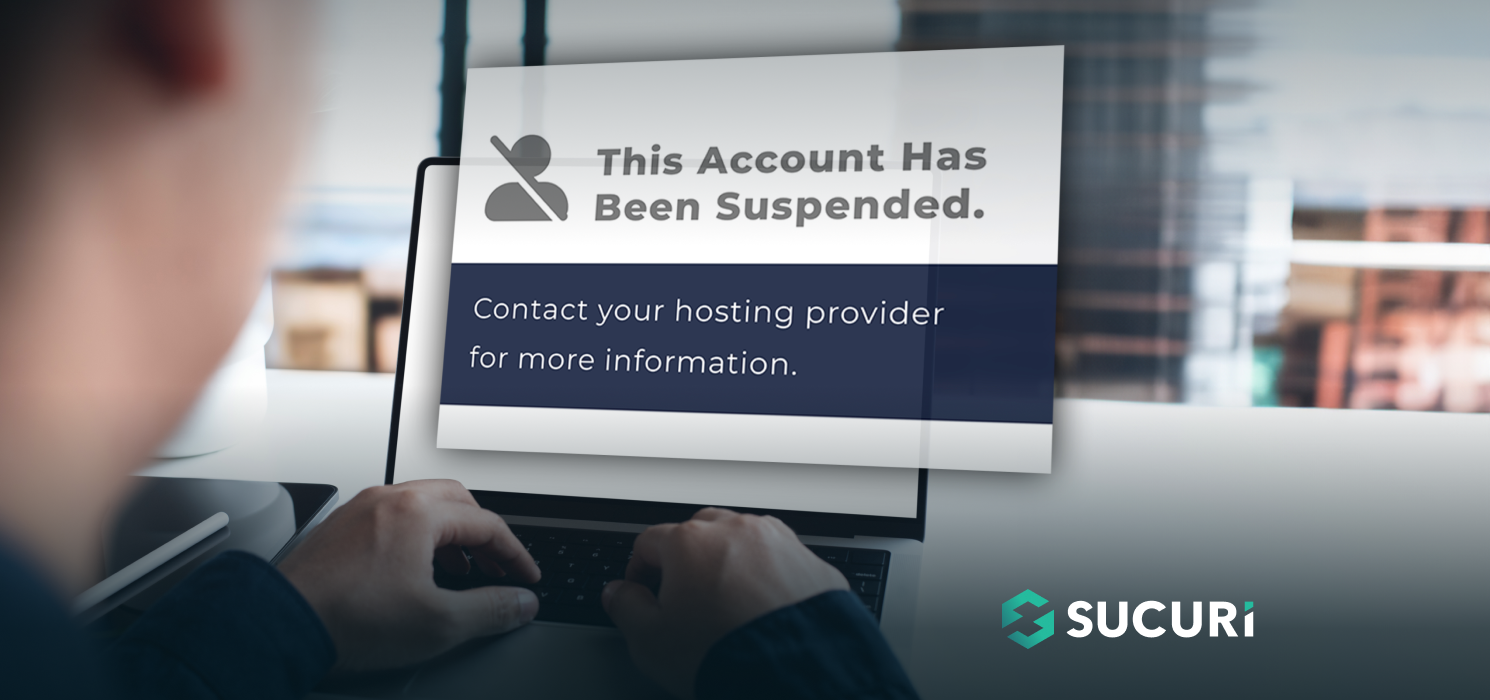
Websites must stay online. Downtime can hurt your site. It makes users frustrated. They leave quickly. Reliability is key. Web hosting must be stable. Frequent outages harm your business. You lose trust. You lose visitors. Ensure your host has a strong uptime record.
Speed is important. A slow site loses visitors. People dislike waiting. They want fast browsing. Web hosting affects speed. Poor hosting slows sites down. Choose a host that optimizes speed. Fast sites keep users happy. Fast sites help business grow.
Security is crucial. Hackers target weak sites. They steal data. They harm reputations. Web hosting must be secure. Good hosts protect sites. They use strong security measures. Look for hosts with great security records. Protect your site and user data.
Credit: blog.sucuri.net
Credit: www.godaddy.com
Frequently Asked Questions
How Do I Find My Hosting Account?
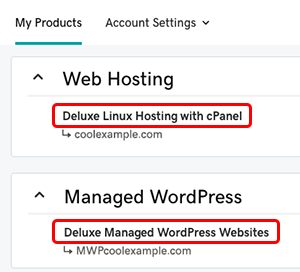
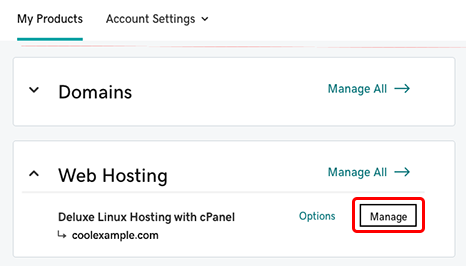
Log in to your hosting provider’s website using your credentials. Navigate to the dashboard or account section. Look for “My Account” or “Hosting Services” to find your hosting account details. Contact customer support if you’re unable to locate it.
How Do I Know My Web Hosting?
Check your email for hosting details from your provider. Log into your domain registrar’s account for hosting information. Use online tools like “WhoIs” to find hosting details.
What Is A Web Hosting Account?
A web hosting account provides space on a server to store and manage your website’s files, ensuring online accessibility. It includes features like bandwidth, email accounts, and security, facilitating website operation and performance. Choose a reliable hosting provider for better uptime and support.
How Do I Find Out What Platform A Website Is Hosted On?
Use online tools like BuiltWith or Wappalyzer to identify a website’s hosting platform. Check the WHOIS database for hosting details. Alternatively, inspect the page’s source code or headers for hosting clues. These methods help determine where a site is hosted, ensuring you find accurate information.
Conclusion
Understanding your web hosting account is essential for online success. It helps you manage website files and databases effectively. Choose the right hosting plan for your needs. Look for reliability and customer support. These factors ensure a smooth website experience.
Regularly update your hosting knowledge. Stay informed about new features and tools. This helps you make better decisions for your site. Remember, a good hosting provider supports your online goals. It keeps your website running smoothly and efficiently.


