
Are you ready to create your own website but feeling a bit overwhelmed by all the technical jargon? You’re not alone.
Two terms that often confuse beginners are “web hosting” and “website builder. ” While they might sound similar, they serve very different purposes in the world of websites. Understanding these differences is crucial for making the right choice for your online presence.
Imagine having the perfect idea for a website. You can almost see it in your mind. But where do you begin? This is where understanding web hosting and website builders becomes essential. By the end of this article, you’ll have a clear picture of what each one offers and how they can help turn your vision into a reality. You’ll discover which option aligns best with your needs, saving you time, money, and a whole lot of frustration. Let’s unravel this mystery together and get you one step closer to launching your site!
Web Hosting Basics
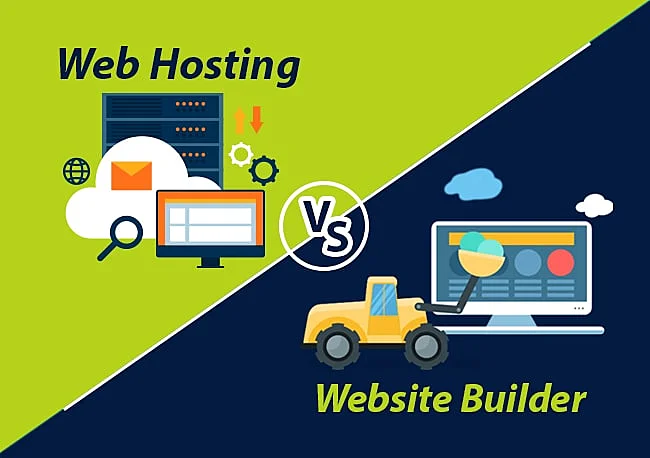
Web hosting is a service. It allows websites to be stored on servers. These servers are connected to the internet. The purpose is to make websites accessible online. Without hosting, sites can’t be seen by visitors.
Shared Hosting
Shared hosting means many websites on one server. It’s cheap and easy. Best for small sites. Resources are shared. If one site is busy, others may slow down.
Vps Hosting
VPS stands for Virtual Private Server. It offers more control than shared hosting. You get a part of a server. It’s secure and flexible. Good for growing sites.
Dedicated Hosting
Dedicated hosting means one server for one site. It’s powerful. Offers full control. Best for large sites. It’s expensive but reliable. No sharing of resources.
Cloud Hosting
Cloud hosting uses many servers. It offers scalability. Good for sites with changing traffic. You pay for what you use. It’s flexible and efficient.
Credit: www.hostitsmart.com
Website Builder Essentials
A website builder is a tool for creating websites. It helps users create websites without coding. The main purpose is to make website building easy. Users can create and publish sites with ease. Both beginners and experts use it. It saves time and effort.
Website builders come with many features. These include drag-and-drop tools, templates, and customization. Each feature helps make a better website. Users can choose what suits them best.
The drag-and-drop tool is very easy to use. Users can move items around the page. No need to write code. It makes design fun and simple. Even kids can use it!
Templates offer a quick start for any website. They give a ready-made design. Users can pick from many styles. This helps in making websites look good and unique.
Users can customize their sites easily. Change colors, fonts, and images. Flexibility allows personal touches. Make the site truly yours. Adjust it to fit your needs and style.
Key Differences
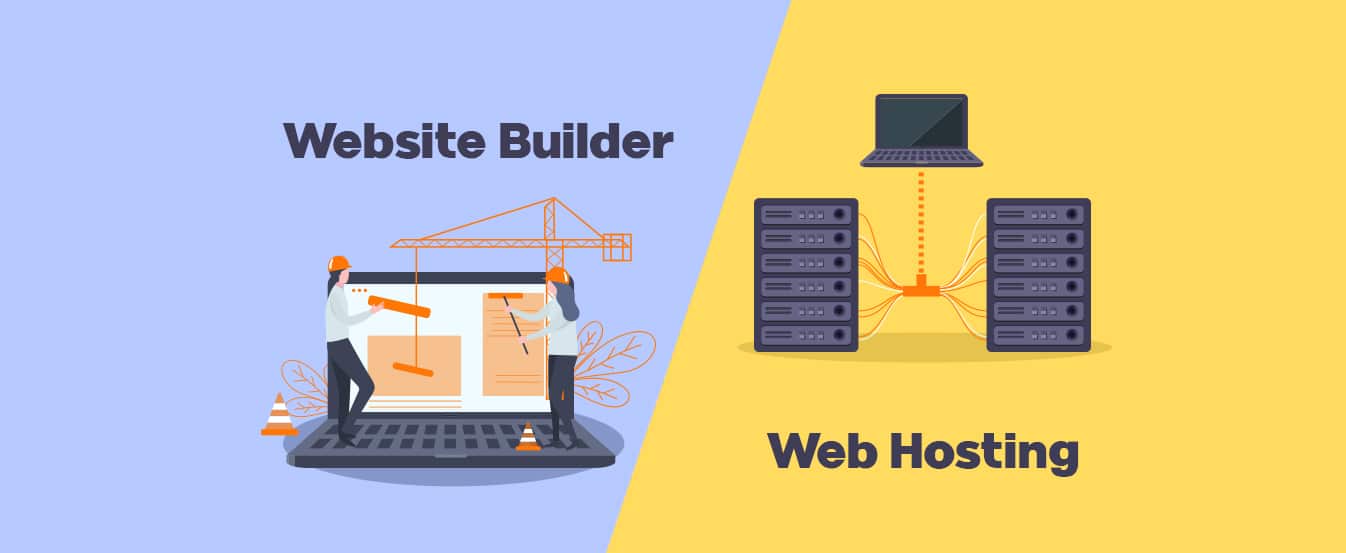
Web hosting stores your site’s files online. Website builders help create sites easily. Hosting is like renting space for your site. Builders are tools to design your site. Hosting needs a domain name. Builders offer templates to design.
Web hosting needs some tech know-how. Understanding servers helps. Website builders are user-friendly. Drag-and-drop features are common. Builders are ideal for beginners. Hosting might need coding skills. Builders guide users step-by-step.
Hosting offers more control over site design. Customization is vast. Builders offer limited customization. Hosting allows changes to code. Builders have preset designs. Hosting gives full control. Builders focus on ease.
Web hosting can be costly. Monthly fees are standard. Website builders often have free plans. Builders can be cheaper. Hosting prices vary by features. Builders might charge for extra tools. Hosting is a long-term cost.

Credit: www.hostgator.com
Pros And Cons Of Web Hosting
Web hosting gives you control over your website. You can choose your own design and features. Your site can be as big or small as you want. It helps you have your own domain name. This makes your site look more professional. You can also use custom emails that match your domain. This can help your business look more trustworthy. With web hosting, you can use different software. This lets you add special tools to your site.
Web hosting can be expensive. You may need to pay every month. You also need some skills to set up your site. It can be hard to fix problems if you are not tech-savvy. You might also need to hire a developer for help. Some web hosts have limited resources. This can make your site slow if you have many visitors. If the server goes down, your site will be offline.
Pros And Cons Of Website Builders
Website builders simplify creating websites without coding, offering user-friendly templates. Web hosting stores your site online, ensuring accessibility. Builders provide design tools; hosting focuses on online presence. Consider ease of use and customization needs when choosing between these services.
Advantages
Website builders are easy to use. No coding skills are needed. You can create a site fast. Templates help design your site. They save time. You can drag and drop features. This makes building simple. Many tools are included. SEO tools help your site rank. They have customer support. This helps solve problems. Website builders are cost-effective. They fit small budgets.
Disadvantages
Website builders have limited flexibility. Customizing can be hard. You can’t change the code. This limits design options. Sites may look similar. You rely on the builder’s features. Some tools may be missing. Large websites need more power. Builders may not support big sites. You might face slow loading. This can affect user experience. Extra features may cost more.
Credit: n6host.com
Choosing The Right Option
Decide what you need for your website. Web hosting gives you space online. A website builder helps create the site. If you want a simple site, a builder is easy. For more features, hosting might be better. Think about what you want.
Money is important. Website builders can be cheap. They often have fixed prices. Web hosting might cost more. It can vary based on your needs. Pick what fits your budget best. Save money where you can.
Think of the future. Web hosting allows for growth. You can add more features later. Website builders can be limited. They are good for small sites. Growing sites might need more. Plan for what you want later.
Popular Web Hosting Providers
Bluehost is known for its easy setup and good support. HostGator offers flexible plans and is great for beginners. SiteGround provides strong security and fast loading speeds. GoDaddy is popular for its variety of services and domain registration. Each company has unique strengths. Choose based on your needs.
| Provider | Key Features |
|---|---|
| Bluehost | Free domain, 24/7 support, 1-click WordPress install |
| HostGator | Unmetered bandwidth, 45-day money-back guarantee |
| SiteGround | Daily backups, free SSL certificate |
| GoDaddy | Website builder, domain services |
Popular Website Builders
Wix offers drag-and-drop features. Users can build sites easily. Its templates are customizable. Squarespace is known for stylish designs. It suits creative projects well. Both platforms provide hosting services.
Key Features And Offerings
| Builder | Key Features | Offerings |
|---|---|---|
| Wix | Drag-and-drop editor | Customizable templates |
| Squarespace | Elegant designs | Built-in hosting |
Integrating Web Hosting And Website Builders
Web hosting stores your website. It keeps all the data safe. A website builder helps create the site. It makes design easy. Combining both offers many benefits. Your site gets space and design tools. This combo saves time. No need for separate services. It also helps save money. Bundled plans are often cheaper. Everything is in one place. This makes management simple. Plus, support is easier to get. Only one team handles your queries. A smooth experience for everyone.
Choose a service with both features. Sign up and create an account. Pick a domain name for your site. Use the website builder to design. Select a template that fits your style. Add your content and images. Check if the site looks good. Once happy, publish your website. The hosting part will make it live. Now, people can see your site online. Regular updates keep it fresh. Check and fix any problems. Happy building!
Frequently Asked Questions
What Is The Difference Between Web Hosting And Website Builder?
Web hosting provides space on servers for your website. A website builder helps you create and design the website. Hosting stores your site; builders create it. Both are essential for an online presence.
Can You Build A Website Without A Host?
No, a website requires hosting to be accessible online. Hosting stores your site’s files on a server. Using platforms like WordPress. com or Wix, you can build a site without separate hosting, but they provide hosting as part of the service.
Is It Better To Build Your Own Website Or Use A Website Builder?
Building your own website offers customization but requires technical skills. Website builders are user-friendly, ideal for beginners. Choose based on your skill level and needs.
What Is The Best Website Builder And Hosting?
The best website builder and hosting is often Wix due to its user-friendly interface and extensive templates. WordPress is popular for customization and flexibility. Squarespace offers stunning design options. Consider your needs and budget when choosing. Reliable hosting options include Bluehost and SiteGround for excellent performance and support.
Conclusion
Choosing between web hosting and a website builder depends on your needs. Web hosting offers flexibility for experienced users. It lets you customize and control your site fully. A website builder, on the other hand, simplifies the process. It’s great for beginners who need easy tools and templates.
Both have unique benefits and serve different purposes. Understand your goals before making a decision. This helps you select the best option for your website. Remember, the right choice will support your online presence effectively. Make informed decisions to grow and succeed in the digital world.


