
Are you a business owner juggling between web hosting and accounting? If QuickBooks is your go-to tool, you might wonder how to file your web hosting expenses accurately.
You’re not alone. Many entrepreneurs like you struggle with categorizing these costs, which can lead to confusion and potential financial missteps. But don’t worry, this guide is here to help. By understanding the right way to file your web hosting expenses in QuickBooks, you can streamline your accounting process and keep your business finances in top shape.
Let’s dive in and unravel this mystery together, so you can focus on what truly matters—growing your business.
Web Hosting Costs
Web hosting has a cost every month. This is the monthly fee. Some companies charge more than others. Prices can start low and go higher. The fee depends on the plan you pick.
Some hosts charge a setup fee. This is a one-time cost. Not all companies ask for it. Make sure to check before signing up. It could save money.
Extra features can cost more. Think of backups, email, and security. These are not always free. Hosts might ask for extra fees. Always read the details.
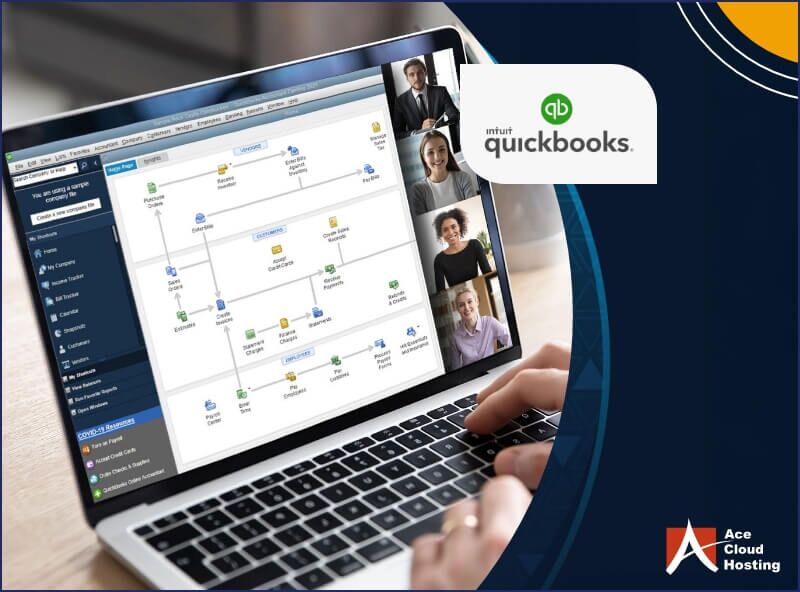
Credit: www.acecloudhosting.com
Categorizing Expenses
Office expenses are costs for running a business space. These include rent for your office. Also, utilities like electricity and water. Supplies such as paper and pens are included. It’s important to keep track. Helps in managing money better. Filing these correctly is vital.
Software services are tools for your business. They include apps and programs. These help in tasks like accounting and design. Subscriptions to services like cloud storage are common. These expenses are important for smooth work. Always file them under the right category.
Internet expenses cover online costs. They include monthly internet bills. Also, fees for web hosting and domain names. Businesses need fast and reliable internet. Make sure these are categorized correctly. Helps in managing business costs efficiently.
Recording Transactions
Vendor profiles help keep track of people you pay. They store important information. Names, addresses, and payment terms are included. These profiles make payments easy to manage. QuickBooks lets you create profiles. Click on vendors and fill out details. Save it. Now you have a vendor profile.
Bills need to be entered correctly. This helps track expenses. Go to the vendor profile. Click enter bills. Fill out the amount and due date. Add any notes needed. Save the bill. Now it is in QuickBooks. This keeps your records updated.
Payments must be tracked well. This shows what you owe. Go to the vendor profile again. Click on make payments. Choose the bill to pay. Enter the amount you are paying. Save the payment. This updates your account. Now, QuickBooks has your payment tracked.
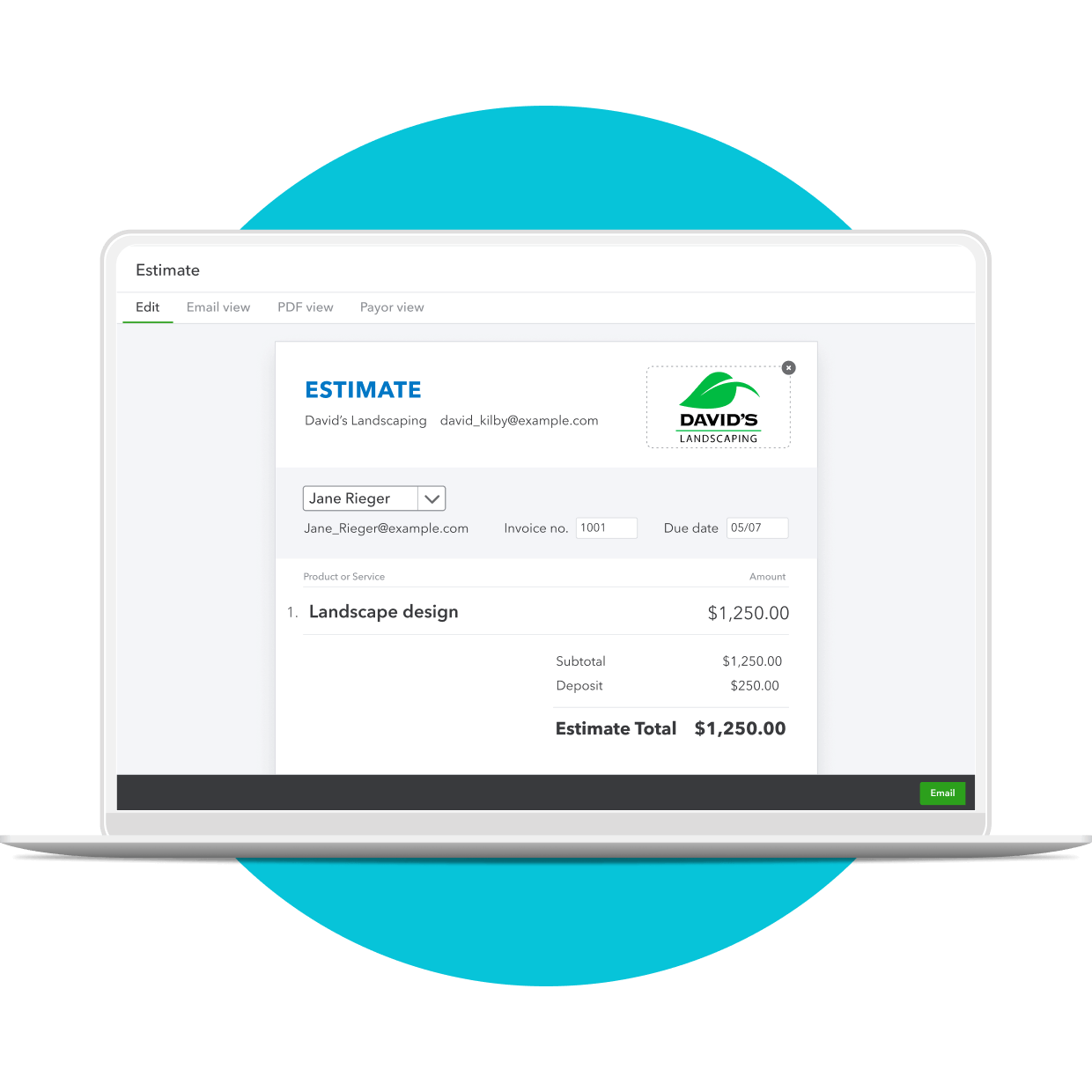
Credit: quickbooks.intuit.com
Tax Implications
Web hosting can be a deductible expense for businesses. These costs reduce taxable income. This can lower tax bills. Keep track of hosting fees and related costs. This helps during tax filing. Expenses like domain registration may also qualify. Always check with a tax expert.
Good record-keeping is important. Save all receipts and invoices. They prove your expenses. Use QuickBooks to organize these records. It makes tax time easier. Accurate records can prevent errors. They also help if audited by tax authorities.
Consulting a tax professional is wise. They offer valuable advice. Tax laws change often. Experts stay updated. They ensure you claim the right deductions. This can save you money. They also help with complex tax situations.
Common Mistakes
Misplacing expenses leads to confusion. Office supplies often mix with equipment purchases. This causes wrong reports. It’s vital to keep them separate. Travel costs sometimes go into entertainment. This affects your books. Check each entry carefully. Ensure correct categories for each expense.
Some costs repeat monthly. Subscriptions and utility bills need attention. Forgetting them can cause trouble. Always note them in Quick Books. Track them regularly. This helps in keeping your records straight. Missing these fees leads to errors.
Tax deductions save money. Many miss these chances. Home office expenses are often overlooked. Vehicle use for business too. Record every deductible item. This helps reduce taxes. Proper tracking avoids missing deductions. Be aware of all deduction options.
Utilizing Quickbooks Features
QuickBooks offers many automation tools to make work easy. These tools help save time and reduce errors. Users can set up recurring payments for regular bills. It also allows for automatic invoice generation. This means less manual work.
Keeping track of money spent is crucial. QuickBooks has easy expense report features. Users can attach receipts directly. This makes finding receipts very simple. Reports can be created with just a few clicks. This helps in understanding where money goes.
Planning a budget helps manage money well. QuickBooks provides budgeting tools to assist users. Users can set financial goals and track progress. The system shows how much is spent or saved. This helps in making smart money choices.
Best Practices
Check your accounts often. Make sure everything matches. This helps you catch errors early. It keeps your books tidy. Clean books make tax time easier.
Always use the same categories. This keeps your records clear. It is easy to find important information later. Consistent categories help you track spending.
Review your expenses often. Look for things that seem wrong or strange. This helps keep your money safe. Understanding expenses is important. It helps with budget planning.

Credit: www.acecloudhosting.com
Frequently Asked Questions
What Expense Category Is Website Hosting?
Website hosting falls under the “IT and Software” expense category. Businesses categorize it as an operational cost. It is essential for maintaining an online presence. This expense covers server space and related services. Proper categorization aids in budgeting and financial analysis.
What Type Of Expense Is Website Design?
Website design is a capital expense. Businesses invest in it to enhance their online presence and brand image. It involves initial design costs and regular updates. Proper design boosts user experience, impacting sales and visibility. Treat it as an essential business investment, ensuring long-term growth and customer engagement.
What Is The Hosting Program For Quickbooks?
QuickBooks hosting allows you to access QuickBooks software online from anywhere. It offers secure, remote access, real-time collaboration, and automatic backups. Hosting providers manage the servers, ensuring optimal performance and security. This solution is ideal for businesses seeking flexibility and efficiency in managing their accounting tasks remotely.
Is Website Advertising An Expense?
Yes, website advertising is considered an expense. It is part of marketing costs aimed at promoting your business online. Businesses typically categorize it as an operational expense on financial statements. Investing in advertising can boost visibility and drive traffic to your site, enhancing overall business growth.
Conclusion
Understanding what to file under QuickBooks for web hosting can simplify your accounting. Keep track of hosting expenses and categorize them correctly. This helps in financial planning and tax preparation. Good records lead to better decision-making. Remember to regularly update your entries.
Stay organized and maintain consistency. This ensures accurate financial reports. Proper categorization saves time and reduces stress. Make QuickBooks your ally in managing web hosting finances. A little effort goes a long way. Stay proactive for smooth business operations. With these steps, you can handle your web hosting expenses effectively.


