
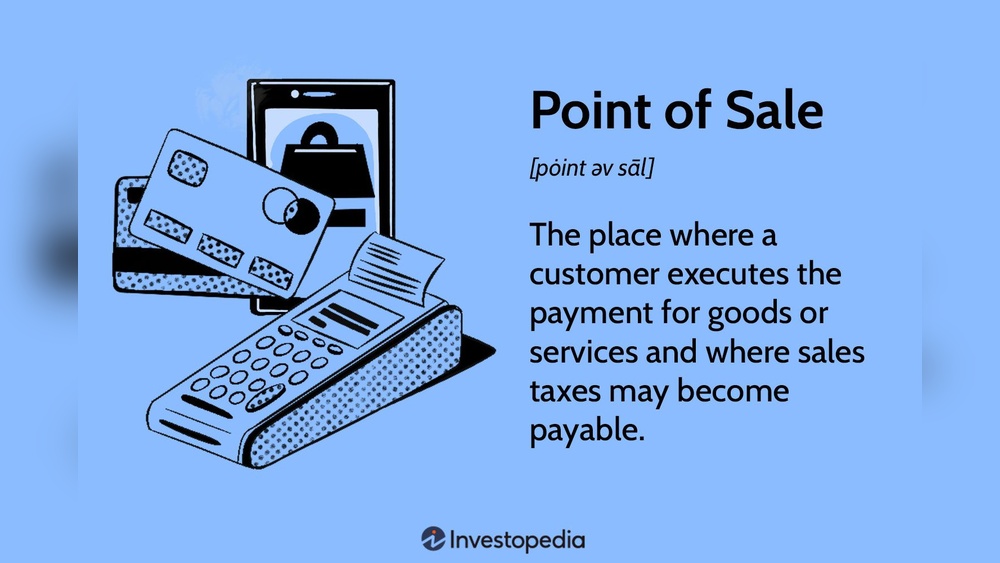
Are you wondering if you need to pay taxes on your Point of Sales (POS) solutions? If you run a business in Austin, Texas, or anywhere else, understanding how taxes work with your POS system is crucial.
You might think it’s just about selling products, but taxes can get tricky when it comes to software, services, and hardware. What exactly is taxable? Does your POS system automatically handle sales tax? And how do you stay compliant without losing time or money?
Keep reading to get clear answers and simple tips that can save you from costly mistakes and keep your business running smoothly.
:max_bytes(150000):strip_icc()/salestax.asp-final-5f9b964c99db4b77ac13d0fad9e06133.png)
Credit: www.investopedia.com
Sales Tax Basics For Pos
Point of sales (POS) solutions help businesses manage sales and taxes. Yet, handling taxes with POS systems brings common challenges. These issues can cause mistakes or delays in tax payments. Understanding these challenges and their solutions improves accuracy and saves time.
Here are some key challenges businesses face with POS tax handling and ways to solve them.
Avoiding Tax Calculation Errors
Tax calculation errors happen when the POS system uses wrong tax rates or rules. These mistakes lead to undercharging or overcharging customers. To avoid errors, keep tax rates updated in your POS software. Use automated tax tools that check rates for every sale. Double-check settings after software updates to ensure accuracy.
Handling Multiple Tax Jurisdictions
Many businesses sell in places with different tax rules. Each state, city, or county may have unique tax rates and exemptions. Managing these manually is hard and confusing. Use POS systems that support multiple tax jurisdictions automatically. They apply the right tax based on the customer’s location. This reduces mistakes and compliance risks.
Keeping Up With Tax Law Changes
Tax laws change often. New laws or rate changes affect how much tax to charge. Missing updates can cause wrong tax collection and penalties. Choose POS solutions with automatic tax law updates. They keep your system current without manual input. Regularly review tax rules and train staff to handle changes well.
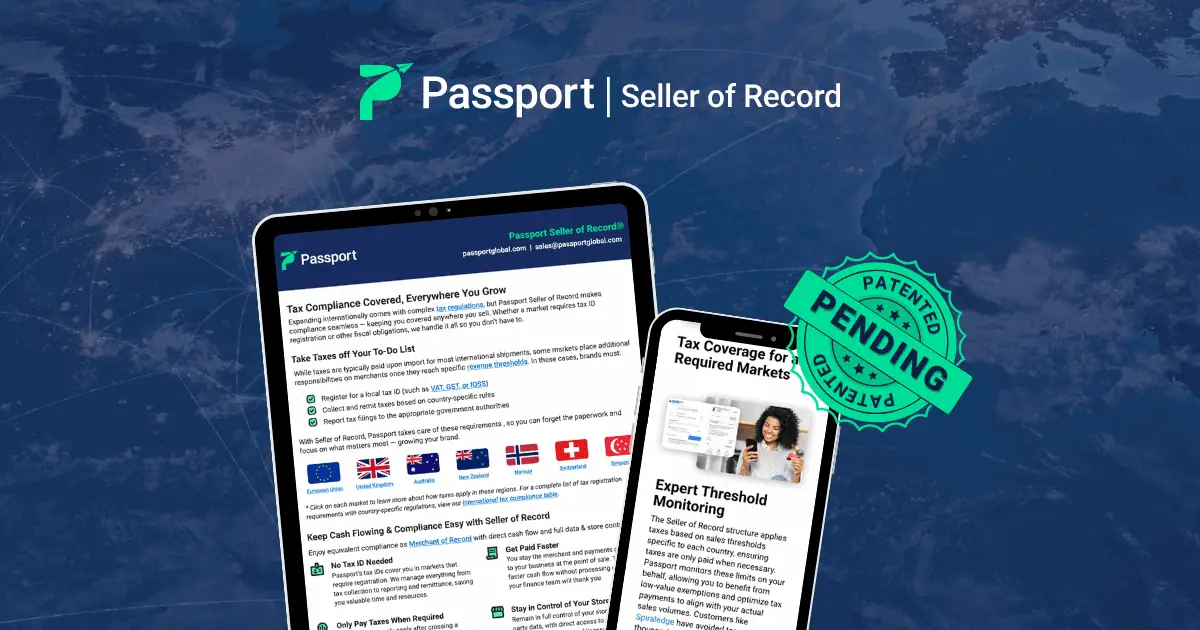
Credit: passportglobal.com
Credit: trykintsugi.com
Frequently Asked Questions
Do Pos Systems Report To Irs?
POS systems do not directly report sales data to the IRS. Business owners must report income and taxes themselves.
How To Do Tax Exempt On Pos?
To apply tax exemption on a POS, enter the customer’s tax-exempt ID during checkout. Ensure the POS system supports exemption settings. Verify the exemption status before finalizing the sale to avoid tax charges. Update tax rules regularly for compliance.
What Is Exempt From Sales Tax In Mississippi?
Groceries, prescription drugs, manufacturing machinery, and certain agricultural products are exempt from sales tax in Mississippi. Sales to nonprofits and government entities also qualify for exemption.
What Is A Pos Tax?
A POS tax refers to sales tax applied during a point of sale transaction. POS systems calculate and add this tax automatically. It ensures businesses collect the correct tax based on location and product type, helping comply with tax laws efficiently.
Conclusion
Taxes on point of sale solutions depend on your location and usage. Most POS systems calculate sales tax automatically for each sale. You must still report and pay taxes to the government. Some items or services may be exempt from sales tax.
Always check your local tax laws to stay compliant. Using a POS system helps reduce errors in tax collection. It saves time and ensures accurate tax rates are applied. Understanding your tax obligations keeps your business running smoothly. Keep records of all transactions for easy tax reporting.
Staying informed prevents costly penalties and fines later.


