
Are you ready to unlock the full potential of your WordPress website? The secret sauce lies in the plugins you choose.
Plugins are more than just add-ons; they’re powerful tools that can transform your site from basic to extraordinary. But with thousands of options available, how do you determine which ones are right for you? We’ll dive into the different types of WordPress plugins and how they can elevate your online presence.
Whether you’re looking to enhance functionality, improve SEO, boost security, or engage your audience, there’s a plugin for that. By understanding what type of software WordPress plugins are available, you’ll gain the confidence to make informed decisions that can drive your website’s success. Stay with us, and soon you’ll be equipped with the knowledge to tailor your WordPress site to perfection.
Essential Plugins For Performance
WordPress sites can be slow. Caching plugins help speed them up. They store parts of the website. This means faster loading times. Popular caching plugins include W3 Total Cache and WP Super Cache. They are easy to set up and use. Faster websites are better for users. They also help with search rankings.
Images can make sites slow. Image optimization plugins can help. They reduce image size. This keeps quality the same. Plugins like Smush and EWWW Image Optimizer are popular. They work in the background. This means you don’t need to worry. Optimized images load faster. This improves user experience.
A website’s database holds important data. Over time, it can get messy. Database management plugins clean it up. They remove old data and spam. WP-Optimize and Advanced Database Cleaner are good choices. They keep the database tidy. This makes the site run better. A clean database is important for good performance.
Seo Enhancement Plugins
These tools help find the right keywords for your website. They show what people are searching for. They can help you choose popular words. You want words that match what your site is about. More people might visit your site. Better keywords can improve your site’s rank.
XML sitemaps make it easy for search engines to find pages. They list all pages of your site. Each page has its own link. This helps search engines know where to go. Sitemap generators create these lists for you. They make sure every page is included. A complete sitemap means better website visibility.
Meta tags describe page content. They help search engines understand your page. Good tags can improve your search rank. Optimization tools make sure tags are clear. They help write effective meta tags. Tags should match page content. Proper tags can bring more visitors.
Security And Backup Solutions
Firewall Protection is like a safety guard for your website. It blocks bad guys from sneaking in. Hackers can’t enter your site easily. This keeps your data safe.
Malware Scanners check your website for harmful bugs. They find and remove bad software. This keeps your website clean. No more worries about viruses.
Automated Backup Systems are like a magic trick. They save your website data automatically. Even if something goes wrong, your data is safe. You can restore it anytime.
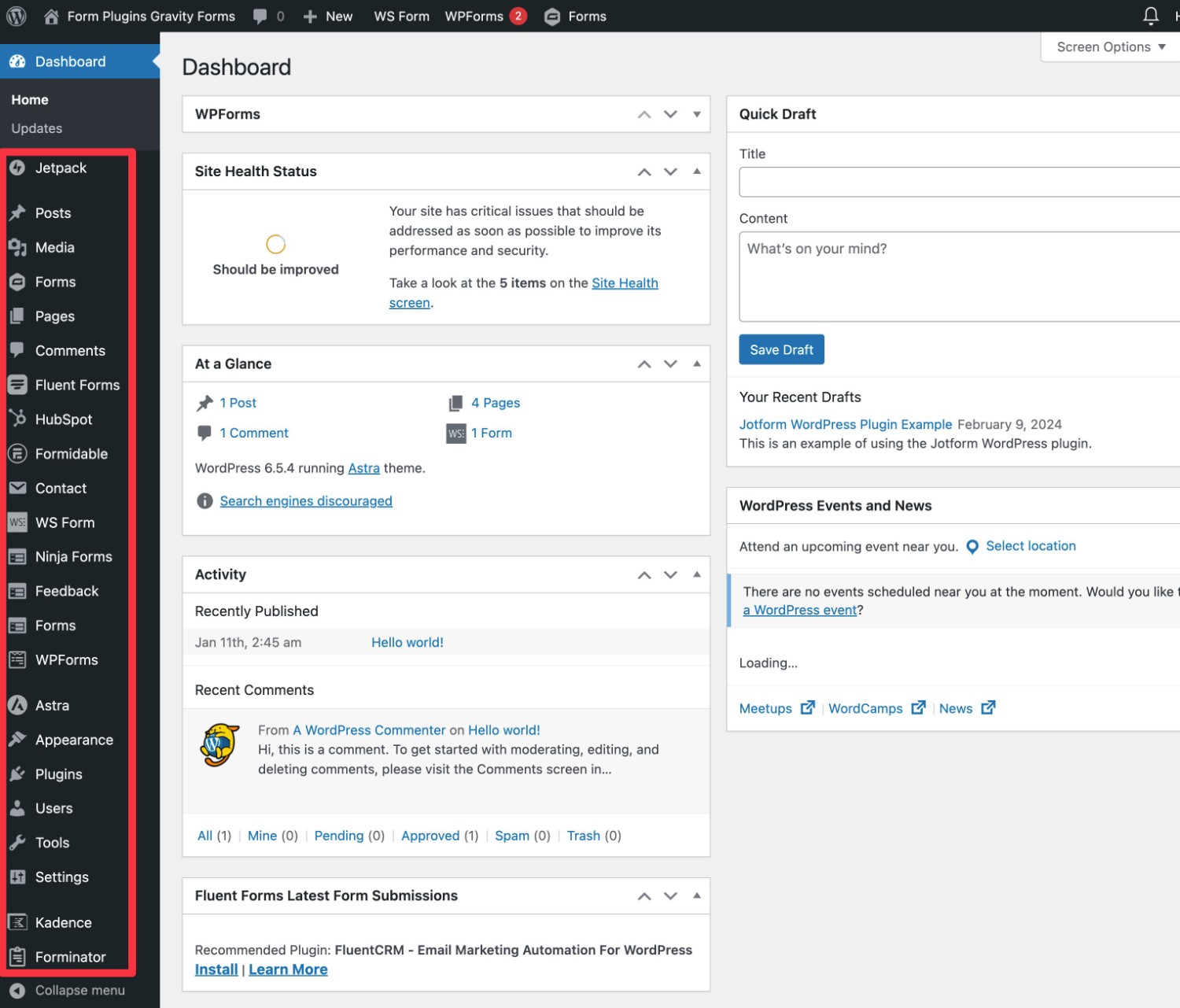
Credit: www.gravityforms.com
Plugins For User Experience
Websites need to look good on all devices. Responsive design plugins help with that. They adjust your site to fit any screen size. This means a better look on phones, tablets, and computers. Users like sites that are easy to read. These plugins make sure of that. They improve the user experience by keeping things simple. No more zooming in or out. Everything fits perfectly.
Comments make websites interactive. Comment management plugins help keep them neat. They filter out spam and unwanted comments. This keeps the site clean. Users see only relevant comments. It helps in making discussions meaningful. These plugins can also highlight the best comments. This way, users find the most important ones quickly.
Social media plugins connect your site with platforms like Facebook and Twitter. They let users share content easily. This helps in reaching more people. Users can also log in with their social media accounts. It makes signing in faster and easier. These plugins add buttons and links for social sharing. They are important for spreading your site’s content.
E-commerce Functionality
Payment gateways allow safe money transfers. They help online stores get paid. Popular choices include PayPal and Stripe. These tools make buying easy and secure. Customers trust these systems. Using them can increase sales.
Keeping track of products is important. Inventory tools help manage stock levels. They prevent overselling items. These tools send alerts when stocks run low. This helps stores keep items available. Customers find what they need easily.
Reviews matter in online shopping. They show product quality. Review systems let customers share opinions. Good reviews boost sales. Bad reviews show areas to improve. Stores can learn from feedback. Happy customers leave positive reviews.
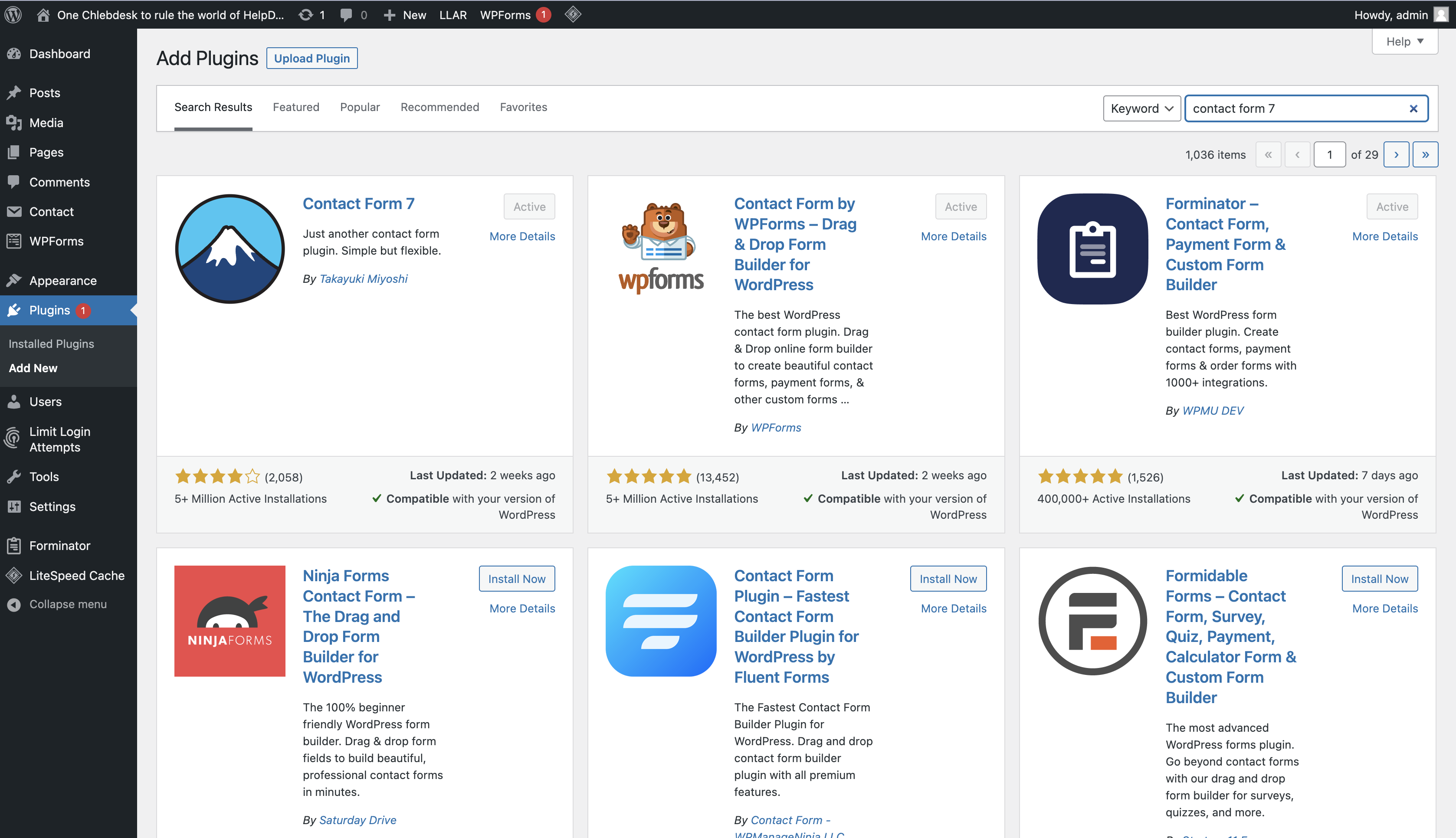
Credit: www.helpdesk.com
Analytics And Monitoring
Traffic analysis plugins help you understand your website visitors. They show you visitor numbers and where they come from. You can see which pages are popular. Knowing this helps improve your website. You can make better content choices. Use these plugins to track visitor activity. Easy to setup. Very useful for beginners.
Heatmap tools show where users click on your site. They create visual maps of user activity. Areas with more clicks are warmer. Areas with fewer clicks are cooler. These tools help you see what interests visitors. Understand which parts of the page need changes. Very helpful for improving design and layout. Simple to use for everyone.
Real-time monitoring plugins let you see visitor actions as they happen. You can watch as users move through your site. Get instant data on traffic changes. Useful for spotting trends quickly. Helps in decision making for urgent updates. Easy to setup and understand. Perfect for active sites needing fast feedback.
Customization And Development Plugins
Create your own widgets with Custom Widget Builders. These tools help add new features to your site. They make your website unique. No coding skills needed. Just drag and drop. Widgets can include social media feeds or contact forms. They make your site interactive.
Change the look of your site with Theme Customization Tools. These plugins allow you to adjust colors, fonts, and layouts. Make your site match your brand. Easy to use and no special skills needed. These tools make your site stand out.
Shortcode Generators help add special features. They simplify complex tasks. Use them to insert galleries, buttons, or columns. Just use simple codes. No need to understand programming. Enhance your content easily.
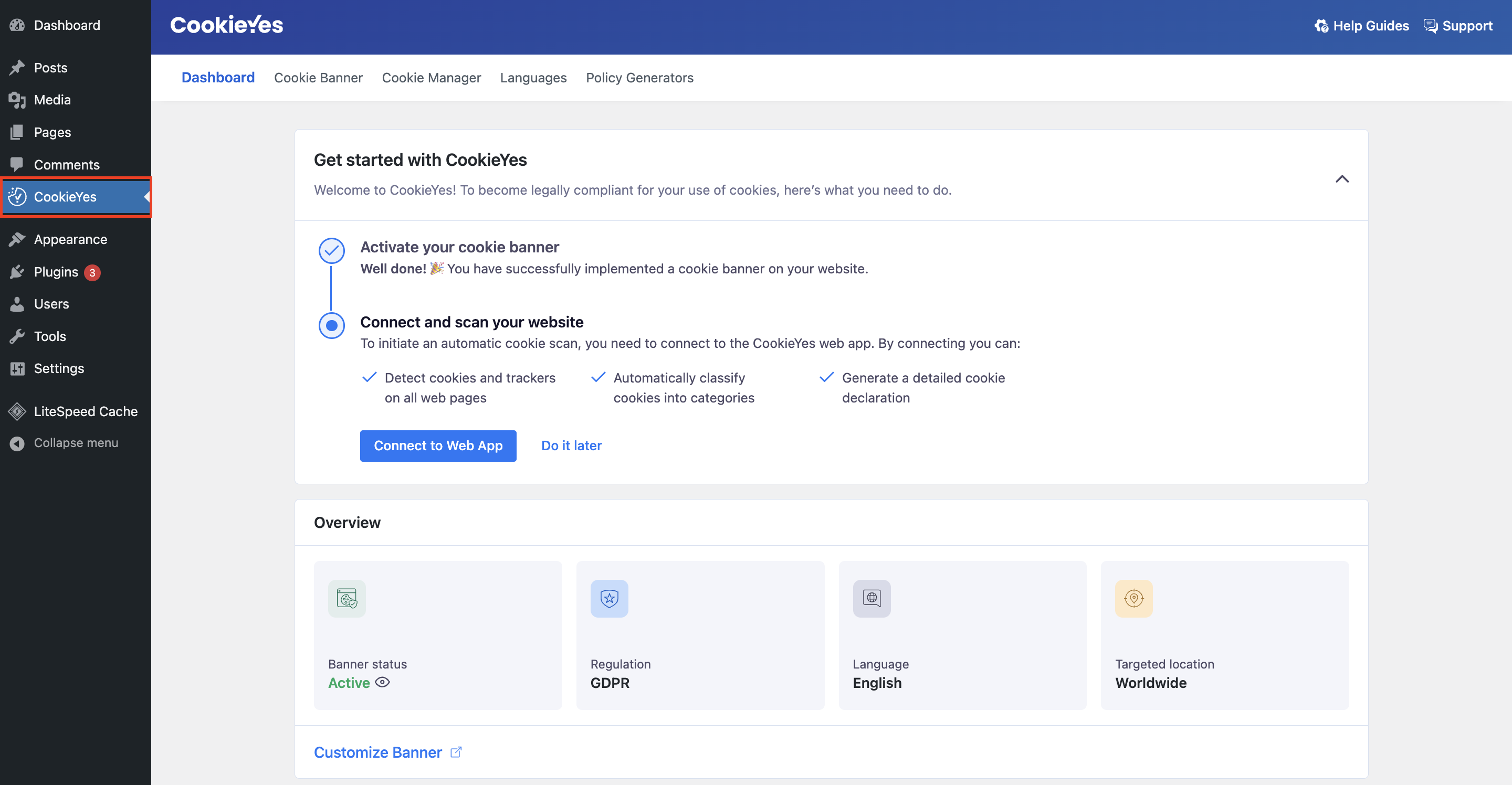
Credit: www.cookieyes.com
Frequently Asked Questions
What Are WordPress Plugins Used For?
WordPress plugins enhance website functionality without altering core code. They add features like contact forms, SEO tools, and security enhancements. Users can easily install plugins to tailor their sites to specific needs, making WordPress versatile. Plugins range from simple tools to complex integrations, catering to various user requirements.
How Do WordPress Plugins Improve Seo?
WordPress plugins improve SEO by optimizing site structure, content, and meta tags. They offer features like keyword analysis, XML sitemaps, and readability scores. Plugins like Yoast and All in One SEO guide users in enhancing search visibility, ensuring better rankings.
They simplify SEO tasks, making optimization accessible to all users.
Are WordPress Plugins Secure?
WordPress plugins are secure when sourced from reputable developers. Regular updates and good reviews indicate reliable plugins. However, poorly coded or outdated plugins can pose security risks. It’s crucial to research and choose plugins wisely, ensuring they are maintained and compatible with WordPress updates for optimal security.
Can WordPress Plugins Slow Down My Site?
WordPress plugins can slow down sites if they’re poorly optimized or too numerous. Each plugin adds code, potentially affecting performance. It’s essential to choose efficient plugins and regularly assess their impact. Deactivating unnecessary plugins or using caching solutions can help maintain site speed and performance.
Conclusion
Choosing the right WordPress plugins boosts your site’s functionality. Plugins enhance performance, security, and user engagement. Consider your site’s needs and audience before selecting. Some plugins offer SEO tools, helping improve visibility. Others focus on site speed or design. Always check compatibility and reviews.
Regular updates keep plugins secure and efficient. Too many plugins can slow your site. Select wisely to maintain speed. Explore different options and find what fits best. Balancing features and efficiency ensures a smooth user experience. With the right plugins, your WordPress site will thrive.


