
Are you dreaming of launching your own website but worried about the costs? What if I told you that you can do it for free?
Yes, you read that right—free web hosting is within your reach, and I’m here to guide you through every step. Imagine having a digital space all to yourself without the financial burden. This opportunity is not just for tech experts; it’s for anyone who wants to create and share their passion online.
You’ll discover how to set up your own free web hosting website, unlocking possibilities that were once out of reach. You’ll learn not only the basics but also insider tips that will make your website stand out. Get ready to dive into the world of free web hosting—your gateway to online presence without breaking the bank. Curious about how it all works? Keep reading, and let’s turn your web dreams into reality.
Choosing The Right Platform
Free hosting platforms are a great start. They offer basic features. Some platforms include Wix, WordPress, and Weebly. Each has its own strengths. Wix is user-friendly. WordPress offers many plugins. Weebly is simple to use.
Consider the features you need. Look at storage and bandwidth. Some platforms have limits. Make sure it fits your needs. Also, check if they show ads. Ads can change how your site looks.
| Platform | Features | Limitations |
|---|---|---|
| Wix | Easy drag-and-drop design | Shows ads on free sites |
| WordPress | Many plugins available | Limited customization |
| Weebly | Simple to use | Less storage space |

Credit: www.accuwebhosting.com
Domain Name Selection
Many platforms offer free domain names. Services like Freenom and Dot.tk provide these options. These domains often end with .tk, .ml, .ga, .cf, or .gq. Such domains are good for personal projects or testing. But they might not be best for business sites.
Pick a short and easy name. People should remember it easily. Avoid using numbers or symbols. Choose words that describe your site. This helps with search engines. The name should be unique and not too long. Check if the name is available. Use domain search tools online.
Setting Up The Hosting Account
Start by visiting a free web hosting provider website. Look for a sign-up or register button. Click on it to begin. Fill out the form with your name, email, and password. Choose a unique username. Check your email for a verification link. Click the link to confirm your account. Now, you have a free hosting account.
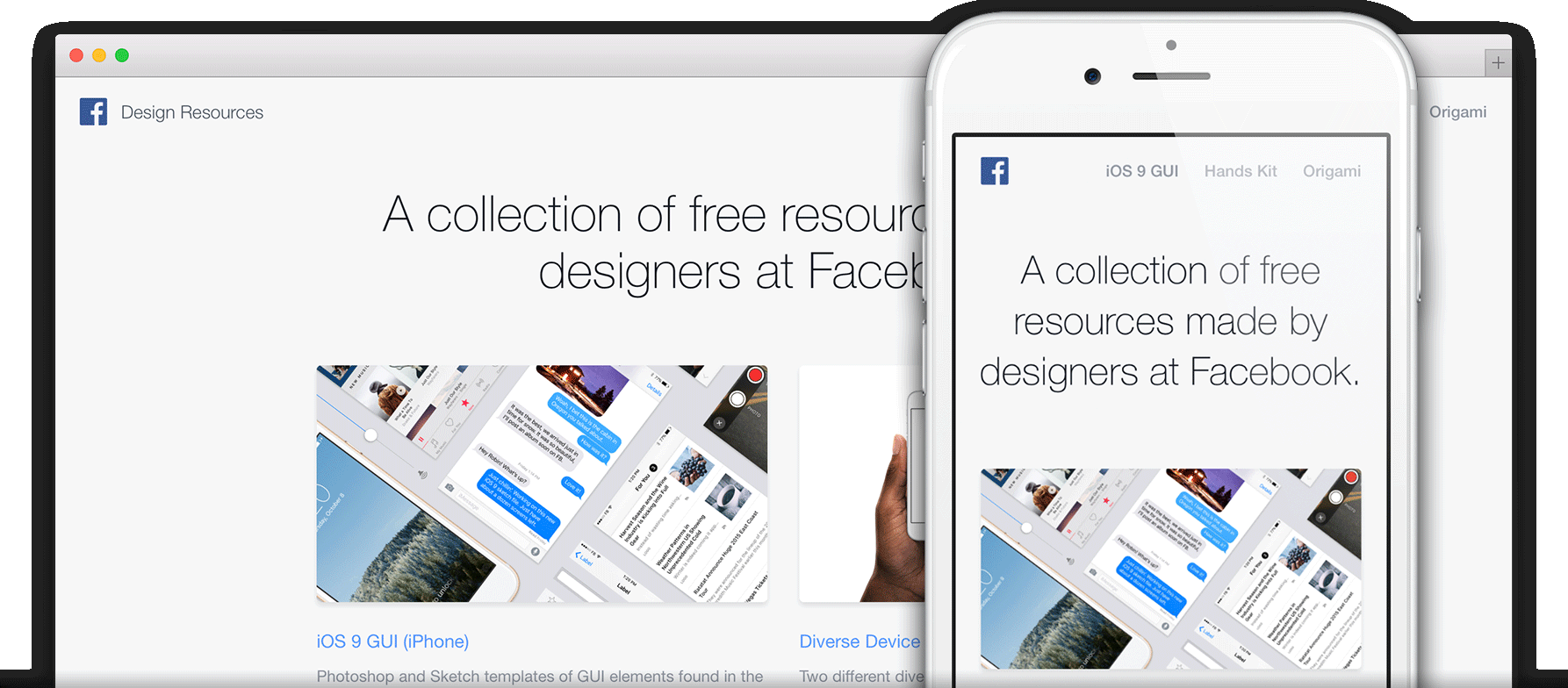
After registration, log in to your account dashboard. Find the settings or control panel option. Click to open it. Set your site name and URL. Choose a template for your site design. Make sure to save these settings. Explore other options like security and privacy. Adjust them to your needs. Keep your site settings simple and easy to manage.
Credit: pages.github.com
Website Design And Layout
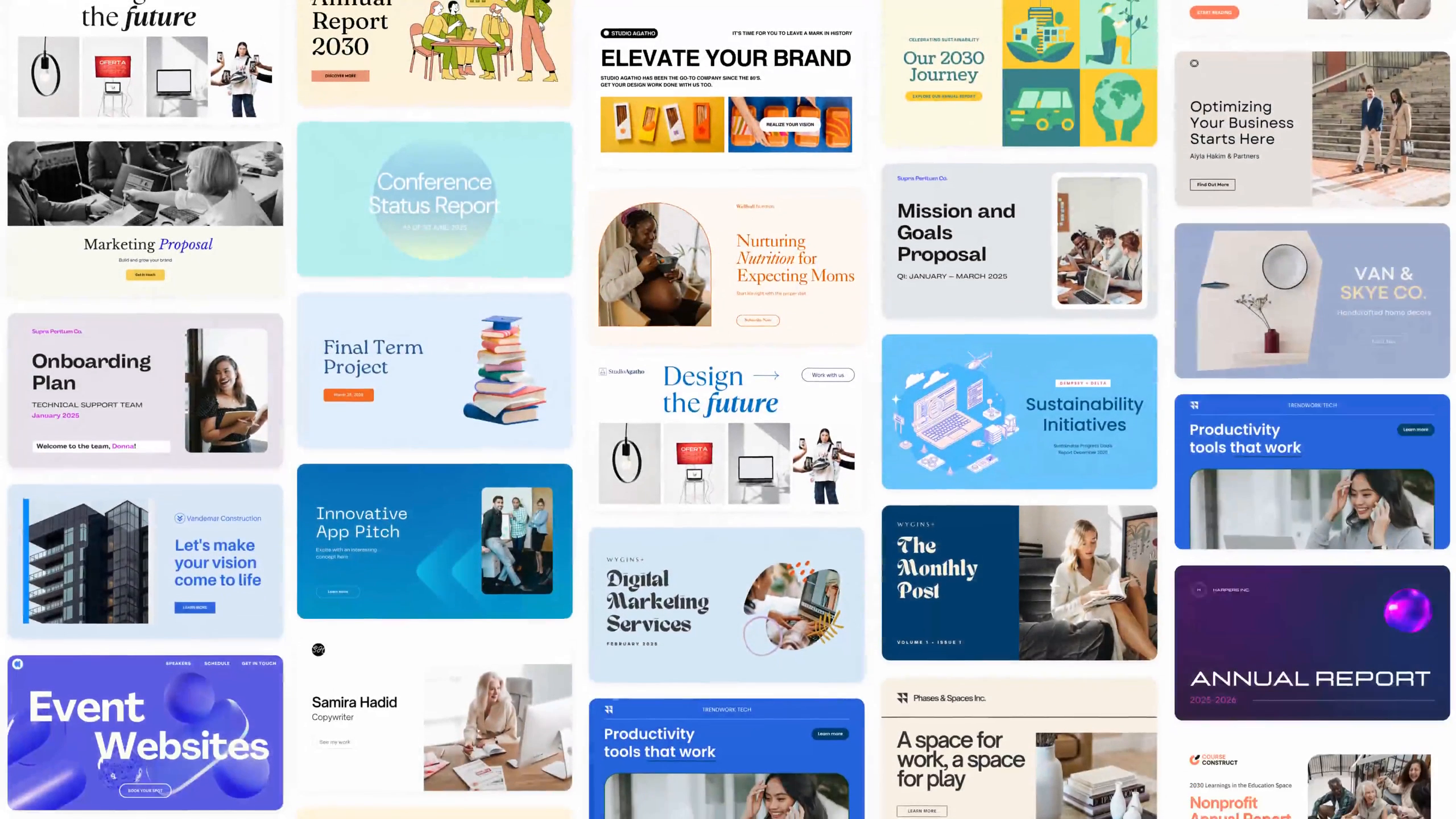
Choosing a template is the first step. Templates are like pre-made designs. They help you make a website look nice. Many free templates are online. Pick one that fits your style. Make sure it is easy to use. Some templates are for blogs. Others are for shops. Check if the template works on phones. That is important. People use phones a lot.
Templates can be changed. You can add your own pictures. Change the colors to match your style. Add your logo if you have one. You can also change the font style. Fonts are how the text looks. Make sure it is easy to read. You can move parts around. Make it look how you want.
Content Creation
Creating content is fun. Good content keeps readers interested. Always use simple words. Short sentences work best. Talk about things people care about. Ask questions. Make your reader think. Use stories. Stories make ideas clear. They help people remember. Be creative. Share facts. Facts are important. But make sure they are true. Use examples. Examples help people understand. Be friendly. Write like you talk to a friend. This makes your content engaging.
Adding pictures and videos can help. They make content exciting. Pictures show ideas fast. Videos can teach. Use colorful images. They grab attention. Make sure your pictures are clear. Videos should be easy to watch. Keep them short. Add captions to pictures. Captions explain what pictures show. Use charts and graphs. They share numbers in a fun way. Multimedia makes content better. It helps people learn faster.
Implementing Seo Strategies
Creating a free web hosting website involves understanding SEO strategies to boost visibility. Focus on keyword research, optimizing content, and ensuring mobile-friendliness to attract more visitors.
Optimizing For Search Engines
Search engines help people find your website. They use special rules called algorithms. Your goal is to make your site easy to find. Good SEO helps you do this. First, use clear titles for each page. Keep them short and direct. Next, add descriptive tags to your images. This helps search engines understand your content.
Using Keywords Effectively
Choose simple keywords that match your site. Think about words your audience might use. Place these keywords in your titles and headings. Also, sprinkle them throughout your text. But, do not use too many. This can confuse the reader. Balance is key. Use keywords that fit naturally. This makes your content easy to read.
Launching The Website
Double-check every page on your site. Ensure all links work properly. Make sure images load quickly. Test your website on different devices. Try a phone, a tablet, and a computer. Check for spelling and grammar mistakes. Correct them if found. Ask a friend to review your site. They might see errors you missed. Make your site easy to use. Visitors should find information quickly.
Choose a free hosting platform. Popular options include WordPress or Wix. Create an account with your chosen host. Upload your website files to their server. Once uploaded, your site is live. Share the link with family and friends. They can visit your site now. Keep your site updated. Add new content regularly. It keeps visitors coming back.
Credit: www.canva.com
Maintaining And Updating
Keeping your free web hosting website up-to-date ensures smooth operation. Regular updates improve security and fix bugs. Always back up your data before making changes.
Regular Content Updates
Keeping your website fresh is important. Add new content often. This keeps visitors coming back. Fresh content also helps with search engine rankings. Aim to update your site every week. Even small changes make a big difference. Regular updates show that your site is active. This builds trust with users.
Monitoring Performance
Check how your site performs. Use tools to see visitor numbers. Find out which pages are popular. This helps you understand what users like. Performance monitoring helps fix problems early. Slow pages can be improved for better speed. Happy users stay longer and might come back. Keep an eye on your site’s uptime too. Ensure your site is always online and accessible.
Frequently Asked Questions
Can I Create And Host A Website For Free?
Yes, you can create and host a website for free using platforms like WordPress. com, Wix, or Google Sites. These platforms offer free plans with limited features, suitable for personal or small-scale projects. To access advanced features, consider upgrading to paid plans.
Is Wix Really Free Hosting?
Wix offers free hosting with limitations. Users get a Wix-branded domain and display ads on their site. Upgrading to a paid plan provides a custom domain, more storage, and no ads. The free plan is ideal for simple sites or testing Wix features before committing to a premium plan.
Can I Create A Website For Free By Myself?
Yes, you can create a website for free using platforms like WordPress. com, Wix, or Weebly. These offer user-friendly tools and templates. You might face limitations such as ads or restricted features. Consider upgrading for more functionality and customization options.
Building a website yourself saves money and enhances creativity.
Does Godaddy Provide Free Hosting?
GoDaddy does not offer free hosting services. They provide a variety of paid hosting plans. Each plan includes different features tailored to meet diverse website needs. Always review their pricing and options to select the best plan for your requirements.
Conclusion
Creating a free web hosting website is simpler than it seems. Start small. Choose a user-friendly platform. Focus on basic design and features. Test your site regularly for issues. Remember, content matters. Quality attracts visitors. Engage with your audience. Respond to feedback.
Make improvements based on user needs. Keep learning about web hosting. Explore forums and tutorials. Stay updated with trends. Your website can grow over time. Patience is key. Success doesn’t happen overnight. Enjoy the process. Celebrate small wins. Happy hosting!


