
Are you looking to create a stunning website without the hassle of complicated coding? With BoldGrid Website Builder and Web Hosting Hub, you can bring your online vision to life quickly and effortlessly.
Imagine having all the tools at your fingertips to design a professional-looking site with ease—no need to be a tech wizard. BoldGrid is designed to be intuitive and straightforward, making it the perfect choice for anyone who wants to dive into website creation.
Pair this with Web Hosting Hub’s reliable service, and you’re set up for success. Curious about how this dynamic duo can transform your web presence? Stick around as we guide you through everything you need to know to get started and make the most of BoldGrid with Web Hosting Hub. Your dream website is just a few clicks away!

Credit: www.webhostinghub.com
Getting Started With Boldgrid
First, visit the Boldgrid website. Look for the sign-up button. Click it to start. Enter your email and a password. Make sure your password is strong. Click the create account button. That’s it. Your Boldgrid account is ready.
Go to the Web Hosting Hub website. Find the login page link. Enter your username and password. Click the login button. You will now see your dashboard. From here, you can start building your site. Look for the Boldgrid installer. Follow the steps to install it. Soon, you will have a new website.
Installing Boldgrid
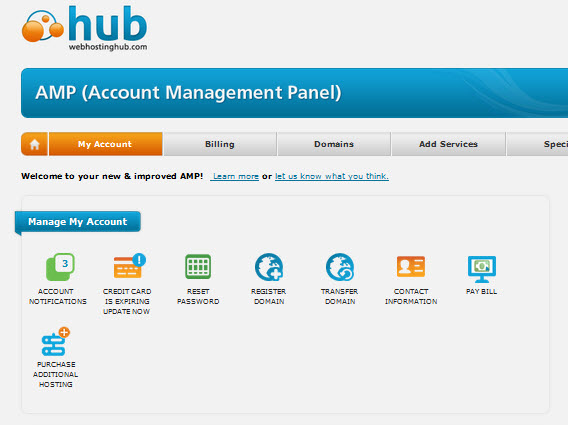
First, log in to your Web Hosting Hub account. Find the control panel link. Click on the link to open it. The control panel shows many options. Look for the Softaculous Apps Installer. This tool helps in installing software. It makes the process easy. Find it and click to proceed.
After opening Softaculous, search for Boldgrid. Type “Boldgrid” in the search box. The search results will show Boldgrid. Click on it to view details. You will see an “Install” button. Click the “Install” button to start. Follow the on-screen instructions. They are simple and easy to follow. In a few steps, Boldgrid will be ready for use.
Exploring Boldgrid Features
Select from many colorful templates in Boldgrid. Each template is designed for different needs. Choose one that fits your style. You can find templates for shops, blogs, and more. This makes building websites easy.
Change your site’s look with design tools. You can adjust colors, fonts, and layouts. Want a blue background? It’s simple to change. Make the site unique and fun. Add your own touches to stand out.
The content editor helps you add text and images. It’s easy to use, like typing in a notebook. You can drag images to the right spot. Bold important words with a click. This tool makes adding content simple.
Enhancing Your Website
Plugins add new features to your website. Choose plugins that fit your needs. Popular plugins include contact forms and SEO tools. Install them from the plugin menu. Always keep plugins updated for best performance. This helps in keeping your site secure.
SEO tools help your website rank better on search engines. Use tools like Yoast SEO or All in One SEO Pack. They help in writing better content. They also help in setting meta tags and descriptions. Check SEO suggestions and apply them. This will help more people find your website.
Social media links connect your site to platforms like Facebook and Twitter. Add buttons to share posts easily. This helps in reaching a wider audience. You can also add feeds to show updates. Keep your social media profiles active and engaging. This keeps your visitors updated.
Managing Your Boldgrid Site
Build your website easily with Boldgrid using Web Hosting Hub. Access a wide range of features and templates. Customize your site with simple drag-and-drop tools. Enjoy seamless integration and optimize your online presence effortlessly.
Regular Maintenance Tips
Keep your Boldgrid site running smoothly. Check for updates often. Update plugins and themes. This helps your site work well. Remove unused plugins. This clears space. Use a tool to check broken links. Fix them quickly. Broken links make users unhappy. Keep your content fresh. Add new posts often. This keeps visitors coming back.
Backup And Restore Options
Backups are important. They protect your site. Make backups regularly. Use Web Hosting Hub backup tools. Store backups safely. Restore your site from backups if needed. This saves time and effort. Test backups monthly. Make sure they work. A working backup can save your site. Don’t forget this step. It is crucial.
Credit: www.webhostinghub.com
Troubleshooting Common Issues
Installation errors can be frustrating. First, check your internet connection. Sometimes, a poor connection causes problems. Ensure your hosting meets Boldgrid requirements. Next, verify your PHP version is up to date. Boldgrid needs a certain PHP version to run smoothly. If issues persist, restart the installation process. This might solve the problem.
Plugins might not always work well together. Start by disabling all plugins. Then, enable them one by one. This helps identify the conflicting plugin. Update all plugins regularly. An outdated plugin can cause issues. Consider using alternative plugins if conflicts continue.
If problems remain, contact Web Hosting Hub support. They are there to help. Provide them with detailed information about your issue. This includes error messages and steps taken. Support teams can offer solutions and guide you through the process. Always keep your hosting account details handy.
Credit: hostings.info
Frequently Asked Questions
Do Website Builders Include Hosting?
Yes, most website builders include hosting services. This means you can create and publish your site easily. Always check specific features and pricing details as they may vary between providers. Ensure the builder offers reliable hosting to support your website’s needs.
How To Set Up A Website Web Hosting?
Choose a reliable web hosting provider. Register your domain name. Select a hosting plan. Configure DNS settings. Upload website files using FTP or hosting control panel.
How To Host A Website On Bluehost?
Sign up for a Bluehost account. Choose a hosting plan and register your domain name. Install WordPress via the Bluehost dashboard. Customize your site using themes and plugins. Publish your content and manage your website through the Bluehost control panel.
What Is Boldgrid Website Builder?
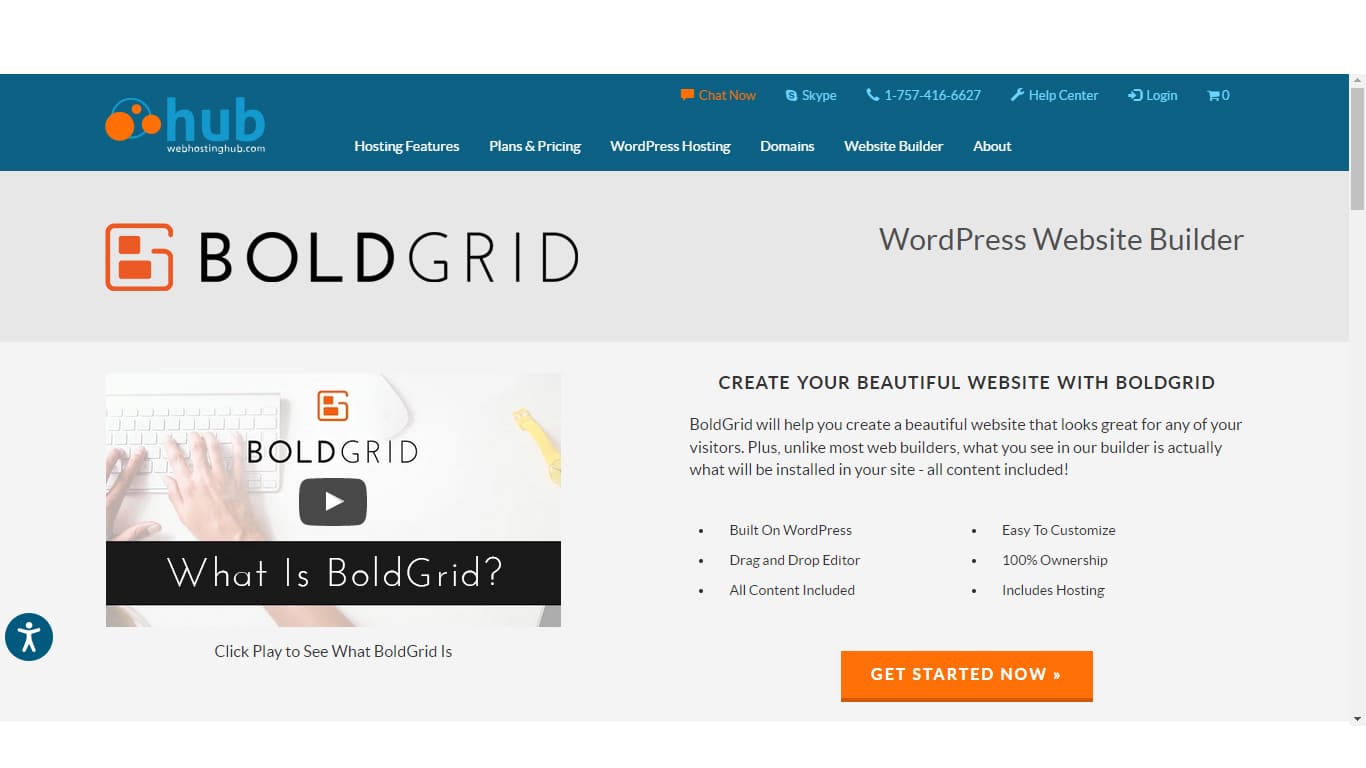
Boldgrid is a powerful website builder that works with WordPress. It provides customizable templates and an intuitive drag-and-drop interface. This makes it easy for users to create professional-looking websites. It’s ideal for beginners and experienced developers alike.
Conclusion
Boldgrid with Web Hosting Hub simplifies website building. Easy tools and intuitive design. Users create stunning sites without hassle. Beginners find it user-friendly. Advanced users appreciate customization. Hosting is reliable. Speed is impressive. Support is helpful. Your online presence grows efficiently.
Boldgrid suits businesses and personal projects. A perfect blend of creativity and functionality. Start building your site today. Experience seamless integration. Enjoy the process. Make your website dreams a reality. A smart choice for all levels. Building a site has never been this straightforward.
Embrace the possibilities with Boldgrid and Web Hosting Hub.


