
Are you looking to supercharge your WordPress website? If so, understanding addons might be your secret weapon.
Picture this: your website as a sleek car, cruising down the digital highway. Now, imagine addons as the turbo boost that takes your site from ordinary to extraordinary. With the right addons, you can enhance functionality, streamline processes, and create a seamless experience for your visitors.
But what exactly is an addon in WordPress, and why should you care? Dive into this article to uncover how these small but mighty tools can transform your WordPress site into a powerhouse, offering features you never thought possible. Whether you’re a beginner or a seasoned WordPress user, mastering the art of addons can unlock new levels of creativity and efficiency. Ready to explore the possibilities? Keep reading to discover how addons can redefine your WordPress journey.
Defining Addons In WordPress
WordPress addons are small tools. They add extra features to your site. Imagine your site as a cake. Addons are like sprinkles on top. They make the cake more exciting. Addons can help with many tasks. They can improve your site’s design or make it faster. Some addons help with SEO. Others add social media buttons.
Choosing the right addons is important. Too many can slow down your site. Always pick addons from trusted sources. Read reviews before adding them. This keeps your site safe and working well. Many developers create addons. They offer both free and paid options. Free addons usually have basic features. Paid ones offer more advanced tools.
Types Of WordPress Addons
Plugins are like small apps. They help make your website better. You can add features like contact forms or photo galleries. They are easy to install. There are many free plugins. Some are paid.
Themes change how your website looks. They make your site pretty. You can choose colors and fonts. Some themes are for blogs. Others are for shops. Many themes are free. Some cost money.
Widgets are like little boxes. They sit on your site. They show things like the weather. Or maybe the time. You can move them around. Widgets are easy to use. Many themes come with widgets.
Benefits Of Using Addons
Addons offer great customization options. They help in changing the look of a website. Different addons offer different styles. Users can choose the style they like. It makes each website unique. Customization is easy with addons. No need to know coding. Just a few clicks, and changes are made.
Addons enhance a website’s functionality. They add new features. Features like contact forms, galleries, and more. This makes a website more useful. Users can add features without extra cost. Functionality boosts user interaction. A better website experience is possible with addons.
Addons improve the user experience. They make navigation smooth. Users find what they need quickly. Faster loading times are possible. Addons help in making websites mobile-friendly. A good user experience leads to happy visitors. Happy visitors stay longer on a website.
Credit: www.dreamhost.com
How To Choose The Right Addon
Think about what you need. Do you want extra features? Identify your priorities. Knowing what you need will help. Some addons help with design. Others improve speed. Understand your needs for better choices.
Check reviews. Read what others say. Do people like the addon? Ratings tell you if an addon is good. High ratings mean people trust it. Reviews show real experiences. Good reviews help you decide. Listen to others.
Make sure it works with your website. Check if the addon is compatible. Some addons don’t work with all sites. Compatibility is important for smooth use. Ensure the addon matches your version of WordPress. Avoid problems by choosing compatible addons.
Installing And Managing Addons
Addons in WordPress are tools that enhance website functionality and features. They help customize sites without coding skills. Easily install and manage them through the WordPress dashboard.
Installation Process
Adding new addons is simple. Visit the WordPress dashboard. Click on Plugins. Search for the addon you want. Click Install Now. Wait for the installation. Then, click Activate. Your addon is ready to use. Some addons need settings. Check the addon page for guidance.
Updating Addons
Keep addons up-to-date. Updates fix bugs. They add new features. Go to the dashboard. Click on Plugins. Look for update notices. Click Update Now. Wait for the process. Updating ensures security.
Troubleshooting Common Issues
Sometimes addons cause issues. The website may look odd. Deactivate the addon first. Check if the problem goes away. If yes, the addon is the cause. Look for a fix or contact support. Some issues need re-installation. Always backup before troubleshooting. It keeps your data safe.

Credit: www.greengeeks.com
Popular Addons To Consider
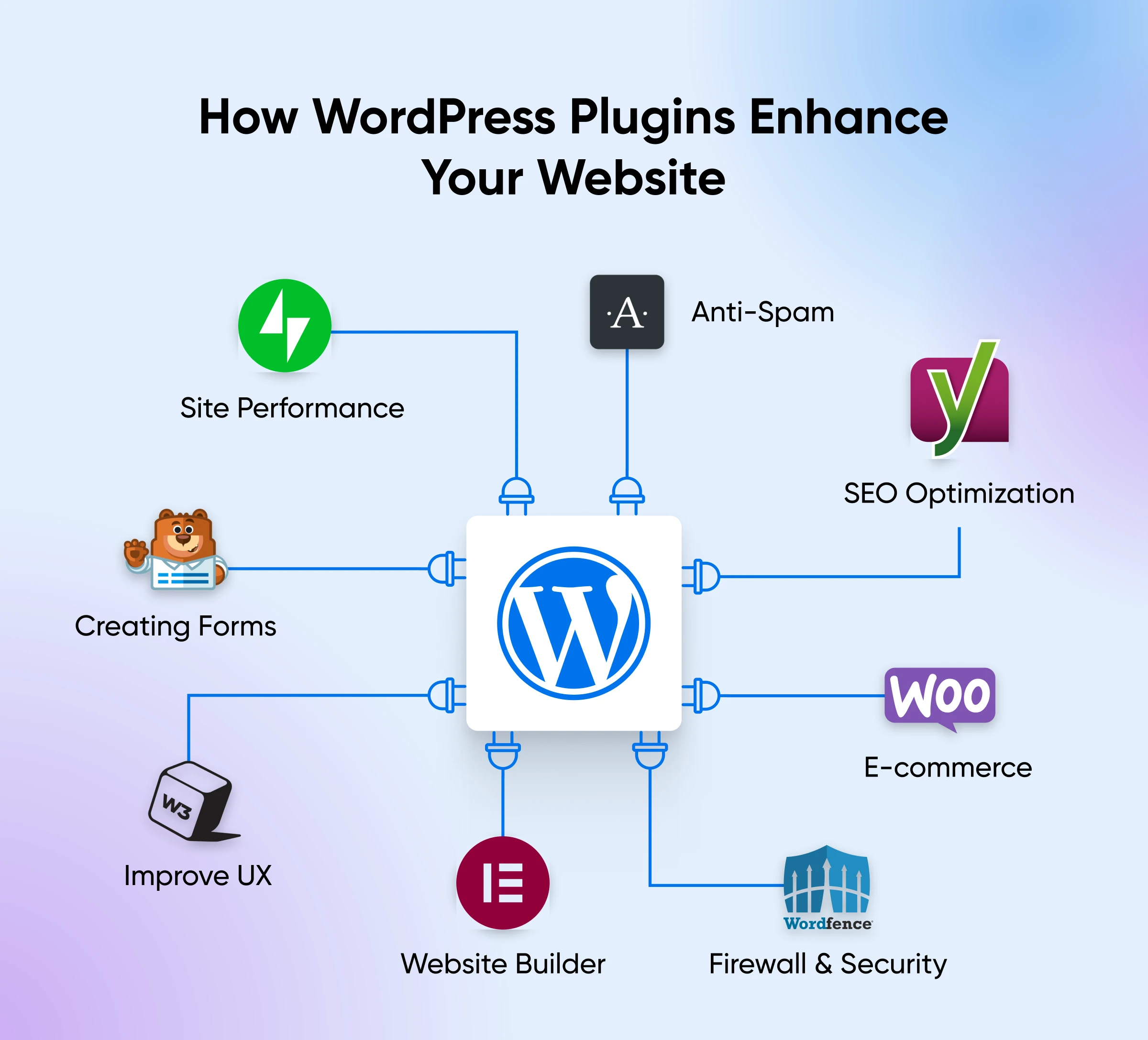
Yoast SEO is a top choice for many users. It helps improve your site’s ranking. You can easily add meta tags. All in One SEO Pack is another great tool. It offers XML sitemaps. It also supports Google Analytics. These tools make your site more visible.
Wordfence Security protects your site from hackers. It offers a firewall and malware scanner. Sucuri Security is also popular. It provides website monitoring. Alerts are sent if there is a problem. These addons keep your site safe.
WooCommerce is perfect for online stores. It helps manage products and payments. Easy Digital Downloads is for selling digital goods. It supports payment gateways. Both are user-friendly and efficient.
Best Practices For Using Addons
Addons need regular updates to work well. Updates fix bugs. They also add new features. Always check for updates. Set reminders to update them. This keeps your site safe and fast.
Create a backup of your site. Do this before adding addons. Backups help if something goes wrong. You can use plugins for this. Restoring your site is easy with a backup. Keep the backup file safe.
Addons can slow down your site. Use tools to monitor performance. Check load times often. Remove addons that make your site slow. Choose lightweight addons for better speed.

Credit: visualmodo.com
Frequently Asked Questions
What Is A WordPress Addon?
A WordPress addon is a tool or feature that enhances the functionality of your website. Addons can be plugins or modules that integrate seamlessly with WordPress, offering additional features like SEO tools, contact forms, or e-commerce capabilities. They help tailor your site to meet specific needs without extensive coding.
How Do WordPress Addons Work?
WordPress addons work by extending the core capabilities of your website. They integrate with WordPress through its plugin system, allowing users to add features without altering core files. Once installed, addons can be activated to provide specific functionalities, like improving site security, enhancing speed, or adding new design elements.
Are Addons Free In WordPress?
Many WordPress addons are available for free, offering essential features. Free versions often have limitations, encouraging users to upgrade for more advanced features. Premium addons provide enhanced capabilities and support. Choosing between free and premium depends on your site’s specific needs and budget.
Why Use Addons In WordPress?
Using addons in WordPress simplifies site customization and functionality enhancement. They allow you to add features like SEO optimization, social media integration, or analytics. Addons save time and effort by providing ready-made solutions, improving user experience, and helping to achieve business goals efficiently.
Conclusion
WordPress addons simplify website customization. They enhance functionality with ease. Users can tailor their sites without coding expertise. Addons offer solutions for various needs. From SEO to design, there’s an addon. They improve user experience significantly. Choosing the right addons matters.
Research and select wisely for best results. With addons, your WordPress site can evolve. Stay updated with new releases. This keeps your site competitive. Embrace addons to boost your site’s potential. They’re essential tools for any WordPress user. Happy customizing!


