
Imagine building your dream house but having no land to place it on. Sounds odd, right?
The same goes for your WordPress site without hosting. You might wonder, “What happens if I skip hosting altogether? ” Without hosting, your website is like a floating idea with no real presence on the internet. It’s invisible to your audience, unreachable, and, ultimately, ineffective.
Hosting is the backbone that supports your site’s online existence, ensuring it runs smoothly and is always accessible. We’ll explore the essential role hosting plays for your WordPress site, what you risk by overlooking it, and why it’s a critical investment for your online success. Keep reading to uncover the potential pitfalls and discover how to ensure your site thrives in the digital world.
WordPress Hosting Basics
Hosting is a home for your WordPress site. It stores all your site files. Without hosting, your site can’t exist online. Hosting makes your site accessible to everyone. It is like a server that keeps your site running smoothly. Without it, your site will be offline. Hosting is important for site speed and security. It helps your site load faster. It protects your site from hackers. Choosing the right hosting is vital for your site’s success. Hosting affects your site’s performance and user experience.
Hosting plays a crucial role in WordPress. It ensures your site is live on the internet. It manages traffic to your site. Hosting keeps your site safe and secure. Good hosting means fewer crashes. Hosting helps with SEO and ranking. It makes sure your site is fast and reliable. It supports plugins and updates. Without hosting, your site is just data on your computer. Hosting turns your data into a website. It is the foundation of a WordPress site.
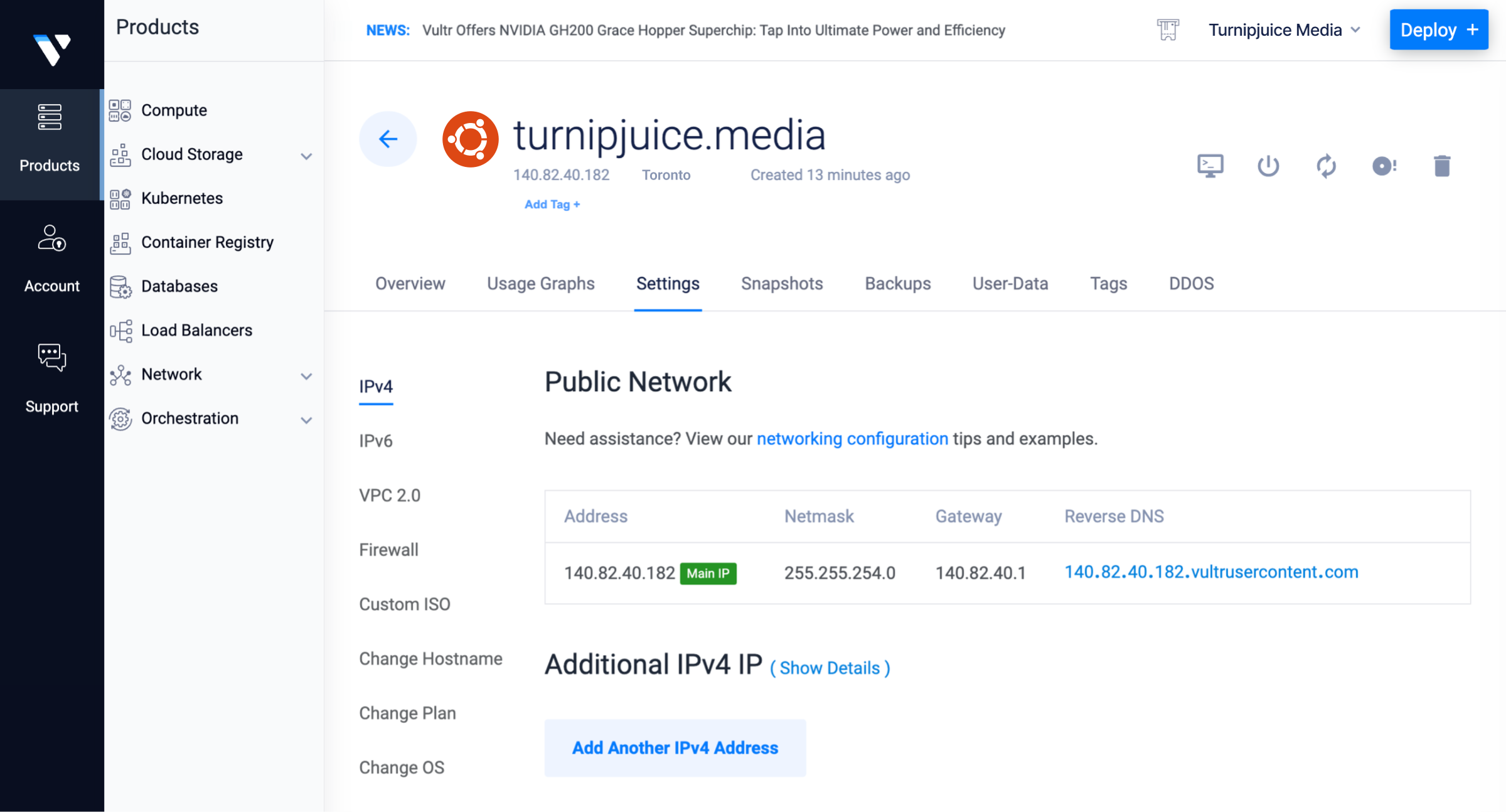
Hosting services come in different types. Shared hosting is budget-friendly. It means sharing a server with others. VPS hosting is a middle ground. It offers more control and resources. Dedicated hosting is private. It’s like having your own server. Cloud hosting is flexible. It uses many servers to host your site. Each type has pros and cons. Choosing the right type depends on your needs. Some types are better for large sites. Others are ideal for beginners. Understanding these types helps you make an informed choice.
Credit: spinupwp.com
Self-hosting Alternatives
A local server can help run a WordPress site on a personal computer. This setup saves money on hosting fees. Local servers are great for testing sites before going live. No need for internet connection. This setup is perfect for learning and practice. It’s not suitable for public access, though. Speed and performance depend on the computer’s power. It’s a useful tool for developers and designers. Security risks are lower as it is private.
Cloud computing offers flexible and scalable hosting. Services like AWS and Google Cloud are popular choices. They provide tools to manage WordPress sites efficiently. Cloud hosting can handle large visitor traffic. It offers automatic backups and updates. The cost varies with the resources used. This solution ensures better uptime and reliability. It’s ideal for businesses and growing websites. Many support teams are available for assistance. It’s a modern way to host without a traditional server.
Benefits Of Not Using Traditional Hosting
Saving money is a big benefit. Traditional hosting can be expensive. Without it, you avoid monthly fees. You don’t pay for extra features. Only pay for what you need. This can be cheaper in the long run.
Having more control over your site is great. You can change things easily. You decide what plugins to use. This means you can make your site unique. Customizing is fun and creative. It suits your needs better.
Challenges And Limitations
Running a WordPress site without hosting needs special skills. Regular users find it hard. You need to understand servers and databases. Setting up a server is not easy. It takes time and patience. Troubleshooting issues can be challenging. Solutions are not always simple.
Beginners might feel lost. It’s important to know coding. Without this, managing the site becomes tough. Even small errors need fixing. This can be frustrating without the right knowledge.
Security becomes a big worry without proper hosting. Hosted platforms offer built-in protection. Without it, your site is at risk. Hackers often target unprotected sites. Keeping data safe needs constant updates. It’s a task that needs attention.
SSL certificates are crucial for safety. Without hosting, setting this up is hard. Unsecured sites can lose visitors. Trust is important for any website. Without security, it’s hard to gain.
Performance Considerations
Hosting affects speed and reliability of a WordPress site. Without hosting, pages load slowly. Visitors may leave. A reliable host keeps your site up. Downtime means lost visitors. Fast sites rank better on search engines. A good host provides security too. Protects your site from attacks. Security is very important.
Growing websites need more resources. Without hosting, scaling is tough. A host provides extra storage and bandwidth. These help handle more visitors. Without them, your site may crash. Popular sites need strong servers. A host can upgrade your plan. This ensures smooth growth. No hosting means limited growth. Your site can’t reach more people.
Credit: www.liquidweb.com
Security Measures
Skipping hosting for a WordPress site can expose it to security threats. Self-hosting demands expertise to manage server security. Without proper measures, vulnerabilities can lead to data breaches.
Protecting Your Site
Protecting your site is very important. Hackers look for weak websites. They can steal data or cause trouble. Use strong passwords for your site. Change them often. Keep your WordPress software updated. Updates fix holes in security. Use a security plugin. It can stop many attacks. Always watch for strange activity. If your site acts funny, check for issues.
Regular Backups
Regular backups keep your site safe. Imagine losing all your work. That would be terrible. Backups let you restore your site. You can use a plugin to make backups. Save backups in a safe place. This can be on a cloud or a hard drive. Make backups weekly or even daily. This way, your site is always safe. You can feel calm knowing your work is secure.
Case Studies And Examples
Many sites succeed with self-hosting. Owners get full control. They choose what plugins to use. They also manage site speed. Security becomes tighter. No third-party interference. Costs can be lower too. Some find self-hosting cheaper. They avoid monthly fees. They only pay for server costs.
Some sites fail without hosting. They face many issues. Technical problems arise often. Maintenance becomes a big task. Some owners struggle with updates. Others miss important backups. These sites often lose data. Visitors face slow pages. Traffic drops quickly. Some regret not using hosting. They find it hard to fix issues. Learning from mistakes helps improve. Always consider risks of self-hosting.
Tools And Resources
Self-hosting needs special tools. Apache is a tool to serve your site. It helps your site show up on the internet. MySQL stores all your site info. It keeps your data safe. PHP is needed for WordPress to work. It makes your site run smoothly.
Online groups help a lot. They answer questions. They give advice and tips. People share their experiences. Ask in forums. Many people are ready to help. They make hosting easy. You learn new things. You find answers fast. You feel supported.
Credit: www.greengeeks.com
Frequently Asked Questions
Can I Run WordPress Without Hosting?
Running WordPress without hosting limits your site accessibility. Hosting provides necessary resources and security for your website. Without it, you might struggle with performance, uptime, and managing data, affecting user experience and site growth.
Is Self-hosting WordPress A Good Idea?
Self-hosting can be challenging due to technical requirements. It requires managing servers, updates, and security. It offers control but demands more responsibility. It’s suitable for tech-savvy individuals who can handle technical aspects efficiently.
Why Is Hosting Important For WordPress?
Hosting ensures your site is accessible, secure, and performs well. It offers server resources, technical support, and updates. Without hosting, your WordPress site may face downtime, security vulnerabilities, and slow loading times, affecting user engagement and SEO.
Can I Use Local Servers For WordPress?
Local servers are useful for development but not for live sites. They help test changes without affecting your live site. However, they lack public access, making them unsuitable for production websites aimed at online audiences.
Conclusion
Choosing not to use hosting impacts your WordPress site’s performance. It limits your control over speed and security. Hosting ensures reliable uptime and support. Without hosting, your site may face technical issues. This affects user experience negatively. Visitors expect fast loading times.
Hosting helps achieve that. It provides essential backups and updates. These protect your content from loss. Investing in hosting is wise. It offers peace of mind for site owners. Consider your site’s needs carefully. Hosting is an important step in building a successful online presence.
Make an informed decision for your WordPress site.


