
Are you curious about the inner workings of WordPress and how it manages to be so versatile? If you’re a WordPress user, you’ve likely come across terms like XML-RPC and wondered what they actually do.
With its cryptic name, XML-RPC might sound like something out of a science fiction novel, but it’s a vital component of your WordPress website. Understanding it can unlock new possibilities for managing and expanding your site. We’ll delve into the world of XML-RPC in WordPress, revealing its functions and why it’s crucial for your website’s performance and security.
By the end, you’ll not only know what XML-RPC does but also feel empowered to harness its capabilities for your own digital endeavors. Ready to demystify this essential tool? Let’s dive in.
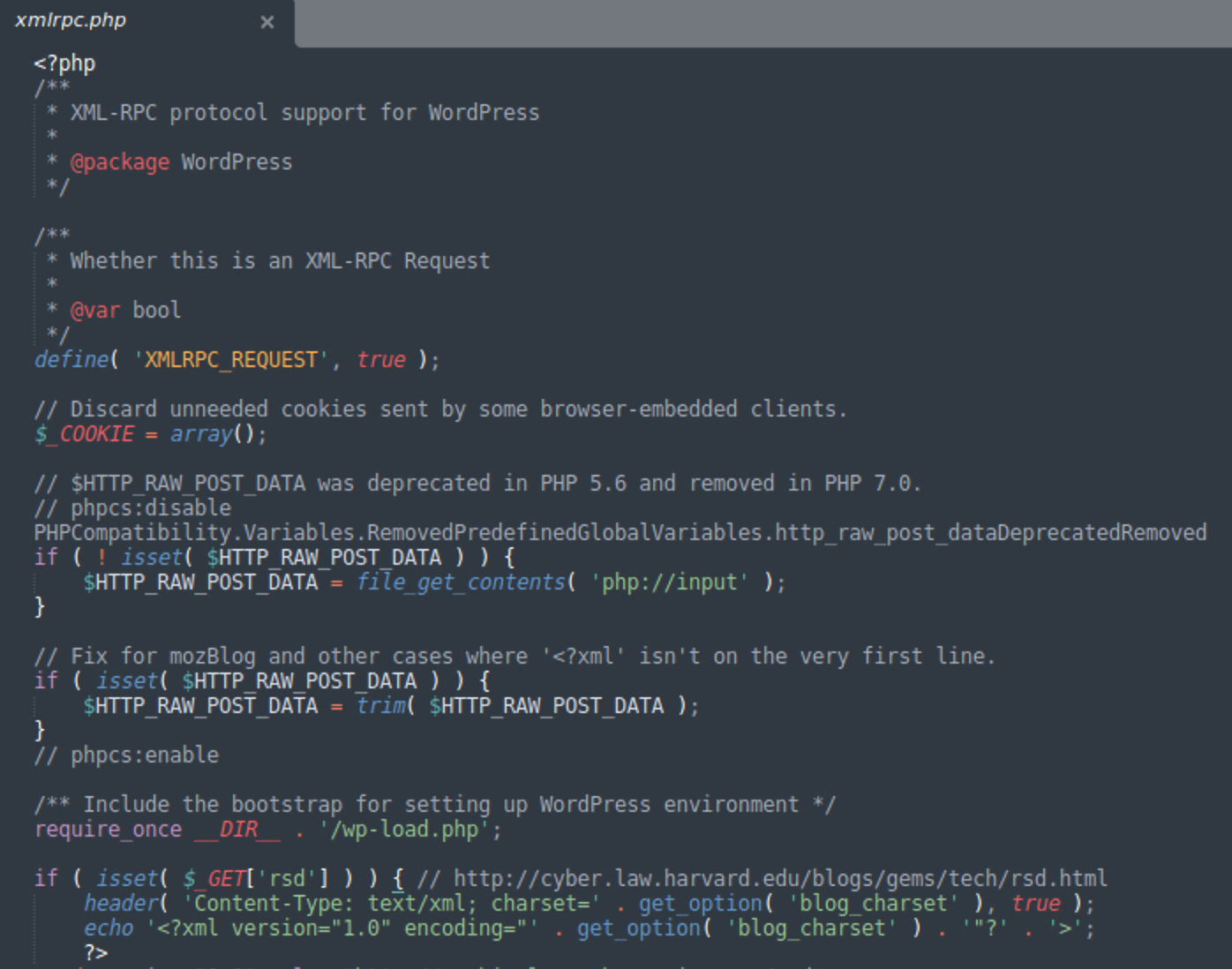
Xmlrpc Php Basics
Xmlrpc Php is a special file in WordPress. It helps your website talk to other apps. This is important for remote publishing. You can post to your blog without logging in. It also helps in mobile app usage. Many WordPress apps use this file. It makes communication easier. Your website can share data with other sites.
Xmlrpc Php has key functions in WordPress. It allows trackbacks and pingbacks. These show who links to your content. It helps in content management. You can manage your site from afar. It’s like a bridge for data exchange. This file makes your website more flexible. It improves how your site connects with others.
Credit: blog.sucuri.net
Remote Publishing
Xmlrpc.php in WordPress helps with remote publishing. It allows users to manage their blogs from different places. This is useful for people on the go. They can write and edit posts without logging into the main dashboard.
Post Creation
Creating posts is easy with this tool. You can add new posts quickly. It also helps in organizing the content. Users can make drafts and publish them later. This feature saves time and effort. It’s good for busy bloggers. They can manage content from anywhere.
Mobile Applications
Xmlrpc Php helps connect WordPress with mobile apps. This makes it easy to manage your blog from your phone. You can write new posts and approve comments. You can even update plugins. These features offer great convenience for bloggers. Managing your site becomes simple and quick.
Integration Benefits
Xmlrpc Php allows apps to work with WordPress. This means you can use other tools. These tools help improve your website. You can add photos and videos easily. Sharing content becomes much more fun. WordPress and mobile apps together make a strong team.
User Accessibility
Accessing WordPress from anywhere is possible. Thanks to Xmlrpc Php. It helps users with different needs. People with disabilities can enjoy WordPress too. This technology ensures everyone can use WordPress. It’s all about making things easy for everyone.
Credit: www.hostinger.com
Security Concerns
XML-RPC has many security risks. Hackers often use it for DDoS attacks. This can slow down your website. They may also try brute force attacks. This means guessing passwords. Hackers can also send multiple requests at once. This can overload your server.
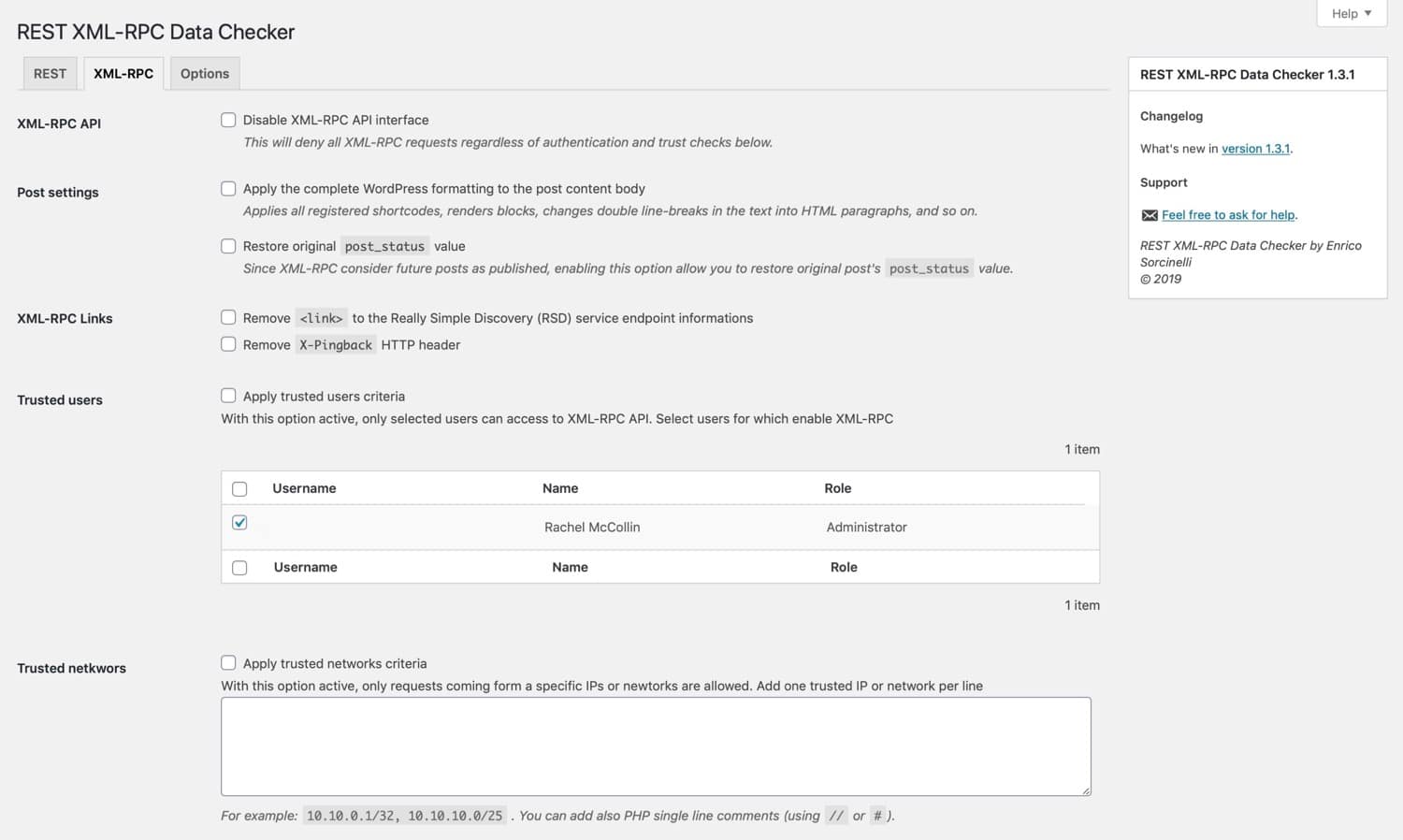
Protect your site with a few steps. Disable XML-RPC if not needed. Use security plugins. These plugins can block bad traffic. Keep your WordPress updated. Updates fix many security issues. Limit login attempts to stop brute force attacks. Always use strong passwords. These steps make your site safer.
Performance Impact
XML-RPC can slow down site speed. It uses server resources heavily. This affects how fast pages load. Visitors may leave if pages are slow. Search engines dislike slow sites. SEO rankings can drop due to this.
XML-RPC can increase server load. It handles many requests at once. This can stress the server. Server performance may decrease. More load means slower responses. This can affect user experience. Hosting costs might rise if server load is high.
Credit: kinsta.com
Alternatives
Xmlrpc. php in WordPress allows remote updates to your site. It connects applications with your WordPress site. This feature is essential for mobile blogging and third-party tools.
Rest Api
The REST API is a popular choice in WordPress. It helps in data exchange between your website and other systems. This method is secure and easy to use. Many developers prefer it for its flexibility. REST API uses JSON format which is simple and lightweight. It supports many modern web applications. This makes it a strong alternative to xmlrpc.php.
Third-party Solutions
There are many third-party solutions available for WordPress. These plugins can enhance your website’s capabilities. Some are free, and others may cost money. They offer different features for various needs. Third-party solutions can improve security and performance. They can also add extra functionalities. Always choose trusted plugins for safety.
Frequently Asked Questions
What Is Xmlrpc.php In WordPress?
Xmlrpc. php is a WordPress file enabling remote communication. It allows external applications to interact with your site. This can include posting content and managing comments. It’s an essential component for mobile apps and other services. However, it can also be a security risk if not properly managed.
How Does Xmlrpc.php Affect WordPress Security?
Xmlrpc. php can pose security risks due to its openness. Hackers may exploit it for DDoS attacks or brute force attempts. Disabling it can enhance security but may limit certain functionalities. Always ensure your WordPress plugins and themes are up-to-date to mitigate risks.
Can I Disable Xmlrpc.php In WordPress?
Yes, you can disable xmlrpc. php in WordPress. Use plugins like “Disable XML-RPC” or add code to your. htaccess file. Disabling it can improve security but might affect remote publishing capabilities. Always evaluate the impact on your site’s functionality before disabling.
Why Is Xmlrpc.php Important For WordPress?
Xmlrpc. php is crucial for enabling remote connections to WordPress. It supports mobile apps and external publishing tools. This file allows users to manage content from different platforms. Despite security concerns, it’s essential for those relying on remote features.
Conclusion
Xmlrpc. php serves important functions in WordPress. It connects apps to your site. This file enables remote access. Users can manage content without logging in directly. It also aids in publishing posts via mobile. While beneficial, it can pose security risks.
Hackers may exploit it. So, check your site’s security settings. Disable xmlrpc. php if unnecessary. Consider alternatives for remote access. Regularly update your WordPress version. Use security plugins to safeguard your site. Stay informed about WordPress features. Make informed decisions for better site performance.
Keep your site secure and efficient.


