
Switching web file hosting might seem daunting at first, but it doesn’t have to be. Whether you’re experiencing slow site speeds, need more features, or just want a change, moving your files to a new host could be the perfect solution.
Imagine your website running smoother, faster, and with more reliability than ever before. Wouldn’t that be a relief? This guide will walk you through every step of the process, ensuring that you make the transition seamlessly and efficiently. By the end of it, you’ll feel confident in your decision and empowered to enhance your online presence.
So, are you ready to unlock the full potential of your website? Let’s dive in!
Choosing A New Hosting Provider
Think about your website’s size and traffic. Do you need fast loading speed? Consider storage space for your files. Security is important too. Make sure the provider offers SSL certificates. Ask if they have good customer support. This will help if you face problems. Cost matters. Check if the price fits your budget.
Look at different plans. Shared hosting is cheaper but slower. Dedicated hosting is faster but costs more. VPS hosting offers a balance. Compare the features each plan offers. Check bandwidth and disk space limits. See if they provide a control panel. This helps in managing your site. You might need additional services like backups.
Read what others say about the provider. Reviews give real user opinions. Check if they mention uptime and speed. Look for feedback on customer service. Testimonials can show how the provider solved issues. They often share success stories. Be careful of fake reviews. Look for detailed experiences. They are usually more trustworthy.
Backing Up Your Website
Backup tools help keep your website safe. They save copies of your files. Regular backups are important. They prevent data loss. Many tools are easy to use. Choose a tool that suits your needs. Some tools offer automatic backups. This means you don’t have to remember. You can set them up once. Then, they do the work for you.
Databases store important information. Backup your database regularly. Use a tool or manual method. Ensure your data stays safe. Some hosting services offer database backups. This can make things easier. Always check your backup files. Ensure they are complete and correct.
File integrity means files are not changed. Use tools to check file integrity. This helps find errors. Files should be complete and unaltered. Regular checks are important. They ensure your website functions well. If files are changed, restore them from backups.
Transferring Domain Name
DNS records tell computers how to find your website. You need to change them when moving hosting. First, log into your domain provider account. Find the section that says “DNS Settings”. You will see a list of records like A, CNAME, and MX. Change the A record to point to your new hosting IP address. Save the changes. It might take a few hours to update worldwide.
Domain lock keeps your domain safe. It stops unwanted transfers. To transfer a domain, you must unlock it first. Go to your domain management page. Look for the lock status. You will see an option to unlock it. Turn off the lock. Some providers ask for a confirmation. Follow their instructions. Remember to lock it again after transferring.
Migrating Website Files
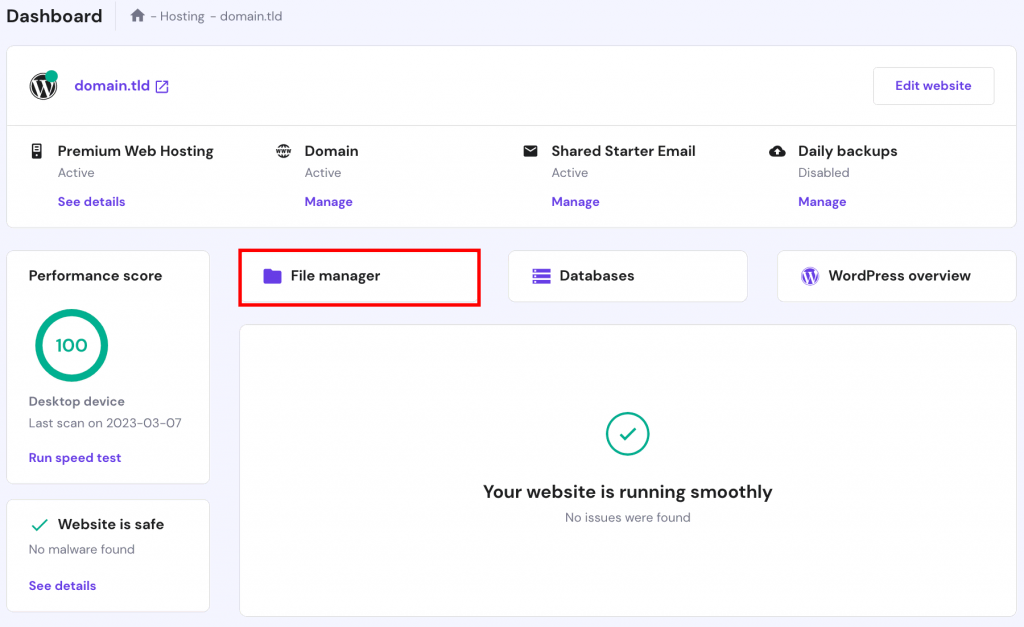
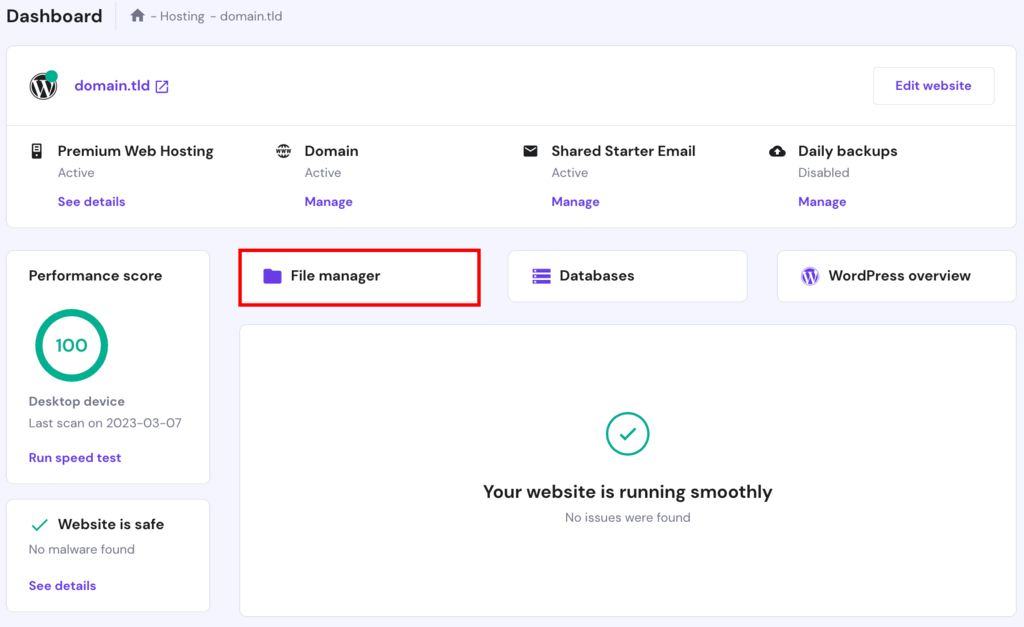
Start by selecting the new server for your website. Use an FTP tool like FileZilla. This helps to upload files easily. Connect to the new server using your login details. Make sure you have backed up your files. Now, drag and drop your files into the server’s folder. Check if every file is there. Make sure no file is missing.
Access the server’s control panel. Update the DNS settings to point to the new server. Change any database settings if needed. Adjust the permissions for the files. Ensure they are set correctly. Make sure the site can run smoothly. Test the changes to see if they work.
Open your browser. Type your website’s URL. Check if the site loads. Look for any errors or issues. Try different pages on your site. Ensure everything displays correctly. Fix any problems you find. Check links to see if they work. Ask others to test the site too.
Updating Security Certificates
SSL Certificates are important for website safety. They help keep data safe from hackers. Installing them is easy. First, buy the certificate from a trusted provider. Then, log into your hosting account. Find the SSL settings. Upload the certificate file. Follow the steps given by your provider. Once installed, check if your website is secure. Look for the padlock symbol in the browser. This means the SSL is working.
Checking For Vulnerabilities
Websites can have security weaknesses. It’s important to check often. Use online tools to scan your site. They find weak spots fast. Fix them quickly to keep data safe. Update software regularly. This helps close holes in security. Always use strong passwords. Change them often. Weak passwords make sites easy to hack. Be careful with plugins. They can have flaws. Only use trusted ones. Stay safe online by being alert.
Credit: www.hostinger.com
Testing Website Functionality
Fast page load times are important. Slow pages can annoy users. Use tools to check speed. Make sure images load quickly. Compress files if needed. Optimize your website for better speed.
Interactive elements must work right. Buttons should click and open links. Forms should submit data. Check if menus are easy to use. Make sure videos play smoothly. Test on different devices for best results.
Database connections are crucial. They hold your data safe. Ensure connections are secure. Test for data retrieval. Check if data updates correctly. Avoid errors in data flow.
Notifying Users And Stakeholders
Downtime can confuse users. It is important to inform them early. Send emails or messages to let them know. Give them a clear time when service will resume. This helps users plan. They will appreciate knowing what to expect.
Changes need clear announcements. Share details of what is changing. Explain how it affects users. Use simple words. Include why the change is happening. This builds trust. Make sure users understand the benefits. It keeps them happy and informed.
Credit: www.hostinger.com

Credit: www.hosted.com
Frequently Asked Questions
How Do I Change My Website Hosting?
To change website hosting, first back up your website files and database. Choose a new host and sign up. Transfer your files and database to the new host. Update your domain’s DNS settings to point to the new server. Test your website to ensure everything works correctly.
Can I Move My Website To A Different Host?
Yes, you can move your website to a different host. Choose a new hosting provider, transfer your files, and update DNS settings. Make backups to avoid data loss. Ensure minimal downtime during the transition for seamless user experience.
How Do I Change The Server Of My Website?
Contact your current hosting provider for server migration. Choose a new server with suitable specifications. Backup your website data and files. Update DNS settings to point to the new server. Test your website functionality after migration completion.
How Do I Change The Host Server?
To change your host server, first choose a new hosting provider. Backup your website files and databases. Update DNS settings to point to the new server. Transfer files using FTP or a migration plugin. Test your website on the new server to ensure everything works correctly.
Conclusion
Changing web file hosting can simplify your online tasks. Follow the steps carefully to ensure a smooth transition. Start by choosing a reliable hosting provider. Consider your website’s needs. Keep your files organized for easy access. Regular updates maintain security.
Backup your data frequently. Avoid common mistakes, like missing deadlines. Clear communication with your hosting provider helps resolve issues. Remember, patience is key during the change. With the right approach, you will enjoy improved web performance. Your website deserves efficient hosting.
Make the switch today for better results.


