
Imagine having the power to share your ideas, projects, or portfolio with the world through a single web page without spending a dime. Sounds intriguing, right?
If you’ve ever thought about creating a personal website but felt overwhelmed by the technicalities or costs, you’re in the right place. Hosting a web page using open source tools is not only cost-effective but also surprisingly simple. In this guide, you’ll discover how easy it is to set up and host your own web page with free, open-source resources.
Whether you’re a tech newbie or someone who loves to tinker with new tools, this step-by-step approach will empower you to showcase your digital presence effortlessly. So, if you’re ready to take control and bring your web page to life, read on to unlock the secrets of open source hosting.
Credit: microweber.com
Choosing The Right Open Source Platform
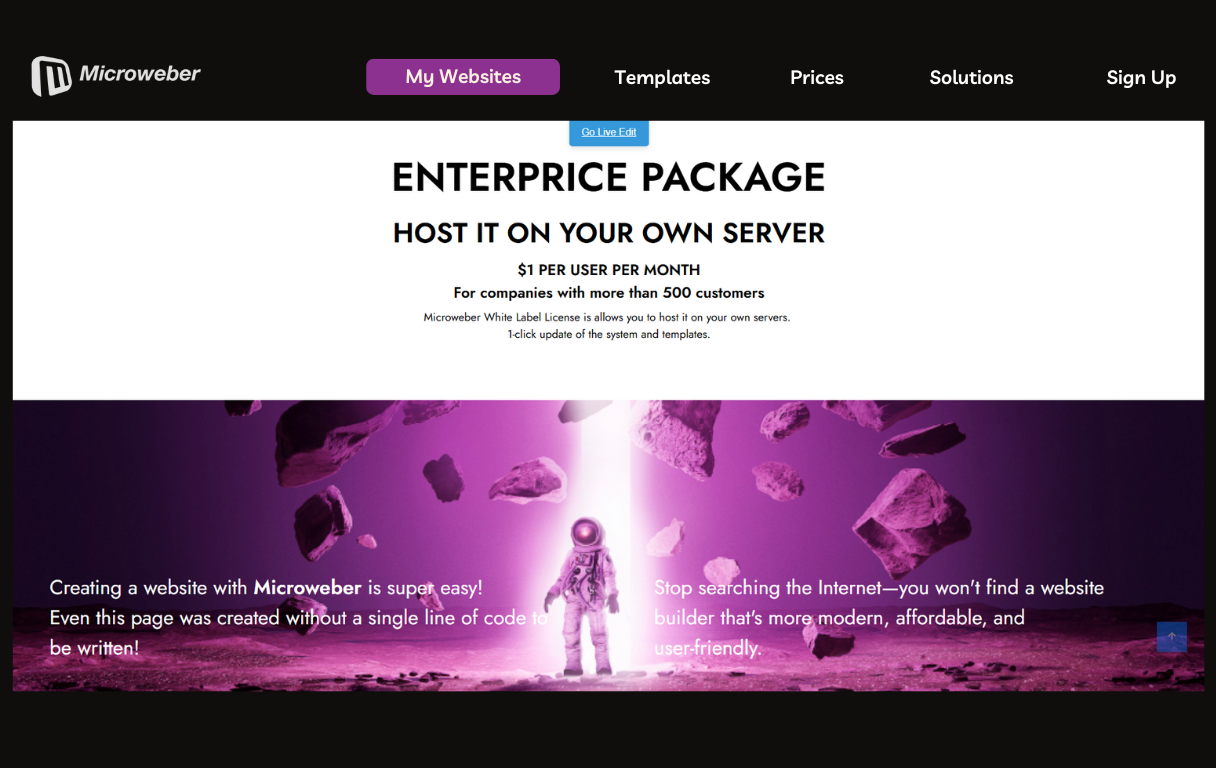
Open source platforms offer flexibility and control. You can change the code to fit your needs. These platforms are often free and community-driven. This means lots of people help to make them better. Problems get fixed quickly. You also get security updates often. Many developers work together to keep the code safe.
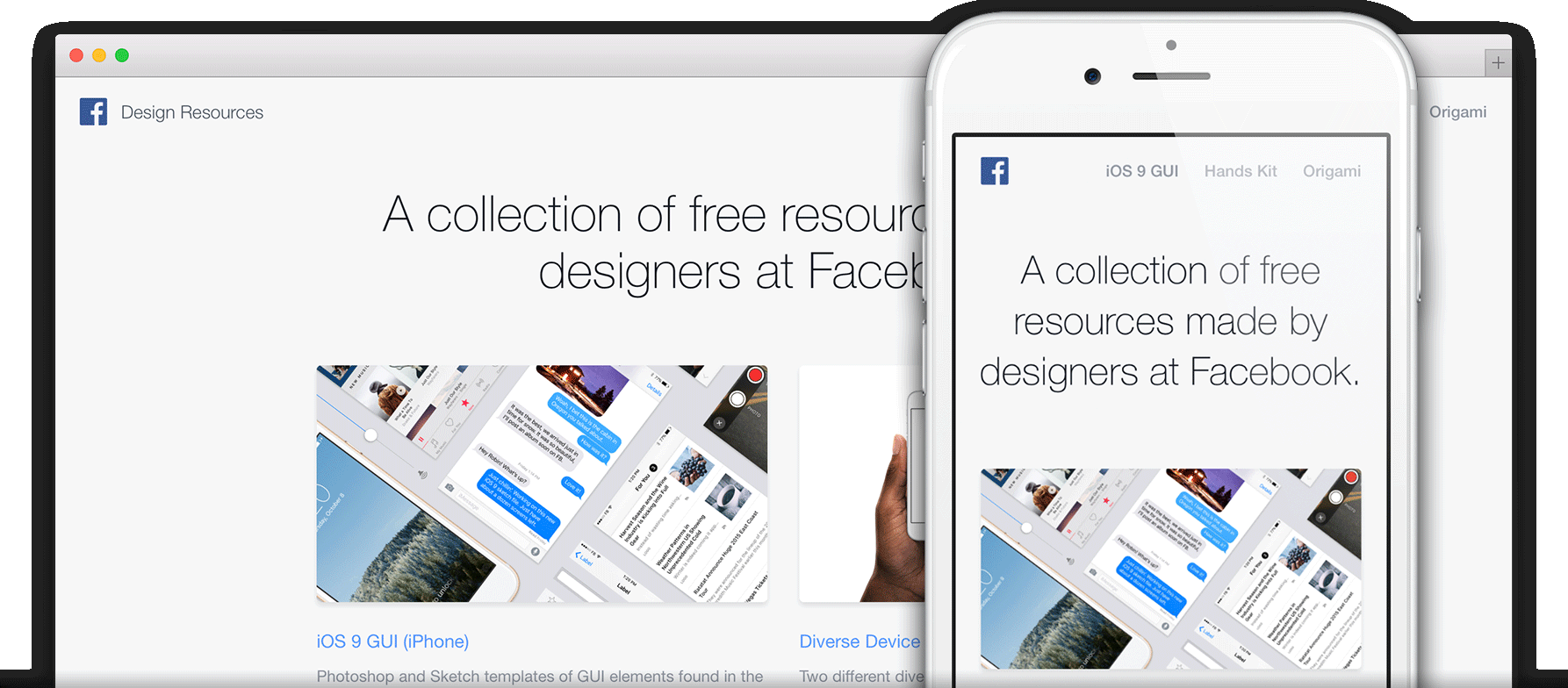
Several options are available for hosting. WordPress is popular for blogs and small sites. Joomla offers more features for complex sites. Drupal is powerful but needs more skills. GitHub Pages is great for simple static pages. You can try Apache or Nginx for server needs. Each has its own strengths. Choose based on your project size and needs.
Setting Up A Local Development Environment
Hosting a single web page with open source tools is straightforward. Install a web server like Apache or Nginx. Then, upload your HTML file to the server’s directory. This setup allows easy local testing and development.
Required Tools And Software
You need a text editor. Choose one you like. Examples are VS Code or Atom. A web browser is essential. Chrome or Firefox are good choices. Install Git for version control. This helps track changes. You need Node.js for running JavaScript code. It helps in web development. These tools are open source. You can download them free.
Configuring Your System For Development
First, install the tools. Follow instructions on their websites. Next, set up a project folder. This will hold your files. Open your text editor and start coding. Use terminal for commands. It helps in running code. Test your web page in a browser. See how it looks.
Creating Your Web Page
Begin with a simple HTML structure. Use the html declaration. This tells the browser about the document type. Next, use the tag. It wraps all your content. Inside, you’ll need a section. Here, add a
CSS styles your page. Link a CSS file inside the tag. Use the tag for this. CSS makes your page look nice. JavaScript adds interactive features. Link a JavaScript file at the end of the tag. Use the tag for this. It adds dynamic actions to your page. Together, CSS and JavaScript enhance your web page.
Credit: pages.github.com
Deploying Your Web Page
Git helps keep track of changes to your web page. It is a tool for version control. You can see all changes over time. First, set up a Git repository. This is like a folder that tracks changes. Next, add your web page files to this repository. Use the command git add . to do this. Once added, commit the changes. Use git commit -m "Initial commit". Now, you can push your changes to a remote server. This keeps a backup online. Git is useful for collaborating with others. Everyone can work on the same files.
First, choose a server to host your page. Many are free to use. Next, use an FTP client to upload files. This is a software to transfer files. Connect to your server with a username and password. Select the files you want to upload. Drag them into the server folder. Wait for the upload to finish. Check your page online. Make sure everything looks right. If there are issues, check your file paths. Sometimes paths can break links or images. Fix and upload again if needed.
Configuring Domain And Dns
First, choose a domain name that fits your website. It should be easy to remember. Visit a domain registrar website. Enter your chosen name. Check if it’s available. If it is, proceed to register it. Pay a fee to own the name. Keep your registration details safe. You might need them later.
Open your domain registrar account. Find the DNS settings section. Add a new record for your website. Choose the record type as “A”. Enter your server’s IP address. Save the changes. Your domain now points to your server. Test it by visiting your domain. Ensure it loads your page correctly.
Securing Your Web Page
Hosting a single web page using open source tools ensures flexibility and security. These tools offer easy setup, making it accessible for beginners. Choose reliable platforms to secure your webpage efficiently.
Implementing Https
HTTPS protects your data. It keeps user information safe. Use SSL certificates. They encrypt data. This makes it hard for hackers. Get SSL from trusted providers. Many offer free certificates. Let’s Encrypt is popular. It’s open-source and reliable. Secure your web page with HTTPS.
Regular Security Practices
Keep software updated. Updates fix security holes. Use strong passwords. They should be hard to guess. Avoid common words. Change passwords often. Regular backups are important. They protect against data loss. Check for malware regularly. Use antivirus tools. They help keep your web page safe.
Monitoring And Maintenance
Setting up a single web page with open source tools demands consistent monitoring and maintenance. Regular checks ensure security and performance. Keeping software up-to-date helps prevent issues and optimize the page’s functionality.
Tools For Monitoring Performance
Use open source tools to check how your web page works. These tools help you see how fast your page loads. They also show if your page is working well or not. Performance monitoring is important. It helps keep users happy. Slow pages make people leave. Choose tools that are easy to use. Some tools are free. They give reports on speed and errors.
Regular Updates And Backups
Keep your web page safe and up-to-date. Regular updates fix bugs. They also make your page better. Backups are important. They save your page data. If something goes wrong, you can restore your page. Use tools that automate backups. These tools save time. They also reduce mistakes. Always backup before updates. This ensures your data is safe.
Credit: pages.github.com
Troubleshooting Common Issues
Discover straightforward solutions for hosting a single web page using open source tools. Address common issues with step-by-step guidance. Simplify the process by tackling setup challenges with easy-to-follow tips.
Resolving Server Errors
Server errors can be tricky. They often confuse beginners. Always check the server logs first. Logs show what went wrong. Common problems include file permissions. Wrong permissions can block access. Make sure files have the correct permissions. Use the command line for checking. Another issue could be missing files. Double-check all file paths. Paths should be accurate. Ensure all required files are uploaded. This will help resolve most server errors.
Fixing Broken Links
Broken links frustrate users. They lead to dead ends. First, verify the link URLs. Make sure they are correct. A single typo can break a link. Use tools to find broken links. Online tools can be helpful. Always update your URLs if there are changes. Check for moved or deleted pages. Redirect them properly. A 301 redirect can solve these issues. This keeps your page user-friendly.
Frequently Asked Questions
Is It Possible To Host A Website For Free?
Yes, you can host a website for free using platforms like WordPress. com, GitHub Pages, and Wix. Free hosting services often offer limited features, so consider upgrading for more functionality. Always review the terms and conditions before choosing a free hosting provider to ensure it meets your needs.
How Can I Host A Simple Html Page For Free?
Use GitHub Pages or Netlify to host a simple HTML page for free. Sign up, upload your files, and publish. These platforms offer seamless setup and no-cost hosting, ideal for personal projects. Enjoy easy access and share your page with a custom URL.
How Do I Host A Website Independently?
Host a website independently by purchasing a domain, setting up a web server, installing necessary software, and configuring DNS. Secure the site with SSL and regularly update the server for optimal performance and security. Choose reliable hardware and ensure a stable internet connection for uninterrupted access.
Can Google Host My Website For Free?
Google offers free website hosting with Google Sites. It’s suitable for simple websites and personal projects. For more advanced features, consider Google Cloud, which isn’t free but provides robust hosting options.
Conclusion
Hosting a web page with open source tools is simple. It offers flexibility and control. You can easily manage your content. Tools like GitHub Pages are user-friendly. They support various web projects. Open source options are also cost-effective. Ideal for beginners and experts alike.
No need to spend on expensive hosting services. You learn and grow with each step. Take small steps, gain confidence. Start today and explore these amazing tools. Your single web page awaits. Happy hosting!


