
Have you ever dreamed of creating your own web hosting site but felt held back by the costs? You’re not alone.
Many people think that setting up a web hosting site requires a hefty budget and a team of tech experts. But what if I told you that you can start your own web hosting site for free? Yes, you read that right—absolutely free! Imagine the possibilities of launching a platform where you can host websites without spending a dime.
In this guide, you’ll discover the secrets to building a web hosting site without breaking the bank. We’ll walk you through each step, showing you the tools and resources that can transform your vision into reality. Whether you’re a tech novice or a seasoned pro, this article is designed with you in mind. So, are you ready to unlock the potential of a cost-free web hosting venture? Keep reading to find out how!
Choosing The Right Platform
Selecting the ideal platform is crucial for building a free web hosting site. Consider options offering user-friendly tools and customization features. Explore platforms that provide reliable performance and easy setup to ensure a seamless experience for visitors.
Popular Free Hosting Platforms
Several platforms offer free hosting. Each has pros and cons. WordPress.com is popular. Easy to use. Offers many features. But, limited customization. Ads may appear on your site. Wix is another option. Drag-and-drop builder. Attractive designs. Yet, storage space is limited. Domain name might include Wix branding.
Blogger is Google’s platform. Simple interface. Great for beginners. But, lacks advanced features. GitHub Pages is for developers. Ideal for coding projects. Free SSL certificate. Yet, not suitable for all users.
Each platform has its benefits. Consider what you need. Choose wisely. Free does not mean bad. But, be aware of limitations.
Setting Up Your Domain
Getting a domain name is the first step. There are many free domain name providers. Some popular ones include Freenom and Dot.tk. These services let you choose a domain name. You can pick one that matches your site. Make sure it is easy to remember. This helps people find your site quickly.
After getting your domain, you must connect it to your host. This step is crucial. Most hosting services offer guides. These guides show how to connect your domain. You need to change the DNS settings. This process tells the domain where your site is. Check the hosting service’s website for help. Connecting correctly ensures your site is live.
Designing Your Website
Creating a web hosting site for free involves choosing user-friendly platforms and utilizing available online resources. Explore free hosting services and templates to build your site without spending money. Customize layout and design to attract users and provide seamless navigation.
Selecting A Website Template
Choose a template that fits your needs. Templates can be colorful or simple. Think about your site’s purpose. Is it for fun or business? Different templates suit different goals. Always check the template’s features. Some templates are easy to edit. Others might be more complex. Choose one that matches your skill level. A good template can make design easy. Ensure it looks good on phones and computers. A responsive design is important.
Customizing Design Elements
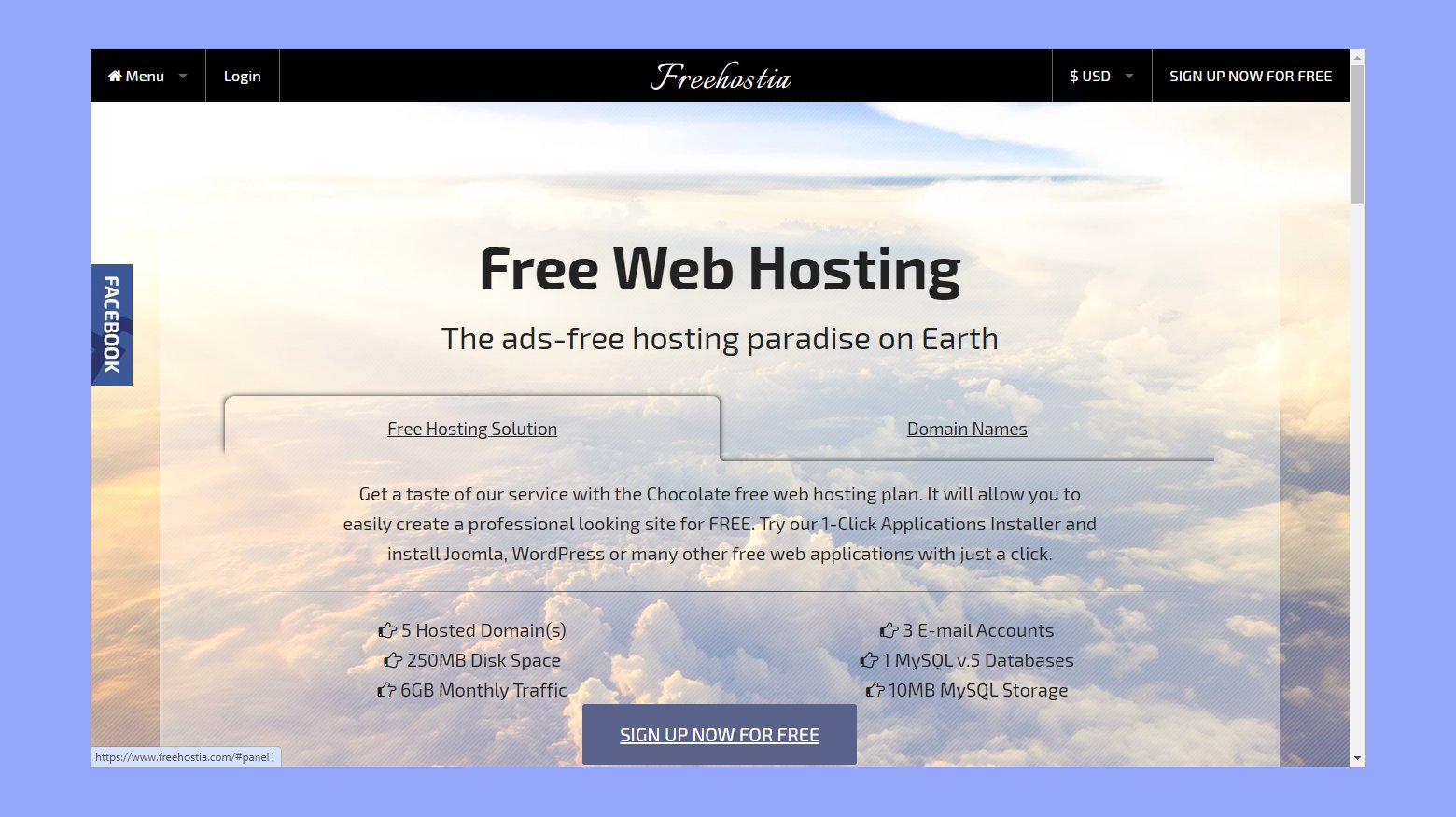
Change the colors to match your style. Pick colors that are easy on the eyes. Add your own logo if you have one. Make sure the text is readable. Choose a font that is clear and simple. Adjust the layout to suit your content. Move blocks around to make it look neat. Add pictures to make it lively. Images should be clear and related to your content. Customize the menu so it’s easy to use. Good design helps users find things fast.
Credit: 10web.io
Configuring Hosting Settings
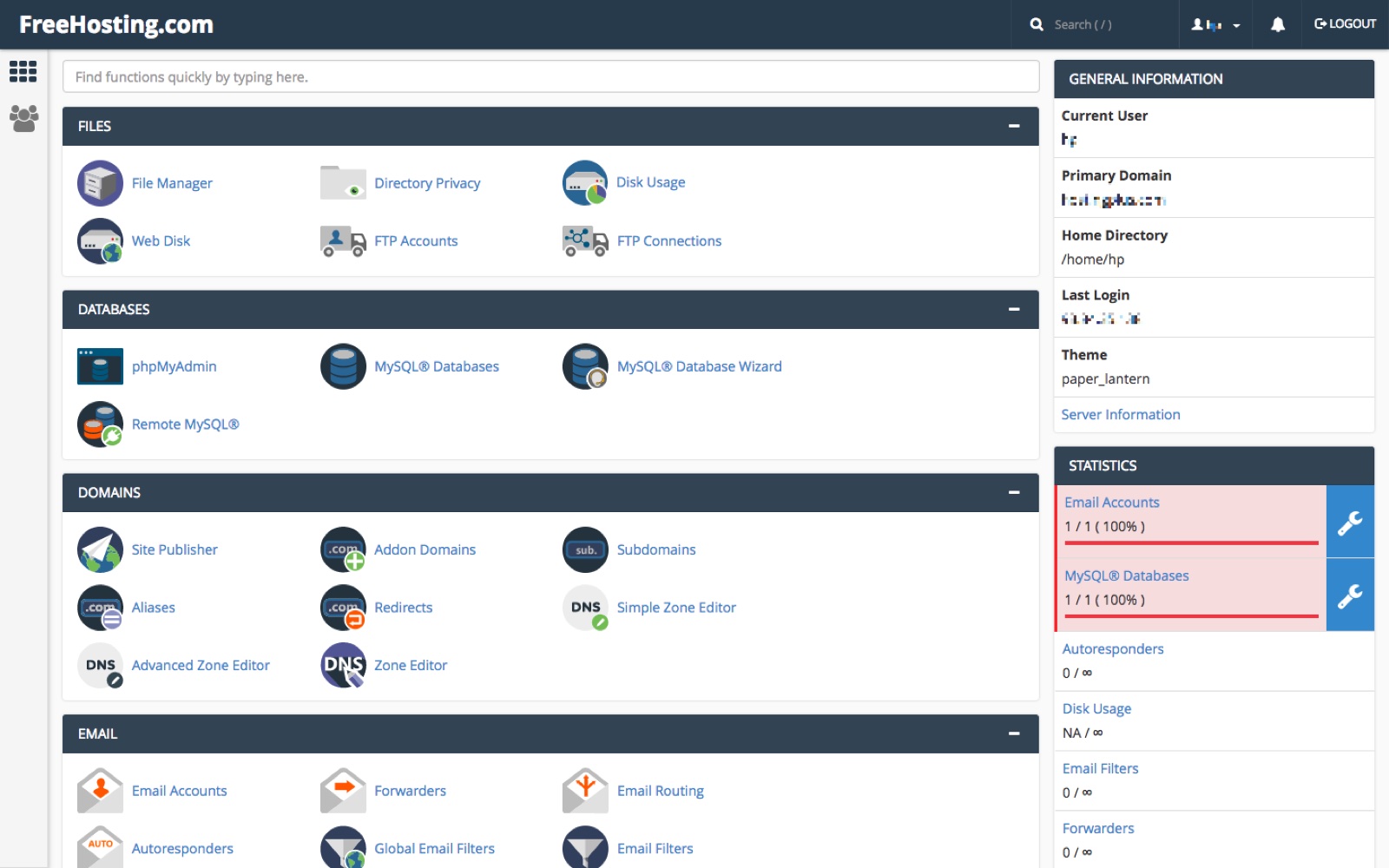
Every server needs a good setup. First, choose a reliable server. Linux servers are popular and free. Set the server’s IP address correctly. It helps users find your site. Use SSH to connect securely to your server. This keeps your data safe. Look for tutorials online if you need help.
Security is important for your site. Always update your software. This prevents attacks. Use strong passwords for all accounts. Strong passwords keep hackers out. Enable a firewall to block unwanted traffic. Firewalls protect your site from harm. Don’t share your server details. Keep them private. Safety first!
Integrating Essential Features
Creating a web hosting site for free involves integrating essential features like user-friendly interfaces and reliable security. Ensure easy navigation and fast load times to enhance user experience.
Adding Contact Forms
Contact forms are important for websites. They help users reach you. Forms collect names, emails, and messages. This keeps things organized. Use simple forms. Make sure the form is easy to find. Users should feel comfortable using it. Forms improve communication.
Implementing Analytics Tools
Analytics tools track visitors. They show which pages are popular. This helps improve your site. Choose simple tools. Google Analytics is a good choice. It’s free and easy to use. Tools help you understand your audience. You can see what people like. This helps you make better decisions. Analytics are vital for growth.

Credit: www.canva.com
Optimizing For Performance
Improving Load Speed is very important. A fast site keeps users happy. Start with using a good server. Choose one with enough resources. Compress images to make them smaller. Smaller images load faster. Use simple code. Complex code slows down loading. Minimize the number of plugins. Too many plugins can slow your site.
Ensuring Mobile Compatibility is essential. Many people use phones to browse. Your site should fit all screen sizes. Use a responsive design. This makes your site work on all devices. Test your site on different phones. Make sure everything looks good. Keep buttons big enough to click. Small buttons are hard to use on phones. Always check your site’s mobile view.
Launching Your Website
Perform final checks before the big launch. Ensure your site looks good on all devices. Test the website speed. Visitors love fast sites. Check all links. Broken links can annoy visitors. Make sure images are clear. Blurry images can look unprofessional.
Verify contact forms work. People should easily reach you. Ensure your site is secure. A secure site builds trust. Check for typos. Errors can confuse visitors. Review all content. Make sure it is easy to read. Check your site’s navigation. It should be simple to follow.
Promoting Your New Site
Start telling people about your site. Share it on social media. Friends can help spread the word. Write a blog post. Talk about what your site offers. Use email to reach people. Send a simple message. Include your site’s link. Join forums related to your site. Be helpful and share your link. Make sure your site is listed on search engines. This helps more people find you. Keep promoting your site. More visitors mean more success.
Credit: www.freehosting.com
Maintaining Your Hosting Site
Creating a web hosting site for free involves choosing reliable free hosting services. Set up your domain and website using intuitive website builders. Regularly update content to ensure smooth operation and user satisfaction.
Regular Updates And Backups
Keeping your site safe is very important. You must update your site often. Updates fix bugs and add new features. This keeps your site running smoothly. Backups are also important. They save copies of your site. If something goes wrong, you can restore it easily. Use tools to automate updates and backups. This saves time and effort. Regular updates and backups protect your site from harm.
Monitoring Site Performance
Watch how your site is doing. Check if pages load fast. Slow pages can annoy visitors. Use tools to measure speed and uptime. Tools can show if there are problems. Fix issues quickly to keep users happy. Monitor traffic to understand your audience. This helps improve your site. Regular checks ensure your site stays strong and healthy.
Frequently Asked Questions
Can I Create And Host A Website For Free?
Yes, you can create and host a website for free. Use platforms like WordPress, Wix, or Google Sites. These offer free plans with limitations. Custom domains or additional features may require payment. Free hosting is suitable for personal or small projects.
Can I Create My Own Web Hosting?
Yes, you can create your own web hosting by setting up a server and configuring it. This requires technical skills and hardware. Use Linux or Windows Server, install web server software like Apache or Nginx, and manage DNS settings. Ensure reliable internet connection and security measures.
Is Wix Really Free Hosting?
Wix offers free hosting with limitations. Free plans include Wix branding and ads on your website. Paid plans remove ads, offer custom domain options, and provide advanced features. Choose a premium plan for more professional hosting solutions. Enjoy user-friendly tools and templates with both free and paid options.
Does Anyone Offer Free Web Hosting?
Yes, several companies provide free web hosting services. Popular options include InfinityFree, 000webhost, and AwardSpace. These platforms offer basic hosting features without cost, suitable for personal or small projects. Always review their terms of service and limitations before signing up to ensure they meet your needs.
Conclusion
Creating a web hosting site for free is simple and rewarding. With the right tools, you can start today. Choose a reliable platform to begin your journey. Understand your audience and customize your site accordingly. Use available resources to improve your skills.
Practice makes perfect, so keep learning. Stay dedicated and watch your site grow. Remember, patience is key. A well-planned site attracts more visitors. Keep it user-friendly and updated. Enjoy the process of building your online presence. Happy hosting!


