
Are you puzzled about how to calculate your web hosting bandwidth? You’re not alone.
Understanding bandwidth is crucial for ensuring your website runs smoothly and efficiently. Imagine the frustration of losing visitors because your site loads slowly or crashes due to insufficient bandwidth. But don’t worry—this guide is here to help you avoid those pitfalls.
We’ll break down everything you need to know in simple terms, ensuring you can confidently manage your website’s bandwidth needs. Get ready to discover how to keep your site performing at its best, all while making the process easy and stress-free. Your website deserves the best, and so do you. Let’s dive into the details!
Basics Of Web Hosting Bandwidth
Bandwidth is the amount of data a website can send. It moves data between the site and users over time. Think of it like a water pipe. The wider the pipe, the more water can flow. More bandwidth means faster data flow. It’s measured in bits per second (bps). Websites need enough bandwidth to work well. High traffic sites need more bandwidth. Otherwise, users may face slow loading pages.
Bandwidth is crucial for smooth website performance. Large websites with many visitors need more bandwidth. It ensures fast loading times for users. Low bandwidth can cause delays and frustration. Users may leave if pages take too long to load. Ensuring the right amount of bandwidth keeps users happy. It helps websites run smoothly. Bandwidth affects user experience directly. More bandwidth, better experience.

Credit: www.elegantthemes.com
Factors Affecting Bandwidth
Traffic volume is how many visitors come to your site. More visitors mean more bandwidth is used. Each visitor downloads content from the website. The amount of data downloaded affects bandwidth.
Different types of content use different amounts of bandwidth. Images and videos use more bandwidth than text. If a website has lots of videos, it uses more bandwidth.
Features like live chat or online games use more bandwidth. They require constant data exchange. More features mean more bandwidth is needed.
Steps To Calculate Bandwidth
First, find out how many people visit your site daily. Check your website’s analytics for this data. More visitors means more bandwidth needed. Keep track of daily changes. This helps in accurate calculations.
Each visitor may look at several pages. Know the average page views per visitor. Multiply visitors by page views to get total page views. This shows overall activity on your site.
Find the size of your web pages. This includes text, images, and videos. On average, a page might be 1MB. Use tools to measure page sizes accurately. Add up the sizes of all files on a page. This gives you the total page size in MB.
Tools For Bandwidth Calculation
Many online tools can help calculate bandwidth. They require simple inputs. You need to enter the number of visitors. Also, input the average page size. The tools compute bandwidth needs. Results are quick. They are easy to understand. Some tools are free. Others may charge a fee. Choose based on your needs. Always check the tool’s accuracy. User reviews can help. They guide you to the best tool.
Analytics platforms offer detailed insights. They track visitor activity. They show traffic patterns. Platforms like Google Analytics help a lot. They provide data on average page views. Also, they show session duration. This helps in understanding bandwidth needs. Data is real-time. It is reliable. Regular checks are important. They ensure efficient use of bandwidth. Analytics platforms are crucial for websites. They help in planning resources.
Monitoring Bandwidth Usage
Keeping track of bandwidth is important. Bandwidth shows how much data you use. Too much data can slow your website. It’s wise to set alerts for high usage. Alerts can warn you when data is too much. They help you fix problems early. Many hosting plans offer these alert tools. Using them can save you from extra charges. Alerts can be set daily or weekly. Choose a plan that suits your needs. This way, you stay ahead and avoid surprises.
Setting Alerts
Alerts help you monitor your bandwidth. They warn you when usage is high. Alerts can be set up easily. Most hosting services offer this feature. You can receive alerts via email or text. This way, you can take action quickly. Alerts can prevent website slowdowns. They are useful for busy websites. Regular checks ensure smooth operations.
Analyzing Traffic Patterns
Understanding traffic patterns is helpful. It shows when your site is busiest. Traffic patterns help plan bandwidth needs. Busy times may need more bandwidth. Analyzing patterns can save costs. You can adjust hosting plans accordingly. Patterns can show trends over time. They help make smart decisions. Knowing your site’s traffic helps manage resources better.
Credit: kripeshadwani.com
Tips For Managing Bandwidth
Large images use up a lot of bandwidth. Use tools to make images smaller. This helps them load faster. Convert images to JPEG or PNG formats. These formats are smaller. Videos should also be compressed. Use MP4 format for videos. It is smaller and loads fast.
Try to use shorter videos. This will save more bandwidth. Choose the right dimensions for all media. This will avoid extra data use.
A Content Delivery Network (CDN) helps manage bandwidth. It stores files closer to users. This makes your website load faster. With a CDN, less data travels far. This saves bandwidth.
CDNs have many servers worldwide. Users connect to the closest server. This reduces loading times. CDNs also handle lots of traffic. Your site stays fast even with many visitors.
Choosing The Right Hosting Plan
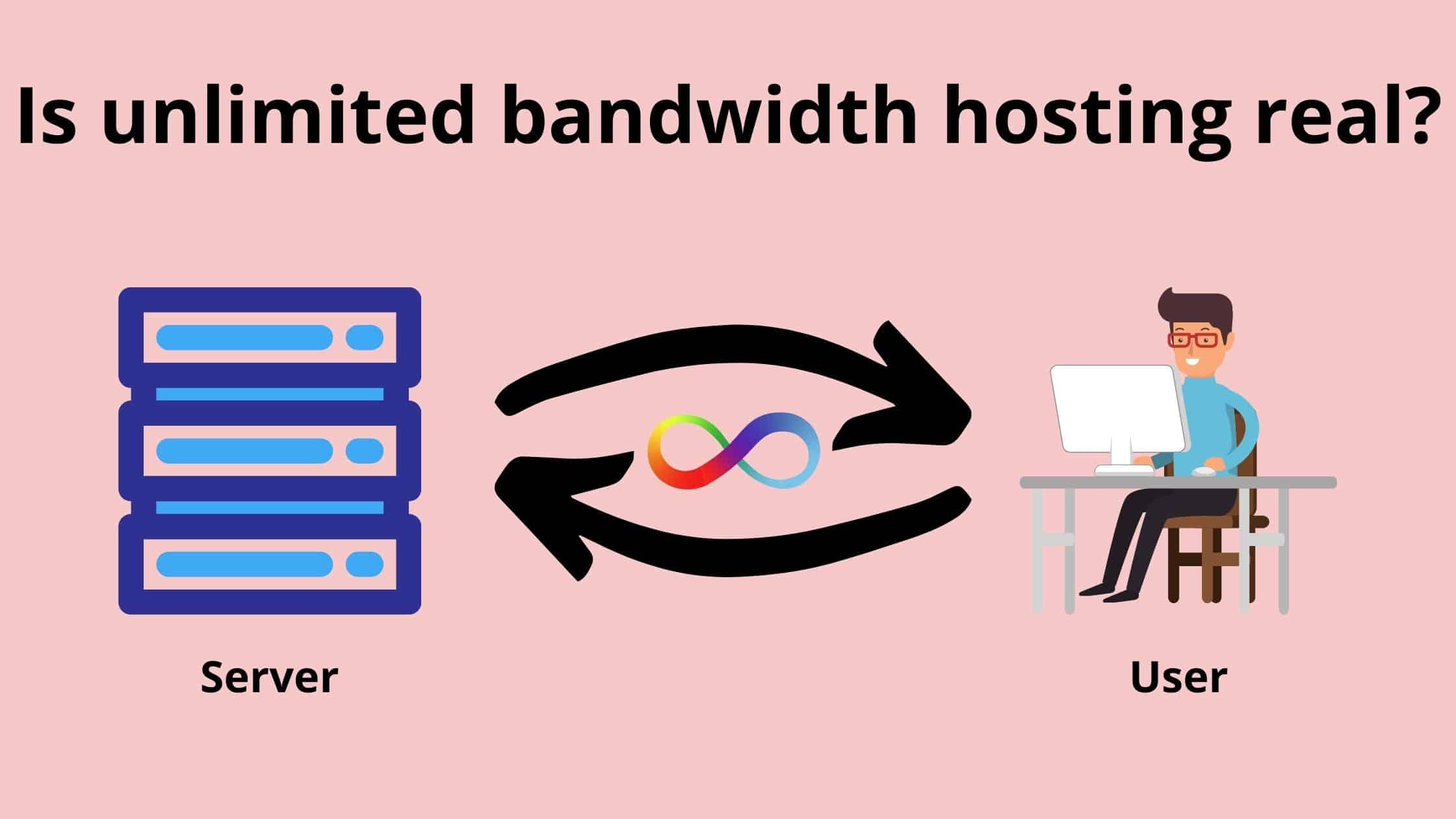
Many hosting plans offer different bandwidth limits. Some plans give you unlimited bandwidth, while others have a cap. A cap means you can only use a certain amount of data each month. Think about how much data your website will use. Popular sites need more bandwidth. A small blog may need less. Always check the details before buying a plan. This way, you won’t pay for more than you need.
It’s important to balance cost with what you need. Cheaper plans might seem good, but they can have limits. Unlimited plans usually cost more. But they offer peace of mind. No worries about running out. Think about your website’s growth. Will you have more visitors soon? If yes, maybe a bigger plan is better. Paying a bit more now can save problems later.

Credit: www.cloudways.com
Frequently Asked Questions
What Is The Formula For Calculating Bandwidth?
The formula for calculating bandwidth is: Bandwidth = Data size (in bits) / Time (in seconds). This measures the data transfer rate over a network.
How Much Bandwidth Do I Need To Host A Website?
The bandwidth needed for hosting a website depends on traffic and content type. Small sites might need 1-5 GB monthly. High-traffic or media-rich sites may require 50 GB or more. Monitor usage to adjust plans as needed.
What Is Bandwidth In Website Hosting?
Bandwidth in website hosting refers to the amount of data transferred between your site and users. It impacts site speed and accessibility. Higher bandwidth supports more visitors and content. Hosting plans often limit bandwidth, so choosing one that matches your site’s needs is crucial for optimal performance.
How To Check Website Bandwidth Limit?
Log into your hosting account. Navigate to the bandwidth section in the control panel. Review usage statistics and limits. Contact support if needed.
Conclusion
Calculating web hosting bandwidth is essential for your website’s success. Start by understanding your site’s data usage. Track monthly visitors and page views. Consider the size of your web pages. Add these elements to determine your bandwidth needs. Always plan for growth by including extra bandwidth.
This ensures smooth performance even during traffic spikes. A reliable hosting provider can guide you. They offer tools and support to manage your bandwidth efficiently. Stay informed and proactive. This helps maintain a seamless online experience for your visitors.


