
Imagine this: You’re eagerly waiting for an important email update from your WordPress site, but it never arrives. Frustrating, isn’t it?
The culprit might be the mail protocol your WordPress is set to use. Understanding and verifying which mail protocol you’re using can be the key to solving these email issues. Whether you’re tech-savvy or just starting out, this guide will walk you through the steps in a straightforward way.
You’ll learn how to check your mail protocol effortlessly, ensuring you never miss an important email again. Dive in, and let’s make sure your WordPress is communicating as it should!
Credit: wpmailsmtp.com
Identifying Mail Protocols In WordPress
SMTP is a standard email protocol. It sends emails from one server to another. WordPress plugins often use SMTP for sending emails. SMTP is reliable and secure. It ensures your emails are delivered properly. Many users prefer SMTP for better email delivery.
The PHP Mail Function is simple and easy to use. It sends emails directly from your server. No extra setup is needed. But, it may not be as reliable as SMTP. Sometimes, emails end up in spam folders. PHP mail is fast, but not always secure.
Mailgun is a popular email service. It integrates with WordPress easily. Mailgun offers powerful features for email delivery. It tracks emails and ensures they reach inboxes. Mailgun is great for bulk email sending. Many users trust Mailgun for consistent delivery.
Checking Current Mail Protocol
First, log into your WordPress dashboard. Look for Settings on the left menu. Click it to open the settings page. Next, find the Email section. Sometimes, it might be under a different name. Check carefully. The current mail protocol is often listed here. See if it mentions SMTP or PHP Mail.
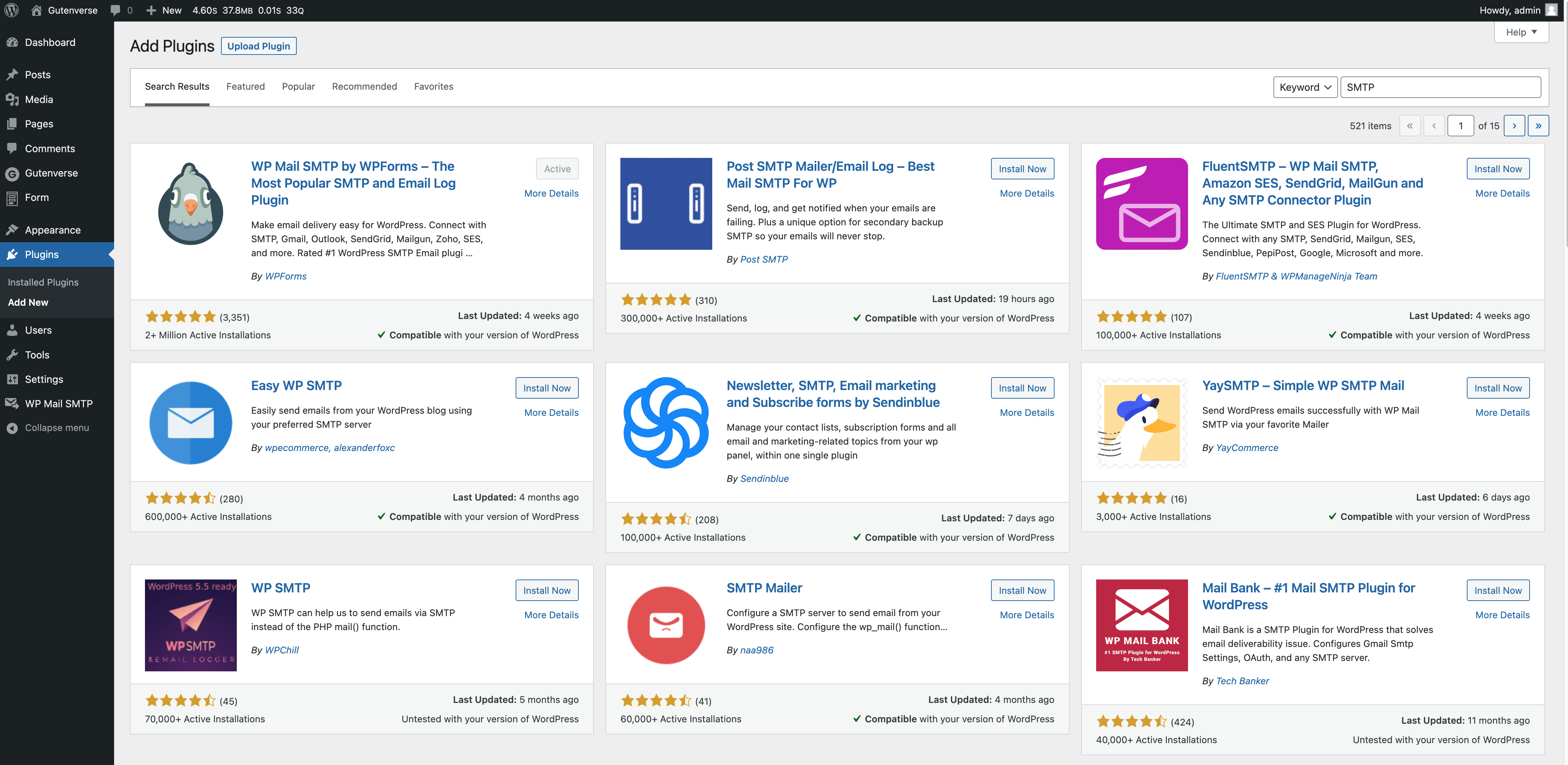
Plugins can help discover mail protocols. Search for mail plugins in the plugin store. Some plugins show the current protocol. They also allow you to change settings. Install and activate a plugin. Open the plugin settings. Look for mail protocol options. It will show what protocol is used.
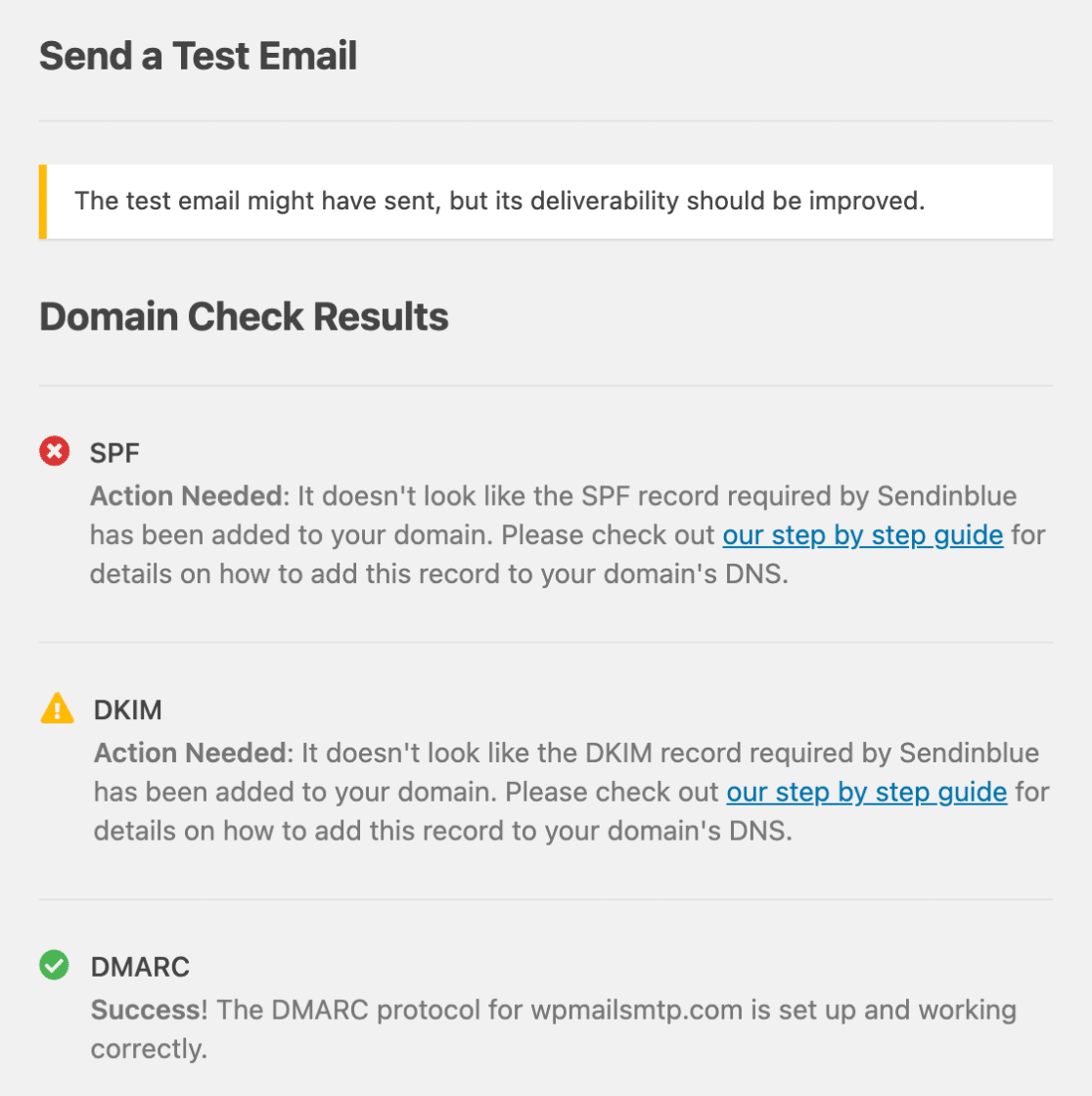
Send a test email from WordPress. Use the settings page or plugins. Check the email settings before sending. Make sure the email arrives. If it doesn’t, the mail protocol might be wrong. Adjust settings if needed. Retry sending the test email. This confirms the mail protocol works.
Troubleshooting Common Issues
Email delivery can sometimes be tricky. Failed emails can frustrate users. Check your SMTP settings first. Ensure they are correct. Incorrect settings cause many issues. Also, verify your server configuration. Sometimes, servers block emails. This happens due to security settings. Look for any error messages. They provide clues. Fixing these can resolve delivery problems.
Authentication errors occur often. They can stop email delivery. Incorrect login details are a common cause. Double-check your username and password. Also, review your authentication method. Some servers need specific methods. SSL or TLS are common. Check if they match your server’s requirements. Adjusting these settings can solve many errors.
Compatibility problems affect email protocols. WordPress plugins may clash. Outdated plugins are often the reason. Update them regularly. Ensure plugins support your email protocol. Different protocols need different settings. Verify your WordPress version too. New updates can fix compatibility issues. Always keep your system up-to-date.
Credit: wpmailsmtp.com
Switching Mail Protocols
Email is important for websites. WordPress uses different mail protocols. SMTP is reliable. PHP mail is less secure. Choose one that fits your needs. Think about safety. Think about ease of use. Each option has pros and cons. Select wisely for your site.
SMTP is a good choice. First, get an SMTP plugin. Install it on your WordPress site. Next, enter your SMTP details. This includes server name and port. Don’t forget your username and password. Test it. Make sure emails send correctly. This ensures smooth communication.
Third-party services can help with emails. Mailgun and SendGrid are popular. They offer extra features. Sign up with them. Connect them to your WordPress site. Follow the setup steps. This can improve email delivery. It also adds extra security. A good choice for busy sites.
Enhancing Email Security
SSL/TLS keeps your emails safe. It encrypts messages. This stops others from reading them. Use it for better security. It helps protect your information. Always enable it in WordPress. This ensures your emails are secure.
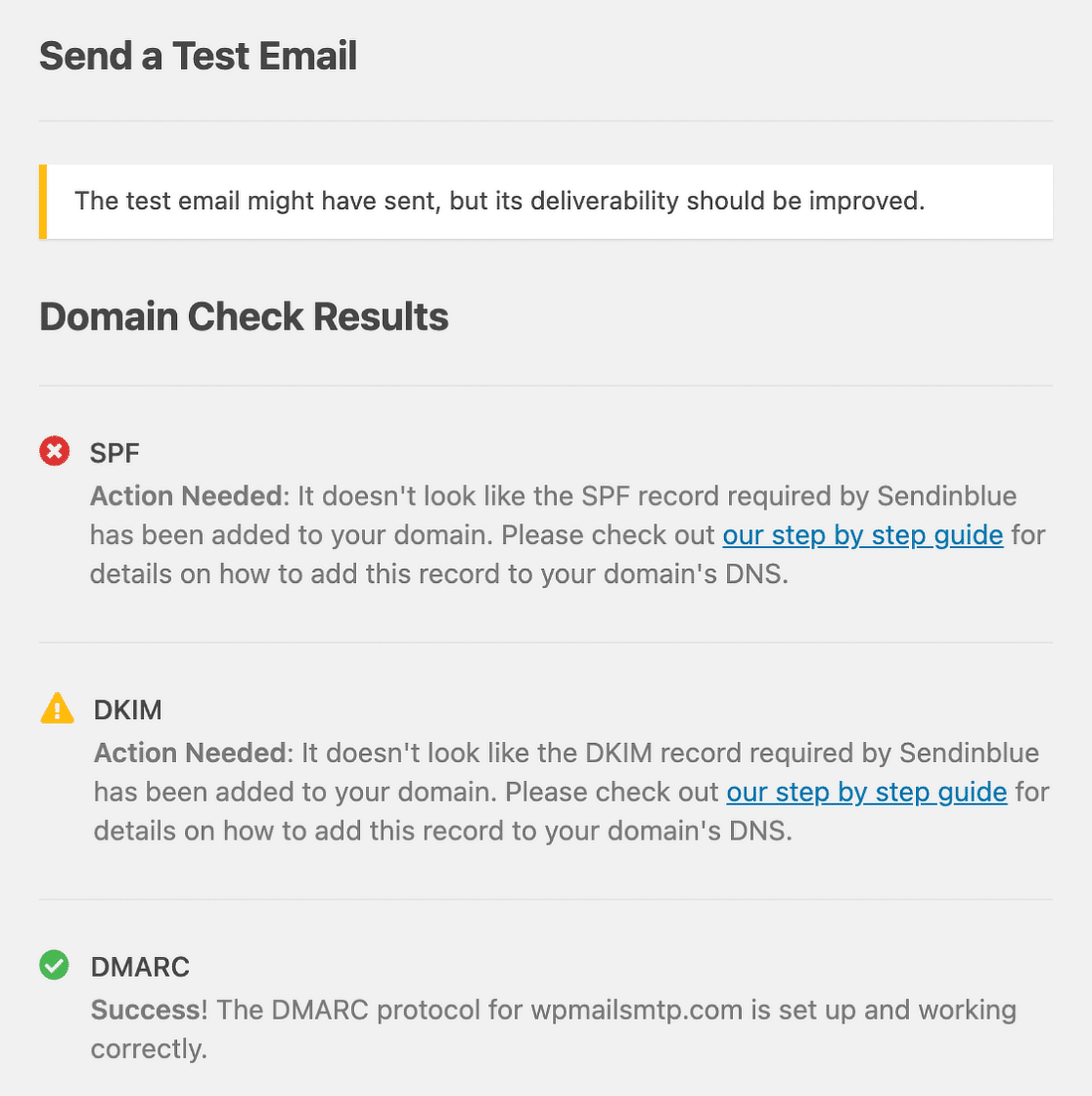
Sender authentication verifies who sends emails. It checks their identity. This prevents fake emails. It is important for security. Use tools like SPF and DKIM. These tools help authenticate senders. They make sure emails are from trusted sources.
Keep an eye on your email activity. This helps spot threats. Look for unusual behavior. This includes strange login attempts. Regular checks are vital. They keep your email secure. Use plugins for monitoring. They alert you to potential risks. Stay safe by being vigilant.
Credit: gutenverse.com
Frequently Asked Questions
How Do I Find My WordPress Mail Protocol?
To find your WordPress mail protocol, access your hosting account. Navigate to your email settings or cPanel. Look for the email configuration section, where you can check if you’re using SMTP, IMAP, or POP3. This information is crucial for setting up email clients or troubleshooting email issues.
What Is Smtp In WordPress?
SMTP stands for Simple Mail Transfer Protocol. It is used to send emails from your WordPress site. It provides a reliable and secure way to send emails, reducing the chances of emails being marked as spam. Configuring SMTP ensures your emails reach the intended recipients effectively.
Can I Change My WordPress Mail Protocol?
Yes, you can change your WordPress mail protocol. To do this, access your hosting provider’s settings. There, you can switch between SMTP, IMAP, or POP3. Changing protocols might be necessary to improve email deliverability or to resolve technical issues with your current setup.
Why Is Mail Protocol Important In WordPress?
Mail protocol is crucial in WordPress for email functionality. It determines how emails are sent and received from your site. Using the correct protocol ensures reliable email delivery, prevents spam issues, and enhances communication with users. It’s essential for contact forms, notifications, and other email-related functions.
Conclusion
Checking your mail protocol on WordPress is simple. It helps ensure emails are sent correctly. Follow the steps outlined to identify your protocol type. Use plugins for ease. Understanding your mail settings improves site communication. Regular checks can prevent email issues.
This knowledge boosts your site’s functionality. Explore your settings today for better control. Stay informed. Keep your WordPress site running smoothly. Your site’s email efficiency depends on it. Happy managing!


