
Ever stumbled upon a blog post that stays right at the top, no matter how many new articles are published? That’s the magic of a “sticky note” in WordPress.
If you’re curious about how to make your important posts grab attention and keep your readers engaged, you’re in the right place. Imagine having the power to highlight your most valuable content, ensuring it never gets lost in the shuffle.
This article unveils the secrets of sticky notes, guiding you on how to effectively use them to captivate your audience and boost your blog’s visibility. Ready to make your posts stand out and increase your reader engagement? Let’s dive in and discover how sticky notes can transform your blogging strategy.
Credit: www.greengeeks.com
Sticky Note Concept
A sticky note in WordPress is like a special bookmark. It keeps important posts at the top of the blog. Other posts may move down, but sticky ones stay visible. This helps readers find key content quickly. You can make any post a sticky note. It’s easy to do in the WordPress dashboard. This feature is great for announcements. It also works well for featured articles. Sticky notes grab attention. They make sure your readers see what matters most.

Credit: www.youtube.com
Purpose Of Sticky Notes
Sticky Notes help keep track of important tasks. They are used to remind users of key information. Blog writers use them to organize ideas quickly. They are perfect for jotting down thoughts. You can see them on the main page. They stay visible until removed. This helps in remembering important things easily.
These notes are like digital post-its. They help improve productivity. They are easy to add and remove. Users find them helpful for managing tasks. They keep information handy. They are very simple to use. They help users stay focused on tasks.
Creating Sticky Notes
Sticky notes in WordPress help keep important content visible. You can make posts stay at the top. It’s useful for announcements or featured articles. To set up a sticky note, open your post editor. Look for the visibility settings. Mark the post as sticky. This keeps it at the top of your blog.
First, go to the WordPress dashboard. Click on Posts. Choose the post you want. In the settings, find the Visibility option. Check the box that says “Stick this post to the front page”. Save your changes. Your post will now be a sticky note.
You can change sticky notes easily. Go back to your WordPress dashboard. Click on Posts. Find your sticky note. Edit the content or settings. Uncheck the sticky option to remove it. Save your changes.
Advantages Of Sticky Notes
Sticky notes are simple. They are easy to use. Just click and write. They are very handy. No special skills are needed. Anyone can use them.
They help you remember. You can keep important things on top. Never forget a task again. It’s great for busy people.
Stay organized with sticky notes. You can sort your tasks. Use colors for different notes. It makes finding things easy. Everything is in order.
Focus better with sticky notes. They keep your goals clear. You will know what to do next. It helps in staying on track.
Common Use Cases
Sticky notes in WordPress are often used for important announcements. They grab attention quickly. Visitors see them first. Announcements can be for events or special offers. These notes keep info at the top. Users never miss important updates.
Featured content gets a spotlight with sticky notes. These notes make sure key posts are visible. They are helpful for new visitors. Featured content can be blog posts or product launches. Sticky notes ensure everyone sees the most important pieces. This is useful for highlighting specific information.
Managing Sticky Notes
Sticky notes help keep posts at the top. They are like reminders. Organizing posts with sticky notes can make your blog neat. It is easy to highlight important content. Readers will notice these posts first. This can increase the visibility of key information. Sticky notes can be managed from the post settings. You can make a post sticky with a simple click. Keep your readers engaged by showing them important stories first.
Sometimes, sticky notes are no longer needed. Removing them is simple. Just go to the post settings. Uncheck the sticky option. This will place the post back to its original spot. No special skills are required for this. It helps keep your blog fresh. Use sticky notes wisely. They are a great way to manage content.
Sticky Note Plugins
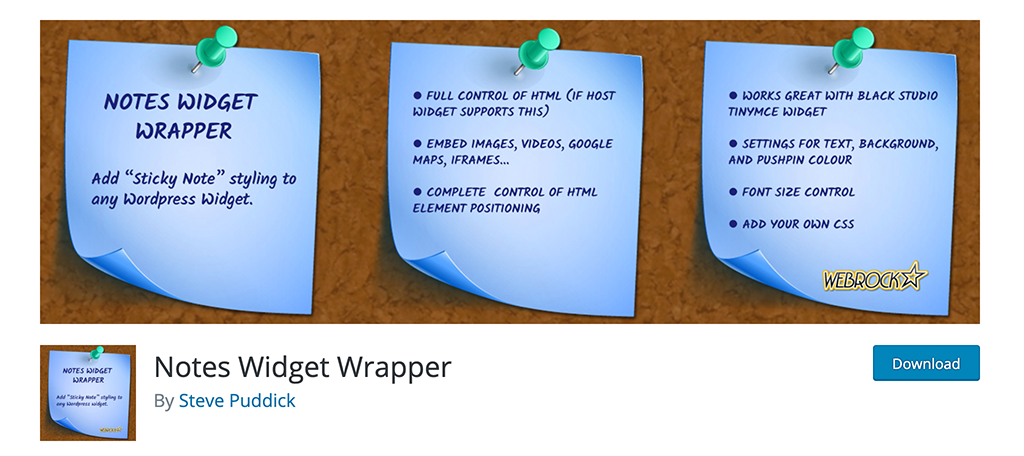
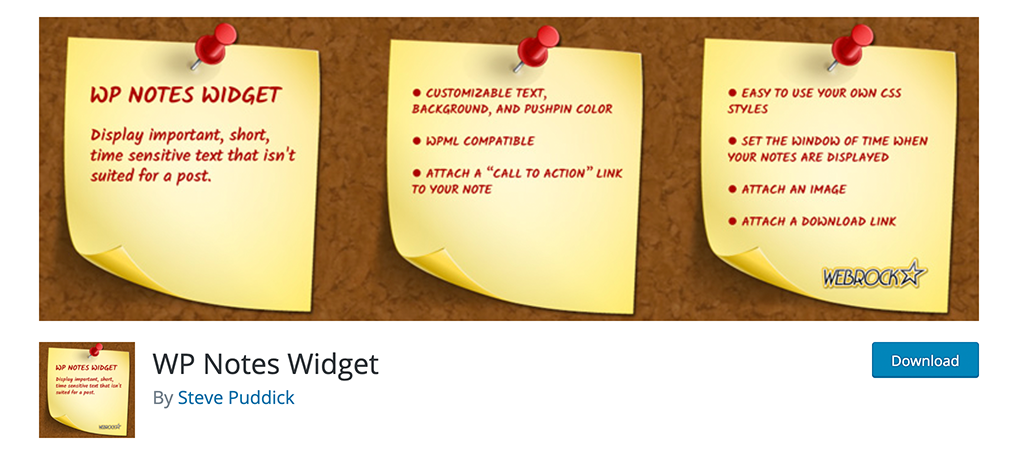
Sticky notes make websites lively and fun. Many plugins help add them. WP Sticky is a common choice. It is simple and effective. Sticky Menu & Sticky Header is also popular. It keeps menus visible. This helps users navigate.
Installing plugins is easy. First, go to your WordPress dashboard. Find the plugins option on the side. Click “Add New” to search for a plugin. Type the plugin name in the search box. Click “Install Now” once you find it. After installation, click “Activate” to turn it on. This makes the plugin work on your site. Always remember to update plugins regularly. This keeps your site safe and smooth.
Tips For Effective Use
Sticky notes should be easy to read. Use a simple font. Choose bright colors for the background. This makes them stand out. Keep the design simple and clear. Avoid too many images or graphics. They can make the note look messy.
Place the sticky note where everyone can see it. Make sure it does not hide important content. Test the sticky note on different devices. Ensure it looks good on phones, tablets, and computers.
Write a short message. People like quick reads. Use clear words. Avoid using big words or jargon.
Update the message often. Fresh content keeps people interested. Use it to share important news. Or to remind users about events.
Credit: www.greengeeks.com
Frequently Asked Questions
What Is A Sticky Note In WordPress?
A sticky note in WordPress is a feature that allows you to keep a post at the top of your blog. This ensures that important content remains visible regardless of the publication date of other posts. It’s useful for highlighting announcements or key information.
How Do I Make A Post Sticky?
To make a post sticky, go to the WordPress dashboard and edit the post. In the post settings, check the option labeled “Stick to the front page. ” Save your changes. This will ensure your post stays at the top of your blog.
Why Use Sticky Notes On WordPress?
Sticky notes keep important content visible on your blog. They’re perfect for announcements, promotions, or essential information. By ensuring key posts remain at the top, they enhance user engagement and improve the visibility of critical content.
Can Sticky Notes Improve Website Engagement?
Yes, sticky notes can improve website engagement. They highlight important content, ensuring it’s always visible to visitors. This can lead to increased interactions and prolonged time spent on your site, benefiting both user experience and search engine rankings.
Conclusion
Sticky notes enhance user interaction on your WordPress site. They highlight important content and keep visitors informed. Easy to set up, they boost engagement with minimal effort. Sticky notes ensure key messages stay visible, driving attention to crucial updates. They offer a simple solution for better communication with your audience.
By using sticky notes, you maintain a dynamic and interactive website experience. Make your content stand out, and keep your visitors informed with this handy feature. Implement sticky notes and see the difference in your site’s engagement levels.


