
Are you thinking about sharing your ideas, business, or creative projects with the world online? Hosting web pages is your gateway to reaching audiences globally.
But where do you begin? The process might seem daunting, but with the right guidance, you’ll find it surprisingly straightforward. Imagine the freedom of having your own corner of the internet, tailored exactly to your vision. This guide will simplify the steps, debunk the myths, and empower you with the knowledge to get your web presence up and running smoothly.
Ready to dive in and transform your digital aspirations into reality? Let’s explore how you can host your web pages efficiently and effectively.

Credit: www.youtube.com
Choosing A Hosting Provider
Reliability is key. Choose a provider with good uptime. This means your site is always available. Speed is important too. A fast host keeps visitors happy. Customer support is crucial. They should help anytime you need. Price matters as well. Look for a balance between cost and features. Security is vital to protect your site. Check for features like SSL certificates.
| Type | Description |
|---|---|
| Shared Hosting | Many sites on one server. It’s cheap but slower. |
| VPS Hosting | Your own space on a server. Faster than shared. |
| Dedicated Hosting | Your own server. It’s fast but costs more. |
| Cloud Hosting | Uses many servers. It’s flexible and scalable. |
Credit: techterms.com
Setting Up A Domain
Buying a domain name is the first step. Choose a name you like. Make sure it is easy to spell. Use a domain registrar to buy it. Names can be .com or .net. They can also be .org. Prices vary. Shop around to get the best deal. Keep your name short. It helps people remember it.
After buying the domain, link it to your hosting. Log into your hosting account. Find the DNS settings. Enter the domain name. Save the changes. It may take time to work. Be patient. Check if the site loads. If it does, it is ready. If not, check the settings again. Make sure everything matches.
Uploading Website Files
FTP clients help move files from your computer to a server. Popular FTP clients include FileZilla and Cyberduck. Install the client first. Open it and enter your server’s FTP details. This includes server address, username, and password. Click ‘Connect’ to access your files.
Drag files from your computer to the server. Make sure you place them in the right folder. Usually, it’s the public_html folder. This makes your website visible online. Always check file permissions. Ensure they are set correctly so everyone can see your site.
Tools help manage files on servers easily. Some hosting providers offer built-in file managers. These can be accessed from your hosting dashboard. Use them to upload, delete, or move files. They work like the file explorer on your computer.
Always keep a backup of your files. This helps if something goes wrong. Use cloud services like Google Drive or Dropbox for backups. Regularly update your files for security. This ensures your website runs smoothly.
Configuring Server Settings
PHP settings help websites run smoothly. Change memory limits to make sure pages load fast. Set error reporting to catch mistakes early. Adjust max upload size for bigger files. Use timeout settings to avoid stuck processes. These changes make your server work better.
DNS records point users to your site. Update A records for your site’s IP. CNAME records link domains to other names. Use MX records for email servers. Check TTL settings for timely updates. Correct records ensure smooth website access.
Implementing Security Measures
SSL certificates keep your site safe. They encrypt data. This means no one can steal it. Customers trust sites with SSL. They feel secure. Their information stays private. Search engines like sites with SSL. They rank them higher. Without SSL, a site looks risky. Hackers can attack it easily. Set up SSL to protect users. They will thank you.
Firewalls guard your site. They block bad traffic. Only good data gets through. Firewalls stop hackers. They keep your site safe. You can set rules. These rules decide what to block. Firewalls are like shields. They protect your data. Without them, sites are vulnerable. Hackers find them quickly. Use firewalls to secure your site.
Credit: www.geeksforgeeks.org
Monitoring And Maintenance
Always keep a backup of your web pages. This is very important. If something breaks, you can fix it. Use tools to make backups easy. Check your backups often. Make sure they work. You don’t want to lose your work.
Websites should load quickly. Slow sites lose visitors. Optimize images and scripts. Keep them small. Use tools to check your site’s speed. Improve it as needed. A fast site keeps visitors happy.
Troubleshooting Common Issues
Error logs help to find problems. Check these logs often. They show where things go wrong. Look for error messages. They tell what needs fixing. Keep logs in a safe place. They are important.
Check internet connection first. Sometimes, it is weak or lost. Restart router if needed. Ensure cables are plugged in properly. Look at server settings. They might need updates. Firewall might block connections. Adjust it if necessary. Test web pages on different devices. This helps to see if the problem is device-specific.
Frequently Asked Questions
How Do I Host My Own Web Page?
Choose a web hosting provider and register a domain. Upload your web files using FTP. Configure DNS settings to point to your hosting server. Ensure your website is live by visiting your domain in a web browser. Regularly update and maintain your site for security and performance.
Can I Host A Web Page For Free?
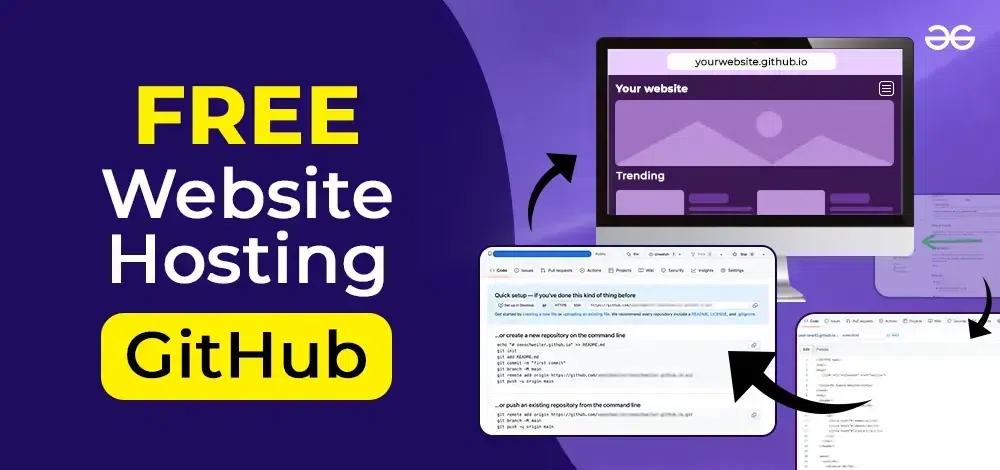
Yes, you can host a web page for free using platforms like GitHub Pages, WordPress, or Wix. These services offer basic hosting solutions without cost, perfect for personal or small projects. Consider their limitations, such as storage and bandwidth, before choosing the best option for your needs.
How Are Web Pages Hosted?
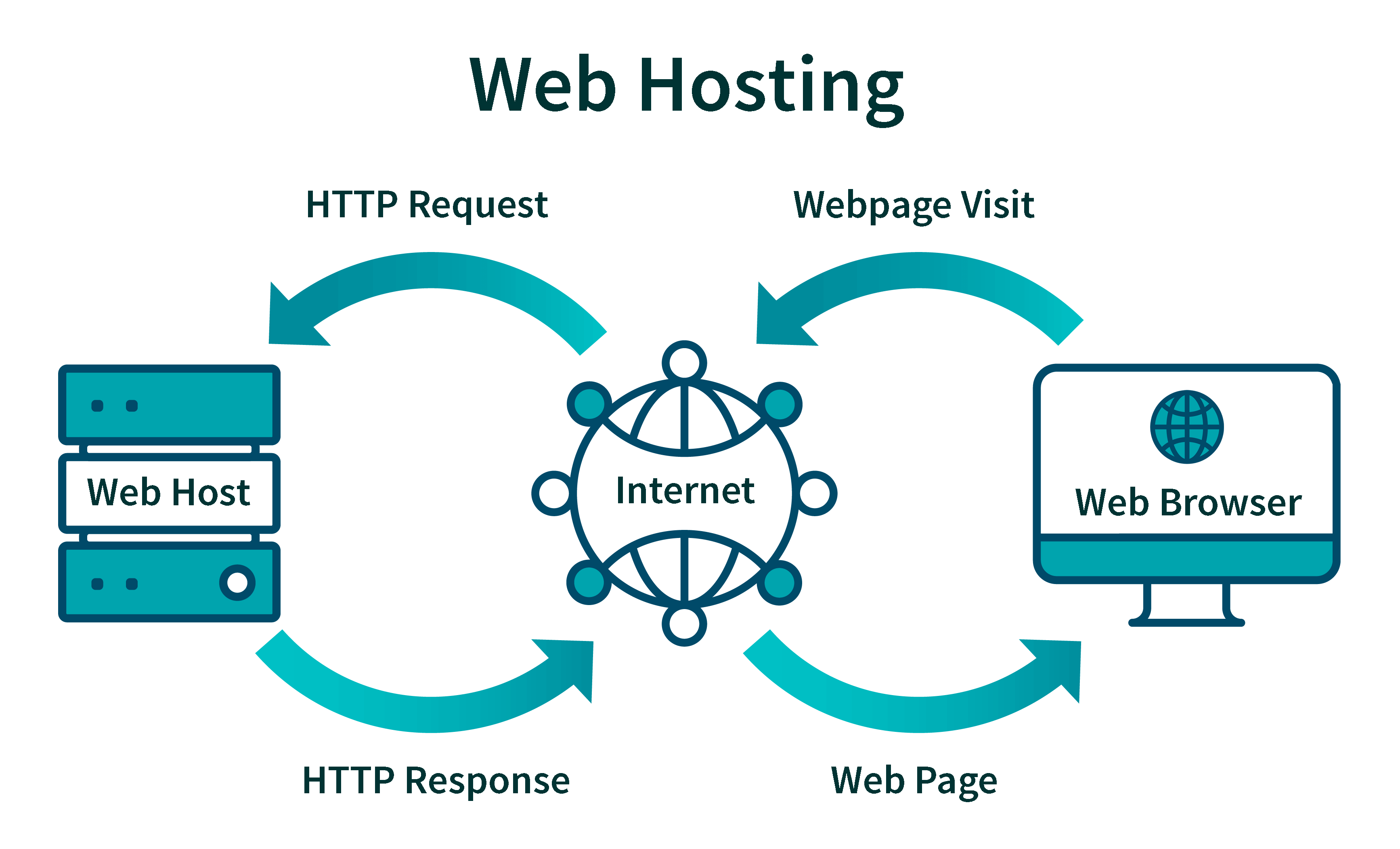
Web pages are hosted on servers managed by hosting providers. These servers store website files and data, making them accessible online. Users access hosted web pages via web browsers by entering domain names, which direct them to the server’s IP address.
Hosting options include shared, VPS, dedicated, and cloud hosting.
How Much Does It Cost To Host A Web Page?
Web hosting costs vary from $3 to $300 monthly, depending on the type and features. Shared hosting is cheaper, while dedicated hosting is more expensive. Additional features like domain registration and SSL certificates can add to the cost. Choose a plan based on your website’s needs and budget.
Conclusion
Hosting web pages can be simple. Start with choosing the right server. Ensure your hosting plan meets your needs. Think about bandwidth and storage. Keep your website secure. Regular updates help prevent issues. Test your web pages often. This checks functionality and speed.
Always have backups. They protect your data. Understand your hosting control panel. It simplifies management. Remember, good hosting leads to better website performance. Readers enjoy faster loading pages. Happy visitors return. Hosting knowledge grows with practice. Stay curious. Explore new hosting technologies.
Your website deserves the best hosting possible.


