
Finding the right web host for your WordPress site can feel like searching for a needle in a haystack. With countless options available, it’s easy to feel overwhelmed.
But don’t worry, you’re not alone in this quest. Whether you’re launching a personal blog or setting up an online store, choosing the right web host is crucial for your site’s performance and security. Imagine your website running smoothly, effortlessly handling traffic, and delivering content at lightning speed.
Sounds perfect, right? This article will guide you through the essential steps to find the ideal web host for your WordPress site, ensuring you make a decision that supports your goals and enhances your online presence. Let’s dive in and make this critical choice a breeze.
Credit: www.godaddy.com
Choosing A Web Host
Different websites have different needs. Know what your site requires. Small blogs need less space. E-commerce sites need more power and storage. Think about your site’s purpose. Choose a host that fits your needs.
Money is important. Web hosting can be cheap or expensive. Look for deals or offers. Some hosts have hidden costs. Always read the terms before choosing. Make sure it fits your budget.
Websites can grow over time. Scalability is about growing with ease. A good host can handle more visitors. Check for performance features. Fast loading time is important. It keeps visitors happy. Choose a host that can grow with you.
Types Of Hosting
Shared hosting is like sharing a room. Many websites use the same server. This option is cheap and easy for beginners. But it can be slow if many sites are busy. It’s a good choice for small blogs or personal sites.
VPS hosting gives you a bit more control. You have your own space, like a small apartment. It’s faster than shared hosting. But it costs more. Good for growing sites that need more power.
Dedicated hosting is like owning a house. You have a whole server to yourself. This is the fastest and most secure option. It is also the most expensive. Best for big businesses with lots of visitors.
Managed WordPress hosting is special for WordPress sites. Experts take care of updates and security. It is faster and more secure. This is perfect for those who want hassle-free management.
Key Features To Look For
Good web hosts offer fast loading times. Speed is crucial for visitors. Uptime should be 99.9% or more. A site down often loses visitors. Fast and reliable hosting boosts user experience.
Protecting your site is important. Choose a host with strong security. Look for features like SSL certificates. Firewalls and regular updates keep data safe. Strong security means peace of mind.
Problems can happen anytime. 24/7 customer support is helpful. Fast and friendly support makes a difference. They solve issues quickly. Choose hosts with good support reviews.
Mistakes or hacks can happen. Backup options are important. Regular backups save your data. Restore features bring your site back fast. Always check for easy backup and restore.
Popular Web Hosting Providers
Bluehost is a trusted choice for WordPress. Their plans are simple. Users find it easy to set up. Bluehost offers good customer support. This makes it a favorite among beginners. Their prices are affordable too.
SiteGround is known for great performance. Many users like their speed. They also have strong security features. SiteGround’s support team is helpful. This makes managing websites easier for users.
HostGator provides easy-to-use tools. They are great for new users. Their plans are budget-friendly. HostGator also offers reliable uptime. This keeps websites running smoothly.
DreamHost offers flexible hosting options. They have a simple control panel. DreamHost is recommended by WordPress itself. Their plans are also affordable. Many users praise their 24/7 support.
Installation Process
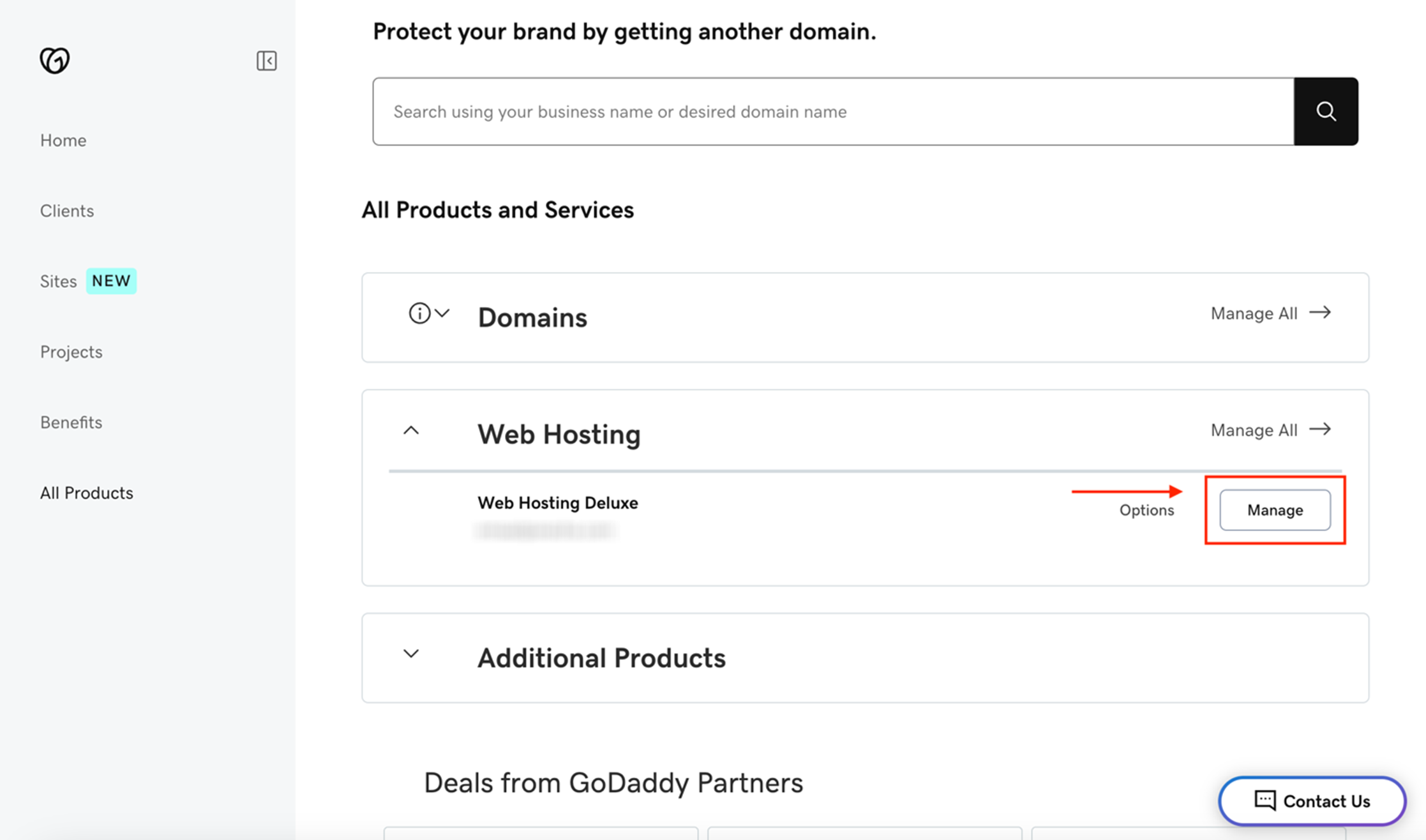
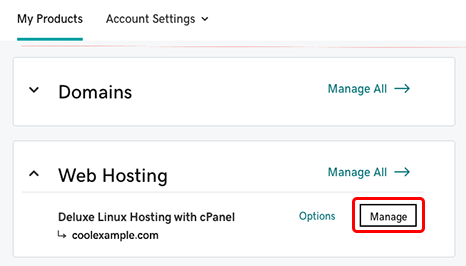
First, select a domain name for your website. This is the address people type to find your site. Use a domain registrar to buy your chosen name. Log in to your hosting provider. Find the section where you can add your domain. Enter the domain name there. Save the changes. Your domain will connect to your host.
Go to your hosting dashboard. Find the WordPress installer tool. Click to start the installation. Follow the steps on the screen. Choose a username and password. Write them down. You will need them later. Wait for WordPress to install. It will take a few minutes. Once done, WordPress is ready to use.
Log into your WordPress dashboard. Click on ‘Settings’. Select your site title and tagline. These tell people what your site is about. Choose your time zone. Set your language. Save these changes. Your site will now display the right information.
Credit: www.godaddy.com
Troubleshooting Common Issues
Downtime can be frustrating. Check if the server is running. Contact your web host for updates. Ensure your domain is active. Sometimes, plugins can cause issues. Disable them one by one. See if your site returns. Keep your software updated. This prevents many problems.
Slow sites annoy visitors. Compress images for faster loading. Use a caching plugin. This helps load pages quicker. Too many plugins can slow you down. Remove unnecessary ones. Check your internet connection. Sometimes, it’s not the site’s fault. Test your site speed often.
Security is vital for websites. Use strong passwords. Update them regularly. Install a security plugin. This adds an extra layer of safety. Back up your site often. If hacked, you can restore it. Avoid using outdated software. It can have security holes. Regular updates keep threats away.

Credit: gizmodo.com
Frequently Asked Questions
How To Find Website Host In WordPress?
Use the WordPress dashboard to find your website host. Access the “Tools” menu, then click “Site Health. ” Navigate to the “Info” tab and locate the “Server” section. Here, you will find details about your hosting provider.
How Do I Find Out My Website Host?
Use online tools like WHOIS to identify your website host. Check your domain registrar account for hosting details. Contact your web developer for assistance.
How To Find Out What Platform A Website Is Hosted On?
Use online tools like BuiltWith or Netcraft to identify a website’s hosting platform. Check the “whois” database for hosting details. Inspect the site’s source code for clues on hosting services. Explore the site’s footer for hosting information. Conduct a reverse IP lookup for additional insights.
Is My WordPress Website Self Hosted?
A self-hosted WordPress website uses hosting services like Bluehost or SiteGround. It requires domain purchase and hosting setup. Managed by you, it offers customization freedom. Verify by checking your hosting plan or WordPress dashboard settings. If you manage hosting, it’s self-hosted.
Conclusion
Finding the right web host on WordPress is crucial. A good host ensures your site runs smoothly. It boosts loading speed and enhances user experience. Start by assessing your needs and budget. Look for reliability and strong support. Compare features of different hosts.
Read reviews from other users. Make sure your choice aligns with your website goals. Remember, a solid web host lays the foundation for success. Choose wisely to grow your online presence. Keep learning and adapting as your site evolves. Your website deserves the best hosting partner.


