
Are you ready to take complete control of your website? Discovering what a self-hosted WordPress can do for you might just be the key to unlocking your digital potential.
Imagine the freedom to customize every detail of your site, choosing from thousands of themes and plugins, and not being tied down by restrictions. With a self-hosted WordPress, you’re the captain of your own ship. Whether you’re a budding blogger, a small business owner, or someone looking to establish a robust online presence, understanding the ins and outs of self-hosting can empower you to create something truly unique.
Dive into this guide and see how you can harness the full power of WordPress to elevate your online game. Don’t just build a website; craft an experience that keeps your audience coming back for more. Ready to explore? Let’s get started!
Credit: www.ryrob.com
Understanding Self-hosted WordPress
Self-hosted WordPress is a website solution. It gives users more control. You can choose your own hosting provider. This means your site lives on a server you pick. You can also install plugins and themes. Make your site look how you want.
With self-hosted WordPress, there are costs. You pay for hosting each month or year. Some plugins also cost money. But you have more freedom. You can change your site anytime. You can add features you need. Your data stays with you. This makes your site flexible.
Benefits Of Self-hosting
Self-hosting gives you complete control over your website. Change the look and feel easily. Choose any theme and plugin. No limits on customization. Create the site exactly how you want. Freedom to experiment and innovate. Tailor your site for your audience. Your imagination sets the boundaries.
Enjoy faster loading times with self-hosting. Choose a powerful server. Optimize your site for speed. Improve user experience. Better performance means happier visitors. Reduced bounce rates. More clicks and engagement. Your site runs smoothly.
Self-hosting opens doors to monetization. Add ads and affiliate links. Sell products or services. Use your site to earn money. Choose how you want to profit. Unlimited possibilities. Turn your passion into income.
Comparing Self-hosted And WordPress.com
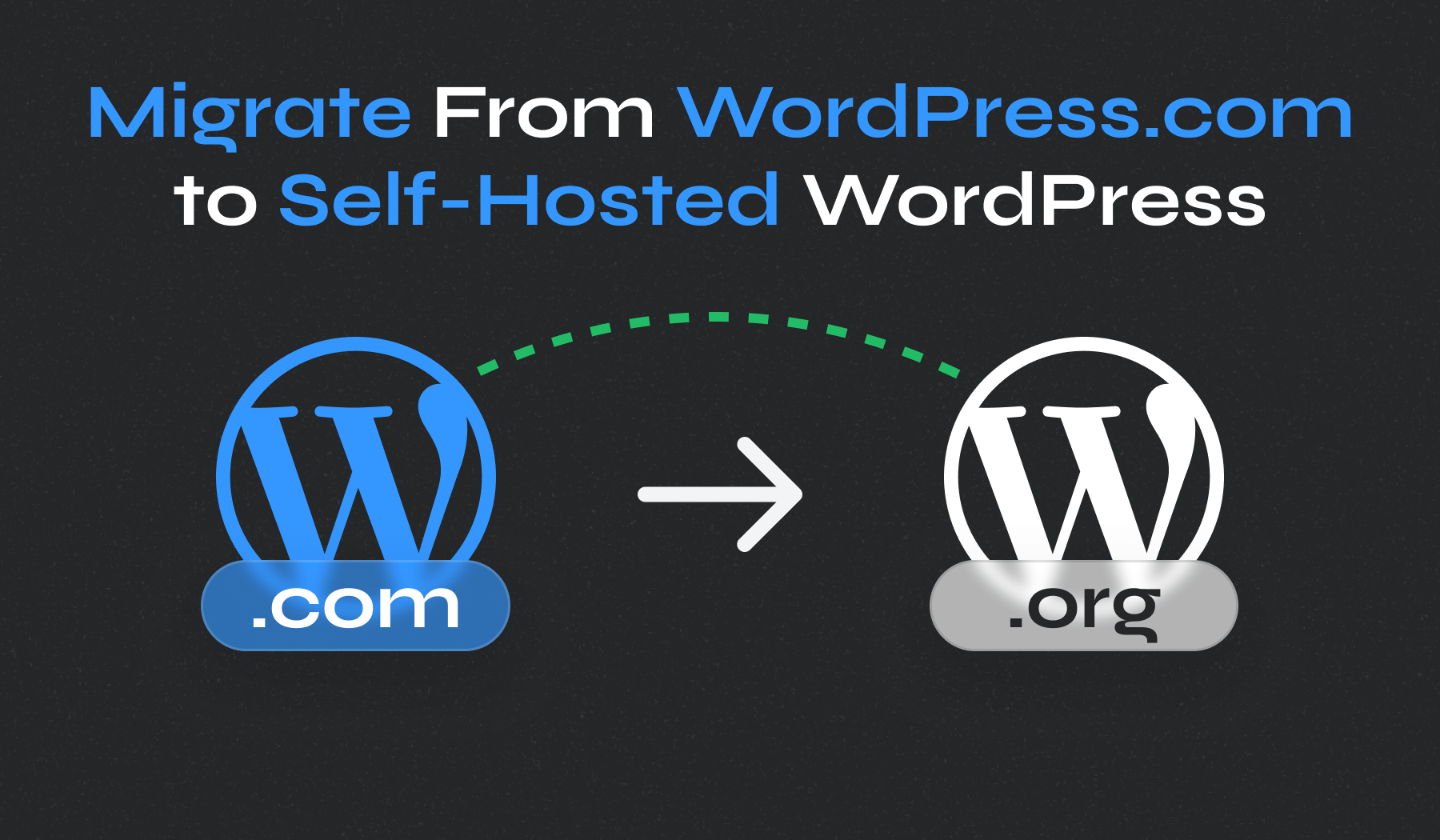
Self-hosted WordPress offers more control and flexibility. You can add any plugin or theme. It requires a hosting service. This might cost some money. On the other hand, WordPress.com is easier to start. It handles the technical parts for you. But, you have limited options.
With WordPress.com, your site is hosted for you. Self-hosted means you find and pay for hosting. This gives you more freedom. But also more responsibilities. You must keep everything updated. The choice depends on your needs and skills.
| Feature | Self-Hosted WordPress | WordPress.com |
|---|---|---|
| Control | High control | Limited control |
| Cost | Potential costs for hosting | Free options available |
| Customization | Full customization | Limited customization |
| Ease of Use | Needs technical skills | User-friendly |
Credit: www.wpzoom.com
Setting Up A Self-hosted WordPress
First, pick a unique domain name for your site. This is your online address. Next, find a reliable hosting provider. Hosting keeps your site data safe. Choose a provider with good reviews and support. Some popular choices are Bluehost and SiteGround. Once selected, register your domain and buy a hosting plan. Now, you are ready to move to the next step.
Start by logging into your hosting account. Look for the WordPress installation option. Most hosts offer a one-click install. Click it and follow the simple steps. It only takes a few minutes. Soon, you’ll have WordPress installed. You can now log in to your new WordPress site.
Themes make your site look good. Find a theme you like in the WordPress dashboard. Install it with a click. Plugins add extra features. They can help with SEO, security, and more. Browse the plugin library for what you need. Install and activate them. Now, your site is ready to shine.
Maintaining Your WordPress Site
Self-hosted WordPress lets you control your website fully. You install WordPress on your own server or hosting. It’s flexible and customizable, great for creating unique sites.
Regular Updates
WordPress updates keep your site running smooth. Updates fix bugs and add new features. Always check for the latest version. Update themes and plugins too. They need regular checks. Updates protect from hackers. Your site stays safe and fast.
Security Measures
Security is crucial for WordPress sites. Use strong passwords. Avoid using common words. Install security plugins. They help block threats. Regularly scan for malware. Remove any suspicious files. Set up a firewall. It stops harmful traffic. Always keep your site secure.
Backup Solutions
Common Challenges And Solutions
Many face challenges with WordPress installation. A common problem is server compatibility. Ensure your server meets WordPress needs. Check PHP and MySQL versions. Updating them might solve issues. Another issue is file permissions. Make sure files have correct permissions. This allows WordPress to run smoothly. Missing files can also cause errors. Verify all files are uploaded. Re-upload missing ones if needed.
A slow website can frustrate users. Optimize images to reduce load time. Use plugins to compress them. Limit active plugins as well. Too many can slow down your site. Keep WordPress and plugins updated. Updates improve performance and security. Also, choose a reliable hosting provider. Good hosting boosts speed and reliability. Consider using a caching plugin. It stores data to load pages faster.
Popular Tools And Resources
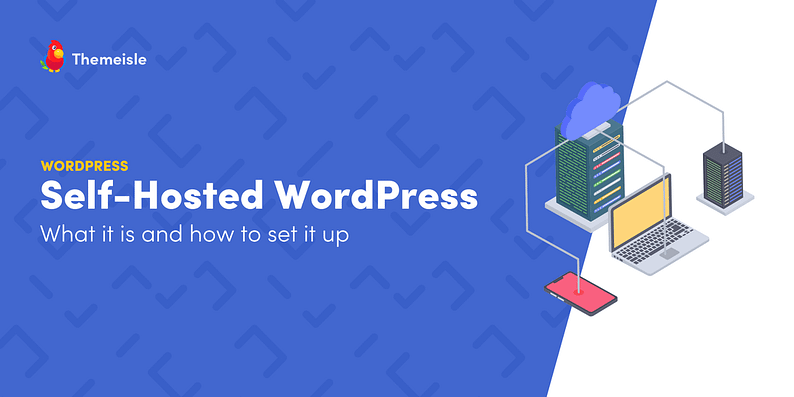
Self-hosted WordPress is a website platform you control. It offers flexibility with various tools and resources. Choose your own hosting provider, themes, and plugins. This setup allows customization and growth for your site.
Recommended Plugins
Plugins make WordPress powerful. Wordfence helps keep your site safe. Yoast SEO improves your search rank. WooCommerce adds online shopping features. Contact Form 7 lets people reach you easily. Akismet stops spam comments. All-in-One WP Migration helps move your site. Plugins add new features. They make your website better.
Helpful Online Communities
Online communities offer support. WordPress.org forums have lots of users. People share tips and advice. Stack Overflow is great for coding help. Reddit has a WordPress group. Facebook groups connect users worldwide. Communities answer questions fast. They help solve problems. They are full of friendly people.
Credit: themeisle.com
Frequently Asked Questions
What Is A Self-hosted WordPress?
A self-hosted WordPress means you host your own WordPress site. You need to purchase a domain and hosting plan. This gives you full control over your website’s functionality and customization.
How Does Self-hosted WordPress Differ From WordPress.com?
Self-hosted WordPress offers more flexibility and control. Unlike WordPress. com, you can install plugins and custom themes. You have greater control over SEO and monetization options on self-hosted WordPress.
What Are The Benefits Of Self-hosting WordPress?
Self-hosting WordPress provides full control and customization. It allows installing plugins, custom themes, and monetizing content. You also benefit from improved SEO capabilities and flexibility in site management.
Is Self-hosted WordPress Hard To Set Up?
Setting up a self-hosted WordPress requires some technical skills. It involves purchasing a domain, hosting, and installing WordPress. Many hosting providers offer one-click WordPress installation to simplify the process.
Conclusion
Self-hosted WordPress offers control over your website. You customize themes, install plugins, and manage content. It’s flexible and scalable. Perfect for growing businesses. But it requires technical know-how. You maintain updates and backups. Hosting costs are your responsibility. Consider your budget and skills.
Explore your options. Decide if self-hosted WordPress is right for you. Many find it rewarding. Others prefer simpler solutions. Evaluate your needs. Choose wisely. Your website deserves the best setup.


