
Imagine opening a toolbox filled with tools that can transform your WordPress site into a powerful, user-friendly platform. That’s exactly what widgets are.
They are the secret ingredients that can elevate your website’s functionality and aesthetic appeal. But what exactly are these mysterious widgets, and how can they enhance your WordPress experience? You’re about to find out. By understanding widgets, you can unlock the potential to customize your site without needing to code, making it more engaging and efficient for your visitors.
Stick around, and you’ll discover how these small, yet mighty, tools can make a big impact on your website’s performance.
Understanding Widgets
Widgets are small tools on a website. They add extra features. Think of them as building blocks. They help make a site more interactive. You can find them in sidebars or footers. They display things like a calendar or search bar.
There are many types of widgets. Some show recent posts. Others display social media links. You can even have a weather widget. This shows the local weather. Widgets are easy to use. Just drag and drop them where you want. They make your site look better.
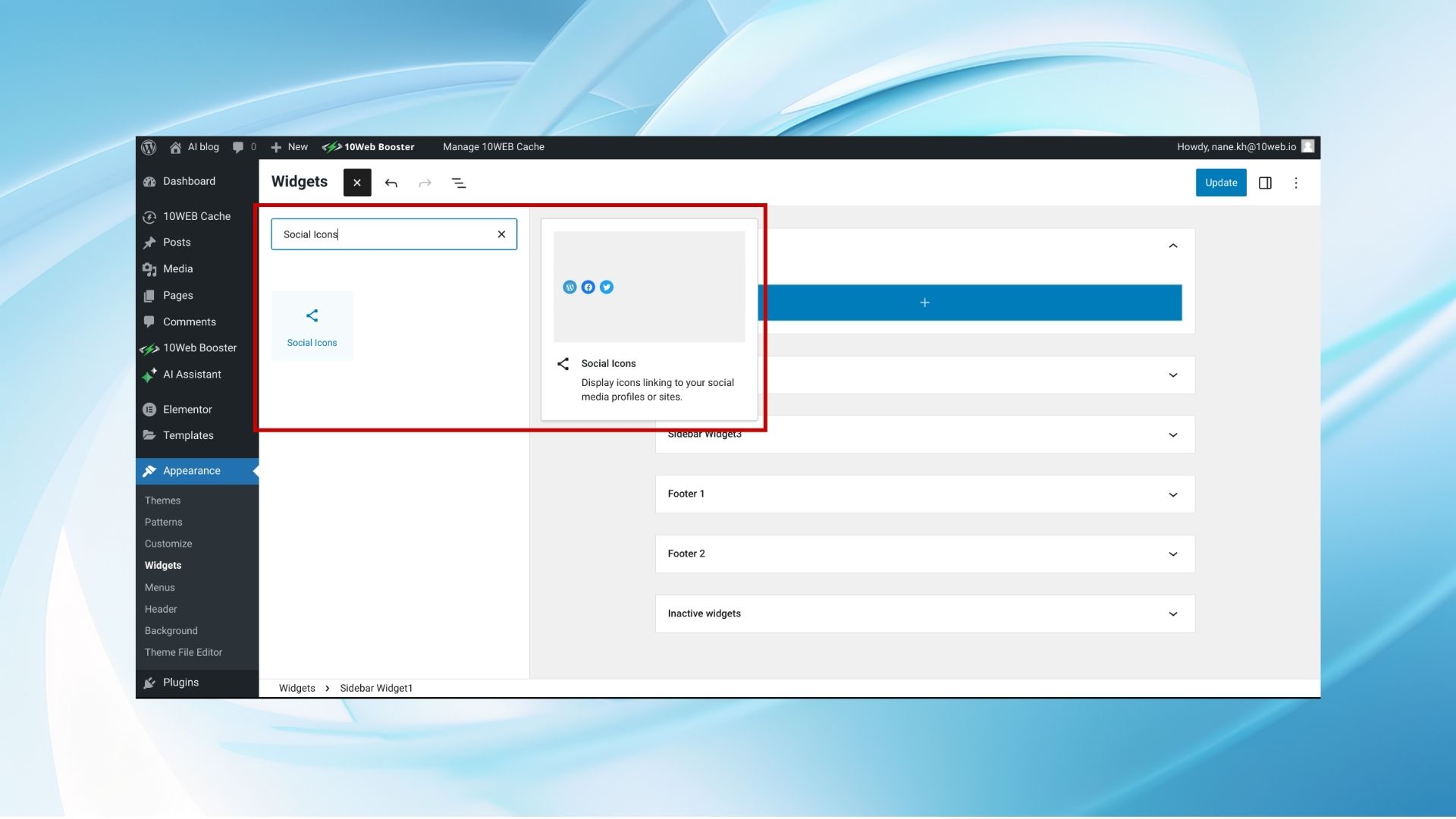
Credit: 10web.io
Types Of Widgets
WordPress has many default widgets. These include the Search bar, Recent Posts, and Categories. They help users find content quickly. Default widgets are easy to use. They come with WordPress. No need to install extra plugins.
Users can create their own custom widgets. These widgets fit their needs. Custom widgets need some coding. They add special features to a site. Users can make a widget for a favorite quote or a weather update. It’s all possible with custom widgets.
Third-party widgets come from other developers. They add more functions to WordPress. Users can find them in the plugin store. These widgets can help with social media feeds or contact forms. Choose wisely to keep the site fast and safe.
Benefits Of Using Widgets
Widgets add extra tools to your website. They help with different tasks. Like displaying a calendar or showing recent posts. They make your site more useful. You can choose from many types. Each widget has a special job.
Widgets make your site easy to use. Visitors find things quickly. Imagine finding a contact form fast. That makes users happy. Happy users stay longer. This is good for your site.
Widgets help change how your site looks. You can add colors and fonts. Make your site match your brand. Unique looks attract visitors. You control where widgets appear. This makes your site special.

Credit: wordpress.org
How To Add Widgets
Widgets make your WordPress site special. Open your dashboard first. Find the ‘Appearance’ tab. Click it. Look for ‘Widgets’. You will see many options. Drag the widget you want. Put it in the sidebar. Or in the footer. Check your changes on the site. Easy steps, right?
Theme Customizer is also good for adding widgets. Click on ‘Appearance’. Then choose ‘Customize’. You will see a panel. Find ‘Widgets’ there. Click it. Select the area you want. Add your widget. Save your changes. Now your site looks better. Simple as that!
Common Widget Areas
Sidebars are popular areas for widgets. They usually appear on the side of a page. Many themes have sidebars. They are used for menus, search bars, or ads. Users can add custom widgets here. Sidebars help navigation and keep pages tidy. They make important links easy to find.
Footers are at the bottom of the page. They hold important information. Many sites use footers for contact details or privacy policies. Social media links are also common in footers. Footers are often used for copyright information. They offer a final chance to share important links.
Headers appear at the top of a page. They often contain site logos and menus. Headers help users find key sections of a site quickly. Many sites use headers for branding. Headers make a strong first impression. They are one of the first things visitors see.
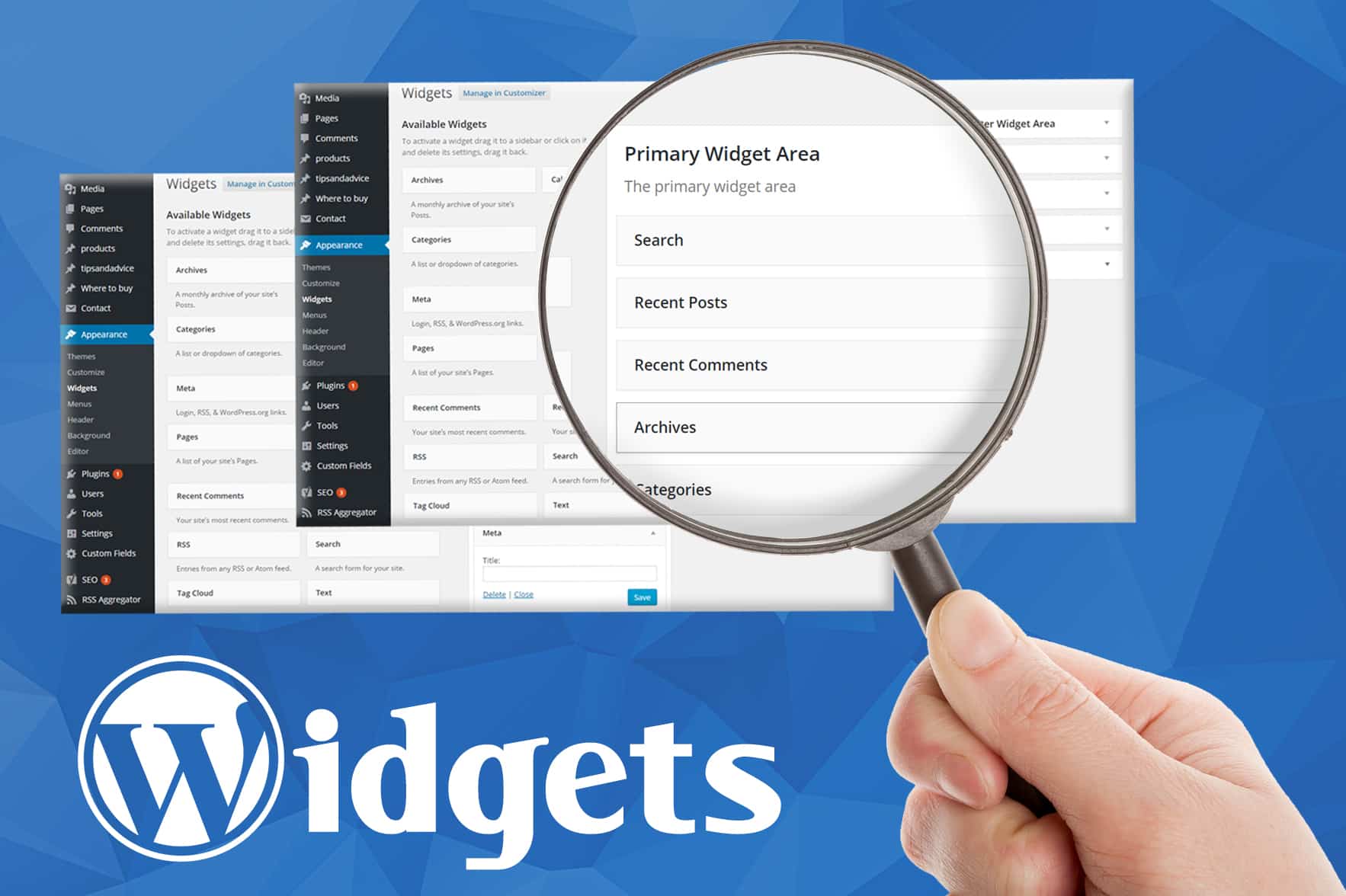
Credit: www.greengeeks.com
Customizing Widgets
Widgets are small tools on websites. They add features to pages. Many websites use them. Each widget has settings. These settings help change how they look. You can choose colors and size. Adjusting settings is easy. It’s like personalizing your room. Make the widget fit your website style. Widgets help with user experience. They should be simple to use. Changing settings can make a big difference. Keep it neat and tidy.
Plugins help with widget changes. They add more options. You can find many plugins online. Each plugin has a special job. Some plugins make widgets bigger. Others add more colors. Plugins make widgets better. They give more choices. Installing a plugin is easy. You need to follow steps. Plugins make widgets fun. They help with design. Plugins keep widgets fresh and new.
Troubleshooting Widget Issues
Widgets sometimes disappear or fail to display. This frustrates users often. Check if the widget is activated. Sometimes, widgets are not enabled by default. Ensure it’s dragged into the correct area. Incorrect placement leads to display issues. Refresh your page to see changes. If it still doesn’t work, check for conflicts with other plugins.
Themes might cause problems for widgets. Some themes do not support specific widgets. Check your theme’s documentation. It may have a list of supported widgets. Consider changing themes if conflicts persist. Some widgets might have compatibility issues with newer themes. Update your theme regularly. Older themes can have bugs. Contact the theme developer for help if needed.
Best Practices For Widgets
Widgets in WordPress enhance website functionality. They allow easy customization of sidebars and footers. Implementing best practices ensures smooth user experience and optimal site performance.
Keeping Widgets Updated
Widgets need regular updates. Updates fix bugs and improve performance. New features might be added. Keeping widgets updated is crucial. It ensures compatibility with themes and plugins. Outdated widgets can cause conflicts. This can break your site. Regularly check for updates. Update widgets through your dashboard. Always backup your site before updates. Backup prevents data loss. Updating widgets is a simple process. It keeps your site healthy.
Avoiding Widget Overload
Too many widgets can slow your site. It makes navigation hard. Widgets should be used wisely. Choose widgets that add value. Each widget should serve a purpose. Avoid clutter on your pages. Too many options confuse visitors. Keep your layout clean. Prioritize important widgets. Remove unnecessary ones. Fewer widgets improve site speed. Faster sites rank better on search engines. A clean site is user-friendly.
Frequently Asked Questions
What Are WordPress Widgets Used For?
WordPress widgets enhance website functionality without coding. They allow users to add features like search bars, calendars, and social media links. Widgets can be easily dragged and dropped into widget-ready areas, such as sidebars or footers. This makes them a powerful tool for customizing a WordPress site.
How Do I Add Widgets In WordPress?
To add widgets, go to the WordPress dashboard, then navigate to Appearance > Widgets. From there, you can drag and drop available widgets into your desired widget areas like sidebars or footers. It’s a simple way to customize your site’s layout and functionality without needing to know any code.
Can I Customize WordPress Widgets?
Yes, you can customize WordPress widgets. Many widgets have settings you can adjust to fit your needs. You can modify titles, sizes, and content. Some themes and plugins also offer additional widget customization options. This flexibility helps tailor your site’s appearance and functionality to better meet your goals.
Are WordPress Widgets Free?
Most WordPress widgets are free and come standard with your WordPress installation. Some premium themes and plugins offer additional widgets for a fee. Free widgets cover basic functionalities like recent posts, categories, and search bars. Paid widgets offer advanced features, providing more customization and functionality for your website.
Conclusion
Widgets in WordPress add functionality to your site. They are easy to use. Drag and drop widgets into your desired area. Add calendars, social media links, or recent posts. Customize your site without coding. Widgets enhance the user experience. Make your site interactive and engaging.
Explore different widgets available. Choose ones that fit your needs. Experiment and adjust as needed. Widgets are a simple way to improve your WordPress site. Start using them today for better site functionality. Enhance your website with these helpful tools.
Keep your site fresh and dynamic with widgets.


