
Have you ever felt overwhelmed by the complexities of building a website on WordPress? You’re not alone.
Many users just like you have sought an easier, more intuitive way to create stunning websites without needing to become a coding expert. This is where Gutenberg comes into play. Imagine having the power to design your WordPress site as easily as dragging and dropping elements into place—sounds intriguing, doesn’t it?
With Gutenberg, this dream becomes a reality. It’s not just a tool; it’s a game-changer for anyone looking to build a beautiful, functional website with ease. But what exactly is Gutenberg, and how can it revolutionize your WordPress experience? Stick around, as we dive into everything you need to know about this innovative feature, and discover how it can transform the way you approach website creation forever.
Credit: wordpress.org
Gutenberg Basics
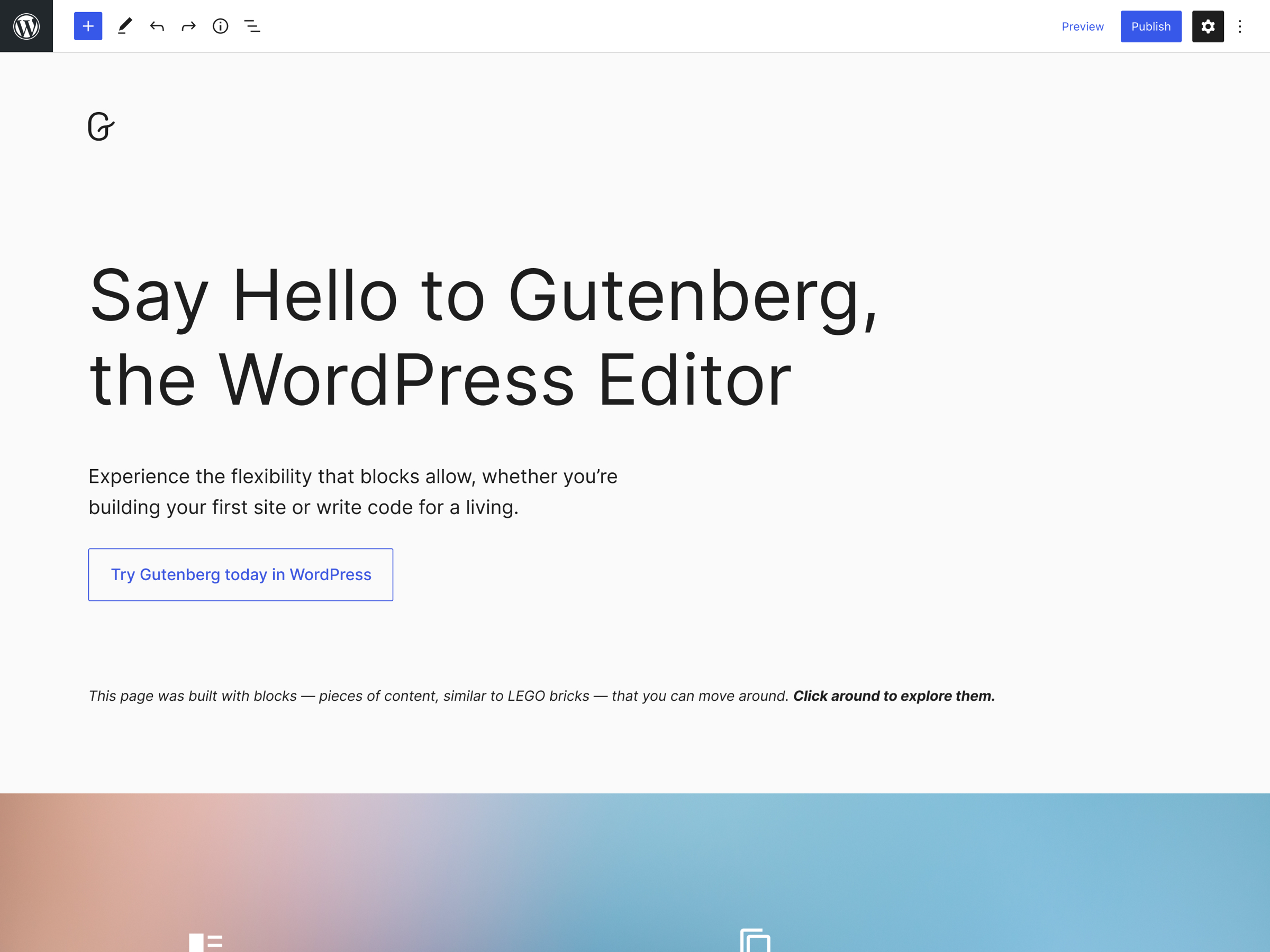
The Gutenberg Block Editor lets you build pages with blocks. Every piece of content is a block. You can add text, images, and videos. Each block is separate. This makes editing easy. You can move blocks around. You can also change their look. It’s like building with LEGO bricks. Simple yet powerful.
Gutenberg has many core features. It includes a visual editor. You see changes as you make them. The editor is clean and simple. It helps you focus on content. You can use pre-made blocks or make your own. This gives you freedom to create.
Gutenberg also supports media integration. Add images, galleries, and videos with ease. It’s user-friendly and perfect for beginners. Start building your site with confidence.
User Interface
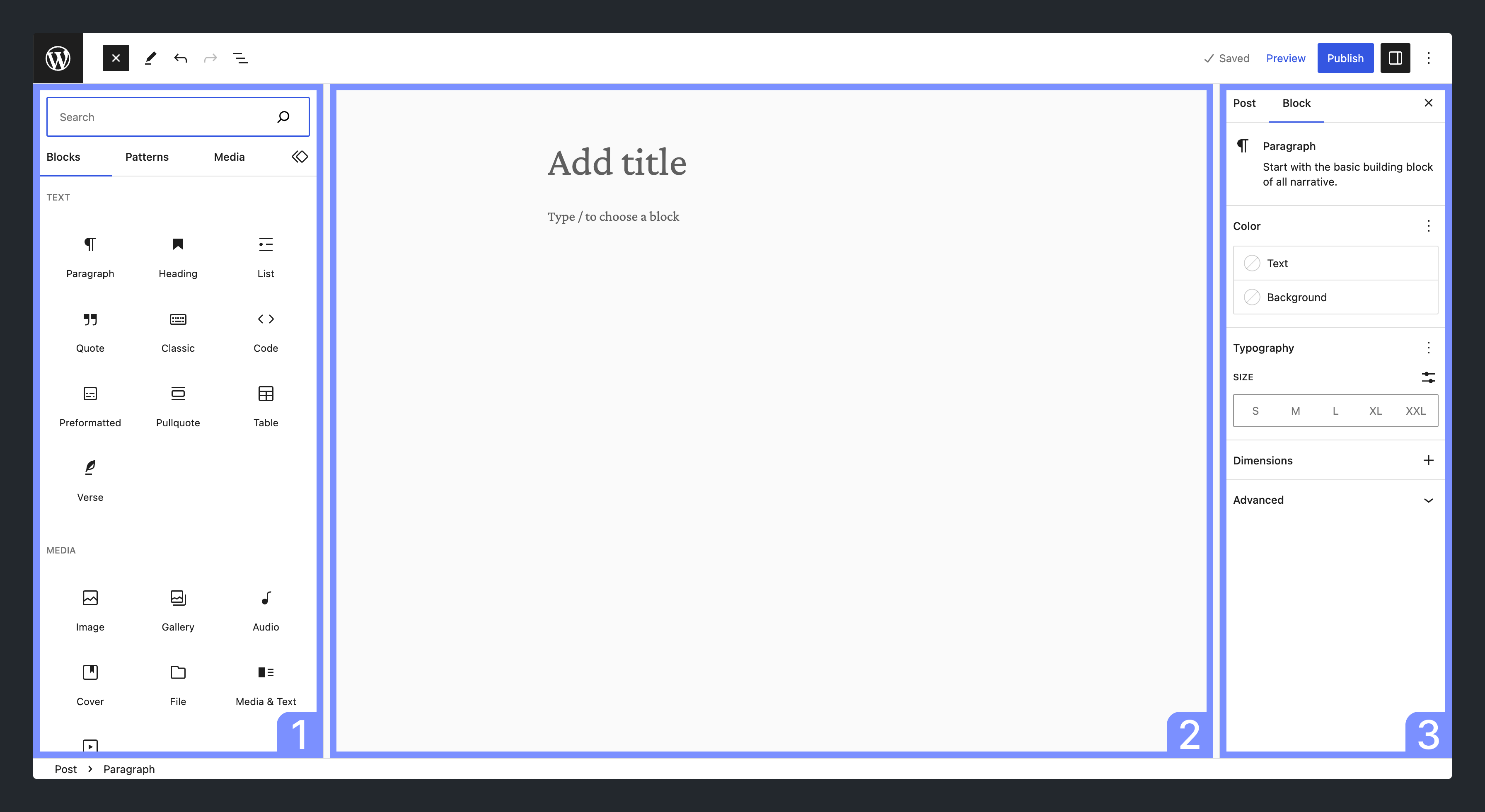
Gutenberg offers a simple interface for WordPress users. Blocks are easy to drag and place. This helps in creating pages quickly. The design is clear. It is meant for easy use.
Users can customize their layout
The interface is user-friendly. It is designed for everyone. Beginners can use it without trouble. Advanced users find it flexible. It suits different needs. The layout adjusts to any device.
With Gutenberg, designing is fun. Creativity is encouraged. Try different styles. Experiment with layouts. Build unique pages that stand out.
Creating Content
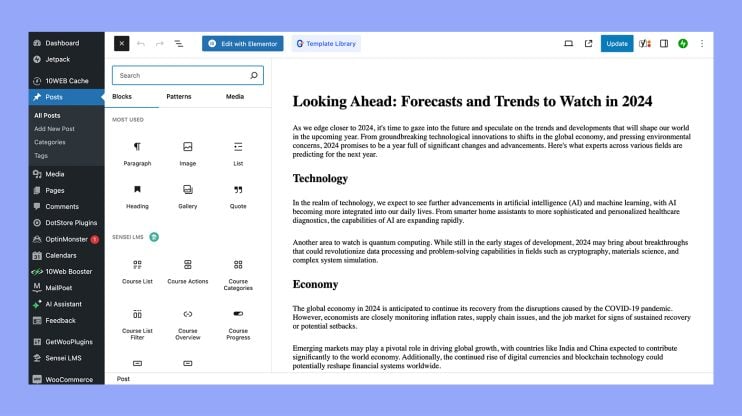
Gutenberg uses blocks to create content. Each block has a purpose. There is a block for text, images, or lists. Blocks make editing easy. You can move them around. You can delete or add new ones. Blocks help organize your work. They make content look neat. You can style them too. Change colors or fonts. It’s simple to use. No need for coding skills. Just click and drag. Blocks help everyone create good content.
Adding media is easy with Gutenberg. Insert images, videos, or audio. Use the media block for this. Media makes content interesting. It keeps readers engaged. Click the add media button. Choose files from your computer. Or use the media library. It’s a collection of saved files. You can resize media files. Adjust their position on the page. Media makes your content lively. It tells a better story.
Credit: developer.wordpress.org
Advanced Features
Gutenberg lets you create reusable blocks. These blocks save time. You can use them over and over. Make a block once. Use it in many places. Change it once. It updates everywhere. This keeps your work consistent.
Many plugins work well with Gutenberg. They add extra features. You can find plugins for design. Some are for layout. Others help with media. Choose plugins that fit your need. They make Gutenberg even more useful.
Benefits Of Gutenberg
Gutenberg gives freedom to create. It offers blocks for every need. Design without limits. Choose from text, images, and more. Experiment with layouts. Try different styles. Make each page unique. Creativity is no longer hard. This tool makes it easy.
Gutenberg makes tasks simpler. No more complex steps. Drag and drop blocks. Rearrange them with ease. Edit without stress. Changes happen instantly. Time is saved with fewer clicks. Work becomes efficient. It helps keep focus on content. Less time on tech, more on ideas.
Common Challenges
Gutenberg may seem tough at first. New users might feel lost. The block system is new for many. It needs patience to learn. Tutorials can help. Practice makes it easier. Simple tasks might take time. But, it gets better with use. The interface is fresh. Some find it hard to adjust. Experimenting is key. Mistakes will teach valuable lessons. Understanding blocks takes time. Confidence grows with familiarity. Keep practicing for improvement.
Some plugins may not work with Gutenberg. Themes could clash too. Updates help fix these problems. Older themes might need changes. It’s wise to check compatibility first. Some users face display errors. Testing can reveal problems early. Gutenberg is evolving. Developers work on fixing issues. Patience is important here. New versions often solve old problems. Communication with developers can help. Stay informed about updates.
Future Of Gutenberg
The Gutenberg editor is always changing. New updates will make it better. Developers are adding more features. Users will find it easier to use. The editor will be faster. Blocks will load quickly. This helps in editing posts smoothly. More customization options will be available. Users can change styles easily. They can add colors and fonts. This improves the look of websites.
Gutenberg impacts the WordPress community. Developers share ideas to improve it. Users give feedback on features. This helps make the editor user-friendly. Many people use WordPress. Gutenberg affects many websites. It is important for designers. They use it to create beautiful pages. The community works together. Their goal is to make Gutenberg great. Everyone benefits from these efforts.
Credit: 10web.io
Frequently Asked Questions
What Is Gutenberg In WordPress?
Gutenberg is WordPress’s block-based editor, introduced in version 5. 0. It allows users to create content using blocks for text, images, and multimedia. This provides a more flexible and intuitive way to design posts and pages compared to the classic editor.
How Does Gutenberg Improve Content Creation?
Gutenberg enhances content creation by offering a more visual and intuitive interface. Users can easily arrange and format content blocks. This makes it simpler to create complex layouts without coding knowledge, improving both efficiency and creativity.
Is Gutenberg Editor Easy To Use?
Yes, Gutenberg is designed for ease of use. Its block-based system is intuitive, even for beginners. Users can drag, drop, and customize blocks with minimal effort. This makes it accessible for users of all skill levels.
Can I Switch Back To The Classic Editor?
Yes, you can switch back to the Classic Editor. WordPress offers a Classic Editor plugin. This plugin allows users to disable Gutenberg and use the traditional WordPress editor for content creation, maintaining familiarity for long-time users.
Conclusion
Gutenberg changes how you create content in WordPress. Blocks make building easy. Drag, drop, and customize without coding skills. This tool helps beginners and experts alike. Editing is now visual and intuitive. You see changes instantly. Simple and powerful features enhance your site.
Gutenberg is part of WordPress now. You can explore new design possibilities. Learn to use blocks effectively. Create engaging posts that attract visitors. Start using Gutenberg today. Improve your WordPress experience with better content creation. Your site can look professional and appealing.
Try it and see the difference.


