Are you struggling to monetize your WordPress newspaper theme effectively? You’re not alone.
Many WordPress users find it challenging to seamlessly integrate ads into their newspaper themes without disrupting the reader experience. But what if adding an ad could be simple, quick, and even enhance the look of your site? Imagine turning your website into a revenue-generating machine while maintaining a sleek, professional appearance.
In this guide, we’ll walk you through the straightforward process of adding ads to your WordPress newspaper theme. By the end, you’ll not only know how to place ads strategically but also how to maximize your revenue potential. Ready to unlock the full earning potential of your WordPress site? Let’s dive in!
Choosing The Right Ad Placement
Place ads where many people visit. These spots are called high-traffic areas. Look at your website’s data to find these places. Common spots include above the fold and near popular posts. These areas get more eyes on your ads. More views can mean more clicks. Remember, more clicks can lead to more money.
Ads should not annoy your readers. Good ads fit into your website’s design. This keeps readers happy. Too many ads can push people away. Find a balance between user experience and earning money. This way, readers stay longer. Longer visits can help your site grow. Happy readers may click on your ads.
Preparing Your Advertisement
Choosing the right ad format is key. It impacts visibility and clicks. Banner ads are popular. They are easy to spot. Text ads are subtle. They blend with content. Video ads engage viewers. They tell stories quickly. Interactive ads invite clicks. They boost interest. Each format has its purpose. Match format with your goals. Understand your audience.
Designs should grab attention. Use bright colors. They stand out. Keep text simple. Too much text confuses. Images should be clear. Blurry images look unprofessional. Fonts should be readable. Choose bold fonts for emphasis. Balance is important. Don’t overcrowd the design. Clear and neat designs are best. They make ads memorable. Consider your brand style. Make sure ads reflect it.
Installing Ad Plugins
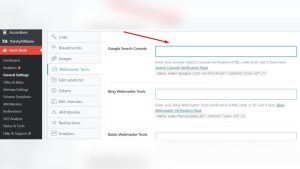
Many plugins help add ads to your site. Ad Inserter is a good choice. It’s simple and works well. Advanced Ads is another option. It has many features. WPQuads offers easy setup. All these plugins are free. They also have paid versions. Choose the one that fits your needs.
First, go to your WordPress dashboard. Next, click on Plugins. Then, choose Add New. In the search box, type the plugin name. Click Install Now. Wait a few seconds. Then, click Activate. Now, your plugin is ready to use. Easy as that!

Credit: colorlib.com
Configuring Ad Settings
Choose the right ad size for your website. Most themes offer various options. Common sizes include 300×250 and 728×90. Larger ads attract more attention. Smaller ads fit better in tight spaces. Check what fits your layout best. Test different sizes to see what works. Experiment with placements and designs. Consider user experience and content flow.
Understand your audience before placing ads. Different groups like different things. Think about what your readers need. Do they prefer tech or lifestyle ads? Use targeting tools to reach the right people. Adjust settings based on user interests. This helps improve ad performance. Make sure ads are relevant and engaging. Keep track of results and feedback.
Inserting Ads Into The Theme
Widgets help place ads in your theme. Go to the Appearance menu. Click on Widgets. Select the widget area for your ad. Drag and drop the Ad Widget to this area. Add your ad code in the widget. Save the changes. The ad appears on your website. Easy and simple!
Shortcodes allow ads in special places. Find the shortcode for your ad. Place this shortcode in a post or page. Use the Text Editor to paste it. The ad shows up where the shortcode is. Change the location anytime. Shortcodes are flexible and quick!
Monitoring Ad Performance
Click-through rates are important for ad success. They show how many people click your ad. A high rate means your ad is interesting. A low rate might need changes. Compare your rates with others. This helps you see if your ad is doing well. Use tools to check click-through rates often. Look for patterns in the data. Sometimes small changes in ad text help. Try different colors and images. See which works best. Always test new ideas. Testing gives you good insights. Never stop checking your ad performance.
Adjusting strategies is key for better ad results. Change ad text if it’s not working. Use different keywords. Keywords can attract more viewers. Try changing ad images. Images grab attention quickly. Test different ad times. Some hours have more viewers. Use feedback to improve ads. Listen to what viewers say. Always look for new ideas. Keep your ads fresh and engaging. Regular updates keep ads interesting. Ads need constant attention for success.
Ad Policy Compliance
Ad guidelines are rules for showing ads. Ads must be safe and appropriate. They should not mislead people. It’s crucial to follow these guidelines. Some ads might be blocked if they don’t follow the rules. Always read the ad policy before adding ads. This keeps your site safe.
Users should enjoy visiting your site. Ads should be simple and non-intrusive. They must not interrupt the reading. Keep ads away from important content. This helps users focus. Balance is key. Ads should not overwhelm the page. Too many ads can make users leave. Ensure ads fit well with the site’s design.
Credit: forum.tagdiv.com

Credit: wpadvancedads.com
Frequently Asked Questions
How Do I Add Ads In WordPress Newspaper Theme?
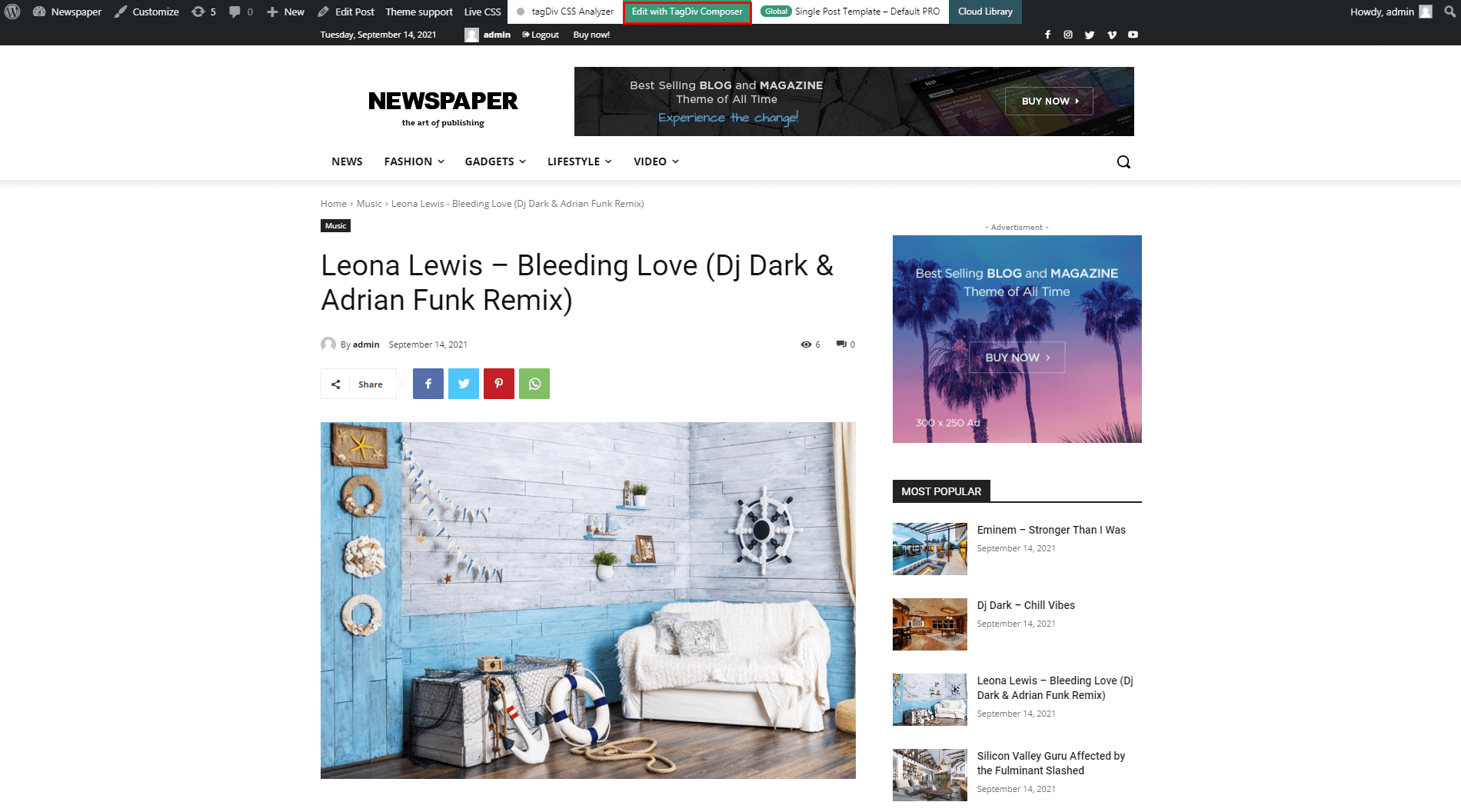
To add ads in the WordPress Newspaper theme, access the theme panel. Navigate to the ‘Ads’ section. Insert your ad code in the specified fields. Save your changes to display ads on your site. This integration enhances user experience and monetizes your content effectively.
Can I Use Google Adsense With Newspaper Theme?
Yes, you can integrate Google AdSense with the Newspaper theme. Access the theme panel and navigate to the ‘Ads’ section. Insert your AdSense code into the provided fields. Save the changes to display Google ads. This setup helps you earn revenue through targeted advertising.
Where Should I Place Ads In Newspaper Theme?
Strategically place ads in high-traffic areas like the header, sidebar, or within content. Use the theme’s ‘Ads’ section to position your ads effectively. Ensure placements enhance user experience and comply with advertising guidelines. Proper placement increases visibility and potential revenue.
Are There Plugins For Ad Management In WordPress?
Yes, several plugins can help with ad management in WordPress. Popular options include AdRotate, Advanced Ads, and WP QUADS. These plugins offer features like ad rotation, scheduling, and targeting. Integrating plugins simplifies managing multiple ads and enhances website monetization strategies.
Conclusion
Adding ads to your WordPress newspaper theme is simple. It boosts your website’s earnings. Choose ad spots wisely for better engagement. Ensure ads do not overwhelm content. Test different placements for best results. Keep your audience’s experience in mind. A well-placed ad can capture attention.
Utilize tools provided by the theme. They make integration easy. Regularly update and monitor ad performance. This helps optimize your strategy. Stay informed about ad trends. This keeps your site relevant. Balance is key in maintaining content and ads harmony.
Happy advertising!