
Are you tired of your WordPress blog posts not appearing in the order you want? You’ve meticulously crafted your content, but somehow it just doesn’t show up the way you envisioned.
This can be frustrating, especially when you’re trying to highlight your best work or keep your readers engaged. Imagine the satisfaction of having full control over your content’s display, ensuring that your audience sees exactly what you want them to, when you want them to.
In this guide, you’ll discover simple, actionable steps to rearrange how posts show up on your WordPress theme. By the end of this article, you’ll have the tools to enhance your site’s layout, making it more attractive and intuitive for your visitors. Let’s dive into the world of WordPress customization and transform your blog’s appearance together!
Credit: wpengine.com
Customizing WordPress Theme Layout
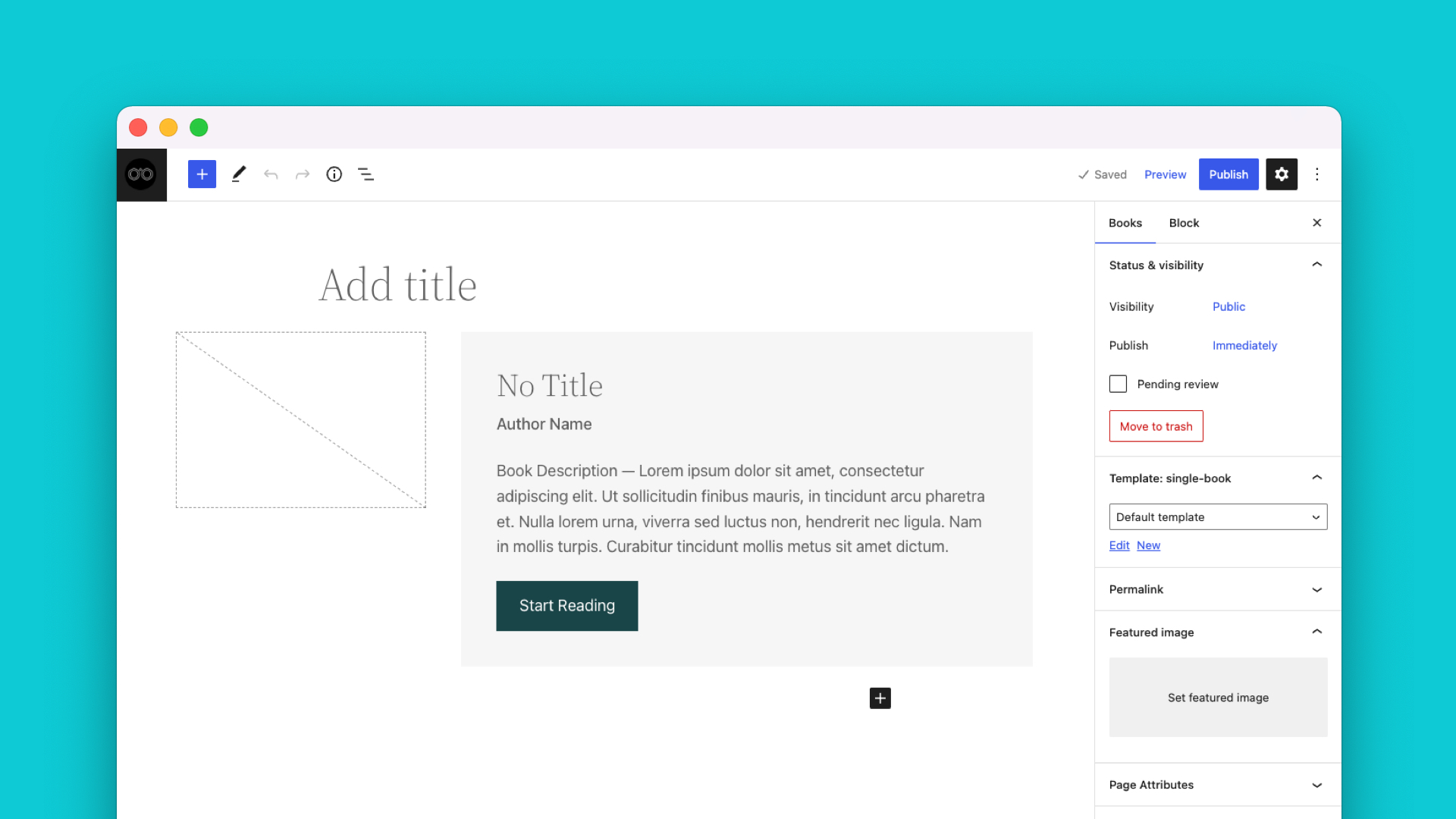
WordPress themes come with settings. These settings help you change the layout. You can find these in the WordPress dashboard. Look for the customizer. This tool lets you see changes in real-time. Make sure to save your changes. This way, you won’t lose your work.
A good layout makes your site look nice. It helps people find things easily. Customizing your layout can help your posts stand out. This attracts more visitors to your site. A clean layout keeps readers happy. It helps them read and stay longer. Remember, your site’s look matters a lot.
Using Built-in WordPress Features
WordPress has tools to help change post order. Users can use the post order settings to do this. Go to the WordPress dashboard. Then, find the settings for post order. You can sort posts by date or title. It is easy and fast. Click on your choice, and the posts will rearrange. This makes your blog look fresh and new.
Categories and tags help organize posts. They make it easier for readers to find what they like. Use categories to group similar posts together. Tags can highlight specific topics. This makes each post stand out. In the dashboard, use the category and tag options. Readers will have a better experience. They can find topics they love in seconds.
Exploring Theme Options
The theme customizer helps you adjust how your posts appear. It is found in your WordPress dashboard. You can change colors, fonts, and layouts. This tool is easy to use. Select a new option and see the change. It happens right away. This tool makes your blog look nice. You can try different styles without losing your content. Customizer is a great way to make your blog unique.
Widgets are small tools on your site. They show up in the sidebar or footer. You can move them to different places. Click and drag to rearrange them. You can add new widgets too. Each widget has its own function. Some show recent posts. Others display social media links. Widgets help you organize your site. They make it easy for visitors to find things.
Implementing Custom Code
Custom code can rearrange post order in a WordPress theme. Alter templates to show posts differently. Enhance user experience by organizing content effectively.
Using Functions.php
Functions.php is a powerful tool in WordPress. It helps you change how posts show. You can add custom code here. Make sure to back up your file first. This helps if something goes wrong. To start, open the functions.php file. It’s in your theme folder. Add your code at the bottom. This keeps things neat. You can change the order of posts. Use a simple piece of code. It can sort posts by date or title. This makes your site look fresh. Try different codes to see what works best.
Custom Queries
Custom queries let you control post order. They are like special requests to your site. You can ask for posts by date or category. This helps you show important posts first. Use custom queries in your template files. Find the right spot to add them. Test your changes after adding the code. It’s important to check if they work. Custom queries give you more control. They make your site unique. It’s easy once you know how.
Utilizing Plugins For Post Arrangement
Many plugins help arrange posts in WordPress. They make it easy to change order. You can choose from many popular options.
Popular Plugins
Post Types Order lets you drag and drop posts. Easy to use. Another is Simple Custom Post Order. It helps change post order with ease. Both have good reviews.
Installation And Setup
Installing plugins is simple. Go to the WordPress dashboard. Find the Plugins section. Click on Add New. Search for the plugin name. Click Install. After that, click Activate.
Setting up is easy. Go to the plugin settings. Choose how you want posts to show. You can drag and drop or set rules.

Credit: www.visme.co
Testing And Previewing Changes
Preview Tools help you see changes before they go live. They are easy to use. Click on the “Preview” button in WordPress. It shows how your posts will look. Check if the order is correct. Make sure everything looks nice. If it doesn’t, you can fix it.
Troubleshooting Common Issues is important for a smooth website. Sometimes changes don’t show up. Refresh the page to see if it helps. Clear your browser cache if needed. Check your theme settings too. Some themes have special options for post order. Look for them in the theme settings. If all else fails, ask for help on WordPress forums.
Best Practices For Post Arrangement
Making posts easy to read helps users stay longer. Arrange posts in a way that tells a story. Use categories and tags wisely. This helps readers find what they need. Short paragraphs work best. Avoid long blocks of text. Use images to break up content. This keeps things interesting.
SEO can improve with good post arrangement. Place important keywords near the start. This helps search engines understand your content. Use headings to organize ideas. Headings make content easier to scan. Link to related posts. This keeps users on your site longer. Good arrangement can boost your page rank.

Credit: wptavern.com
Frequently Asked Questions
How Can I Change Post Order In WordPress?
To change post order, use a plugin like “Post Types Order. ” It allows you to drag and drop posts. Alternatively, you can modify the `query` in your theme’s `functions. php` file. Both methods help you customize post display order effectively.
What Plugins Help Reorder WordPress Posts?
Plugins like “Post Types Order” and “Simple Custom Post Order” are popular. They allow easy drag-and-drop reordering. These tools are user-friendly and require no coding skills. Installing these plugins can enhance your website’s navigation and user experience.
Can I Manually Rearrange Posts In WordPress?
Yes, you can manually rearrange posts using plugins. “Post Types Order” enables you to drag and drop posts easily. This method is straightforward and doesn’t require technical expertise. It provides flexibility in customizing your site’s content order.
Why Reorder Posts On My WordPress Site?
Reordering posts helps highlight important content and improve user experience. It allows you to prioritize featured articles. This can enhance site navigation, making it easier for visitors to find relevant content. Improved organization can also boost SEO performance.
Conclusion
Rearranging posts on your WordPress theme is simple. Follow the steps outlined. Check your theme settings. Use plugins for more options. Experiment with post order. Adjust settings to fit your needs. Keep your audience in mind. Improve user experience with thoughtful layout.
Test changes before going live. Regular updates help keep your site fresh. Stay flexible. WordPress offers various tools to customize your site. Implementing changes boosts engagement. A well-organized site attracts visitors. Remember, simplicity is key. Make sure your content shines.
Happy blogging!


