
Have you ever stumbled upon a website and wondered which web host powers it? Whether you’re looking to replicate its success or simply curious, discovering the hosting provider can offer valuable insights.
As you dive into the world of web hosting, understanding this aspect can enhance your website management skills and provide clarity on the resources available to you. Throughout this article, you’ll uncover simple techniques to identify the web host behind any site.
By the end, you’ll be equipped with the knowledge to spot hosting providers effortlessly. Stay with us to unlock these secrets and elevate your web expertise.
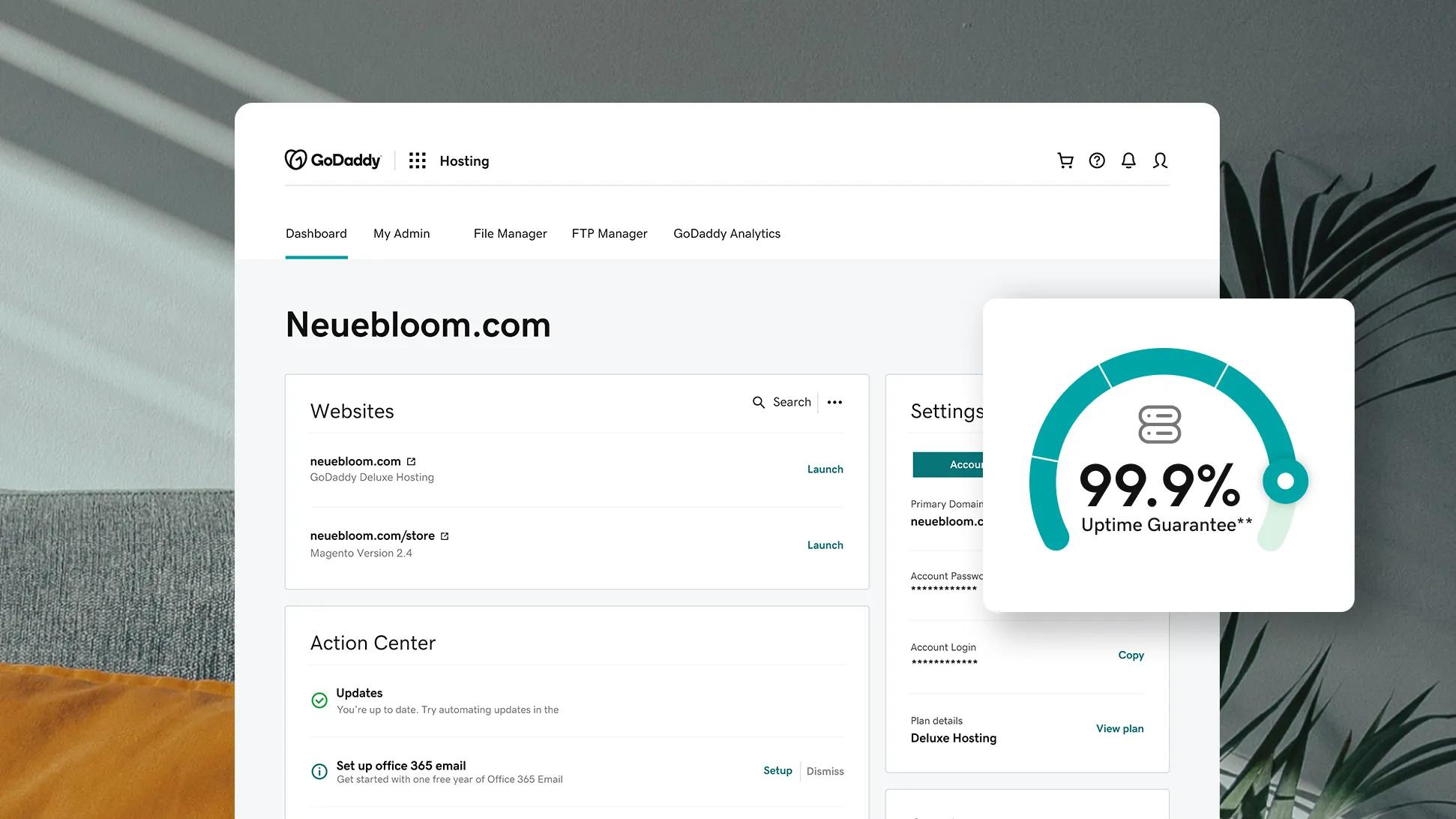
Credit: www.godaddy.com
Identifying Hosting Providers
Many tools can help find a website’s host. One popular tool is Whois Lookup. It shows the domain’s registrar and hosting info. Another method is using online services like BuiltWith. These services reveal technologies and hosting details. Check the IP address of a site using a simple online tool. This can lead you to the host. Visit the website’s footer. Sometimes, hosts are mentioned there. Look for words like “powered by” or “hosted by”. A site’s source code can also provide clues. Right-click and select “View Page Source”. Search for comments or hints about hosting. It’s like a treasure hunt for web detectives.
Reach out to the website owner. They might just tell you. But always be polite when asking. Knowing a site’s host helps in many ways. It can help you pick a host for your site too.
Using Online Tools
Free tools can show the web host for a site. These tools are easy to use. Just enter the website URL. The tool will check the hosting details. Results are quick and simple. Many people use these tools to learn more about a website. They are popular because they are free. Anyone can access them. You don’t need special skills. You only need the internet.
Some tools give advanced hosting details. They show more than basic info. You can find server locations. You can learn about the site’s security. These tools help if you need more details. They might need a subscription. They are good for businesses. They give in-depth information. They are useful for tech experts.
Inspecting Dns Records
Finding DNS information is easy. Use online tools like DNS Checker. Type the site’s name in the search box. Press enter. The tool shows DNS records.
Look for NS records. These tell the name servers. Name servers can reveal hosting details. Check MX records. They show mail server information. This helps find web hosts sometimes.
DNS data gives clues about hosting. A records show IP addresses. These can lead to the host. CNAME records show domain aliases. They can point to hosting services.
Use the IP address from A records. Search it online. Find the host company. Look for patterns in DNS data. These patterns help understand hosting.

Credit: www.crazydomains.com
Examining Whois Information
WHOIS data shows details about websites. This includes the domain name, registrar, and hosting provider. You can find out who owns the site. It also shows contact details.
WHOIS information helps you know how long a website has been around. It tells you when a domain will expire. This data is useful for checking if a site is trustworthy.
To find hosting details, check the name servers in WHOIS. Name servers often show the host. If the name server is ns1.bluehost.com, the host is likely Bluehost.
Sometimes WHOIS hides hosting info. In that case, use online tools to check. Many tools are free and easy to use. They show the host quickly.
Analyzing Ip Addresses
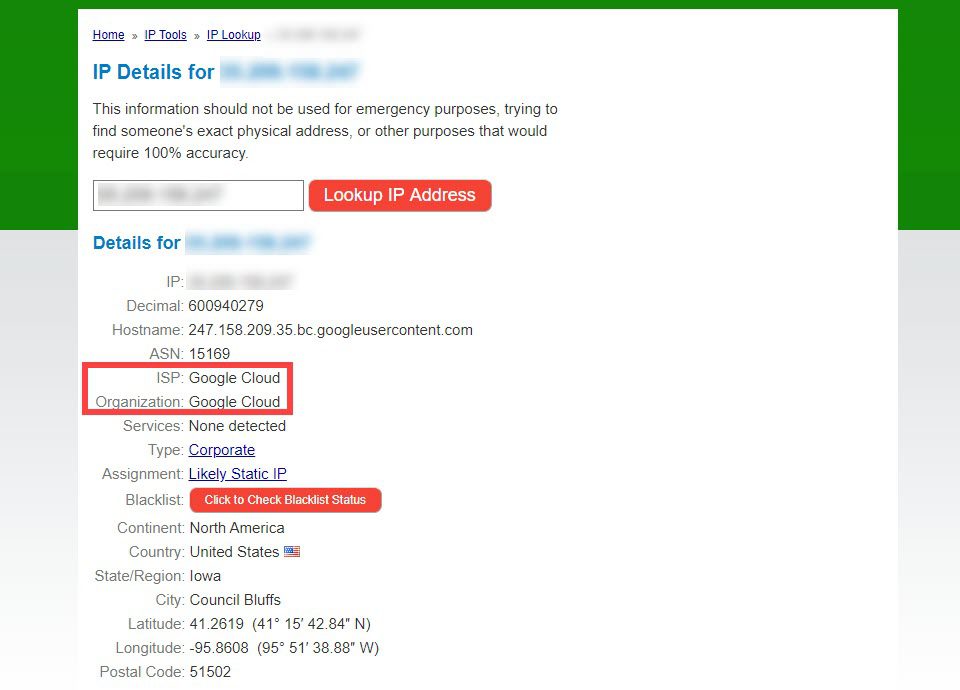
Every website has an IP address. It works like a home address. You can trace this address. The goal is to find out where it points. This is usually the web host. Start by finding the IP. Tools like Traceroute help with this. They show the path the data travels. You can see each step. Follow these steps back to the host. You might find names of servers. These often belong to the web host.
Use IP lookup services to learn more. Enter the IP address. The tool will show information. You’ll find location data. Also, names linked to the IP. Often, the web host name appears here. Services like Whois are popular. They give detailed reports. Sometimes, they even show the host’s contact details. These tools are easy to use. They help uncover hidden host details.
Checking Site Source Code
HTML source code can reveal a site’s host. Right-click on a page and select “View Page Source.” Look for clues like meta tags or comments. Sometimes, the web host’s name is there.
Check the footer of the page too. It might have hosting information. Look for links or names that seem related to hosting.
Open Developer Tools by pressing F12 on your keyboard. Go to the “Network” tab. Reload the page. Check the “Headers” section for server details. Sometimes, the server’s name shows the host.
Another place to check is the “Sources” tab. Look for any files or folders named after hosting companies. These clues can help you find the web host.
Consulting Hosting Providers
Use email to ask questions. Phone calls give quick answers. Chat is great for small queries. These methods are easy. Emails are good for detailed questions. Phone calls are fast for urgent help. Chats are perfect for simple doubts.
Look for online support. FAQs have common questions. Forums have user discussions. Support tickets offer direct help. FAQs help with basic problems. Forums share real experiences. Tickets solve big issues.
Reviewing Site Performance
Load speed is key to user happiness. Slow pages make visitors leave. Fast load times mean more people stay. You can use tools to check this. Google PageSpeed Insights is one tool. It shows how fast your site loads. It gives tips to make it quicker.
Uptime is the time a site is online. If a site is down, users can’t visit. Good hosts have high uptime. They keep sites online almost all the time. Uptime can be tracked with services like UptimeRobot. This tool checks if your site is up or down. It sends alerts if there is a problem.
Credit: www.elegantthemes.com
Frequently Asked Questions
How To Know Which Hosting A Website Is Using?
Use online tools like “Whois” or “Hosting Checker” to identify a website’s hosting provider. Check the DNS records or perform a reverse IP lookup for more details. This information helps you understand the hosting infrastructure behind any website.
How Do You Tell What Webserver A Website Is Using?
Use online tools or browser extensions to inspect HTTP headers for server information. Check the “Server” header field to identify the webserver. Alternatively, use command line tools like “curl” or “wget” to fetch headers. Always verify with multiple methods for accuracy.
How To Find Out What Platform A Website Is Hosted On?
Use tools like BuiltWith or Netcraft to identify hosting platforms. Check the website’s WHOIS data for server details. Inspect the site’s source code for clues about hosting services. Look for hosting-related plugins or badges on the website.
How Do I Find The Domain Host Of A Website?
Use WHOIS lookup services to find a website’s domain host. Search online for “WHOIS lookup” and enter the website URL. The results will display the hosting provider details. Alternatively, check the website’s DNS records using tools like MXToolbox or DNSstuff for host information.
Conclusion
Figuring out a site’s web host doesn’t have to be complex. Tools and methods make the process straightforward. Check domain details with WHOIS lookup. Use online tools like BuiltWith or Wappalyzer. These reveal hosting services and technologies in use. Remember, some sites may hide their host.
This requires a bit more digging. But with persistence, you can uncover most hosts. Knowing the host helps in research, comparisons, or solving website issues. With practice, identifying hosts becomes easier. Understanding these steps enhances your web knowledge. Start exploring today with these simple techniques.


