
Are you ready to step up your game and offer web hosting services to your clients? Whether you’re a freelance web designer or part of a digital agency, knowing how to set up web hosting is crucial.
Imagine the satisfaction of providing a seamless online experience for your clients, making them trust and rely on your expertise. In this guide, you’ll discover simple steps to set up web hosting without hassle. We’ll break down the process so you can confidently handle your clients’ hosting needs.
By the end, you’ll not only enhance your skill set but also boost your clients’ businesses by ensuring their websites run smoothly. Curious to find out how? Let’s dive in and unlock the secrets to effortless web hosting setup!
Credit: www.hostinger.com
Choosing The Right Hosting Provider
Understanding client needs is the first step. Know what they want. Some clients need a lot of space. Others need speed and security. Ask them about their website type. Is it a small blog or a big store? This helps in making the right choice.
Comparing hosting plans is important. Check different companies. Look at their prices and features. Some plans offer more storage. Others offer better customer support. Compare these to find the best option.
Considering scalability and support is crucial. Websites grow over time. Choose a host that can handle this growth. Good support is also vital. Your client might need help. Ensure the host offers quick and helpful support.
Credit: www.nexcess.net
Registering A Domain Name
Choosing the right domain is very important. It should be simple and easy to remember. Short names are often better. Use words that relate to the business. Avoid using numbers and hyphens. These can confuse people.
Once you pick a name, check if it’s available. Use a domain registrar’s website for this. Enter the name in the search box. If it’s taken, try a different name. Keep trying until you find one that’s free.
After finding an available name, it’s time to register. Fill in your details on the registrar’s website. Make sure all information is correct. Choose a registration period. Most people choose one year. Pay the fee and you’re done. Now, the domain is yours!
Setting Up Hosting Account
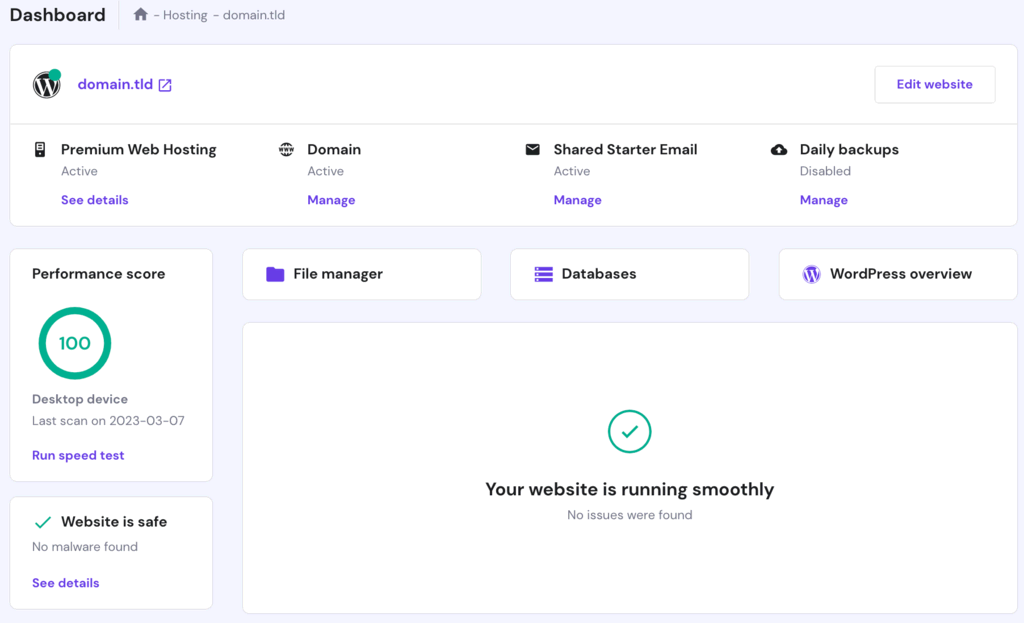
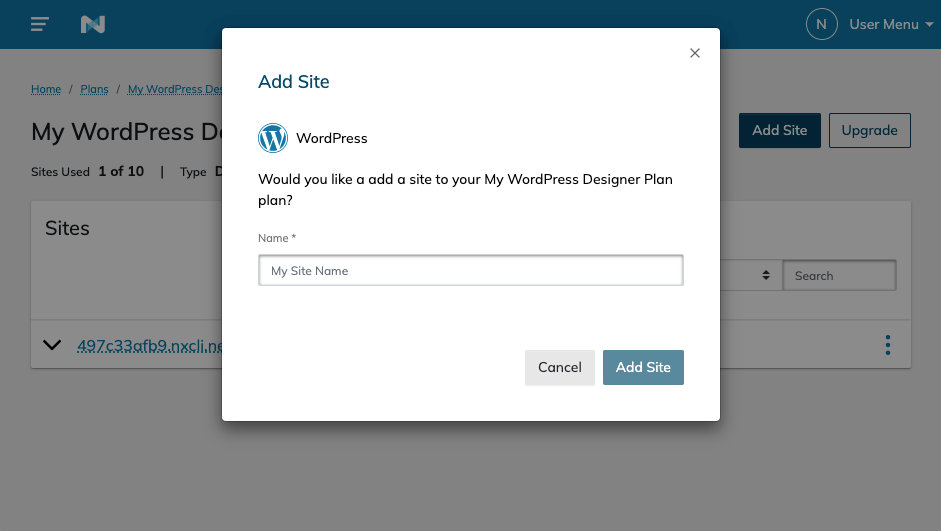
Choose a hosting provider. Use one that fits your client’s needs. Visit the provider’s website. Click on Sign Up or Create Account. Fill in the required details. Use accurate information. Remember the username and password. You will need these later. Confirm your email if needed. This step completes your account creation.
Log into the hosting dashboard. Look for the settings section. Here, you can set the time zone. Also, choose your preferred language. Ensure you save all changes. Check if there are any server updates. Apply them if available. This keeps the server secure and efficient.
Access the domain management area. Find the option for DNS settings. You need to update the nameservers. Enter the nameservers from your hosting provider. Save the changes. It may take some time to update. This process is called propagation. Wait until your domain points to your hosting. Now, your domain is linked.
Installing Website Platform
CMS helps to build websites easily. WordPress is popular and easy to use. Joomla and Drupal are other options. Check what your client needs. Some CMS have more features than others. WordPress is good for beginners. Drupal is powerful but complex. Choose the one that fits the project best.
Installation begins with downloading the CMS. Upload files to the server. Use FTP for this task. Create a database for CMS. Follow the CMS setup wizard. It will guide you step-by-step. Enter database details during the setup. Finish by clicking install. Your CMS is now on the server.
After installation, adjust settings. Choose site title and tagline. Set up language preferences. Ensure time zone is correct. Configure user permissions carefully. Customize themes and plugins. Make the site secure with strong passwords. Always save changes before exiting. Settings define how the site works.
Managing Security Features
SSL certificates make websites safe. They protect user data. SSL encrypts information. This stops hackers. Installing SSL is easy. Check your hosting panel. Find the SSL section. Click to install. Follow steps. Ensure all pages use SSL. Look for the lock icon. It shows SSL is working. Make users trust your site. SSL is important for safety.
Firewalls block bad traffic. They keep sites secure. Set up firewall in hosting panel. Choose strong settings. Block unwanted IPs. Firewalls prevent attacks. They are like guards. Protect your site always. Update firewall settings often. Make it tough for hackers. A strong firewall means a safe website.
Security audits check site safety. They find weak spots. Schedule audits often. Use tools to scan your site. Look for issues. Fix problems quickly. Audits keep sites healthy. They help find risks. Regular checks are important. Keep your site secure. Make audits a routine task. Stay safe online.
Customizing Client Website
Start with a simple design. Make sure the layout is clean. Use colors that match the client’s brand. Fonts should be easy to read. Make navigation simple. Menus should be clear and easy to find. Images must be high quality. Avoid using too many pictures. Each page should have a clear purpose. Test the layout on different devices. Check if it looks good on phones and tablets.
Content is very important. Use words that are easy to understand. Add images that tell a story. Include videos if possible. Write short paragraphs. Make sure each sentence is clear. Check for errors in spelling. Proofread before posting. Ensure content matches the client’s style. Use headings to organize ideas. Make sure the client approves the content.
SEO helps people find the website. Use keywords that match the client’s business. Add meta tags to each page. Images need alt text. Links should connect to relevant pages. Check the speed of the website. Faster sites rank better. Use headings to organize content. Make sure each page has a clear topic. Update content regularly for better SEO.
Testing And Launching
Site tests are very important. Check every link on the site. Ensure all pages load correctly. Look for missing images and text. Test the site on different browsers. Make sure it works on phones too. Site speed is also key. Use tools to check loading time. Faster sites are better.
Find any bugs. Bugs are problems on the site. Fix them quickly. Keep a list of all issues. Work on one issue at a time. Test after fixing each bug. Ask others to check the site too. Feedback helps find hidden problems. Bugs must be fixed before launch.
Get ready for the big day. Check the site again. Make sure all changes are made. Backup the site files. This is very important. Set up analytics to track visitors. Prepare a launch message for users. Let them know the site is ready. Double-check everything before going live.
Ongoing Maintenance And Support
Regular updates keep your website safe. They protect against threats. Always use the latest versions of software. Backup your site often. Backups save important data. If something breaks, you can restore it. Never ignore updates. They are crucial for security.
Keep an eye on your site. Check how fast it loads. Users like fast sites. A slow site can upset visitors. Use tools to track speed. Make changes if needed. Good performance keeps users happy. It also helps with search rankings.
Be ready to help clients. Clients may face issues. Offer clear solutions. Help them understand what to do. Quick support builds trust. Clients feel secure. They know help is always available. Support is key for strong client relations.
Credit: www.rocketlawyer.com
Frequently Asked Questions
How To Host A Website For A Client?
Choose a reliable hosting provider and set up a hosting plan. Register the domain name. Upload website files via FTP. Configure DNS settings to point to the hosting server. Ensure website security by installing SSL certificates. Regularly update and maintain the website for optimal performance and security.
How Do I Handover A Website To A Client?
Transfer all website files and databases to the client’s hosting. Provide admin access and credentials. Ensure the client understands the website structure. Offer training sessions if needed. Document all processes and provide ongoing support options.
Should I Host My Clients’ Websites?
Hosting clients’ websites can offer control and recurring income. Ensure reliable infrastructure and support. Evaluate your resources and expertise. Consider potential risks like server downtime. Choose a hosting solution that meets clients’ needs effectively.
How Much Should I Pay Someone To Host My Website?
Website hosting costs vary between $3 to $300 monthly. Factors include hosting type, storage, bandwidth, and additional features. Shared hosting is cheaper, while dedicated and VPS hosting are more expensive. Evaluate your needs and budget to choose the best option.
Research providers for reliable services and competitive pricing.
Conclusion
Web hosting setup for clients is straightforward with careful planning. Start with understanding their needs. Choose the right hosting type. Ensure reliable customer support. Prioritize security features. Then, focus on scalability for future growth. Always test the setup thoroughly. This ensures smooth client experiences.
Regularly update and maintain the system. Keep communication open with clients. Address their concerns promptly. This builds trust and satisfaction. Successful hosting requires attention to detail. Stay informed about industry trends. Adapt to changes quickly. With the right approach, you provide excellent service.
Client success leads to long-term business relationships.


