
Are you looking to make your WordPress site more engaging and visually appealing? Imagine the impact of having distinct themes for different pages on your website.
Each page could offer a unique look and feel, perfectly tailored to its content and purpose. This not only captivates your audience but also enhances their browsing experience. You have the power to transform your site into a dynamic and memorable space.
This guide will walk you through the steps to achieve this in WordPress, without needing to be a tech expert. Discover how to captivate your visitors and keep them clicking through your pages with ease. Ready to give your site a makeover? Let’s dive in!
Choosing The Right Theme
Picking a theme for your WordPress page is important. The theme should fit your website’s purpose. Consider the design. Is it clean and simple? A messy theme can confuse visitors. Check the theme’s compatibility. It should work with your plugins.
Speed matters. A slow theme can affect your site’s loading time. People don’t like waiting. They might leave. Ensure the theme is responsive. It must look good on all devices. Phones, tablets, and computers.
Think about SEO. A theme can help your site rank better. Look for themes with SEO-friendly features. These can boost your site’s visibility. Remember, a good theme supports your brand. Choose wisely.
Factors To Consider
- Design: Is it clean and easy?
- Compatibility: Works with plugins?
- Speed: Loads quickly?
- Responsive: Looks good on all devices?
- SEO-friendly: Helps your site rank?
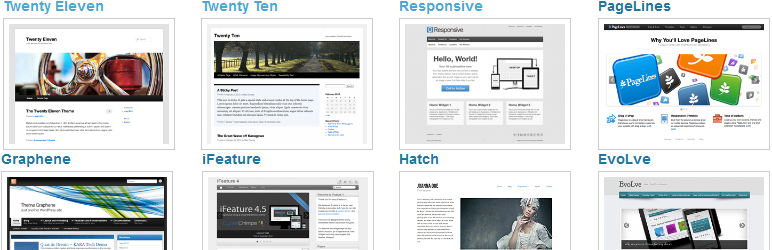
Credit: wordpress.com
Installing Multiple Themes
Plugins make it easy to have different themes. They work like magic. Install the plugin from the WordPress store. Then, activate it. Now, you can choose themes for each page. It’s like picking clothes for your doll. Simple and fun! The plugin menu is easy to find. Just look in your dashboard. Follow the steps and you’re done.
Manual steps need more work. First, download a theme zip file. Then, go to your WordPress dashboard. Click on “Themes” and then “Add New”. Upload your theme zip file. Activate the theme. Repeat these steps for each theme you want. This way, you can have different looks for different pages. Remember to check each page. Make sure it looks the way you want. It takes time but gives you control.
Configuring Theme Settings
WordPress lets you change how your site looks. You can customize layouts to fit your style. Choose different layouts for each page. Some pages may have sidebars. Others can be full-width. This gives each page a unique look.
Colors and fonts make your site special. Select colors that match your theme. Change fonts to be easy to read. Use bright colors for buttons. Dark colors work well for text. Adjust these settings in the theme options. This makes your website more attractive and user-friendly.
Assigning Themes To Specific Pages
Page templates help you choose a different look for each page. Open the page editor and find the template option. Select a template from the list. Each template gives your page a unique style. You can create your own templates too. Just save them in your theme folder. Custom templates offer more control over design.
Theme switcher plugins allow you to assign themes to pages easily. Install a plugin from the WordPress store. Activate the plugin and go to its settings. Choose a theme for each page. Some plugins let you select themes based on user roles. This means different users see different themes. Theme switchers make customization simple and quick.
Testing Theme Compatibility
Themes may look different in various browsers. Test your theme on popular browsers like Chrome, Firefox, and Safari. Each browser may show your website in a unique way. Look for any design errors or issues. Sometimes, fonts or images might not display correctly. Fixing these issues is important. It ensures your site looks good for everyone. Use online tools to help with this testing.
Many people use phones to browse the web. Your theme must work well on mobile devices. Check how your site looks on small screens. Text should be easy to read. Buttons must be big enough to tap. Images should fit the screen size. A responsive theme adjusts itself. This makes your site user-friendly on all devices.
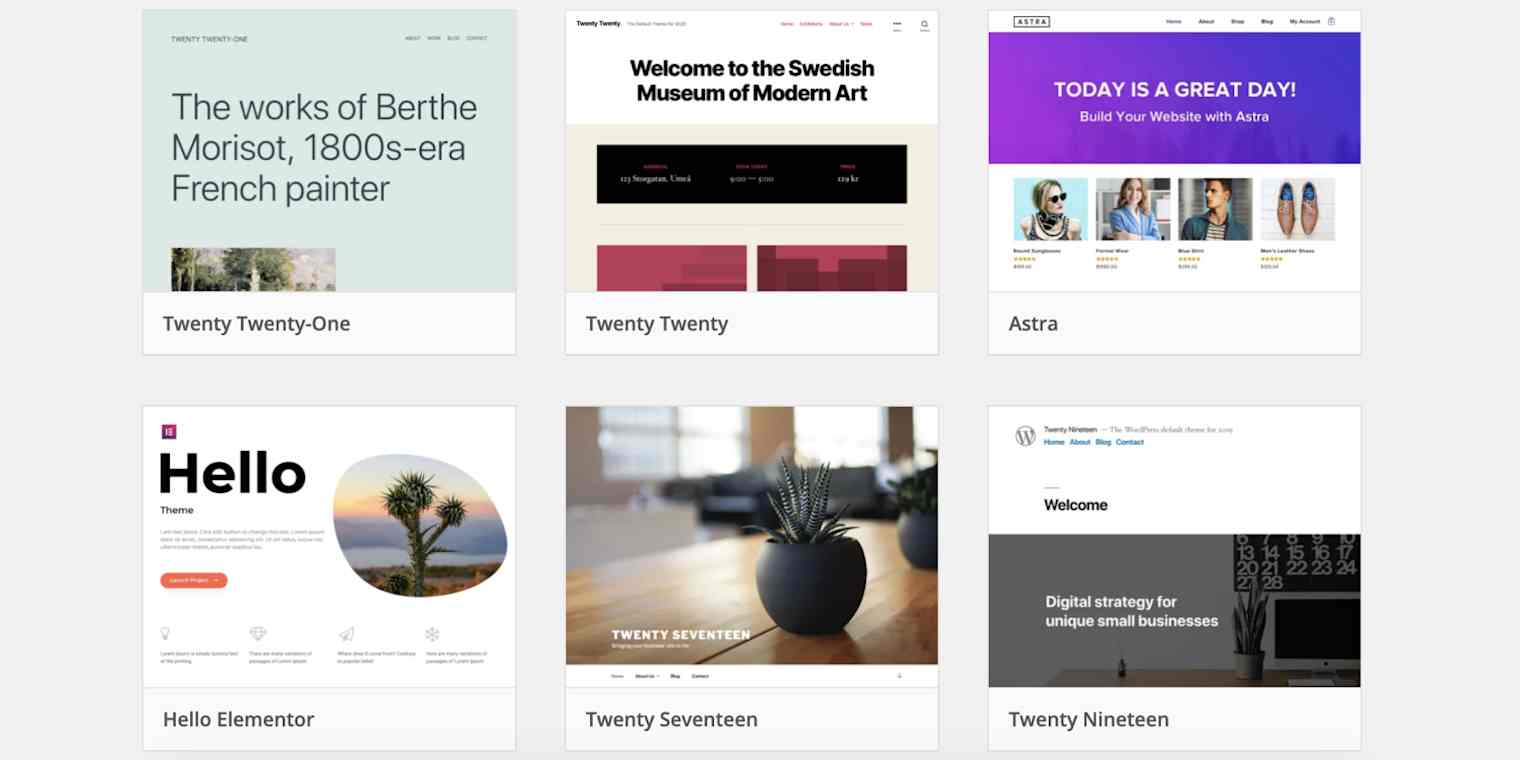
Credit: zapier.com
Maintaining Theme Consistency
Branding must be the same on all pages. This helps visitors know your site. Use the same colors and fonts. Your logo should be in the same spot on every page. This makes the website look neat. Visitors feel happy when they see familiar things. Your brand will look strong and clear.
Updating themes is very important. It keeps your site safe. Old themes can have bugs. Bugs let bad people enter your site. Keep your themes fresh and secure. Check for updates often. Install them quickly. This keeps your site safe and fast.
Troubleshooting Common Issues
Creating diverse themes for WordPress pages enhances visual appeal. Use plugins or custom coding for unique designs. Ensure compatibility and test thoroughly to avoid conflicts.
Resolving Plugin Conflicts
Plugins can sometimes cause issues. Deactivate all plugins first. Then, activate them one by one. This helps find the problem plugin. Some plugins may not work well with your theme. Check for plugin updates. Developers often fix bugs in updates. If a plugin is the issue, consider finding an alternative. Always read the plugin’s reviews and ratings. This gives clues about its performance.
Fixing Layout Discrepancies
Different themes might have layout issues. Clear your browser cache first. Sometimes old data causes display problems. Check your theme settings. Maybe an option is not set correctly. Use the theme’s documentation for guidance. Some themes need special settings. If issues remain, ask for help in forums. Many users share solutions there. Another tip is to use a child theme. This keeps changes safe during updates.
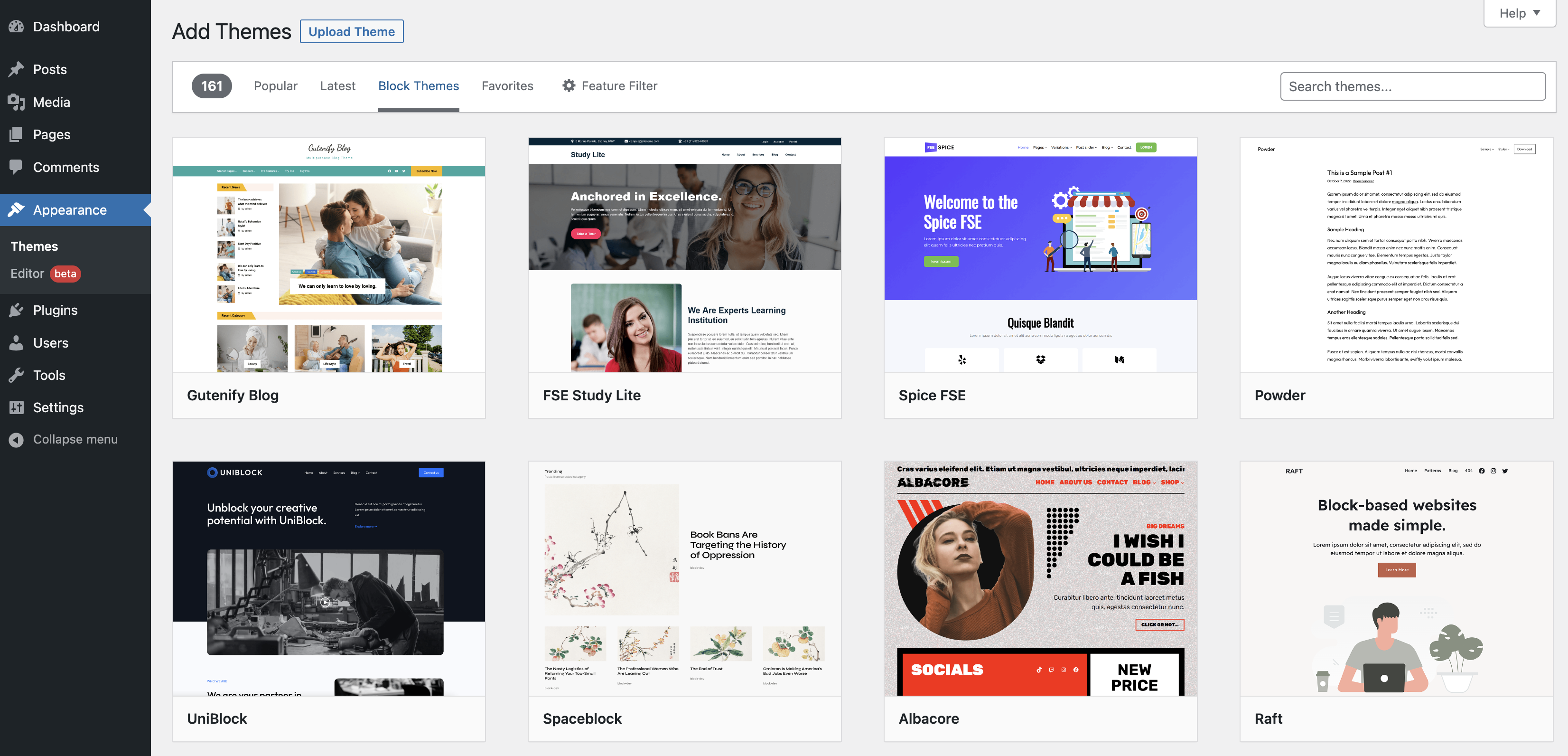
Credit: wordpress.org
Frequently Asked Questions
Can You Use Different Themes On WordPress Pages?
Yes, you can use different themes on WordPress pages. To achieve this, install a plugin like “Multiple Themes. ” This plugin allows you to assign different themes to specific pages. It gives you the flexibility to customize the look of each page individually.
How Do I Change A WordPress Page Theme?
To change a WordPress page theme, use a plugin like “Multiple Themes. ” Install and activate it, then navigate to the settings. From there, you can assign different themes to specific pages, giving each page a unique appearance.
What Plugins Allow Multiple Themes In WordPress?
Several plugins allow multiple themes in WordPress. Popular options include “Multiple Themes” and “Theme Switcha. ” These plugins enable you to assign different themes to specific pages or posts, providing greater design flexibility.
Is It Possible To Customize WordPress Page Themes?
Yes, it’s possible to customize WordPress page themes. Plugins like “Multiple Themes” let you apply different themes to individual pages. This allows you to tailor the design, layout, and functionality of each page according to your preferences.
Conclusion
Exploring different themes on WordPress can enhance your site’s appeal. It adds personality and keeps visitors engaged. Customizing themes is straightforward and offers numerous options. Each theme can reflect different content styles or moods. This flexibility allows you to cater to diverse audience needs.
Experiment with various themes to find the perfect fit. Keep your design aligned with your brand and message. Remember, a cohesive look increases trust. Regularly update themes for fresh and dynamic content. Embrace creativity while maintaining user-friendliness. Your WordPress journey can be both fun and rewarding.


