
Have you ever dreamed of crafting a unique WordPress theme tailored precisely to your vision? One that not only stands out but also offers the flexibility of a page builder?
You’re in the right place. Imagine having the power to design and customize your website without the need to dive deep into code every time you want to make a change. This article will guide you through the process of creating a WordPress theme equipped with page builder capabilities.
We’ll break down the steps, making it easy and straightforward for you. By the end, you won’t just understand the process; you’ll be ready to build something truly unique. Ready to unlock this creative potential? Let’s dive in.
Choosing The Right Page Builder
Picking a page builder can be tricky. There are many choices. Each has unique features. Elementor is a popular choice. It is user-friendly. Beaver Builder is another option. It offers lots of flexibility. Divi is known for its design features.
Consider your needs first. Some builders are better for beginners. Others suit advanced users. Look at the pricing plans. Some have free versions. Others might need a subscription. Check if the builder works with other plugins. This is important.
Think about the support and community. A strong community can help. Support is crucial if you face issues. Test the builder if possible. Many offer a trial period. This way, you see if it fits your needs. Happy building!
Setting Up The Development Environment
Start by installing WordPress on your computer. Download XAMPP or MAMP for local server setup. These tools help run WordPress locally. Next, download the WordPress package from its official site. Extract the files and place them in the server’s root directory. Open a web browser and type localhost to access the WordPress setup page. Create a new database using phpMyAdmin. Connect WordPress with this database during installation. Now, install a code editor like Visual Studio Code or Sublime Text. These editors make coding easier. Ensure your editor has plugins for PHP and CSS. These plugins help highlight errors.
Creating The Theme Structure
To build a WordPress theme, start with the essential files. The style.css file is key. It holds your theme’s design rules. Next, create the index.php file. This is the main page for your theme. Another important file is functions.php. It adds extra features to your theme.
The header.php and footer.php files are important too. They show the top and bottom of your pages. Add the sidebar.php file if you want a sidebar. Each file has a job. They help form the structure of your theme.
The template hierarchy is like a guide. It tells WordPress which file to use. If you create a single.php file, it shows single posts. The page.php file displays pages. For archives, use the archive.php file. If a file is missing, WordPress uses the next best one. This system ensures your theme works well.
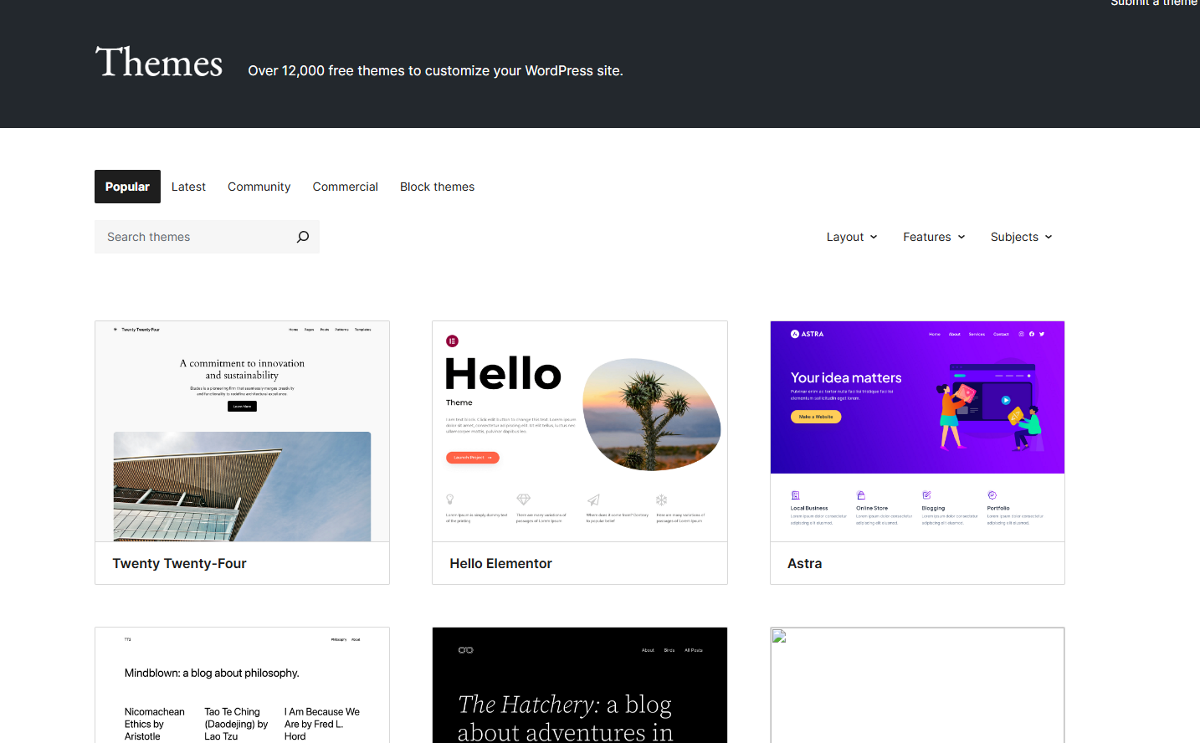
Credit: www.wpallimport.com
Integrating Page Builder Support
Many WordPress themes support page builder plugins. These tools make it simple to design pages. Users can drag and drop elements. Popular plugins are Elementor, Divi, and Beaver Builder. Each offers unique features for customization. Themes need to be compatible with these plugins. Check the theme’s documentation. Ensure the theme supports the desired plugin. This avoids conflicts and ensures smooth operation.
Some themes offer API for page builders. This allows deeper customization. Developers can create custom elements and styles. The API provides access to advanced features. This helps in building unique page layouts. The API documentation is crucial. It guides through the customization process. Reading it ensures proper usage. Experiment with different settings. Create a design that suits your needs.
Designing Custom Page Templates
Custom page templates make websites unique. They help in creating dynamic layouts. These layouts can change based on needs. Use a page builder to craft these designs. Page builders are tools in WordPress. They help design without coding. Many options are available for page builders. Choose one that suits your style.
Dynamic layouts allow pages to look different. They can change with new content. This keeps sites fresh and exciting. Use rows and columns in page builders. They help organize content. Add images, texts, and videos easily. These elements make pages lively. Try different designs and see what looks best.
Custom widgets add extra features. They can show recent posts. Or display social media feeds. Widgets are easy to add. Drag and drop them into place. Customize them to match site colors. Make sure they fit well with the layout. This makes the site more interactive.

Credit: themeforest.net
Enhancing Theme Functionality
Theme options make your site unique. They let users change colors, fonts, and layouts. Add a settings page in the WordPress admin panel. Use the Customizer API for this. It helps make changes easy and fast. Users love themes they can change. It gives them more control. Flexible themes are popular and in demand.
Shortcodes make adding features simple. Use them to add buttons, videos, or forms. No coding needed! Just add a shortcode in the editor. Users enjoy how shortcodes save time. They make building pages easy. Ensure the shortcodes are well-documented. This helps users understand their purpose. Clear instructions are key to happy users.
Testing And Debugging
Creating a WordPress theme with page builder capability involves testing and debugging to ensure functionality. Debugging helps identify and fix errors, enabling seamless integration of page builder features. Effective testing validates the theme’s performance, enhancing user experience.
Cross-browser Compatibility
It’s key to test your WordPress theme on all browsers. Some popular browsers include Chrome, Firefox, Safari, and Edge. Each browser may show your theme differently. Use tools to see how your theme looks. Adjust your code to fix any issues.
Check the theme on mobile, tablet, and desktop. Make sure the layout is correct. Test all features like menus and buttons. They should work the same everywhere.
Responsive Design Checks
Every WordPress theme must be responsive. This means it should look good on all screens. Start by testing your theme on different devices. Use a phone, tablet, and computer. Check if text and images adjust properly. They should not be too big or small.
Use online tools to test your design. These tools show how your theme looks on various devices. Fix any problems so users have a good experience. Always aim for a clean, user-friendly design.
Preparing For Theme Deployment
Optimizing performance is key for a smooth website. Start by choosing a lightweight theme. This helps the site load faster. Use a caching plugin to save time. It stores a copy of your site’s pages. Minify CSS, JavaScript, and HTML files. This makes them smaller and quicker to load. Reduce image sizes without losing quality. Compress images using tools like TinyPNG. Limit the use of heavy plugins. Too many can slow down the site. Regularly update themes and plugins to maintain speed.
Ensuring security keeps your site safe. Always use strong passwords. They should be hard to guess. Change them often. Install a security plugin. This helps protect against threats. Keep WordPress updated. Updates fix security issues. Back up your site regularly. If something goes wrong, you can restore it. Use SSL for secure data transfer. It encrypts data between the server and users. Limit login attempts to prevent unauthorized access.
Submitting Theme To WordPress Directory
Meeting WordPress Guidelines is vital. Follow the rules for your theme to get accepted. Check the WordPress Theme Review guidelines. Your theme should be secure and clean. Use valid HTML and CSS. Make sure your theme is responsive. Test on different devices. Include accessibility features for all users. Add proper comments in your code. Avoid using deprecated functions.
Gain more visibility with a good theme. Create a unique design. Offer features users want. Use easy navigation for users. Add a demo link. Create a detailed description. Include screenshots and videos. Share your theme on social media. Encourage users to review your theme. Respond to feedback quickly.

Credit: www.wpzoom.com
Frequently Asked Questions
What Is A WordPress Theme With Page Builder Capability?
A WordPress theme with page builder capability allows users to design pages using drag-and-drop features. These themes offer flexibility and customization without coding. They integrate with plugins like Elementor or WPBakery, enhancing the site’s functionality and design efficiency.
How Do I Choose A Page Builder For WordPress?
Choose a page builder based on ease of use, compatibility, and features. Popular options include Elementor, WPBakery, and Beaver Builder. Consider the theme’s requirements and your design needs. Review user feedback and support availability to make an informed decision.
Can I Create A WordPress Theme From Scratch?
Yes, you can create a WordPress theme from scratch. You’ll need knowledge of PHP, CSS, HTML, and JavaScript. Use WordPress Codex and developer resources for guidance. Consider using starter themes or frameworks to simplify the process and enhance functionality.
What Are The Benefits Of Using A Page Builder?
Page builders simplify website design with drag-and-drop features. They enhance customization and reduce development time. Users can create responsive designs without coding. These tools provide pre-designed templates and elements, making them ideal for beginners and professionals.
Conclusion
Creating a WordPress theme with page builder capabilities is rewarding. It empowers users to design websites easily. Start by understanding the basics of WordPress themes. Learn about the page builder plugins available. Choose one that fits your needs. Follow tutorials and practice regularly.
Experiment with different designs and features. Always test your theme for functionality and responsiveness. Keep your theme updated for best performance. With patience and creativity, you will succeed. Enjoy the process and keep improving your skills. Your custom theme will enhance any website experience.


