
Are you ready to unleash your creativity and design a unique WordPress theme from scratch? Imagine having complete control over every aspect of your website’s appearance and functionality.
In 2015, creating a custom WordPress theme might have seemed like a daunting task, but with the right guidance, it can be a rewarding and empowering experience. This guide is crafted specifically for you, to demystify the process and help you build a theme that reflects your vision and style.
By the end of this article, you’ll have the knowledge and confidence to design a theme that’s truly your own, setting your website apart from the rest. Dive in, and let’s transform your ideas into digital reality!
Setting Up The Environment
Picking the right tools is vital. Start with a text editor like Sublime Text or Atom. These editors help you write clean code. A graphics editor is also needed. Photoshop or GIMP are good choices. They help design your theme. Tools like Chrome Developer Tools can check your work. They make sure everything looks good. Use version control like Git. This keeps track of your changes. It’s important for fixing mistakes.
Install WordPress on your computer first. Use a local server like XAMPP or WAMP. They help run WordPress on your machine. Download WordPress from its website. Put it in the server’s folder. Open your browser. Type “localhost” in the address bar. Follow the steps to finish the install. Now you can start building your theme. It’s safe. Mistakes won’t affect a live site.
Understanding Theme Structure
Creating a WordPress theme involves understanding the core files and directories. The main directory is the theme folder. This folder contains important files like style.css and functions.php. The style.css file is for the theme’s look. The functions.php file adds features to the theme.
Another key folder is the templates folder. This folder organizes the theme’s layout. Inside, you’ll find files like header.php, footer.php, and sidebar.php. Each file controls a different part of the theme. These are essential for a well-functioning theme.
WordPress Template Hierarchy
WordPress follows a template hierarchy. This hierarchy decides which template file to use. For example, the home.php file is for the homepage. If it doesn’t exist, WordPress uses index.php. Understanding this hierarchy helps in customizing themes. It ensures the right file is loaded for each page.
Creating The Theme Folder
Start by making a new folder. This will be your theme’s home. Choose a name that matches your theme’s style. Keep it simple and easy to remember. It helps to use lowercase letters. Spaces can be hard to manage. Use dashes instead, like “my-cool-theme”.
The name of your theme is important. It shows in the WordPress dashboard. Pick a name that is unique and catchy. Your theme’s name should give a hint of its design. Think about words that describe your theme. Fun, bright, or calm? Choose wisely, as this name will stick.
Your theme needs some basic files. Start with style.css for styles. This file tells WordPress about your theme. Next, add index.php. This file is the main template. You also need functions.php for extra features. Put these files in your theme folder. These files are the building blocks of your theme.
Building The Basic Template
The index.php file is the main file for your theme. It tells WordPress how to show your site. Start by opening a new file. Name it index.php. Add basic HTML structure. Include the php get_header(); ? tag. This will call the header file. Next, add php if (have_posts()) : while (have_posts()) : the_post(); ?. This loop shows your posts. Finally, close the loop with php endwhile; endif; ?.
The style.css file styles your theme. Create a new file and name it style.css. At the top, add theme details in comments. Write / Theme Name: My First Theme /. Add basic styles like body {} for fonts and colors. This file changes how your site looks. Keep it simple at first. You can add more styles later.
Developing Header And Footer
The header.php file is very important. It starts every page. You need to open the PHP tags. Then, write HTML code inside. Add the DOCTYPE declaration at the top. This tells the browser what type of document it is. Don’t forget the HTML, head, and body tags. Inside the head tag, add the title tag. It shows the page title. Also, include a link to the stylesheet. This makes the page look good.
The footer.php file is simple. It ends every page. You must close the body and HTML tags here. Add any closing remarks or copyright info. It’s also common to include links to social media. You can add scripts here too. This can be JavaScript for extra functions. Remember to save your changes.
Designing With Css
Customizing Theme Styles is fun. Start by choosing a color scheme. Pick colors that match your brand. Use CSS to set these colors. Change the font to make text easy to read. Choose fonts that look good on screens. CSS helps in adjusting font size too. Styles can make your site look modern.
Creating a layout is key. Use CSS for this. Place elements neatly on the page. Use margins and padding for space. This keeps the design clean. CSS makes the layout flexible.
Responsive Design Tips are important. Ensure your site looks good on all devices. Use media queries in CSS. Adjust styles based on screen size. Keep images small for faster load times. Test the site on phones and tablets. This makes sure everything works well. A responsive design makes users happy.
Incorporating Php And WordPress Functions
The Loop is very important in WordPress. It helps display posts. Use PHP to start the Loop. It checks for posts in the database. If posts are found, it shows them one by one. Every WordPress theme uses the Loop. It is simple but powerful. Without it, themes cannot show posts. It is the heart of WordPress themes. Learn how to use it well.
Dynamic features make themes interesting. Use PHP to create dynamic content. Add widgets, menus, and custom fields. Widgets help add extra elements on the site. Menus help users navigate easily. Custom fields store additional information. PHP functions help retrieve and display this data. Make sure all features work well. Keep testing them to ensure they are smooth.
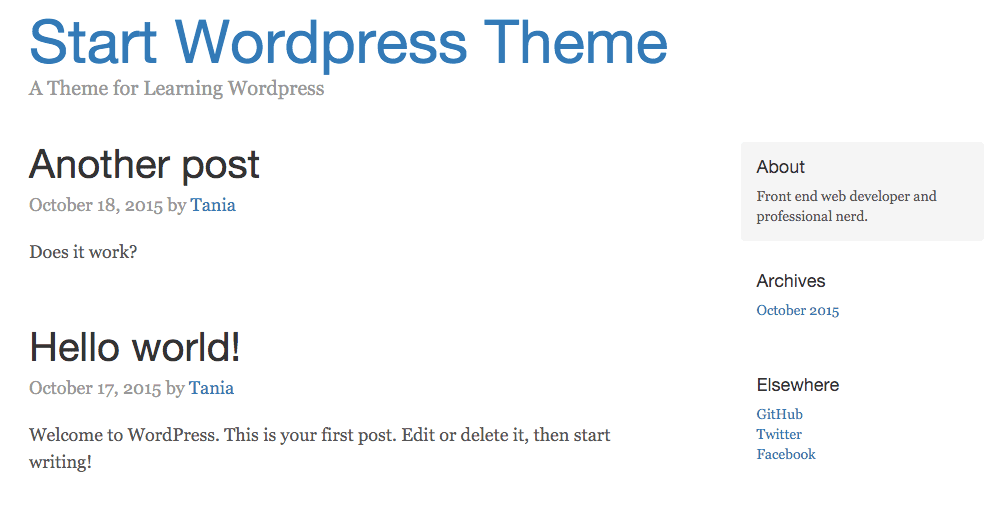
Credit: www.taniarascia.com
Creating Sidebar And Widget Areas
Creating sidebar and widget areas in a WordPress theme involves adding dynamic elements for user interaction. Use functions like `register_sidebar()` to define widget-ready areas. Customize these sections to enhance site navigation and improve user experience.
Sidebar.php Setup
The sidebar.php file is key for adding sidebars. It holds the layout for the sidebar. Start by creating a new file named sidebar.php. Place it in your theme folder. Use basic HTML to structure it. You might add a simple with a class. This class can help with styling later. Use WordPress functions to get sidebar content. The function dynamic_sidebar('your-sidebar-name') is useful. It links the sidebar to the widget area. Always check if the sidebar is active. Use is_active_sidebar() for this. It helps avoid errors.
Registering Widgets
Register widgets to make sidebars useful. Go to the functions.php file. Add a new function using register_sidebar(). Give it a name and an ID. You can also add a description. This helps users know its purpose. Use add_action('widgets_init', 'your_function_name'). This links your function to WordPress. Now, users can add widgets to the sidebar. Widgets make the sidebar dynamic. Always test your setup. Ensure it looks and works well. Keep your code clean. It helps in future updates.
Adding Navigation Menus
Create a new file named menu.php. This file will hold the menu code. Use PHP to build the menu structure. Start with a simple unordered list in HTML. This list will show your menu items. Each item should be a list element. Add placeholders for now. Later, these will be replaced with real menu items.
To make your menu work with WordPress, register it first. Open your functions.php file. Add a function to register your menu. Use register_nav_menu to do this. Now, link it to the menu.php file. Use wp_nav_menu to display it. This makes your menu dynamic and easy to update.
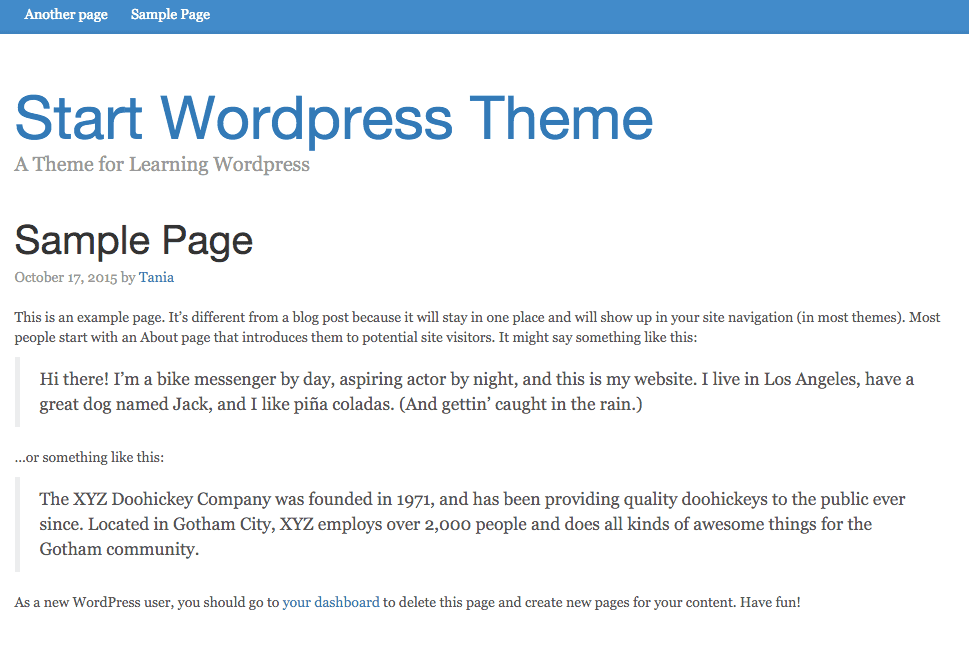
Credit: www.taniarascia.com
Testing And Debugging
Creating a WordPress theme demands thorough testing and debugging. Errors can arise during development, requiring careful attention and correction. Regular checks ensure the theme functions smoothly across different browsers and devices.
Using Browser Developer Tools
Browser Developer Tools help find errors in your theme code. Open the console to see error messages. These messages show problems in your JavaScript. Check the network tab for loading issues. This tab shows files that fail to load. Use the elements tab to inspect HTML and CSS. Look for broken styles or missing elements. Right-click on any element to inspect it. This helps find where styles go wrong.
WordPress Debugging Techniques
Use WP_DEBUG in your wp-config.php file. Set it to true to see errors. This shows PHP errors on your site. Fix these errors one by one. Check the WordPress error log for detailed info. This log shows errors that don’t display on the site. Plugins can also cause errors. Disable plugins one at a time to find the issue. Sometimes, updating plugins solves the problem. Always keep your code clean and organized.
Preparing For Launch
Fast websites are important. Slow sites can lose visitors. Use tools like caching plugins. They help speed up your site. Minimize CSS and JavaScript files. This reduces load time. Use a Content Delivery Network (CDN). It helps deliver content faster. Choose lightweight themes and plugins. Heavy ones can slow down your site. Always test your site’s speed. Tools like Google PageSpeed Insights can help.
Different browsers might show your site differently. Test your theme on popular browsers. Chrome, Firefox, and Safari are common. Make sure your site looks good on all. Use CSS resets. They help keep styles consistent. Validate your HTML and CSS code. Errors can cause display issues. Use online tools for validation. Make your site mobile-friendly. Test on different screen sizes. This ensures everyone can access your site easily.
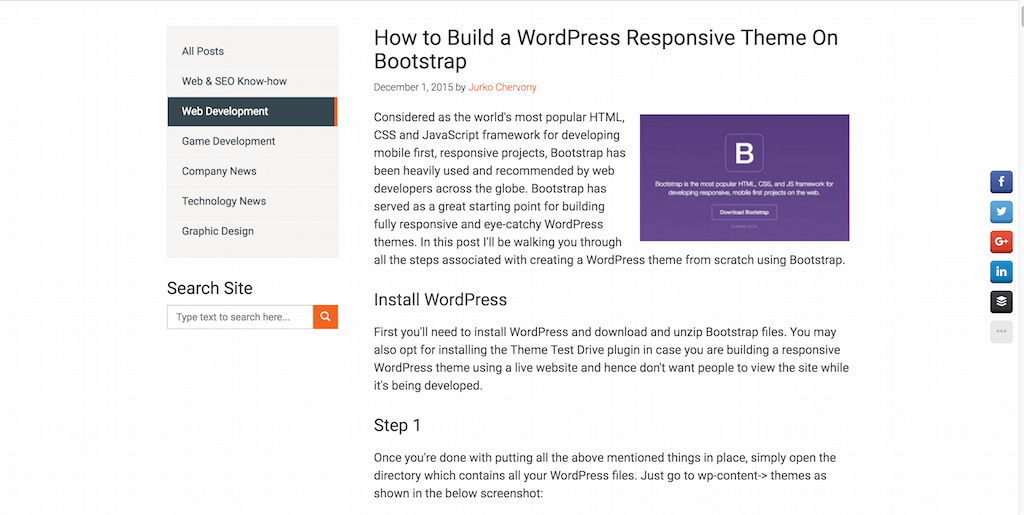
Credit: colorlib.com
Frequently Asked Questions
What Tools Are Needed To Create A WordPress Theme?
To create a WordPress theme, you need a text editor, a local server environment, and FTP software. A text editor like Sublime Text helps you write code. Local server environments like XAMPP or MAMP allow testing. FTP software like FileZilla uploads files to your WordPress site.
How Do I Start Designing A WordPress Theme?
Begin by sketching your layout on paper. Decide on the structure and style of your theme. Use HTML, CSS, and PHP to build the theme. Focus on the header, footer, and main content areas. Ensure your design is responsive and user-friendly.
Test it on different devices.
What Is The WordPress Theme Hierarchy?
The WordPress theme hierarchy is a template file system. It determines which files are used to display content. The hierarchy starts with index. php as a fallback. Files like single. php and page. php are used for posts and pages.
Understanding it helps in customizing themes efficiently.
Can I Use Frameworks To Create A WordPress Theme?
Yes, using frameworks can speed up theme development. Frameworks like Bootstrap or Foundation provide pre-built CSS components. They ensure responsive design and browser compatibility. WordPress-specific frameworks like Underscores offer starter templates. These frameworks save time and provide a solid foundation for building custom themes.
Conclusion
Creating a WordPress theme from scratch is rewarding. It boosts your skills. You gain control over design and functionality. Start with planning your layout. Then, code step by step. Remember to test frequently. Fix any issues early. Learning takes time and patience.
Follow the guidelines shared in this post. They simplify the process. Practice makes you better. Keep experimenting with new ideas. Soon, you’ll create themes with ease. Enjoy your journey in WordPress development. It’s a valuable skill for web enthusiasts. Happy coding!


