
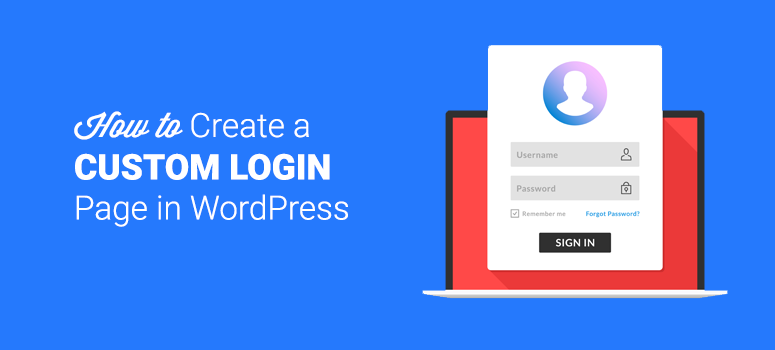
Are you looking to enhance your WordPress theme with a custom login page? Imagine offering your users a seamless, branded experience right from the moment they sign in.
Creating a personalized login page not only boosts your site’s aesthetic appeal but also strengthens your brand identity. Whether you’re a seasoned developer or just starting out, crafting a unique login page can seem daunting. But fear not! With a few simple steps and some handy tips, you can transform the standard WordPress login into something truly special.
Ready to dive in and learn how to make this happen? Let’s unlock the secrets together!
Understanding WordPress Themes
WordPress themes are like clothes for your website. They change how it looks. Each theme has a unique design. Some are colorful, others are simple. Themes have different layouts too. This means how things are arranged on the page. Some themes are for blogs. Others are for shops or portfolios.
Inside a theme, there are files and codes. These files decide how the site works. HTML, CSS, and PHP are common codes in themes. They help in displaying content and styling the page. A good theme is responsive. This means it looks good on phones and computers. Choosing the right theme is very important. It affects how visitors feel about your site. Make sure the theme matches the site’s purpose.
Credit: www.isitwp.com
Setting Up A Child Theme
A child theme allows changes without altering the main theme. It keeps your modifications safe during updates. To start, make a new folder in the themes directory. Name it clearly, like ‘my-theme-child’. Inside this folder, create a file named style.css. This file will hold the custom styles. Add a special comment at the top of this file to link it to the parent theme.
Next, create a functions.php file in the child theme folder. This file lets you add functions or scripts. Use it to enqueue the parent theme styles. This ensures both parent and child styles appear correctly. Use simple code snippets for this task. Check your changes by activating the child theme. Keep testing to ensure everything works as expected.
Customizing The Login Page
The functions.php file is important. It controls many features. Open it with a text editor. Find the part where you can add new code. Be careful. Wrong code can break the site. Add new functions for the login page. Save changes. Check if the login page looks different.
CSS changes the look of the page. Create a new CSS file or add to an existing one. Use simple CSS rules. Change colors, fonts, or backgrounds. Make sure the styles fit your theme. Keep the code short and neat. This will make the login page look unique.
Scripts add special functions to the page. They can make the page interactive. Add JavaScript files in your theme. Use scripts to check user input. Keep the scripts simple. Test them to ensure they work well. This can make the login page more secure and fun.
Credit: blog.templatetoaster.com
Using Plugins For Customization
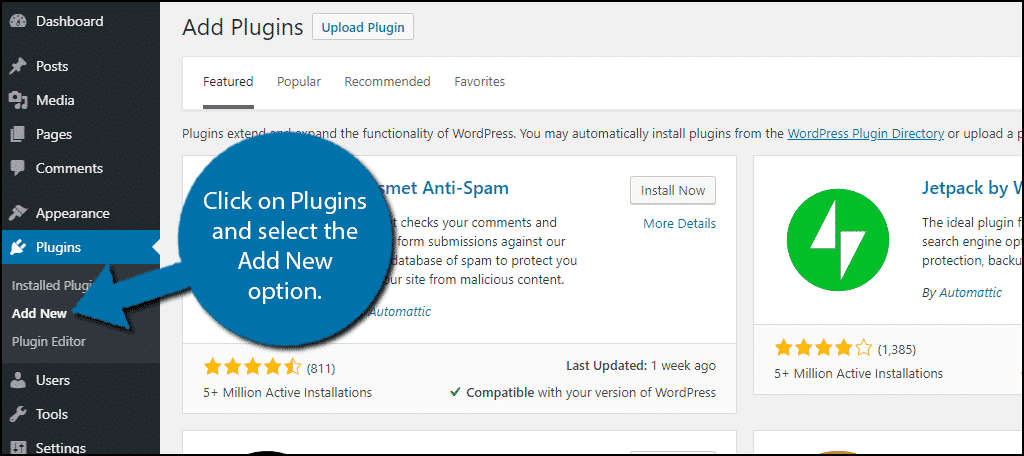
Plugins make tasks easy on WordPress. There are many options available. Choose a plugin that suits your needs. Check user reviews before installing. Popular options include WPForms and LoginPress. They offer many features. Some plugins are free. Others need a subscription. Look at their features and pick the best one for you.
After installing, configure the settings. This process is usually simple. Open the plugin settings page. Here, you can customize your login page. Change colors and fonts to match your theme. Add custom fields if needed. Some plugins offer security features. Enable them for extra protection. Always save changes before exiting.
Creating A Custom Login Form
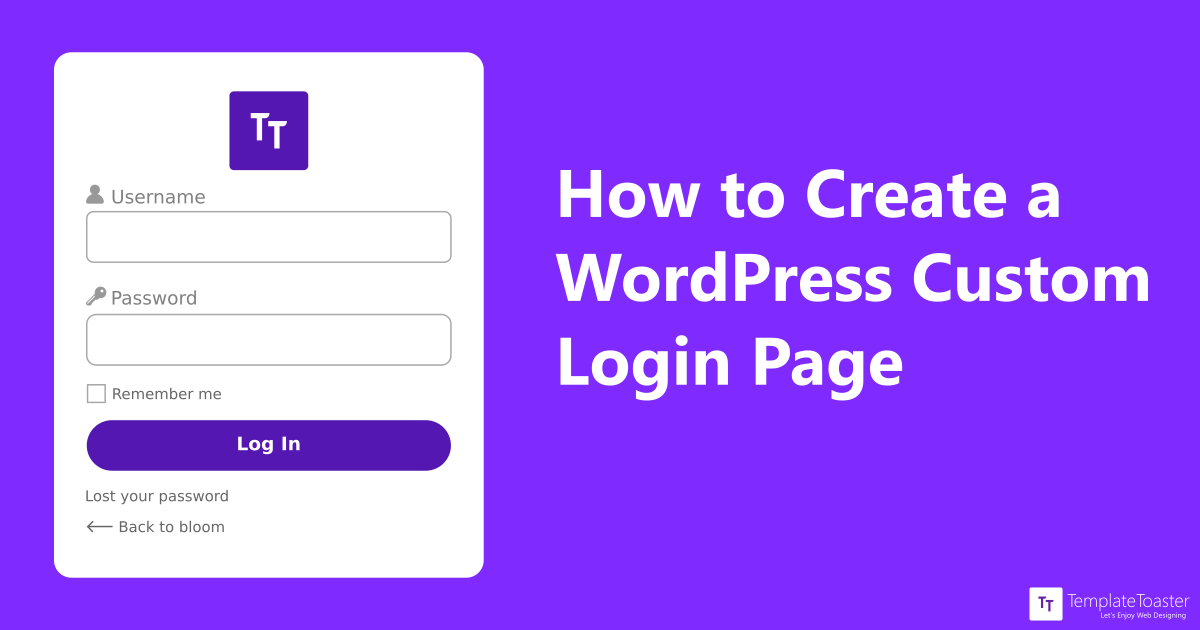
Begin by crafting the HTML structure for your login page. Utilize basic elements like , , and . The should include fields for username and password. Ensure each has a label for clarity. The submit enables users to log in. This setup forms the backbone of your login page.
Use CSS to make your form look appealing. Style the fields for better visibility. Add padding and border to inputs. Enhance the with background color and hover effect. Ensure the form is centered for a neat appearance. Styling is key to making the form user-friendly.
JavaScript adds functionality to the login page. Validate the input fields to ensure correct entries. Use JavaScript for simple checks like empty fields. Implement alert messages for invalid submissions. This helps guide users during login. JavaScript makes the form interactive and responsive to user actions.
Credit: www.greengeeks.com
Testing The Login Page
Creating a login page in a WordPress theme involves customizing the user interface. Ensure functionality by testing user credentials. Check for responsiveness across devices.
Checking Compatibility
Test the login page on different browsers. Ensure it works on Chrome and Firefox. Try it on Safari too. Check if the login button functions. Ensure all links are clickable. Test on different devices like tablets. Make sure login works on mobile phones. Compatibility ensures users can access your site.
Ensuring Responsiveness
Check if the login page adjusts on all screens. It should look good on small screens. Test it on large monitors as well. Ensure text is readable on all devices. Buttons should be easy to click. Responsive design helps users with different devices. A responsive page improves user experience.
Troubleshooting Common Issues
Creating a login page in WordPress themes often involves tackling common issues like plugin compatibility and incorrect settings. Ensure the theme supports custom login functionality and troubleshoot with basic checks. Adjust settings, verify plugin versions, and test the page to resolve typical errors efficiently.
Resolving Plugin Conflicts
Plugins can cause issues on your login page. First, disable all plugins. Check if the login page works. If it does, enable plugins one by one. This helps find the conflicting plugin. Update or replace the conflicting plugin. Always keep your plugins updated. Updated plugins have fewer bugs. They also work better with WordPress.
Fixing Css Errors
CSS errors can break the login page. Inspect your page using the browser’s developer tools. Look for any red error messages. These messages show CSS issues. Fix these issues in your theme’s stylesheet. Sometimes, custom CSS can cause problems. Remove or correct these custom styles. Clear your browser cache after making changes. This ensures the changes take effect.
Frequently Asked Questions
How Do I Add A Login Page In WordPress?
To add a login page in WordPress, you can use plugins like WPForms or Theme My Login. These plugins simplify the process by providing easy-to-use templates and customization options. Install the plugin, configure settings, and use shortcodes to display the login form on your desired page.
Can I Customize The WordPress Login Page?
Yes, you can customize the WordPress login page using plugins like Custom Login Page Customizer. These plugins allow you to change colors, fonts, and logos. You can also add custom CSS for further personalization. This enhances user experience and aligns the login page with your site’s branding.
What Is The Best Plugin For Login Pages?
WPForms is a popular choice for creating login pages in WordPress. It offers a user-friendly interface, customization options, and supports user registration forms. Other plugins like Theme My Login and LoginPress also provide great features. Choose based on your specific needs and preferences.
How Do I Secure My WordPress Login Page?
To secure your WordPress login page, use strong passwords and enable two-factor authentication. Plugins like Wordfence and Login LockDown help protect against brute-force attacks. Regularly update your WordPress and plugins, and limit login attempts to enhance security and protect user data.
Conclusion
Creating a login page in a WordPress theme is simple. Follow the steps carefully. Choose a reliable plugin for ease. Customize to match your theme style. Test the login page thoroughly. Ensure security measures are in place. Keep user experience in mind.
Regularly update your theme and plugins. Troubleshoot common issues promptly. This improves functionality. A well-designed login page enhances user trust. It’s an essential part of your website. Keep it user-friendly and secure. With practice, you’ll get better. Enjoy building your WordPress site.
It’s rewarding and fun. Happy designing!


