
Are you looking to showcase your skills, projects, and achievements in a stunning online portfolio? Creating a portfolio site theme for WordPress might just be the perfect solution for you.
Imagine having a personal space on the internet where your work shines brightly, attracting potential clients or employers. But how do you create a theme that truly represents your unique style and skills? This guide will walk you through the process of crafting a WordPress portfolio theme from scratch.
Whether you’re a seasoned web designer or just starting, you’ll find practical tips and insights to help you stand out. Plus, you’ll discover how a well-designed theme can capture attention and evoke emotions, making visitors eager to explore more about you and your work. By the end of this article, you’ll have the knowledge and confidence to build a portfolio site that not only looks great but also effectively communicates your personal brand. Ready to transform your online presence? Let’s dive in and unlock the secrets to creating a captivating WordPress portfolio theme.

Credit: wordpress.com
Choosing The Right Theme Framework
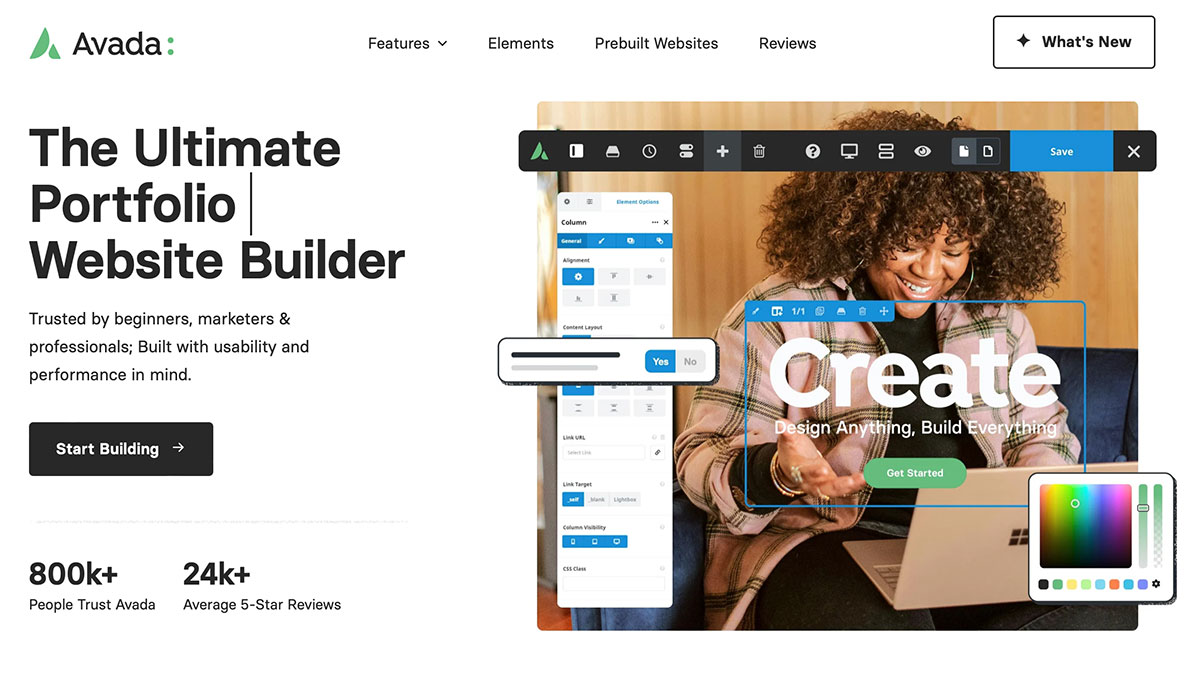
WordPress frameworks are like the skeleton of a website. They help build sites quickly and easily. They provide pre-made code and designs. This saves time and effort. You don’t need to start from scratch. Many developers use these frameworks. They help create beautiful and functional sites.
| Framework | Features |
|---|---|
| Genesis | SEO friendly, Secure, Fast |
| Thesis | Customizable, SEO tools, Responsive |
| Divi | Drag-and-drop, Templates, Support |
Genesis is fast and secure. But, it can be hard for beginners. Thesis offers many SEO tools. Yet, it has fewer design options. Divi is easy with drag-and-drop. However, it may slow down sites.
Credit: colorlib.com
Designing Your Portfolio Layout
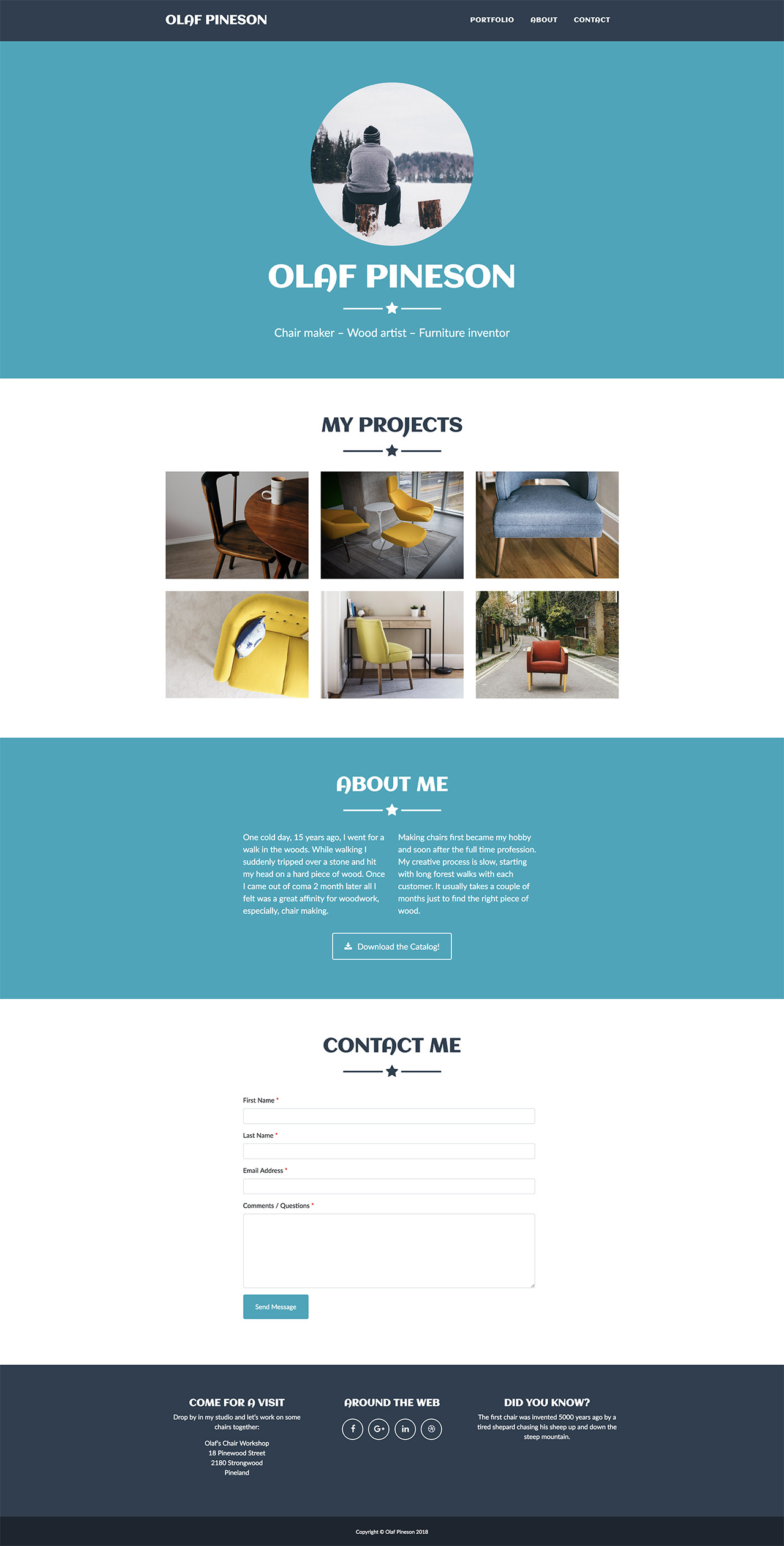
Think about what your portfolio should show. Are you an artist? Showcase your art. Are you a writer? Highlight your stories. Clear goals help your design shine.
Start with a simple sketch. Draw boxes for images and text. Arrange them as you like. This helps you see the big picture. You get a plan to follow.
Make sure your site is easy to use. Simple navigation is key. Fast loading is important. Engage visitors with easy reading. Happy users come back.
Customizing Theme Appearance
The WordPress Customizer is a simple tool. It helps you change your website’s look. You can adjust the layout. You can also change the colors. It shows changes in real-time. This makes it easy to use. It is a great starting point for beginners.
CSS allows for more advanced styling. It helps make your site unique. You can style headers, footers, and other elements. CSS gives you control. You can adjust sizes and spacing. It helps in creating a professional look. Remember to save changes.
Custom fonts add a personal touch. They make text look special. You can choose from many fonts online. Colors also matter. They set your site’s mood. Use colors that match your brand. This makes your site look great.
Adding Essential Features
Creating a contact form is easy. It helps visitors reach you. Use plugins like Contact Form 7. They are simple. Add fields for name, email, and message. This keeps it clear. Ensure the form is responsive. It should work on phones and tablets. Test it after setting up. Make sure all messages go to your email. This way, you never miss a contact.
Showcase your work with galleries and sliders. Use plugins like Envira Gallery. They help display images nicely. Choose a grid or slider view. Keep images high quality. This attracts more viewers. Captions can explain each piece. Make sure everything loads fast. Slow pages can lose visitors.
SEO tools help your site rank better. Use plugins like Yoast SEO. They guide you on keywords. Keywords help people find your site. Include meta tags and descriptions. This tells search engines about your page. Check for broken links. Fix them for better user experience. Fast loading speed is important too. It keeps visitors happy.
Testing And Debugging
Different browsers show websites differently. Test your site on Chrome, Firefox, and Safari. Check how it looks and works. Fix any problems you find. Make sure it looks the same everywhere. Use browser tools to help find bugs. This helps all users see your site correctly.
Many people use phones to browse. Make your site responsive. It should fit small screens well. Test on different phones and tablets. Check buttons, images, and text size. Make sure everything is easy to read. Use tools to check responsiveness. Improve user experience on mobile devices.
Slow sites lose visitors fast. Optimize your site’s speed. Compress images and files. Use caching to load pages faster. Test site speed with online tools. Improve loading times. Users like fast sites. Keep it quick for better engagement.
Credit: pinegrow.com
Launching Your Portfolio Site
Make sure your portfolio content is clear and simple. Use short sentences to describe your work. Add images that show your best projects. Check for spelling and grammar mistakes. It’s important for everything to be neat and tidy. Write in a way that makes people understand your skills. Use headings to organize your content. People like to read things that are easy to follow.
Submit your site to search engines like Google. This helps people find your portfolio online. Use keywords that describe your work. These words help your site appear in searches. Create a site map to show structure. This helps search engines understand your site. Register your site with search tools. Make sure your site’s visibility is high.
Share your portfolio on social media. Tell friends about your work. Use platforms like Facebook or Twitter. Join groups related to your field. People might visit your site from there. Networking is key. Connect with others who do similar work. Comment on blogs and forums. This creates links back to your site. Get feedback and improve your work.
Frequently Asked Questions
How To Start A WordPress Portfolio Theme?
Begin by selecting a theme that suits your style. Use WordPress theme customization options to tweak colors and layout. Install essential plugins for enhanced functionality. Create pages for showcasing your work and add engaging content. Regularly update your portfolio to keep it fresh and relevant.
Which Plugins Are Best For Portfolio Sites?
Essential plugins include Elementor for page building, Yoast SEO for optimization, and WPForms for contact forms. Consider using Jetpack for site security and performance. For image galleries, Envira Gallery is a great choice. These plugins enhance functionality and improve user experience on your site.
Can I Use Free Themes For Portfolios?
Yes, free themes can be used for portfolios. They offer basic customization and functionality. Choose a responsive theme with good design elements. Ensure the theme is regularly updated for security. Free themes are a cost-effective option for beginners looking to showcase their work professionally.
How To Optimize A Portfolio Site For Seo?
Start by using an SEO-friendly theme and installing Yoast SEO plugin. Optimize images for faster loading times. Use descriptive titles and meta tags for each page. Ensure your site is mobile-friendly and easy to navigate. Regularly update content and build backlinks for better search engine visibility.
Conclusion
Creating a portfolio site theme for WordPress is straightforward. Follow the steps. Focus on design and functionality. Keep the site user-friendly and attractive. Remember to include your best work. Use plugins to enhance features. Optimize for mobile devices. Regularly update content.
This keeps your site fresh. Ensure fast loading times. Speed matters for user experience. Engage visitors with your story. Share insights and achievements. A well-crafted site boosts your online presence. It showcases your skills and projects effectively. Start building today.
Your digital portfolio awaits.


