
Choosing the perfect WordPress theme can feel overwhelming, especially when you want your website to stand out in 2018. With countless options available, how do you know which theme truly fits your needs?
The right theme can make your site look professional, engage your visitors, and even improve your SEO. But the wrong choice might leave you frustrated and your site underperforming. Don’t worry; you’re not alone in this decision-making process. By understanding what to look for, you can confidently choose a theme that not only captures your vision but also enhances your online presence.
Ready to discover the secrets to finding the perfect WordPress theme? Let’s dive in!
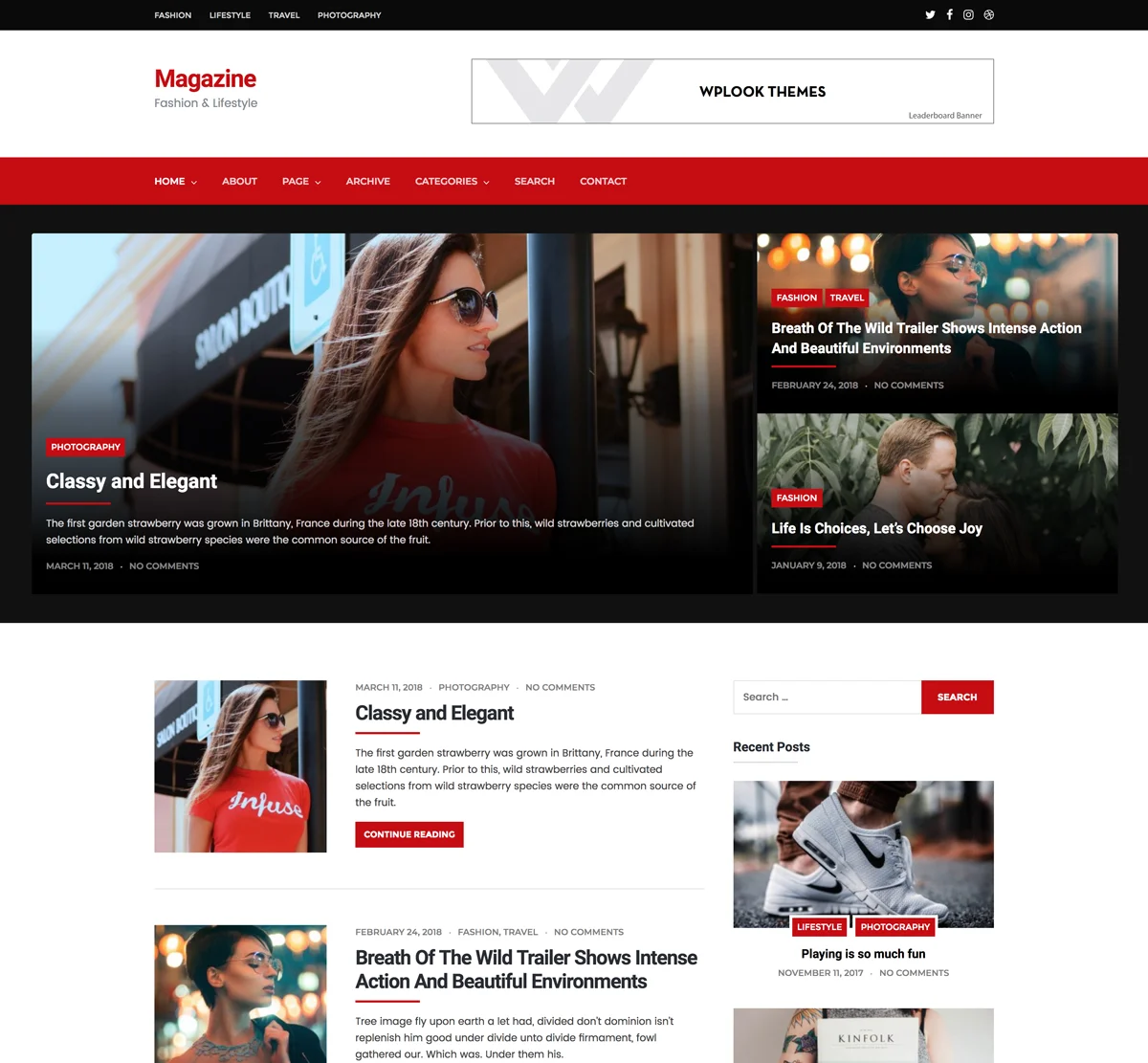
Credit: wplook.com
Identifying Your Needs
Purpose of Your Website: Think about what your website will do. Is it for a blog, a store, or a portfolio? Each type needs a different theme. A blog might need a clean design. A store might need e-commerce features. A portfolio might need galleries.
Key Features Required: List the features you need. Do you need a contact form? How about social media links? Choose a theme that has these features. Make sure the theme is easy to use. Check if it has good support.
Target Audience Consideration: Who will visit your site? Is it for kids, adults, or professionals? Pick a theme that they will like. The design should be simple. The colors should be appealing. Think about their needs.

Credit: www.wpcrafter.com
Budget Considerations
Choosing between free and premium themes can be tough. Free themes are cost-effective. They are good for simple websites. Premium themes offer more features. They can be customized easily. Premium themes often have better support. Free themes might not have updates. Consider your needs before choosing. Do you need more features? Is support important?
The cost of a theme is not the only concern. Premium themes may have subscription fees. Some themes need plugins that cost money. Check for hidden costs in themes. Free themes can save money now. But they may cost time in the future. Think about updates. Premium themes often get updates. Free themes may not get updates. Consider the long-term investment wisely.
Design And Style Preferences
A theme should match your brand. The colors and fonts must fit. They tell your story. Choose a theme with a clean look. Avoid clutter. It confuses readers. A neat design is easy to read. This keeps visitors on your site. They enjoy their stay.
People use phones and tablets. Your theme must adjust to all screens. This is called responsive design. It helps readers see your site well. No matter the device, the site should look good. This makes visitors happy. They will return. A responsive theme builds trust.
Performance And Speed
Performance and speed of a WordPress theme are crucial. They affect how users feel on your site. A slow site can make users leave quickly. Fast sites keep users happy. They also help with search rankings. Google loves fast sites. It’s important to pick a theme that loads quickly.
Impact On User Experience
Users like sites that load fast. It makes browsing fun and easy. A slow site can make users frustrated. They might not come back. Fast-loading themes improve user experience. They help users find what they need quickly. This keeps them on your site longer.
Tools For Speed Testing
| Tool Name | Purpose |
|---|---|
| Google PageSpeed Insights | Checks page speed and gives tips |
| GTmetrix | Provides detailed speed analysis |
| Pingdom | Tests site speed from various locations |
Seo Friendliness
Many WordPress themes come with built-in SEO features. These features help search engines find your site. Look for themes with clean code. Clean code helps search engines read your site. Some themes offer SEO settings. Use these settings to improve your site’s SEO. A theme with SEO features can boost your site’s ranking.
Choose a theme that works with SEO plugins. Plugins like Yoast SEO are popular. They help manage your site’s SEO. Some themes may not work well with plugins. Check the theme’s compatibility before you choose. A compatible theme makes SEO easier. It helps your site rank better. Good themes support plugins without slowing down your site.
Customization Options
Ease of Use and Flexibility are key for a good theme. Some themes are simple. Others offer many tools. Choose one that fits your needs. A theme should be easy to change. This helps your site look unique. Look for drag-and-drop features. These make editing simple. They save time too.
Advanced Customization Needs may require special tools. Some users want more control. Look for themes with code access. This allows deeper changes. More options mean more creativity. Choose a theme that grows with your skills. This will help your site stand out.
Compatibility And Updates
Selecting a WordPress theme requires attention to compatibility and updates. Ensure the theme is compatible with the latest WordPress version. Regular updates guarantee security and new features, enhancing your website’s performance.
Ensuring Plugin Compatibility
Plugins help make your site better. Not all themes work with all plugins. Choose a theme that works with many plugins. Check the theme details for plugin support. This keeps your site working well. Broken plugins make your site look bad. Always test plugins with your theme before using them.
Regular Theme Updates
Themes need updates. Updates fix problems and add new features. A theme with regular updates is a good choice. Check how often a theme gets updated. Themes without updates might not work well. Updates keep your site safe and fast. Pick themes with recent updates.

Credit: www.youtube.com
Customer Support And Documentation
Good support is very important. Some themes offer email support. Others have live chat. Check if they have a forum. Forums can be very helpful. You can ask questions there. Sometimes, other users help too. Make sure support is easy to reach. Fast replies can solve problems quickly.
Tutorials are like teachers. They help you learn fast. Some themes have video guides. Videos show steps clearly. Look for written guides too. They are handy. You can read them anytime. Guides explain things in simple words. This makes learning easy. Always check if guides are updated.
User Reviews And Ratings
Reviews help you know what others think. They show if people like the theme. Ratings tell if the theme works well. Many stars mean happy users. Few stars mean problems.
Read both good and bad reviews. They give a clear picture. Look for comments about theme speed. Slow themes can be a problem. Also, see if users say it is easy to use. A simple theme is better for beginners.
Some themes have bugs or problems. Reviews can point these out. Check if many people mention the same issues. This means the problem is common. Updates can fix bugs. See if the theme gets regular updates. A well-supported theme is important. It helps keep your site safe and working well.
Making The Final Decision
Choosing the right WordPress theme in 2018 involves balancing design, functionality, and performance. Prioritize themes with clean code and responsive design for better user experience. Always consider compatibility with plugins and regular updates for security and efficiency.
Weighing Pros And Cons
Picking a WordPress theme can be tricky. Some themes look pretty. Others offer many features. It’s important to balance both. Look at the design. Is it simple? Is it easy for users? Check the features. Do they match your needs? Does the theme work on phones and tablets? That’s important. Think about updates. A good theme gets updates often. This keeps it safe.
Testing is key. Install the theme. See how it looks. Does it load fast? Speed matters. Ask friends to try it. Get their feedback. Listen to their thoughts. Make changes if needed. This helps pick the right one. Choose wisely for your site.
Frequently Asked Questions
What Factors To Consider In A WordPress Theme?
When choosing a WordPress theme, consider design, functionality, and customization options. Ensure it’s responsive and SEO-friendly. Check for regular updates and support. Compatibility with plugins is essential. Evaluate load speed and user reviews. Select a theme that aligns with your website’s purpose and audience.
How Do I Check Theme Responsiveness?
Test responsiveness by viewing the theme on different devices. Use tools like Google Mobile-Friendly Test. Look for themes marked as responsive in their description. Responsive design ensures your website adapts to various screen sizes, providing a seamless user experience across desktops, tablets, and smartphones.
What Is A Lightweight WordPress Theme?
A lightweight theme loads quickly and uses fewer resources. It’s optimized for speed and performance. Minimalist design often characterizes lightweight themes. They enhance user experience and improve SEO rankings. Choose a theme with clean code and avoid unnecessary features to ensure fast loading times.
How To Ensure Theme Compatibility With Plugins?
Check the theme documentation for compatibility information. Contact the developer for clarification if needed. Read user reviews to identify potential issues. Ensure regular updates to maintain compatibility. Test plugins on a staging site before implementing them. A compatible theme enhances functionality and avoids conflicts.
Conclusion
Choosing the right WordPress theme feels complex. But it can be simple. Focus on your site’s purpose first. Then, consider design and functionality. Don’t forget mobile compatibility. Reviews can guide your decision. Test demos before buying. Free themes are available but check quality.
Premium themes offer more features. Always think about support and updates. Your theme should reflect your brand’s personality. It sets the tone for your visitors. Make your choice wisely. With the right theme, your site will shine. Now, you’re ready to create a stunning website.
Happy designing!


