
Are you looking to give your WordPress site a fresh, modern look by switching to a full-page theme? Maybe you’re tired of the same old layout and want to create a more immersive experience for your visitors.
Changing your WordPress theme to a full-page design can be a game-changer. It can make your content pop, improve user engagement, and help your site stand out from the competition. But where do you start? And how can you ensure a smooth transition without losing any of your precious content or customizations?
You might be surprised at how straightforward it can be. We’ll guide you through each step, ensuring you’re equipped with the knowledge to make this change seamlessly. Get ready to transform your site and captivate your audience like never before!
Why Choose A Full Page Theme
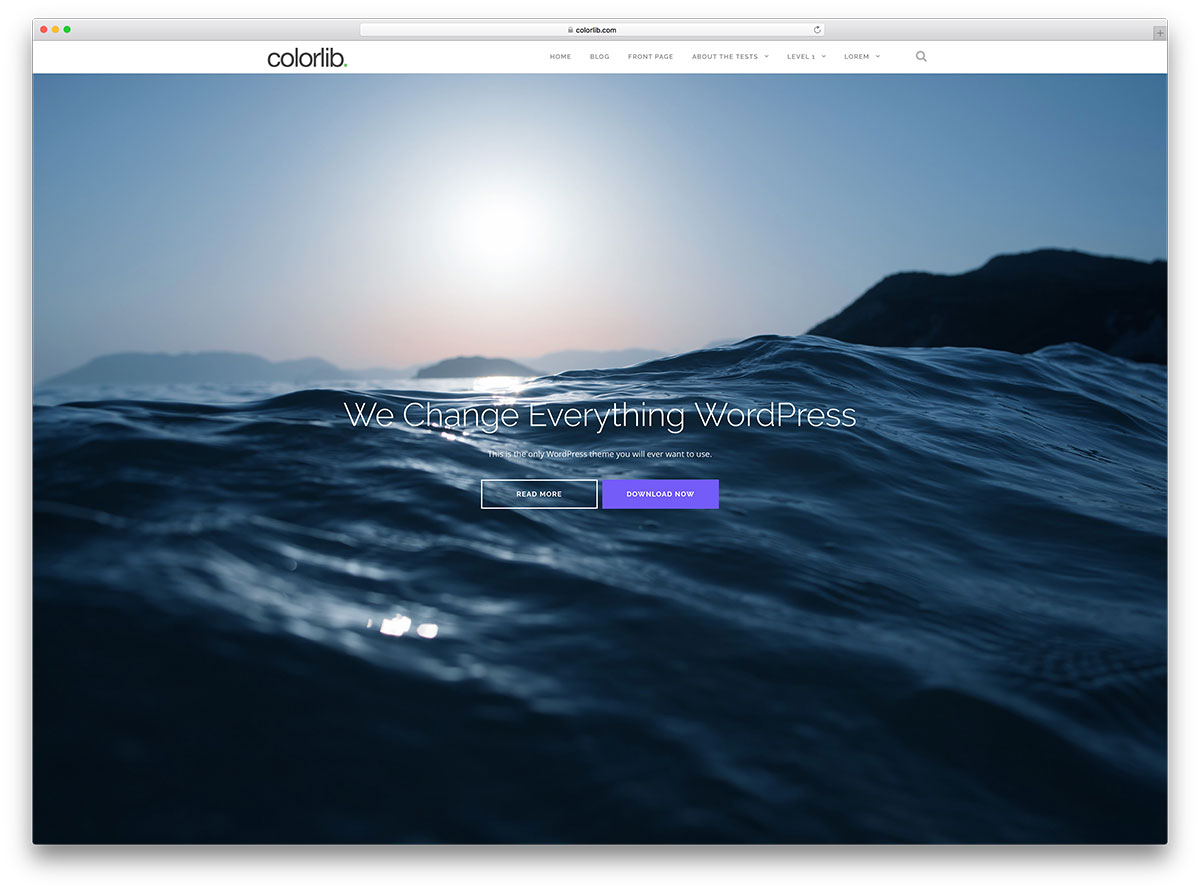
Full page themes make websites look more modern and clean. They focus on one section at a time. This keeps the viewer’s attention. It helps to tell a story in a clear way. Images are often bigger and look more impressive. Text is easier to read.
Full page themes also make websites mobile-friendly. They fit well on phones and tablets. This is important as many people use phones to browse the web. A full page design can make your site stand out. It can help visitors stay longer. More time on your site can lead to more engagement.
Selecting The Right Theme
Full page themes are loved by many. They make your website look big and bold. Some themes are popular for their style and ease. OnePress and Hestia are well-known choices. People also like Astra for its fast speed. These themes are easy to use. They offer many features to make your site stand out. Choose one that fits your needs.
The right theme should be responsive. This means it looks good on phones and computers. Check if the theme is easy to customize. You want to change colors and fonts easily. Make sure it is SEO-friendly. This helps your site get found online. Look at the support options. Good support helps with theme issues. Lastly, think about your site’s speed. A fast theme keeps visitors happy.
Backing Up Your Current Theme
Backing up your current theme ensures you can easily restore it if needed. Save your theme files and settings before changing to a full-page WordPress theme. This simple step protects your site from potential data loss.
Using Backup Plugins
Backup plugins make it easy to save your theme. Popular plugins include UpdraftPlus and Duplicator. They help you create copies of your site. These plugins save your files in a safe place. You can download the backup to your computer. It’s a simple way to protect your site. Always choose plugins with good reviews. This ensures they work well. Keep your backups updated regularly.
Manual Backup Methods
Manual backups need more steps. First, go to your WordPress Dashboard. Find the Appearance tab. Click on Theme Editor. Copy all code from each file. Paste it into a text editor. Save these files on your computer. Don’t forget to backup your database too. Use tools like phpMyAdmin. Export your database as an SQL file. Store this file safely. Now your site is backed up.
Credit: colorlib.com
Installing A New Theme
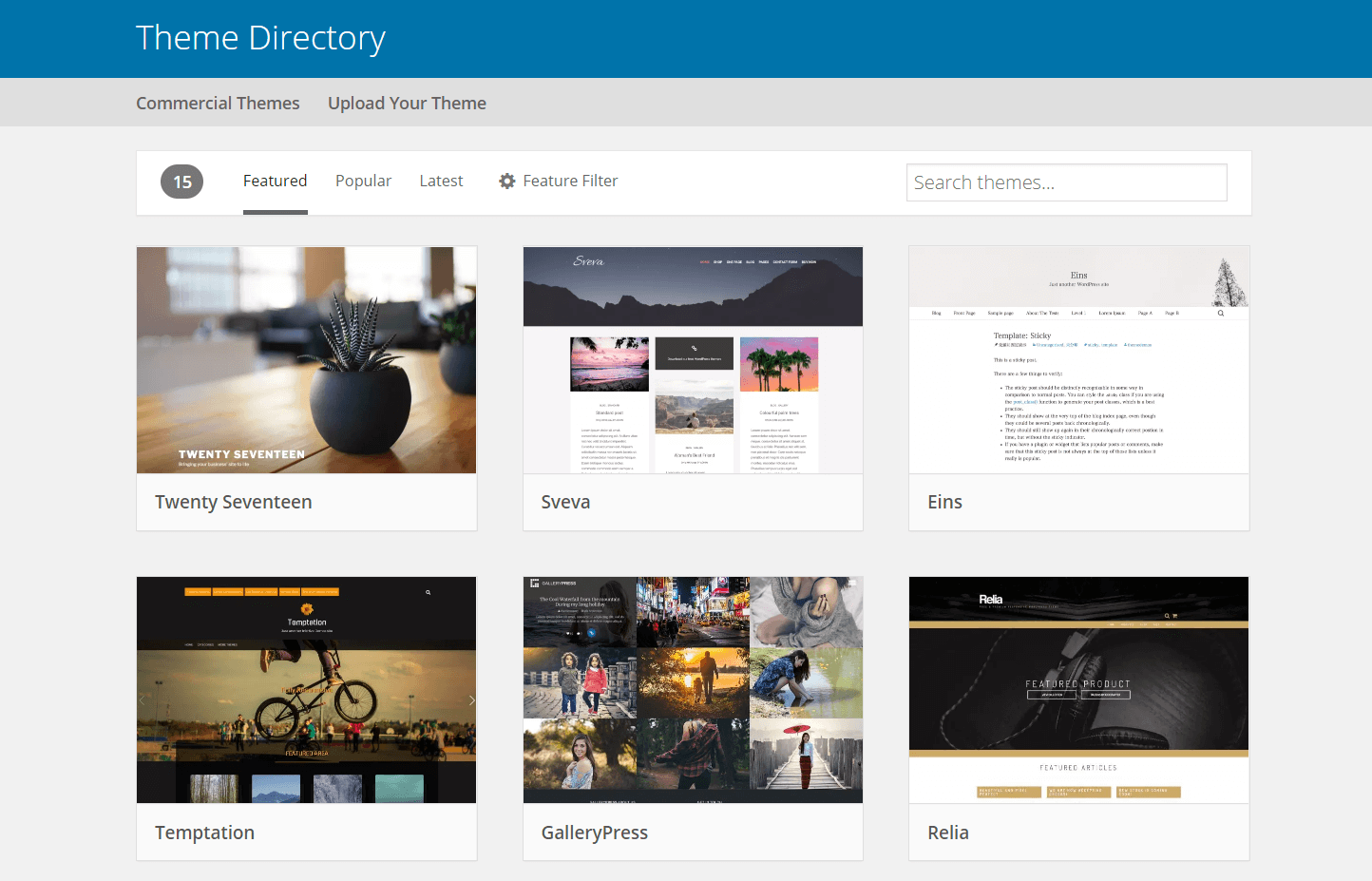
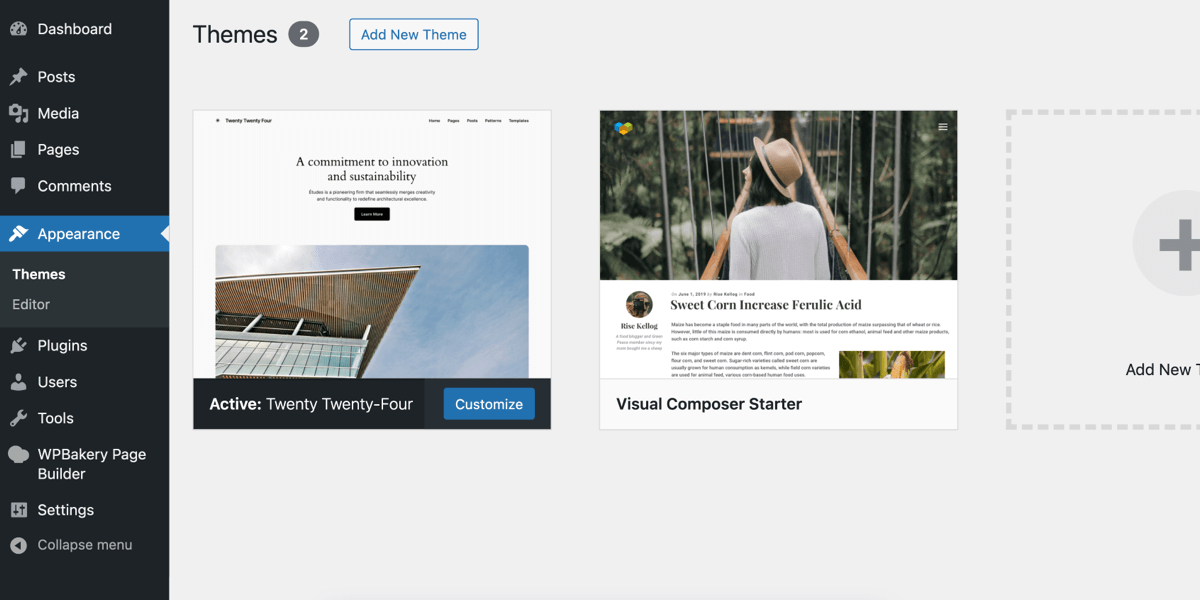
First, log in to your WordPress Dashboard. This is where you can change settings. Look on the left side. Find the menu. Click on Appearance. Then click Themes. This is where you will see your themes. You can add new ones here.
Click on Add New to find new themes. See something you like? Click Install. Wait a few seconds. Now click Activate. Your new theme is ready. Check your site. Make sure it looks good. If not, you can try another theme. It’s easy to switch back. Keep experimenting until you find the right one.
Customizing The Full Page Theme
Explore the Theme Customizer for simple changes. Find it under the Appearance tab. Make your theme look unique. Adjust colors and fonts easily. Choose the best look for your site. Preview changes before saving. This helps avoid mistakes.
Change the layout by dragging sections. Use widgets for more options. Add or remove sidebars. Make the homepage a full page. Use the design tab for styling. Add background images. Set header and footer styles. Save changes often to avoid loss.
Testing The New Theme
First, open your website on a computer and a phone. Check if everything looks good. The site should fit the screen. Text and buttons should be easy to see. Images should not be too big or too small. If something looks off, the theme might not be responsive.
Visit the admin panel and check your plugins. Make sure they are active. The theme should not break any plugin. Test important plugins one by one. Plugins should work without errors. Update plugins if needed. If a plugin does not work, the theme might not be compatible.
Troubleshooting Common Issues
Switching a WordPress theme to full page mode often involves adjusting settings. Navigate to Appearance, then customize the layout. Ensure compatibility with your theme for smooth transitions.
Fixing Layout Problems
Sometimes, a new theme can cause layout issues. These problems can make your site look strange. Start by checking your theme settings. Adjust them to fit your needs. Look for options like width and height. These can help make your site look better. If things still look odd, try using custom CSS. This can fix many layout problems. It lets you change specific parts of your site. Always preview changes before saving. This helps catch mistakes early.
Resolving Plugin Conflicts
Plugins can sometimes clash with your theme. This can break features or cause errors. Check if your plugins are up to date. Old plugins can cause issues. Disable plugins one by one to find the problem. This helps identify the conflicting plugin. Once you find it, look for alternatives. Some plugins offer similar features without issues. You can also contact plugin support for help. They might have a solution for your problem. Always keep a backup of your site. This ensures you can restore it if things go wrong.
Credit: wpengine.com
Enhancing Performance
Large images slow down a site. Compress images to speed up loading. Use formats like JPEG or PNG. Scripts can also affect performance. Minimize and combine them. This reduces server load. Lazy loading is another trick. It loads images only when needed. This saves bandwidth and boosts speed.
Caching stores data temporarily. It helps in reducing server requests. Use plugins like W3 Total Cache. They make this task easy. Browser caching is also helpful. It keeps data on the visitor’s device. Thus, next visit becomes faster. Server-side caching is powerful. It stores data closer to users. This improves site performance.
Credit: wpbakery.com
Frequently Asked Questions
How Can I Change My WordPress Theme?
To change your WordPress theme, go to the dashboard. Click on “Appearance,” then “Themes. ” Select a new theme and click “Activate. ” Ensure your content aligns with the new layout. Always preview before making final changes to ensure compatibility and aesthetics.
Does Changing Theme Affect Site Content?
Changing a theme doesn’t usually affect your site content. However, layout and widget placements may change. Always preview and backup your site before switching themes. This ensures minimal disruptions and a smooth transition to a full-page layout.
What Is A Full-page WordPress Theme?
A full-page WordPress theme uses the entire screen width. It offers a modern, immersive design, optimizing for visuals. Ideal for portfolios and creative websites, it enhances user engagement by reducing clutter and improving aesthetic appeal.
Can I Revert To A Previous Theme?
Yes, you can revert to a previous theme anytime. Go to “Appearance,” “Themes,” and select your old theme. Click “Activate” to switch back. Ensure backups are available, as widgets and settings may need reconfiguration after reverting.
Conclusion
Switching your WordPress theme to full page is easy. Follow each step carefully. Customize your site to fit your needs. Enjoy a fresh look and better user experience. Remember, a full-page theme enhances your content’s visibility. Visitors appreciate clean, organized layouts.
Take time to explore theme options. Choose a design that reflects your brand. Make your website engaging and intuitive. Keep learning and experimenting with WordPress features. Your site can become more dynamic with each change. Happy designing!


