
Are you looking to showcase your skills and creativity using the Divi theme in WordPress? Creating standout portfolio pieces can be a game-changer for your online presence.
Whether you’re a designer, photographer, or writer, a captivating portfolio can be your ticket to new opportunities and clients. Imagine your potential clients browsing through your work, mesmerized by the seamless blend of design and functionality. The Divi theme offers you the tools to make this a reality.
In this guide, you’ll discover how to craft portfolio pieces that not only highlight your talents but also engage and impress your audience. Ready to transform your portfolio into a magnet for success? Let’s dive in and unlock the secrets to creating compelling portfolio pieces with Divi.
Getting Started With Divi
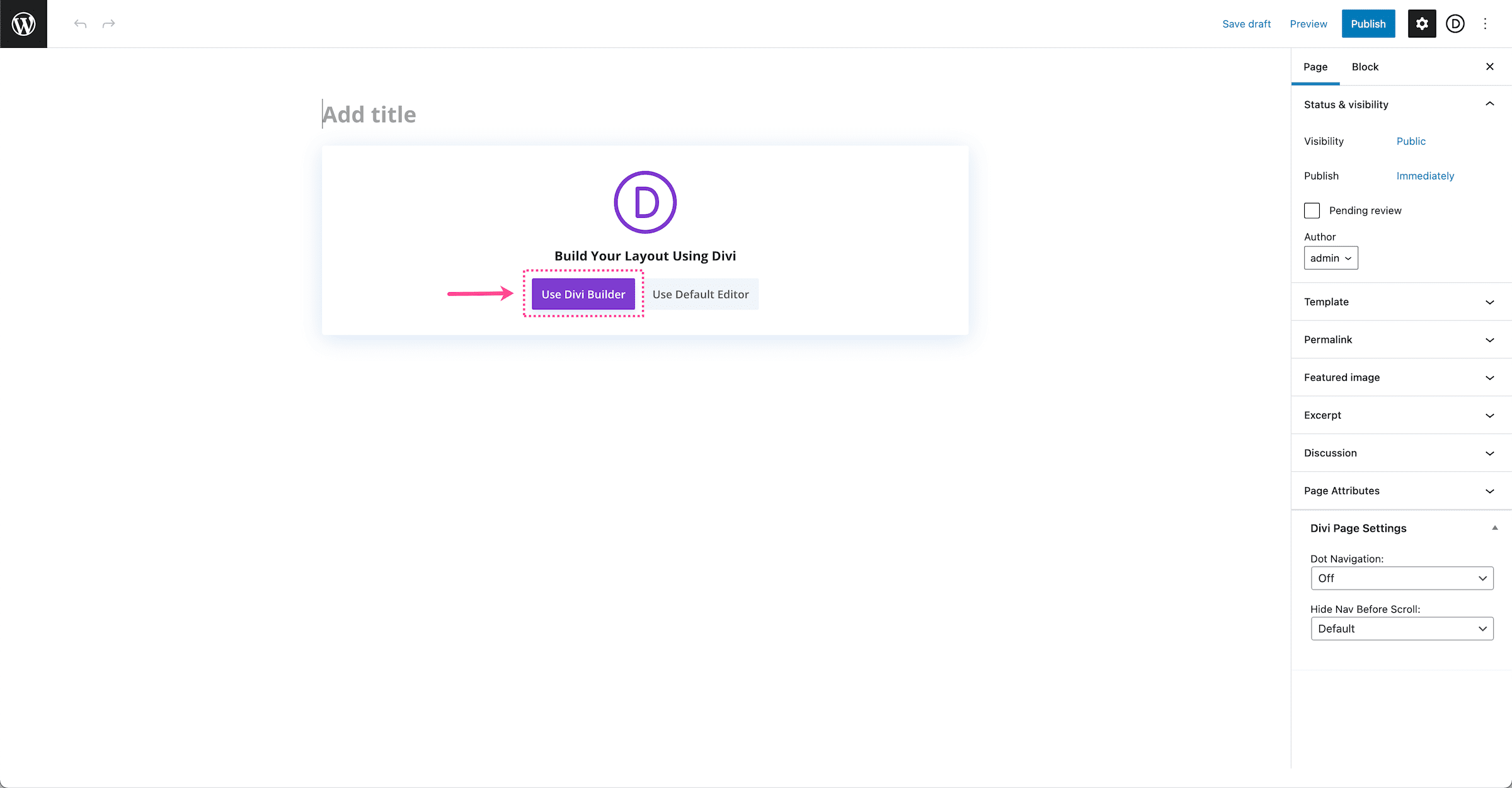
Begin by logging into your WordPress dashboard. Navigate to the Themes section. Click Add New and then click on Upload Theme. Choose the Divi zip file from your computer. Click Install Now to start the process. Wait for the installation to complete. Once done, click Activate to use the Divi Theme on your website.
The Divi Builder is a powerful tool. It helps you design your pages easily. Use pre-made layouts for quick setups. Drag and drop elements to create custom designs. Customize text, images, and colors with ease. The real-time preview shows changes instantly. There are many modules like text, image, and video. Each module is easy to use.
Experiment with different settings. Create a unique look for your portfolio. Save your work often. Use the save button at the bottom. This keeps your changes safe.
Credit: www.elegantthemes.com
Setting Up A Portfolio Page
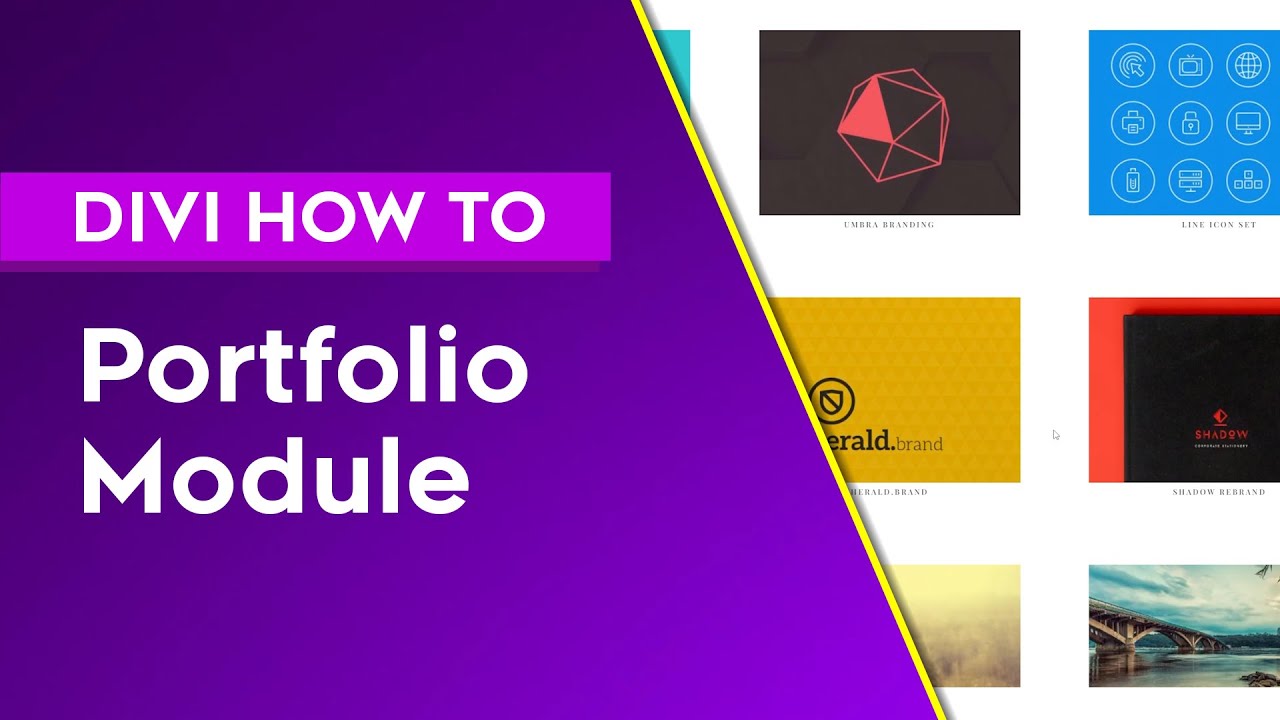
The layout is key to a portfolio page. It shows your work best. Divi theme offers many options. You can choose grid, list, or carousel styles. Each style has its own feel. Think about your work. Pick a layout that matches. A grid layout looks clean and neat. A list style is great for detailed descriptions. Carousel style is lively and fun. Choose wisely to impress visitors.
Customizing portfolio settings makes your page unique. You can change colors, fonts, and sizes. Divi theme lets you add animations too. Make sure your settings match your style. Keep it simple. Too many colors can confuse people. Use fonts that are easy to read. Large text is good for titles. Small text works for details. Animations can catch eyes. Use them sparingly for best results.
Designing Portfolio Items
Pre-made layouts are a great start for beginners. Divi theme offers many layout options. Each is designed by experts. Choose a layout that fits your style. Add your content to personalize it. Images and text can be easily changed. This saves time and effort. It’s a simple way to make a professional portfolio.
Custom designs offer more freedom. Start with a blank page. Use Divi’s tools to create your unique look. Add sections and modules. Each module can be styled differently. Colors, fonts, and backgrounds are all customizable. It’s fun to experiment with different styles. Your portfolio will reflect your own creativity.
Credit: www.elegantthemes.com
Enhancing Portfolio Design
Visual effects can make a portfolio stand out. Use animations to draw attention. Simple effects like fade-in or zoom can work well. Effects should not be too flashy. They must match the design style. This helps in keeping the focus on the content.
Advanced design options allow more creativity. Change colors and fonts to suit the theme. Use custom layouts to organize content better. This makes it easier to find information. Add interactive elements for engagement. Keep it simple and easy to navigate. This ensures a good user experience.
Optimizing For User Experience
Mobile-friendly websites are important. Many people use phones to browse. A responsive design adjusts to any screen size. This ensures that content looks good everywhere. Divi theme helps with this. It has built-in features. These features make it easy to create mobile-friendly pages. Check your site on different devices. Make sure everything works well. Buttons should be easy to tap. Text should be easy to read. Images should fit the screen. A good mobile experience keeps visitors happy.
Fast load times are crucial. Nobody likes to wait. A slow site can lose visitors. Use optimized images. Large images can slow things down. Compress them if needed. Divi theme has tools for this. Also, limit the use of heavy plugins. They can affect speed. Try to keep the site simple. A clean design loads faster. Regularly check your site’s speed. Use online tools for this. A fast site makes users happy.

Credit: wpmarmite.com
Adding Interactive Elements
Animations make your portfolio fun. They catch the viewer’s eye. Use simple animations like slide-ins or fades. These can make text or images move. Timing is key. If animations are too fast, viewers get confused. If too slow, they lose interest. Animations should be smooth. They should also not distract from your work. Test on different devices. Make sure it works well everywhere.
Hover effects are simple but powerful. They change an element when you move over it. Use color changes to show action. Add borders or shadows to make things pop. Hover effects should be quick and clear. They help users know what they can click. Not every element needs a hover effect. Too many can confuse users. Keep it simple. Make sure it fits with your design.
Showcasing Projects Effectively
Portfolio pieces help show your work to others. With Divi Theme, you can make your projects look nice. Organizing content is very important. First, list your best projects. Then, add pictures and words. Make sure everything is easy to read. Use colors and styles that fit your project.
Organizing Portfolio Content
Good organization makes your portfolio shine. Group similar projects together. Add a short note about each project. Tell what you did and why. Use short sentences to keep it simple. Highlight special parts with bold text. This helps important things stand out. Remember, clear and simple content is best.
Highlighting Key Features
Make your projects easy to understand. Show the best parts of your work. Use clear pictures and simple words. Explain why your work is special. Point out key features with bold words. This helps others see your skills. Keep everything neat and tidy. A clean layout helps people focus on your work.
Utilizing Plugins For Enhancement
Plugins can make portfolios shine. Divi has many options. Essential Grid is a top choice. It organizes portfolio items well. NextGEN Gallery adds stunning images. It is easy to use. WP Portfolio helps display work beautifully. These plugins boost your site’s appeal.
Add extra tools for better results. Adobe Lightroom enhances images. Canva helps design graphics. These tools work with Divi. They improve the look of portfolios. Integration is simple. Just connect and start using. Your portfolio will stand out.
Testing And Launching Portfolio
Creating portfolio pieces in Divi Theme WordPress involves designing visually appealing layouts. Customize modules to showcase your work effectively. Ensure responsiveness across devices for a professional look.
Conducting Usability Testing
Make sure your portfolio is easy to use. Ask friends to try it. Watch them click and explore. Take notes on what they find hard. Fix those parts. Ensure buttons work well. Links should lead to the right pages. Check if images load fast. Your text must be clear. This makes your site ready for all visitors.
Publishing Your Portfolio
Time to show your work to the world. First, click the publish button. Wait a few seconds. Your portfolio is now live. Share the link with others. Put it in your email signature. Use social media to tell people. Update your work often. Keep your portfolio fresh and exciting. Your hard work is now visible.
Maintaining Your Portfolio
Keep your portfolio fresh. Add new projects often. Old work can look outdated. Delete or improve old pieces. People like to see your best work. It shows your growth over time. Use the Divi Theme to make changes easy. It lets you update fast. This way, your portfolio stays current. Potential clients will notice your effort.
Check how your portfolio does. Look at page views and clicks. These numbers tell you what people like. If one project gets many views, add more like it. Use Google Analytics for more details. It helps you understand visitor behavior. Find out which projects need improvement. Your portfolio should always attract interest. Keep adjusting based on feedback.
Frequently Asked Questions
How Do I Add Portfolio Pieces In Divi?
To add portfolio pieces, use the Divi Builder and select the “Portfolio” module. Customize settings for layout, style, and filters. Add images, descriptions, and links to showcase your work effectively. Ensure you optimize for SEO by including keywords and alt text for images.
Can I Customize Portfolio Layouts In Divi?
Yes, you can customize portfolio layouts using Divi’s built-in modules. Choose different layouts like grid or carousel and adjust styles. Use CSS for advanced customization. Divi provides options to tweak colors, fonts, and spacing to match your brand’s aesthetics. Experiment with settings to create unique and engaging portfolio pages.
What Are Best Practices For Divi Portfolio Seo?
For best SEO practices, use descriptive titles and alt text for images. Include relevant keywords naturally in descriptions. Ensure fast loading times by optimizing images and using caching plugins. Use internal links to connect related portfolio pieces. Consistently update content to keep it fresh and relevant for search engines.
Can Divi Support Multimedia Portfolios?
Yes, Divi supports multimedia portfolios with ease. You can embed videos, add image galleries, and include audio files. Use Divi modules to incorporate various media types seamlessly. This helps create interactive and dynamic portfolio presentations, enhancing user engagement and showcasing your work in diverse formats.
Conclusion
Creating portfolio pieces in Divi is simple and effective. With Divi’s tools, you can craft stunning visuals easily. Customize layouts to showcase your skills and projects. Experiment with design options to make your portfolio unique. Focus on clear, engaging content for viewers.
Use Divi’s features to enhance your work presentation. Remember, a strong portfolio boosts your credibility. Regular updates keep your portfolio fresh and relevant. Dive in and start building your impressive portfolio today. Success comes from creativity and consistent effort. Let Divi help you shine in the digital world.


