
Creating a custom WordPress theme from scratch can seem like a daunting task, but it doesn’t have to be. Imagine having complete control over every aspect of your website’s design and functionality.
Sounds exciting, right? This guide, available in a convenient PDF format, is your ultimate resource for diving into the world of WordPress theme development. Whether you’re a budding developer or a seasoned pro looking to refine your skills, this step-by-step approach is tailored just for you.
By the end of this article, you’ll not only understand the essentials of theme creation, but you’ll also have the confidence to bring your unique web design vision to life. Ready to unlock the secrets of WordPress theme development? Let’s get started!
Getting Started
Building a WordPress theme needs some tools. A text editor is a must. It helps in writing code. Some popular ones are Visual Studio Code and Sublime Text. Next, you need Local Server Software. This helps test your theme. XAMPP and MAMP are good choices. Also, you need WordPress installed on your computer. This helps in theme testing. A web browser like Chrome or Firefox is needed too. It displays your theme.
A WordPress theme changes how your site looks. It controls layout and design. Themes consist of different files. These files include PHP, CSS, and JavaScript. The style.css file is very important. It tells WordPress about the theme. index.php is another key file. It shows content on your site. Themes can have more files. Each file has a specific job. Learning about these files is crucial.
Setting Up A Development Environment
Start by downloading WordPress from the official site. Use a tool like XAMPP or MAMP for local setup. These tools help create a local server on your computer. Once installed, unzip WordPress files into the server’s directory. Open the tool and start the server. Go to the browser and type localhost/wordpress. Follow the instructions to set up the site. You need a database for WordPress. Create one using phpMyAdmin. Name it anything simple. Link WordPress with this database. Your local WordPress site is ready.
Local servers need proper settings. Ensure the Apache and MySQL modules are running. Check settings for errors or issues. Adjust php.ini file for better performance. Set correct memory limit and execution time. These help your site run smoothly. Restart server to apply changes. Test by opening the site in a browser. Fix any errors you see. A well-configured server is key for development.
Understanding Theme Structure
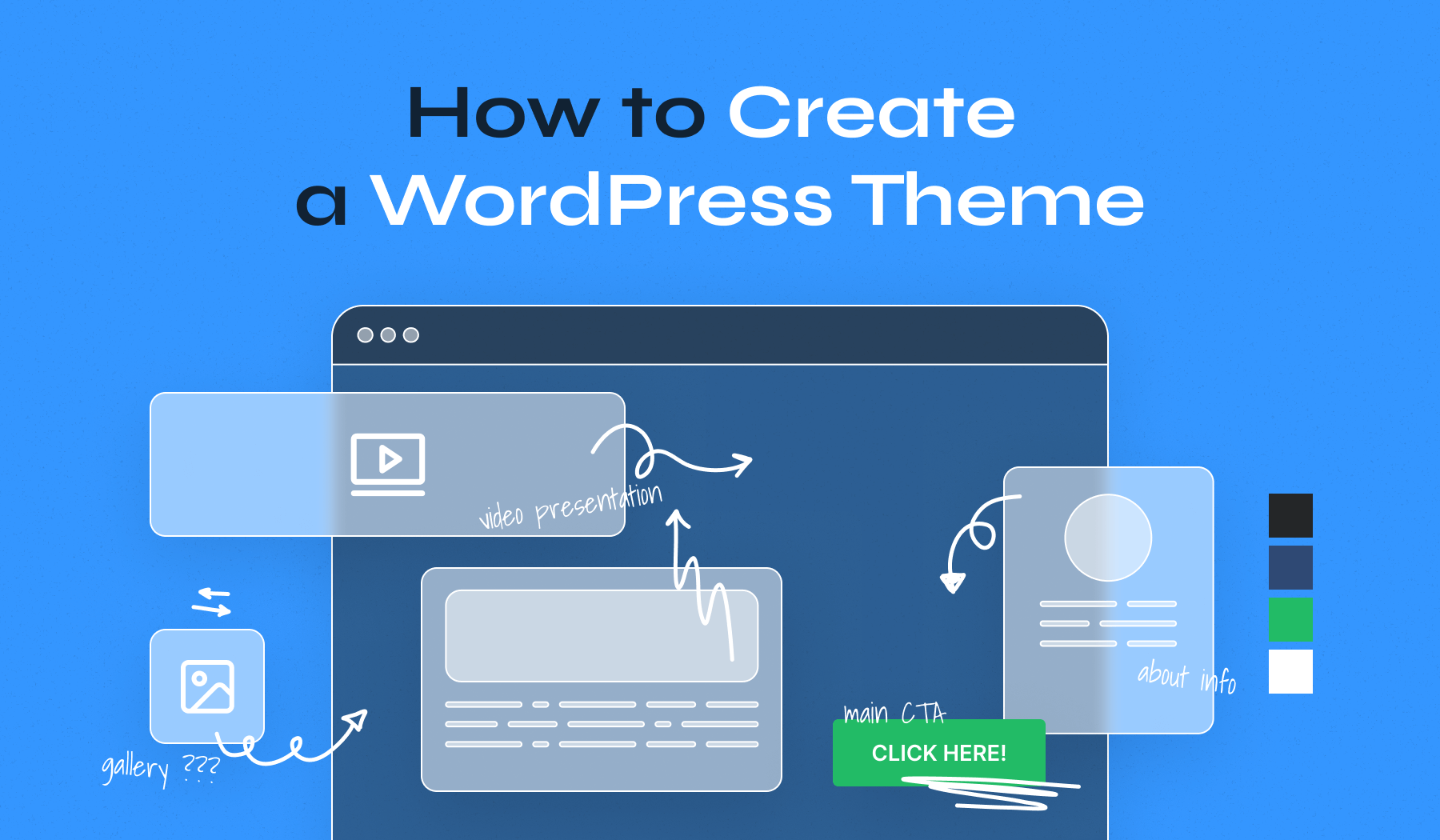
A WordPress theme has many parts. The main folder holds all files. This folder must have a style.css file. It tells WordPress about your theme. Another key file is index.php. This file shows your site’s main page. Other files like header.php and footer.php are also important.
Each file has a job. The header file is for the top of the page. The footer file is for the bottom. Together, these files make the site look good. Keep files tidy. This helps when you make changes.
WordPress needs some files to work. These are not in your theme. They include wp-config.php for settings. Also, wp-load.php helps load the site. Do not change these files. Changing them can break your site. Always back up your files first.
Credit: www.wpzoom.com
Creating The Basic Theme Files
Every WordPress theme needs a style.css file. This file tells WordPress about your theme. It includes details like the theme’s name. It also contains the author’s name and description. You should add CSS code here to style your website. Next, create an index.php file. This file is the main template. WordPress uses it to display your site. Without it, your site won’t work. Think of it as the homepage for your theme. Both these files are essential for any WordPress theme.
The functions.php file is like a toolbox. It lets you add new features to your theme. You can add menus, widgets, and support for different formats. Functions help your theme work better. They make it more flexible. It’s important to keep this file organized. Write clear comments to explain each function. This way, you can understand them later. Think of this file as the brain of your theme.
Designing The Header And Footer
The header.php file is the start of your theme’s layout. It contains the top part of your site. Place your logo and navigation menu here. Use HTML and CSS to design it. Add PHP functions for dynamic content. Use
The footer.php file is at the bottom of your theme. It usually contains copyright info and links. Use tags to wrap your code. Add HTML elements like for text. Use CSS for styling. Include PHP functions to add widgets or dynamic content. Keep the footer neat and tidy. Test the footer in different browsers. Make sure it looks good everywhere. A well-designed footer is important.
Developing The Main Templates
Crafting the main templates is a crucial step in creating a WordPress theme from scratch. Focus on designing unique layouts for headers, footers, and sidebars. Ensure consistency in style and functionality across different pages for a seamless user experience.
Single Post Template
The Single Post Template shows one blog post. It includes the title and content. Add comments and author info. This template helps visitors read posts easily. Make sure it looks nice and clean. It should be easy to navigate. Use simple fonts and colors.
Page Template
The Page Template is different from posts. It shows static pages. Examples are About Us or Contact pages. Design it to be neat and organized. It should help users find info quickly. Include a header, footer, and sidebar. Use clear headings and sections.
Archive And Search Templates
The Archive Template lists older posts. It should be simple to browse. Use categories and tags. Help users find past content fast. The Search Template helps users find posts using keywords. Make sure results are clear. Display titles and snippets. Ensure search is fast and helpful.
Adding Custom Styles
Creating a WordPress theme needs good CSS skills. Use selectors to target elements. Classes and IDs help style specific parts. Color schemes give a theme life. Pick colors that fit your idea. Fonts should be easy to read. Choose fonts that look nice on screens. Padding and margins control space. Adjust them for clean layout. Use media queries for different screens. They make your theme responsive.
Responsive design is a must. Themes must work on all devices. Smaller screens need special care. Use flexbox or grid layouts. They help with arrangement. Test your theme on phones and tablets. Images should resize well. Use percentages instead of fixed sizes. This keeps everything looking good. Navigation menus need special attention. They must be easy to use on touch devices.
Integrating Javascript
Integrating JavaScript enhances the functionality of a WordPress theme. This PDF guide explains each step to create a custom theme from scratch. JavaScript adds interactive elements, making themes more engaging for users.
Enqueuing Scripts
To add JavaScript to WordPress, use the wp_enqueue_script function. This function helps load scripts safely and efficiently. Always place the function inside a theme’s functions.php file. This ensures the script runs correctly. Use a unique handle for each script. This avoids conflicts. Make sure to define the script’s location and version.
Using Jquery With WordPress
WordPress includes jQuery by default. It’s important to enqueue it properly. Use wp_enqueue_script to add jQuery. Always use the handle ‘jquery’ when enqueuing. This ensures compatibility with WordPress. Avoid loading jQuery from other sources. It can cause conflicts and errors.
Creating Custom Widgets And Menus
Widgets add extra features to a theme. Registering them is easy. First, use the register_sidebar function. This tells WordPress where the widget goes. Next, define the name and description. This helps users know what each widget does. Finally, add the widget code inside the theme files. Now, widgets will show up in the dashboard. Easy steps. Big impact.
Menus help users navigate the site. Use the register_nav_menu function. This lets WordPress know about new menus. First, give the menu a name. Then, add it to the theme. Users can now select this menu. Place it in the header or footer. This makes the site easy to use. Simple setup. Great results.
Testing And Debugging
Creating a WordPress theme from scratch requires thorough testing and debugging. Ensures a smooth, error-free user experience. Utilize tools and plugins to identify issues early.
Common Errors And Fixes
Coding mistakes often cause errors. Missing semicolons can stop code from working. Undefined variables lead to problems. Double-check all names and types. Syntax errors need fixing fast. Check spelling in functions and commands. Test after every change. Use a simple checklist for common errors. Keep notes on each fix.
Using Debugging Tools
Debugging tools help find errors. Use browsers like Chrome for testing. They show mistakes clearly. Firebug and Web Inspector are useful. These tools point out code problems. Follow their advice to fix issues. Read error messages carefully. They tell what’s wrong. Check one line at a time. Save your work often to avoid losing changes.
Packaging The Theme
Package your theme in a neat folder. Name it clearly. Include all necessary files. Double-check for any missing files. Missing files can cause errors. Use a zip file for packaging. Zip files are easy to upload. They are easy to download too.
Create a simple guide for users. Explain how to install the theme. Describe how to use it. Use clear steps and simple words. Include pictures if possible. Pictures make the guide easier to follow. Keep your sentences short. This helps everyone understand better.

Credit: buku.io
Credit: blog.templatetoaster.com
Frequently Asked Questions
What Tools Do I Need To Create A WordPress Theme?
To create a WordPress theme, you’ll need a code editor like VS Code, a local server setup like XAMPP, and Photoshop for design. Additionally, familiarity with HTML, CSS, PHP, and WordPress functions is essential. These tools help in designing, developing, and testing your theme efficiently.
How Do I Start Coding A WordPress Theme?
Begin by setting up a local development environment. Create a new theme folder in WordPress’s themes directory. Start with basic files: style. css, index. php, and functions. php. Use HTML, CSS, and PHP to build your theme structure. Refer to WordPress Codex for functions and best practices.
Can I Learn Theme Development From A Pdf Guide?
Yes, a PDF guide can be a great resource for learning theme development. It provides step-by-step instructions and reference materials. Make sure the PDF covers essential topics like theme setup, template hierarchy, and custom functions. Use it alongside practical coding exercises for effective learning.
What Are Common Challenges In Theme Development?
Common challenges include understanding WordPress template hierarchy and PHP functions. Managing responsive design and ensuring cross-browser compatibility can be tricky. Debugging errors and optimizing theme performance are also frequent hurdles. Practice and continuous learning help overcome these challenges effectively.
Conclusion
Creating a WordPress theme from scratch is a rewarding journey. You’ve learned valuable skills. Coding, designing, and customizing. These skills are now yours to use. Practice them often. Build themes that reflect your vision. Share your creations with the world.
People value originality and creativity. Keep exploring new techniques. Stay updated with WordPress changes. Your themes will improve over time. Enjoy the process. Celebrate small victories. Each step brings you closer to mastery. Your journey doesn’t end here. It continues with every new project.
Keep pushing the boundaries of your creativity. Your WordPress theme adventure awaits!


