
Are you ready to take control of your online presence? Creating your own web hosting server is the key to unlocking unparalleled freedom and customization for your website.
Imagine having the power to manage every aspect of your site without relying on third-party services. This guide will walk you through the process, making it accessible even if you’re not a tech guru. You’ll learn not just the technical steps, but also the strategic decisions that can save you time and money.
By the end, you’ll have the knowledge to create a web hosting server that perfectly suits your needs. Let’s dive in and discover the world of possibilities waiting for you!

Credit: www.siteuptime.com
Choosing The Right Hardware
Selecting optimal hardware for web hosting server setup is crucial. Consider factors like storage capacity and processing power. Ensure reliability by choosing quality components to handle traffic efficiently.
Server Specifications
Picking the right server specifications is very important. You need a fast CPU for processing tasks quickly. More RAM means the server can handle more users. A large and fast hard drive stores all your data. Choose a reliable network card for good internet speed. Good specifications help the server run smoothly.
Power And Cooling Requirements
Servers need a lot of power. They must have a stable power supply. An uninterruptible power supply (UPS) is a good choice. It helps during power cuts. Cooling is also important. Servers produce a lot of heat. Use fans or air conditioning to keep them cool. Overheating can cause damage. Proper cooling keeps the server safe and working.
Selecting An Operating System
Choosing between Linux and Windows is important. Linux is free and open source. Windows is not free but is user-friendly. Linux offers better security. Windows is easier to use for beginners. Both have their own advantages.
Installing Linux is easy with a USB drive. Windows needs a license key. Linux can run on low-end hardware. Windows needs more powerful hardware. Follow the steps for a smooth installation. Always backup your data first.
Setting Up Network Configuration
Every server needs an IP address. This is like your computer’s home address. You can get an IP address from your Internet Service Provider. Make sure the IP address is static. This means it won’t change. A static IP is needed for servers. Servers need to be found easily. Write down your IP address. You will need it later.
DNS is like a phone book for the internet. It helps people find your server. You need to link your domain name to your IP address. Use a DNS provider for this. Some popular ones are Cloudflare and GoDaddy. Log into your DNS provider account. Enter your domain and IP address. Save your settings. It might take a few hours to work.
Installing Web Server Software
Apache and Nginx are popular web servers. Both serve web pages to users. Apache is known for its flexibility. It supports many modules. Nginx is famous for handling many connections. It uses less memory. Apache works well with PHP. Nginx performs better with static content. Choose Apache for complex tasks. Pick Nginx for speed.
Start by editing the config file. Find it in the server directory. Change the port number if needed. Set the root directory for your files. Add security settings. Limit access to sensitive areas. Use SSL for secure connections. Test your settings after changes. Restart the server to apply updates.
Setting Up Security Protocols
A firewall is like a shield for your server. It blocks bad data and lets good data in. Always set your firewall rules right. Allow only needed ports to be open. This keeps your server safe. Check your firewall rules often. Make sure they are up-to-date. A good firewall stops many attacks before they start.
SSL/TLS makes your data safe online. It hides data from bad people. Always use SSL/TLS for secure connections. It’s like a lock on your website. Get a certificate from a trusted source. Install it on your server. This shows users they can trust your site. Keep your SSL/TLS certificates renewed. This keeps them valid and secure.
Managing Databases
Database software is important for web hosting. Popular choices include MySQL, PostgreSQL, and SQLite. MySQL is often used for web applications. It is fast and reliable. PostgreSQL supports complex queries. It is great for advanced users. SQLite is simple and lightweight. It is suitable for small projects. Choose the right software based on your needs.
Connecting to a web server requires some steps. First, use a secure connection like SSH. It keeps data safe. Next, use a terminal or command line tool. These tools help you access the server. Type the server’s IP address. Enter your username and password. Once connected, you can manage files and settings. Always disconnect when done. This keeps your server safe.
Implementing Backup Solutions
Creating a web hosting server demands secure backup solutions to protect data. Regular backups ensure that crucial information remains safe and easily recoverable. Implementing automated backup systems minimizes risks and maintains server reliability.
Automated Backup Tools
Automated backup tools help keep your data safe. These tools save copies of your files automatically. You don’t need to do it yourself. Regular backups prevent data loss. Scheduling backups is easy with these tools. You can choose daily or weekly backups. It’s important to store backups in a safe place. Cloud storage is a good option. It keeps your data away from your computer. Automated tools are simple to use. They work quietly in the background. This way, your files are always safe.
Data Recovery Strategies
Data recovery is getting back lost files. Sometimes files get deleted by mistake. Recovery strategies help find them again. Backup copies are important for this. They make recovery easy. Software tools can scan your computer for lost data. Some tools are free to use. Always keep a backup of important files. This makes recovery simple. Cloud backups can also help. They store files safely online. If you lose files, don’t worry. Recovery strategies can help you get them back.

Credit: www.hostinger.com
Monitoring And Maintenance
Good tools help check server speed. They watch server health. Slow servers make websites bad. These tools find problems quickly. Some tools give alerts. Alerts help fix issues fast. Keeping speed good is important. Happy users stay longer. Choose tools that fit needs. Easy tools are best. Small problems can grow big. Regular checks help avoid issues. Save data on problems for later. Data helps learn. Learning helps improve.
Updates keep servers safe. Old software has bugs. Bugs let bad people in. Regular patches fix these bugs. New features come with updates. Features make servers better. Update often to stay safe. Check for updates weekly. Install patches right away. Don’t wait long. Waiting can cause trouble. Ask experts if unsure. Experts know what to do. Keep software up to date. Safe servers make happy users.
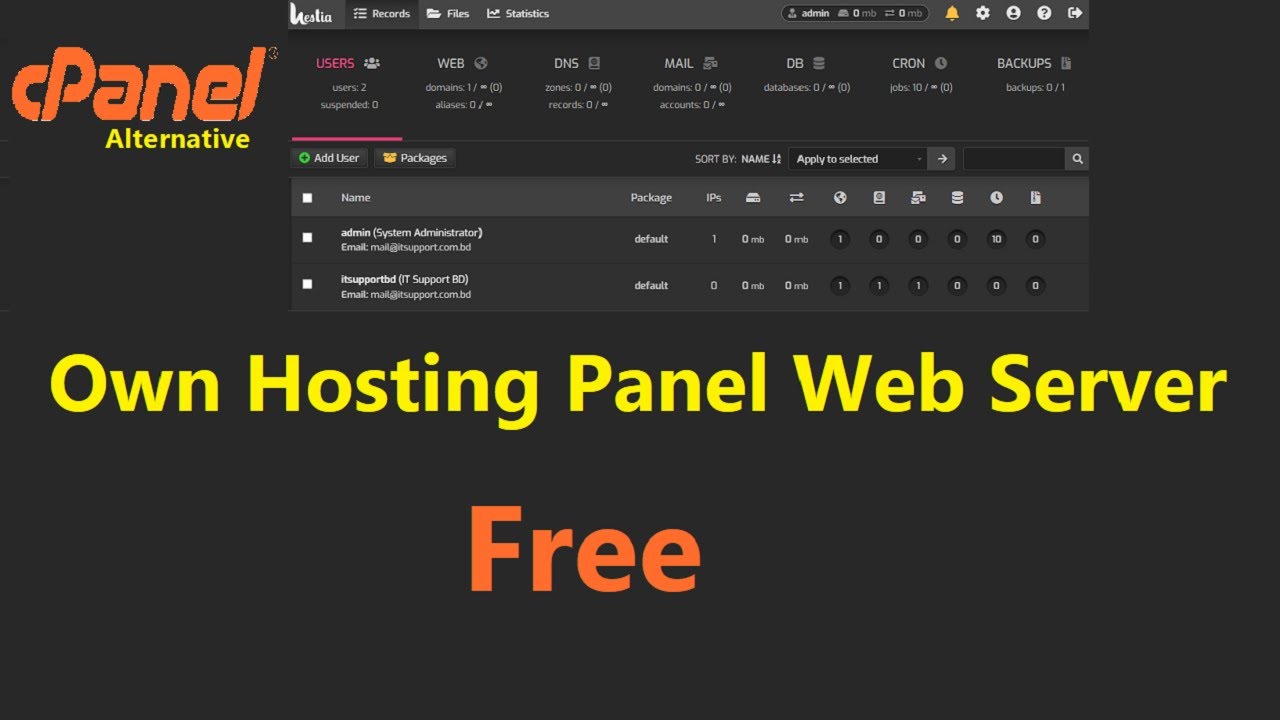
Credit: www.youtube.com
Frequently Asked Questions
Can I Create My Own Web Hosting Server?
Yes, you can create your own web hosting server. You’ll need a reliable internet connection, server hardware, and software. Ensure you have technical expertise for setup and management. Consider security measures and regular maintenance for optimal performance.
How Do I Make A Web Server Server?
Install a web server software like Apache or Nginx. Configure server settings. Upload your website files. Test the server to ensure everything works. Secure the server with firewall and SSL.
How To Create Web Hosting?
Choose a reliable hosting provider. Register a domain name. Select a hosting plan. Set up your server. Install necessary software. Configure settings. Upload your website files. Test the site for functionality. Ensure security measures are in place. Optimize for performance.
Regularly update and maintain your hosting environment.
How Do I Setup A Host Server?
To set up a host server, choose hardware, install an OS, configure network settings, and secure with firewalls. Use server management tools and ensure regular backups. Optimize for performance and monitor continuously for issues.
Conclusion
Creating a web hosting server might seem complex. But it’s manageable with the right steps. Start small and gradually expand your skills. Practice makes the process smoother and more efficient. Remember, patience is key. Stay focused on each task. Use reliable resources to guide you.
Don’t hesitate to seek help when needed. This journey can boost your technical skills significantly. You gain valuable experience along the way. Enjoy the learning process and keep exploring. You’ll soon find yourself confident in managing your own server. Happy hosting!


