
Are you ready to create your very own WordPress theme but don’t know where to start? You’re in the right place!
Building a WordPress theme might sound challenging, especially if you’re just starting out. But don’t worry, it’s easier than you think. Imagine having the skills to craft a unique design that perfectly fits your style and needs. This guide will break down the process into simple, manageable steps, making it easy for anyone to follow.
Whether you’re aiming to enhance your personal blog or start a new online venture, this guide is designed to give you confidence and clarity. Stay with us, and you’ll soon be on your way to creating a WordPress theme that’s all your own.

Credit: www.bluchic.com
Getting Started
You need some tools to build a WordPress theme. First, get a text editor. This helps you write code. Good options are Sublime Text or VS Code. Next, install WordPress on your computer. You also need a local server. Try using XAMPP or MAMP. These are easy to set up. Lastly, get a web browser. Use Chrome or Firefox. These are great for testing.
Start by downloading WordPress from the official site. Unzip the file. Move it to your local server’s folder. Open your browser and type localhost/wordpress. Follow the setup guide. You will create a database during this step. Name it something simple. You are now ready to build a theme. Happy coding!
Theme Basics
WordPress themes change how your site looks. They control the design and layout. Each theme has a unique style. Themes can be simple or complex. Choose a theme that fits your needs. Always check theme ratings. Popular themes usually have good support. Themes come with different features. Some have sliders or galleries. Others focus on text. Beginners should start with basic themes. Learn how themes work. Then try more advanced ones.
Every theme has key files. The style.css file handles the design. It changes colors and fonts. The index.php file is the main template. It shows posts and pages. Other files include header.php and footer.php. These are the top and bottom parts of the site. The functions.php file adds extra features. It can change how the site works. Learn about each file. Practice editing them. Use the WordPress Codex for help.
Creating A Basic Theme
Start with a simple header. Use HTML to make a title. Add a menu with links. Keep it clean and neat. Use CSS for styling. Make sure the header looks good. Try different colors. Add a logo if you have one. Check if it works on all screens. This step is important. Headers help users find their way.
The footer sits at the bottom. Use it to show contact info. Add links to other pages. Include social media buttons. Make it look simple. Use CSS to style it. It should match the header. Check for any mistakes. Test it on different devices. Footers give more info to users.
Sidebars are useful. Add widgets and links here. Show recent posts or ads. Use HTML to create it. Style with CSS for a better look. Make sure it’s not too crowded. Keep it neat and tidy. Test it on small and big screens. Sidebars help users see more content.
Styling Your Theme
Creating a WordPress theme for beginners involves choosing colors, fonts, and layouts that reflect your style. Focus on simplicity and clarity to ensure your website is user-friendly. Customizing your theme can be fun and straightforward, allowing you to express your creativity.
Introduction To Css
CSS helps make your website look nice. It controls colors, fonts, and layout. By using CSS, you can change how your theme looks. This makes your site unique. Start with basic CSS rules. Try changing text color or font size. These small changes make a big difference.
Learning CSS is fun and useful. Practice makes it easy. Soon, you will style your theme like a pro. Remember, always test your changes. This way, you know what works best. Happy styling!
Customizing Stylesheets
Custom stylesheets let you add special touches to your theme. They are files with CSS rules. You can create one for your WordPress theme. Use it to change styles without touching core files. This keeps your theme safe during updates.
Start by creating a new CSS file. Name it something easy to remember. Link it to your WordPress theme. Now, you can add your own styles. Make sure to save your changes. Refresh your browser to see them.
Adding Functionality
Enhance your WordPress theme by adding functionality like custom widgets and navigation menus. Include features such as contact forms to improve user interaction. This makes your theme more engaging and user-friendly.
Integrating Plugins
Plugins are tools to add features to your theme. You install them from the WordPress plugin library. Some plugins help in managing content and others add interactive elements. Choose plugins that match your theme’s purpose. Popular plugins include Yoast SEO for search optimization and WooCommerce for online stores. Always check plugin compatibility with your theme. Testing plugins ensures they work well together. Keep plugins updated for security and performance.
Using Theme Functions
Theme functions create unique features for your site. You use the functions.php file to add them. Functions can manage scripts and styles. They also modify WordPress behavior. Common functions include adding widgets and customizing menus. Each function needs careful coding. Follow WordPress guidelines for best practices. Functions make themes flexible and tailored to your needs. Always test new functions on a local site.
Credit: www.seedprod.com
Testing Your Theme
Testing your theme helps ensure a smooth user experience. Check for design consistency and functionality. Verify compatibility with different devices and browsers.
Cross-browser Compatibility
Browsers show websites differently. Test your theme on popular browsers. Chrome is very common. Firefox is also important. Safari is used by many people. Check your theme on Internet Explorer too. Make sure everything looks right. Buttons, fonts, and images should work fine. If a browser shows errors, fix them quickly. Use online tools for testing. Always keep browsers updated. This helps in accurate testing.
Mobile Responsiveness
Many people use phones for browsing. Your theme must work on phones and tablets. Test it on different devices. Look at the layout on small screens. Text should be easy to read. Images must fit the screen. Navigation should be simple. Use responsive design techniques. This makes the theme adapt to all screen sizes. Check loading speed on mobile devices. Fast loading is crucial for a good experience.
Deploying Your Theme
Uploading your custom WordPress theme involves a few straightforward steps. First, navigate to the WordPress dashboard, then select “Appearance” and “Themes. ” Finally, click “Add New” and upload your theme’s zip file.
Theme Upload Process
To upload your WordPress theme, first log in to your WordPress dashboard. Find the “Appearance” section on the left menu. Click on it. Then select “Themes”. You will see an “Add New” button at the top. Click it. Now, click “Upload Theme”. Choose your theme’s zip file. Click “Install Now”. Wait for the upload to finish. Lastly, click “Activate” to use your theme.
Making Your Theme Live
After activation, visit your website. Check if the theme looks right. If needed, customize it. Go back to the dashboard. Click on “Customize” under “Appearance”. Here, you can change colors and fonts. Add a logo if you have one. Save changes when done. Your theme is now live and ready for visitors.
Tips And Best Practices
Keep your WordPress theme updated to fix bugs and improve security. Regular updates help protect your site from hackers. Always use the latest version of WordPress. Test your theme on different browsers. This ensures it looks good everywhere. Check for broken links often. They can confuse your visitors.
Security is very important. Use strong passwords for your admin accounts. Backup your website regularly. This helps in case anything goes wrong. Install a security plugin. These plugins add an extra layer of protection. Limit login attempts to your site. This can stop hackers trying to guess your password. Always use trusted sources for themes and plugins. This reduces the risk of malware.
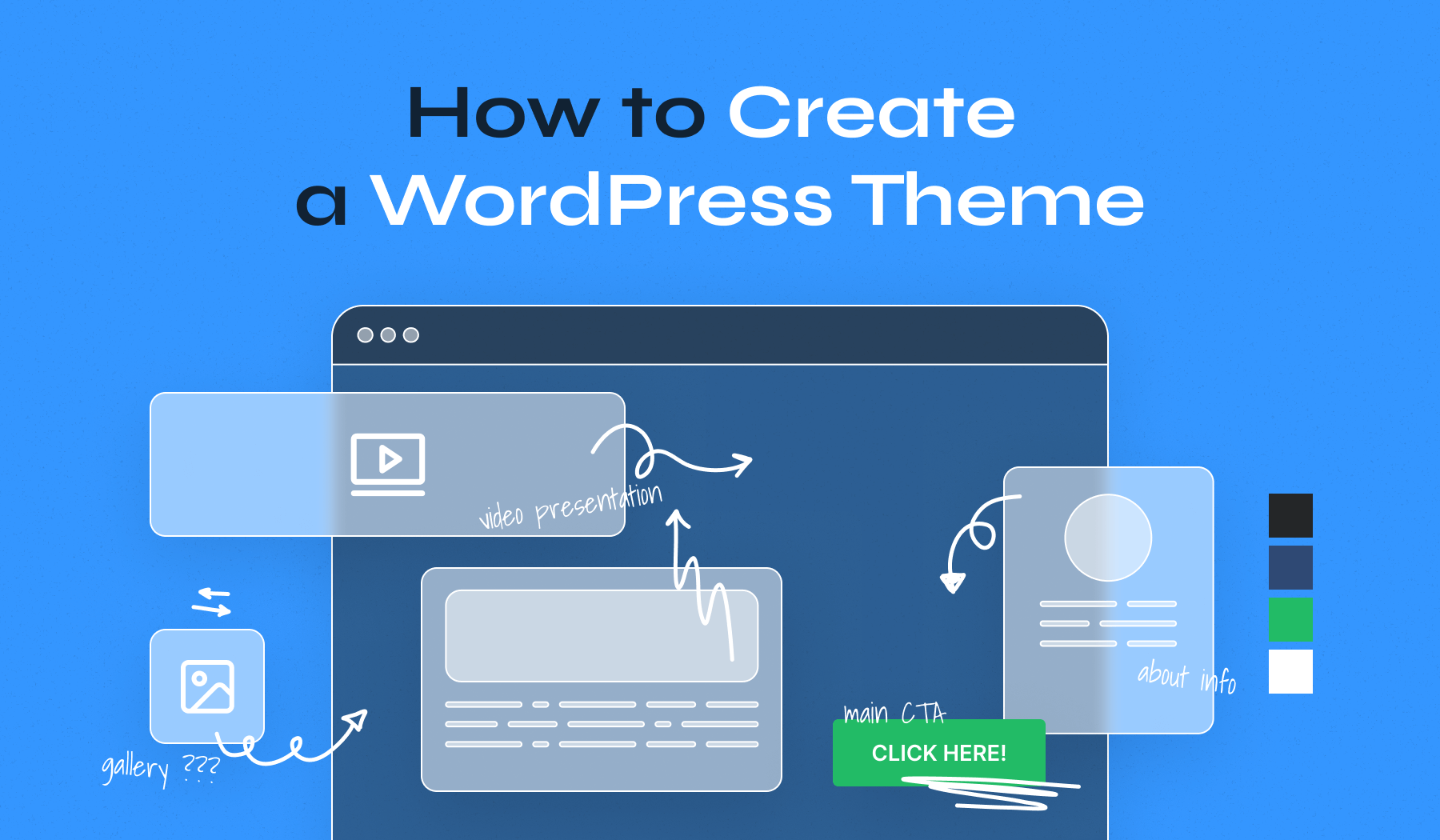
Credit: www.wpzoom.com
Frequently Asked Questions
What Tools Do I Need To Start?
To build a WordPress theme, you’ll need a code editor like VS Code, access to WordPress, and a local server like XAMPP. These tools help in coding, testing, and viewing your theme. They are essential for developing, debugging, and seeing real-time changes on your WordPress site.
How Do I Create A Theme Folder?
Creating a theme folder involves accessing your WordPress directory, navigating to wp-content/themes, and creating a new folder. Name it appropriately to reflect your theme’s identity. This folder will house all your theme files, including templates, stylesheets, and scripts necessary for your theme.
Which Files Are Essential For A Theme?
Every WordPress theme needs a style. css file and an index. php file. The style. css defines your theme’s appearance, while index. php handles the main content. Additionally, a functions. php file is crucial for adding custom features. These files form the backbone of your theme’s structure and functionality.
How Do I Add Custom Features?
Custom features can be added via the functions. php file. Use WordPress hooks and functions to customize features like menus, widgets, and post types. This file allows you to extend WordPress functionality, tailor your theme, and enhance user experience without altering core files.
Conclusion
Building a WordPress theme can seem daunting. But with patience, it’s achievable. Start by learning basic HTML and CSS. Then, explore PHP and WordPress functions. Use online resources for guidance. Practice regularly to improve your skills. Each step you take builds confidence.
Soon, you’ll customize themes with ease. Remember, practice makes perfect. Don’t rush the process. Take your time to learn thoroughly. Mistakes happen, but they teach valuable lessons. Keep experimenting and expanding your knowledge. Enjoy the journey of theme creation. It’s rewarding and enhances your web development skills.
Good luck!


