
Are you ready to build your own website but feeling overwhelmed by the technical details? You’re not alone.
Many people hesitate to start because they think it’s too complicated. But here’s the secret: you can create a stunning site without being a tech wizard. All you need is a WordPress theme. Imagine having the power to design your online presence with just a few clicks.
It’s like having a digital canvas where you can express your ideas and brand. In this guide, we’ll show you exactly how to build a site using a WordPress theme. By the end, you’ll feel confident and excited to see your vision come to life. Ready to dive in and discover the simple steps that will transform your website dreams into reality? Let’s get started!
Choosing The Right Theme
Free themes save money. They offer basic features. But, they might lack support. Premium themes cost money. They have more features and support. They can make your site look unique. Think about your needs. Choose a theme that fits them. Your budget matters too. Make a smart choice.
Many people use phones to browse. A site must look good on all devices. This is called responsive design. It helps your site work well everywhere. It can improve user experience. A happy user stays longer. This can be good for your site.
Customization lets you change your site. Make it fit your style. Some themes offer many options. You can change colors and fonts. Add widgets and more. This makes your site special. Look for themes with good customization. It helps make your site unique.
Installing WordPress
First, choose a hosting provider. Many options exist online. Compare prices and features. Pick one that fits your needs. Some popular hosts include Bluehost and SiteGround. After choosing, sign up for an account. Make sure you have enough storage space. Check for customer support options, too.
cPanel helps install WordPress easily. First, log into your cPanel account. Look for the WordPress icon or Softaculous installer. Click it to start the installation. Follow the steps given on the screen. Set your site name and admin details. Click install to finish.
Manual install needs more steps. Download the WordPress files from the official site. Use FTP software to upload files to your server. Then, create a database using cPanel. Open your site and follow the on-screen setup. Enter your database details to connect. Finish the setup by choosing your site name.
Theme Installation
First, find a theme you like. Then, download the theme file. Go to your WordPress dashboard. Click on “Appearance” and then “Themes”. Click the “Add New” button. Choose “Upload Theme” and select your file. Click “Install Now”.
After uploading, find your theme on the “Themes” page. Hover over the theme image. Click on the “Activate” button. Your theme is now live. Visit your site to see changes. Check if everything looks good.
Sometimes, themes might not work right. Check for updates in the dashboard. Make sure your plugins are up-to-date. Deactivate plugins if needed. Clear your browser cache. If issues persist, contact theme support. They can help fix problems.
Credit: memberpress.com
Customizing Your Theme
The WordPress Customizer is a powerful tool. It lets you make changes easily. You can see updates live. Change your site’s title or tagline. Adjust the layout or add a logo. Everything is quick and easy. Make your site unique with just a few clicks.
Widgets are small blocks. They add features to your site. Drag and drop them into place. Add a search bar, recent posts, or a calendar. Widgets make your site more useful. They are fun to play with.
Colors and fonts set the mood for your site. Go to the theme settings. Pick colors that match your brand. Choose fonts that are easy to read. Make sure everything looks nice. Your site will feel just right.
Enhancing Functionality
Plugins add new tools to your site. They make it better. Some plugins help with SEO. Others make pages load faster. Adding plugins is easy. Go to your WordPress dashboard. Click on “Plugins”. Choose “Add New”. Search for what you need. Click “Install Now”. Then, activate the plugin.
Some plugins are favorites. Yoast SEO helps with search engines. WooCommerce is good for online stores. Jetpack offers security and backups. Contact Form 7 lets you add forms. These plugins are known for being useful. They are also easy to use.
Plugins need updates. Updates keep them working well. Go to your dashboard. Look for “Updates”. Click to see what needs updating. Check your plugins often. Updated plugins mean a safer site.
Credit: elementor.com
Content Creation
Pages hold important information on your site. Posts are for blog content. Use the WordPress dashboard to create both. Select “Pages” or “Posts” and click “Add New”. Write your content in the editor. Use headings and images to make it interesting. Always save your work by clicking the publish button. This makes your content live.
The block editor is easy to use. Each block is for different content. Text, images, and videos are blocks. Select a block from the toolbar. Drag and drop it into the editor. Change the block settings to suit your needs. Preview your work before publishing. This checks how it looks on the site.
SEO helps your site rank on search engines. Use keywords in titles and headings. Write short and clear paragraphs. Add alt text to images. This helps search engines understand them. Link to other pages in your site. This makes navigation easier. Always update your content to keep it fresh.
Site Maintenance
Building a site with a WordPress theme simplifies the design process. Choose a theme that fits your site’s purpose. Customize elements like colors and fonts to match your brand. Regular updates ensure your site remains secure and functional.
Regular Backups
Backing up your site is crucial. It protects against data loss. You should save copies of your site often. Use plugins to automate this task. Regular backups ensure you have a safety net. This way, you can restore your site easily if needed. Always keep your backup files safe and accessible.
Updating Themes And Plugins
Themes and plugins need regular updates. Updates fix bugs and improve security. Always use the latest versions available. This keeps your site running smoothly. Outdated themes and plugins can cause errors. They might also expose your site to hackers. Set reminders to check for updates often.
Monitoring Site Performance
Check how your site performs regularly. A fast site keeps users happy. Slow sites may lose visitors. Use tools to track site speed and uptime. Google Analytics helps you understand user behavior. It shows which pages are popular. Regular monitoring helps you fix issues quickly.

Credit: www.geeksforgeeks.org
Frequently Asked Questions
What Is A WordPress Theme?
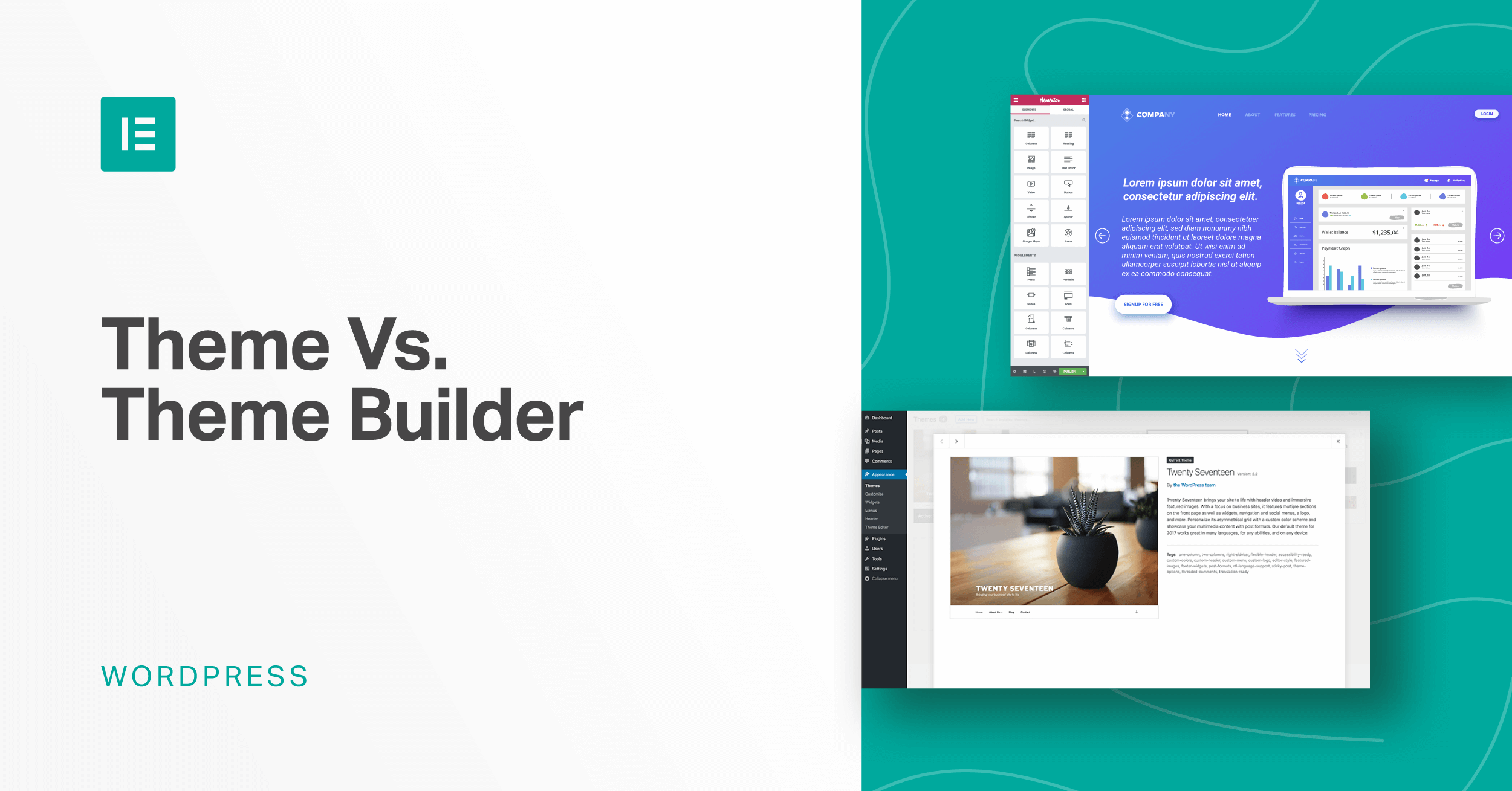
A WordPress theme dictates your site’s design and layout. It affects the visual appearance, functionality, and user experience. Themes can be customized to fit your brand identity. They offer flexibility, enabling you to build a unique, engaging website without needing extensive coding skills.
How Do I Install A WordPress Theme?
To install a WordPress theme, go to the WordPress dashboard. Click on “Appearance,” then “Themes,” and “Add New. ” Browse or upload your desired theme. Click “Install” and then “Activate” to make it live. Ensure compatibility with your plugins and WordPress version.
Can I Customize A WordPress Theme?
Yes, you can customize a WordPress theme. Use the WordPress Customizer to change colors, fonts, and layouts. Many themes offer additional customization options and settings. For advanced changes, you might need some coding knowledge. Always check theme documentation for specific customization guidelines.
Are Free WordPress Themes Reliable?
Free WordPress themes can be reliable if sourced from reputable providers. Ensure the theme is regularly updated and has good reviews. Free themes might offer limited customization compared to premium ones. Always check compatibility with plugins and WordPress updates for smooth functionality.
Conclusion
Building a site with a WordPress theme is simple. Start with choosing the right theme. Customize it to fit your brand. Use plugins to add features. Keep your design clean and easy to navigate. Regularly update your site for better security.
Check your site’s speed for a smooth user experience. Don’t forget mobile optimization. Engage your audience with quality content. Monitor your site’s performance with analytics tools. Enjoy the process and watch your site grow. With these steps, your WordPress site can thrive online.


