
Are you looking to transform your WordPress site with a fresh, captivating theme that reflects your brand’s unique personality? Imagine the impact of a beautifully designed website that not only attracts visitors but keeps them engaged and coming back for more.
Applying a new theme to your WordPress site can seem daunting, but it doesn’t have to be. In this guide, you’ll discover simple steps to seamlessly update your site’s appearance, making it more visually appealing and user-friendly. By the end of this article, you’ll not only know how to apply a theme but also understand how to choose the right one that will enhance your site’s functionality and aesthetics.
Get ready to captivate your audience and elevate your online presence with ease.
Credit: wpengine.com
Choosing The Right Theme
Free themes are a good start. They cost nothing. They offer basic features. They are easy to use. Premium themes have more features. They may look better. They may offer better support. They cost money. Choose based on your needs. Budget matters too.
Most people use phones. Your site must work on phones. Responsive designs adjust to screens. They look good on all devices. Check theme demos. See how they look on phones. Test on tablets. Make sure it works well everywhere.
Good themes offer customization. You can change colors. You can change fonts. You can add logos. This makes your site unique. Look for themes with easy options. Some have drag-and-drop features. These are easy for beginners.
Installing A Theme
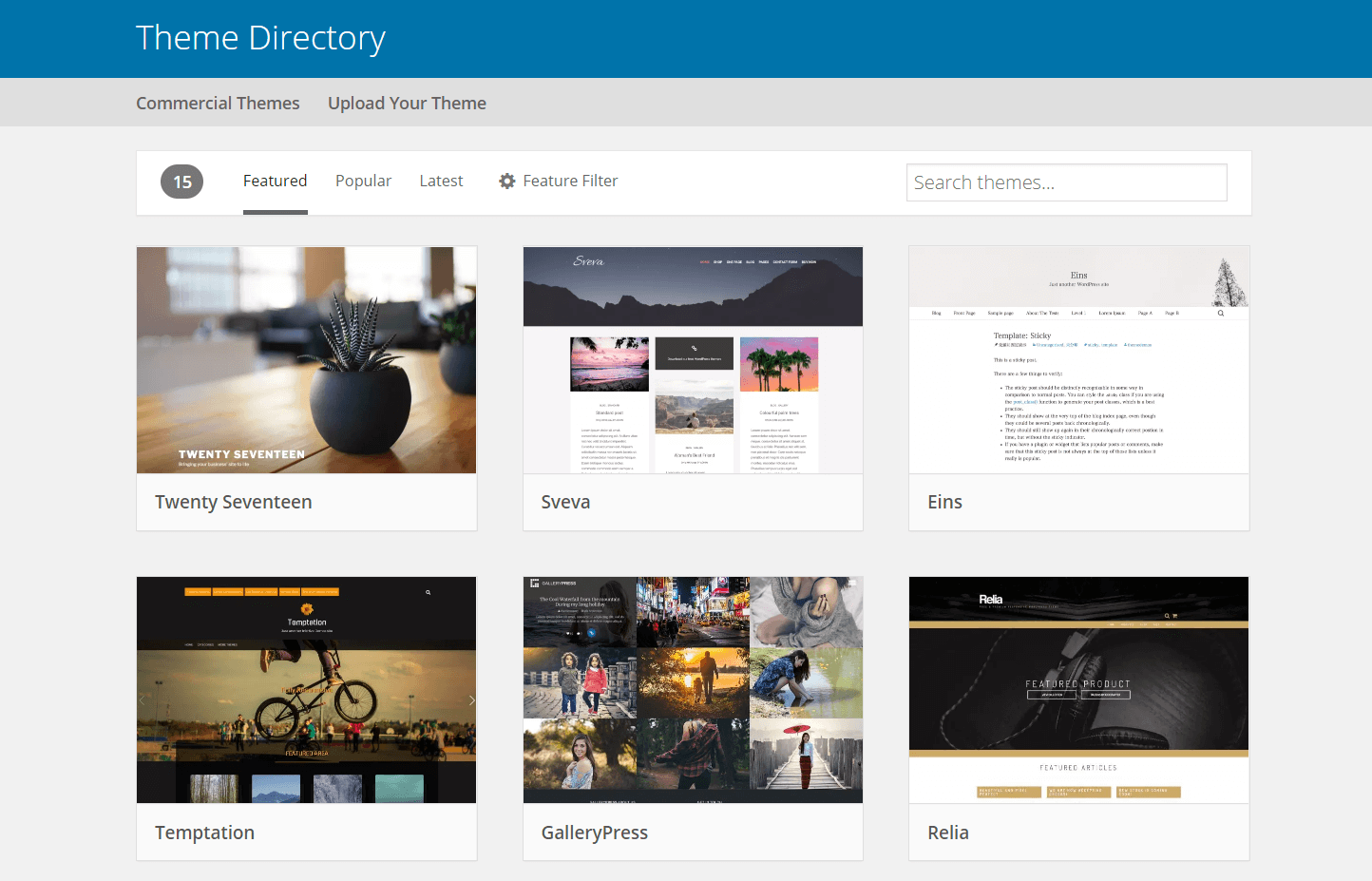
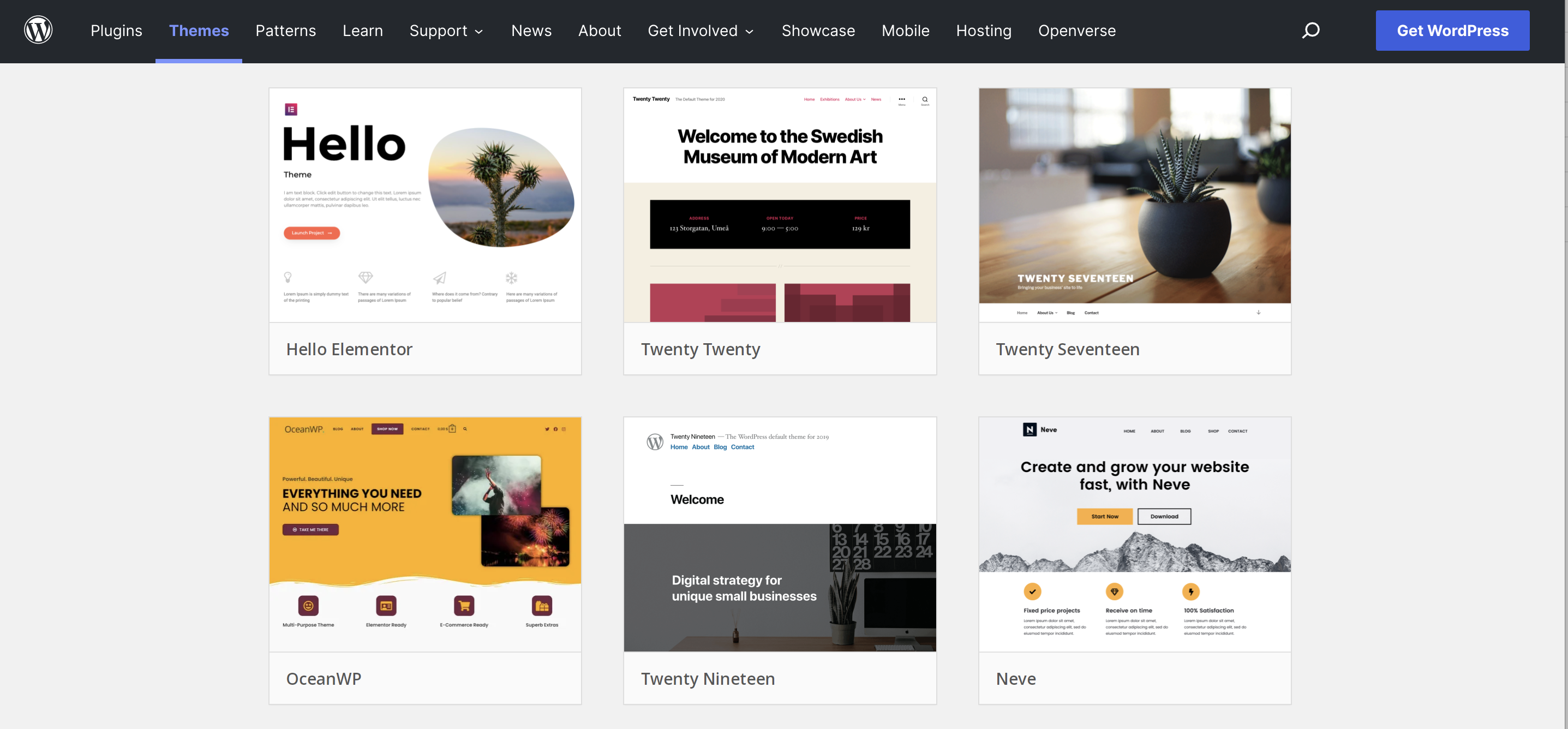
First, go to your WordPress dashboard. Click on Appearance, then Themes. You will see a button labeled Add New. Click it. This opens the theme directory. You can search for themes here. Use the search box or filter options. Pick a theme you like. Click Install to add it to your site. It is very easy.
Download your desired theme. Save it as a ZIP file. Go to your dashboard. Click Appearance, then Themes. Click Add New. Next, click Upload Theme. Choose your ZIP file. Click Install Now. Your theme uploads quickly. Wait for it to finish.
After installation, go to your themes page. Find the theme you installed. Click Activate. This makes it your site’s theme. Your site looks different now. You can change settings if needed. Enjoy your new theme.
Customizing Your Theme
Explore the process of applying a theme to your WordPress site effortlessly. Navigate to the Appearance section, select Themes, and click Add New. Choose your preferred theme and activate it to transform your site’s look instantly.
Using The WordPress Customizer
The WordPress Customizer lets you change your site’s look. It is easy to use. Go to your dashboard. Find Appearance and click on Customize. Here, you can change colors and fonts. You can also change the site’s title. See changes live as you make them. It is fun and simple.
Modifying Theme Settings
Each theme has different settings. Visit the theme options page. Look under Appearance and choose Theme Options. Change layouts and headers here. You can also change the sidebar. Remember to save your changes. Always preview before going live.
Adding Custom Css
Custom CSS can make your site unique. Go to the Customizer and find Additional CSS. Write your CSS code here. Change colors or fonts with CSS. Make sure to preview your changes. This helps keep your site looking good.
Using Theme Builders
Page builders help you design websites easily. They come with drag-and-drop tools. You don’t need to know coding. These tools make website creation fast and fun. Many page builders have ready-made templates. You can choose one and start. Customization is also easy with these tools. Change colors, fonts, and layout with a few clicks.
Some theme builders are very popular. Elementor is a big name in this field. It is user-friendly and powerful. Beaver Builder is another choice. It is simple and effective. Divi is known for its flexibility. Each builder has unique features. Choose one that fits your needs.
Theme builders are easy to use. They save time. No coding is needed, which is great for beginners. But they might be heavy on resources. This can make your site slow. Some builders are not free. You might need to pay for premium features. Always check the compatibility with your theme.
Troubleshooting Common Issues
Applying a theme to your WordPress site can sometimes lead to issues. Common problems include theme compatibility, broken layout, and missing elements. Ensure your theme is updated, check plugin conflicts, and verify settings to resolve these challenges effectively.
Compatibility Problems
Theme compatibility can be tricky. Some themes clash with plugins. This can break your site. Always check theme details first. Look for plugin compatibility notes. Testing on a demo site helps. This prevents live site errors. Regular updates often fix these issues.
Theme Update Challenges
Updating themes is important. But it can cause problems. New updates may change theme settings. This can make your site look odd. Always backup before updating. A backup protects your work. Use a child theme for changes. This keeps your main theme safe.
Resolving Layout Issues
Layout issues can confuse visitors. They happen when settings clash. Adjust settings in the theme panel. Look for layout options there. Sometimes, custom CSS can help. It fixes minor layout problems. Check theme documentation for tips. This can guide you to solutions.

Credit: wpmarmite.com
Maintaining Your Theme
Applying a theme to your WordPress site enhances its look and feel. Begin by navigating to the Appearance section in your dashboard. Choose a theme that fits your site’s purpose and install it with a click. This simple process can significantly improve your website’s visual appeal and user experience.
Regular Updates
Themes need regular updates to stay fresh. Updates fix bugs and add new features. Go to your WordPress dashboard. Look for the “Updates” section. Click to see if your theme needs updating. Always backup your site before updating. This way, you protect your data.
Backup Strategies
Backing up your site is very important. Use plugins like UpdraftPlus or BackupBuddy. They help keep your data safe. Store backups in different places. For example, use a cloud service and your computer. This way, you have copies in case something goes wrong.
Security Best Practices
Keep your site secure to protect it from hackers. Use strong passwords and change them often. Install a security plugin like Wordfence or Sucuri. These plugins help monitor and secure your site. Always keep WordPress and your theme updated for the latest security features.
Credit: jetpack.com
Frequently Asked Questions
How Do I Install A WordPress Theme?
To install a WordPress theme, log into your dashboard, go to ‘Appearance’, then ‘Themes’. Click ‘Add New’ to browse themes. Select your preferred theme and click ‘Install’. Once installed, activate it to apply the theme to your site. Ensure compatibility with your WordPress version before installation.
Can I Customize A WordPress Theme?
Yes, you can customize a WordPress theme. Use the built-in customizer under ‘Appearance’ to change colors, fonts, and layouts. Some themes offer additional customization options. For advanced changes, you might need to edit theme files or use custom CSS. Always back up your site before making significant changes.
How To Choose A Theme For My Site?
Choose a theme by considering your site’s purpose and audience. Look for responsive designs and SEO-friendly features. Check reviews and ratings for reliability. Test the theme’s demo to see its features. Ensure compatibility with popular plugins. A well-chosen theme enhances your site’s functionality and appearance.
Is A Premium Theme Better Than A Free One?
Premium themes often offer more features, support, and updates than free themes. They may provide better customization options and security. Free themes can be limited in functionality but are suitable for simple sites. Evaluate your site’s needs and budget when deciding between premium and free themes.
Conclusion
Applying a theme to your WordPress site is straightforward. Start by choosing a theme that fits your vision. Install it through the WordPress dashboard. Activate the theme to see changes instantly. Customize it to match your style. Use the customization options to tweak colors and fonts.
Remember, a well-chosen theme enhances user experience. It also makes your site visually appealing. Keep exploring different themes for fresh looks. Regular updates ensure compatibility and security. Practice makes perfect. The more you experiment, the better your skills. Enjoy creating a unique and engaging WordPress site!


