
Have you ever wondered what powers your WordPress site behind the scenes? If you’re using WPEngine, understanding the WordPress database is crucial for optimizing your website’s performance.
Imagine your website as a bustling city, with the WordPress database acting as its central hub, efficiently managing all the data that makes your site run smoothly. But what exactly is this database, and why should you care about it?
By the end of this article, you’ll have a clear understanding of how your site’s database functions and how you can leverage this knowledge to enhance your website’s speed, reliability, and user experience. Stick with us as we unravel the mysteries of the WordPress database and show you how it can empower your online presence.
Credit: www.wordfence.com
Wpengine Overview
Wpengine is a platform for WordPress sites. It helps with hosting and security. It makes sites run faster. Users find it easy to use. Setup is simple and quick. Wpengine provides backups for safety. If something goes wrong, you can restore it. It also offers automatic updates. You do not have to worry about keeping your site updated.
Wpengine has many helpful features. Daily backups keep your data safe. SSL certificates protect users. Staging lets you test changes before going live. CDN increases site speed. Firewall guards against threats. 24/7 support helps anytime. Caching makes pages load fast.
Many benefits come with Wpengine. It saves time and effort. Security features keep sites safe. Speed improves user experience. Support is always available. You can focus on content, not tech issues. Reliable hosting means fewer problems. Easy to manage. Makes your WordPress site better.
WordPress Database Essentials
A WordPress database is like a big filing cabinet. It stores all your site’s data safely. This includes posts, pages, comments, and user information. Data is stored in tables. Each table holds specific data. For example, one table may hold post titles. Another table might store user data. WordPress uses MySQL, a type of database, to manage this data. It’s fast and reliable. Easy to use too.
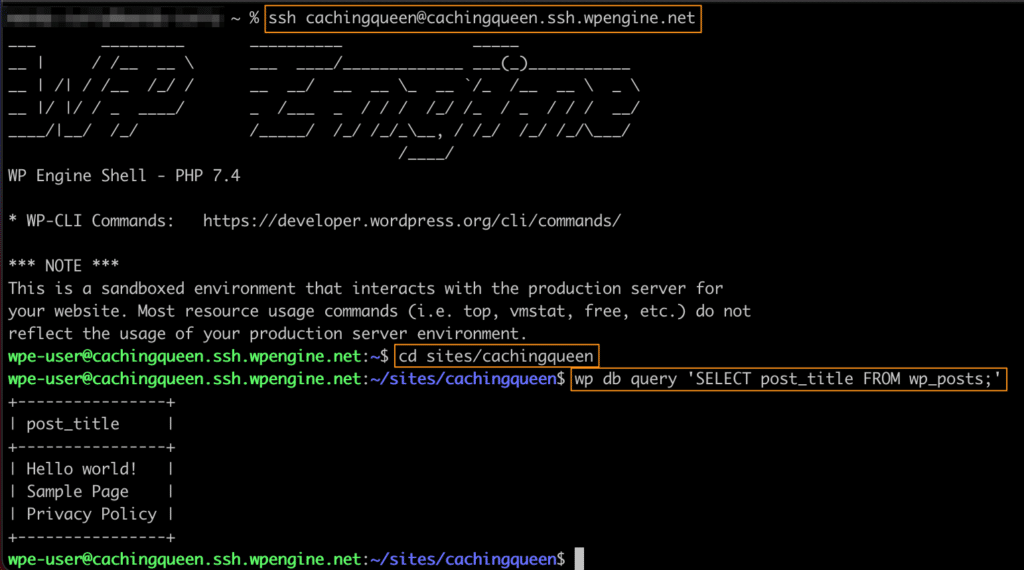
The WordPress database has several important parts. wp_posts table holds all the blog posts. The wp_users table stores user info. Other tables keep comments and options. Each table is linked. This helps WordPress work smoothly. The database is the heart of your WordPress site. It keeps everything organized.
Wpengine And WordPress Database
WordPress needs a database to store all its data. This includes posts, pages, and user info. Wpengine helps manage this database. It makes sure your data is safe. And it keeps your site running fast. Wpengine uses tools to keep the database clean. This means removing old or unused data. By doing this, your site loads faster. A clean database is very important for your website.
Wpengine focuses on database optimization. It makes your website more efficient. This is done by organizing data better. Wpengine also offers automatic backups. So you never lose your important data. Regular updates keep your database in top shape. This ensures your website stays fast. Wpengine takes care of these tasks, so you can focus on content. This is why many choose Wpengine for their WordPress sites.
Common WordPress Database Issues
Database errors can break your website. Error establishing a database connection is a common problem. This happens if your database login details are wrong. Check your username, password, and hostname. Make sure they match your wp-config.php file. Sometimes the database server is down. Contact your hosting provider if this happens. Plugins or themes can also cause errors. Deactivate them one by one to find the problem.
Regular backups are key. Always keep a backup of your database. You can use plugins like UpdraftPlus or BackupBuddy. These tools make backups easy. Also, update your WordPress and plugins often. This helps fix security holes. Use a good security plugin to protect your site. Wordfence and Sucuri are good choices. Finally, optimize your database. Use WP-Optimize to keep your database fast and clean.
Security Measures
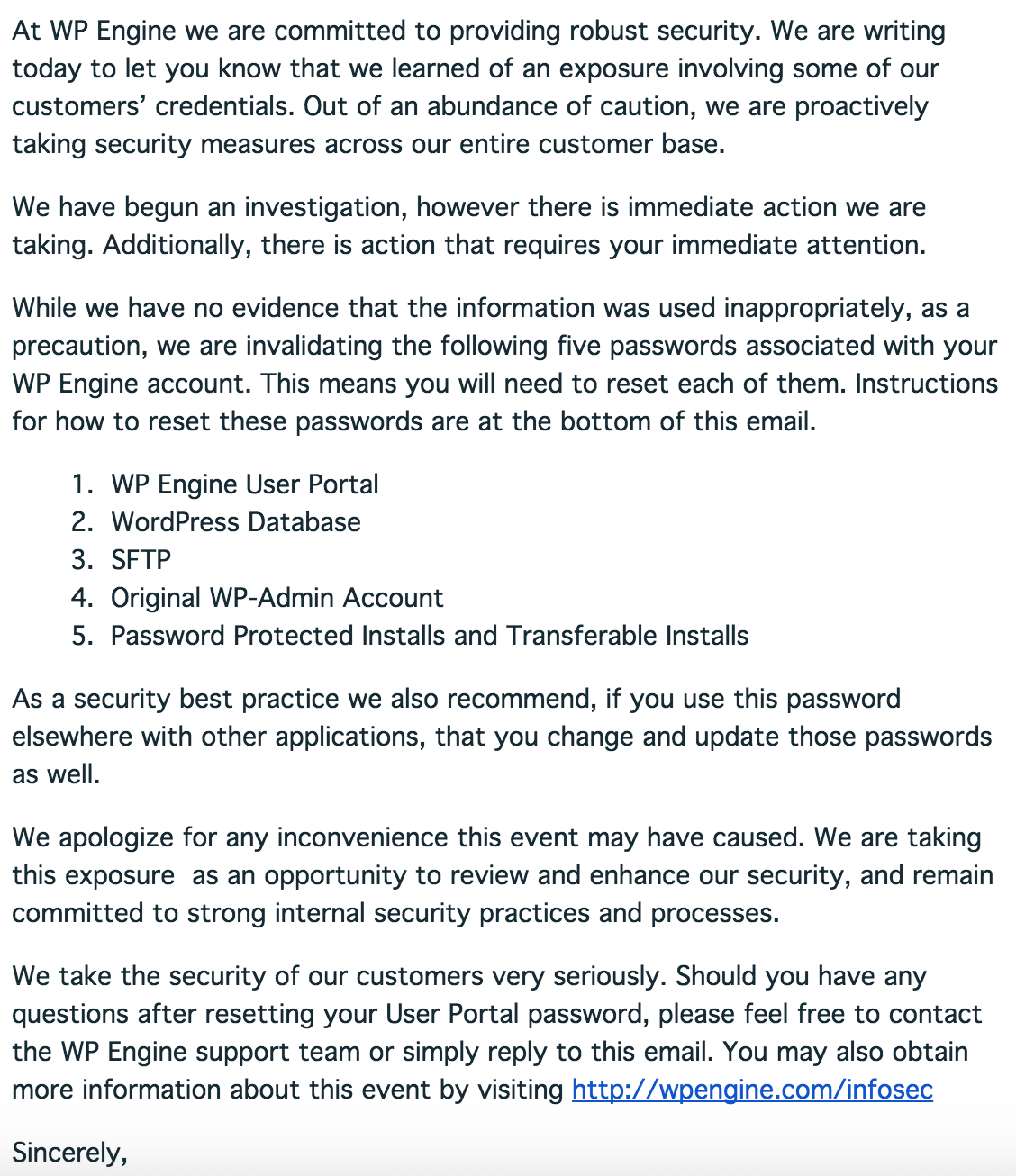
Wpengine uses strong security systems. They help keep your WordPress database safe. They use firewalls to block bad traffic. This stops hackers from entering. Their team checks for security risks every day. They fix issues quickly.
Wpengine encrypts your data. This makes it hard for others to read. They also use backup systems. This means if something goes wrong, your data is safe. Their team monitors threats all the time.
Your database holds important information. Keep it safe with strong passwords. Use plugins to help protect it. Always update your WordPress. Updates fix security holes.
Limit who can access your database. Only trusted people should have access. Use two-step verification. This adds extra security. Regularly check for suspicious activity. This keeps your database safe.
Credit: wpengine.com
Performance Enhancements
Wpengine boosts performance by optimizing the WordPress database. This vital component stores all site data efficiently. It ensures quick access and better site speed.
Caching Techniques
Caching helps your website run faster. It saves the frequently used data. This way, your site doesn’t reload everything each time. Stored data is like a memory. It recalls things quickly. This reduces load time. Visitors enjoy a smooth experience. Happy visitors mean more return visits.
Optimizing Database Queries
Database queries fetch information. They should be fast and efficient. Optimizing queries makes them quicker. Use indexes to speed things up. They act like a book index. You find data without flipping many pages. Proper structure keeps things tidy. Fewer queries mean less work for the server. This makes the site swift and responsive.

Credit: publishpress.com
Frequently Asked Questions
What Is A WordPress Database?
A WordPress database is where all your website’s data is stored. It includes posts, pages, user information, and settings. The database uses MySQL as its management system. It’s crucial for keeping your site functional and organized, allowing WordPress to retrieve information efficiently when users visit your site.
Why Does WordPress Need A Database?
WordPress needs a database to store and manage data efficiently. This includes posts, pages, comments, and settings. The database ensures that information is organized and easily accessible. It allows WordPress to dynamically generate web pages, providing a seamless user experience.
Without a database, WordPress functionality would be severely limited.
How Does WordPress Interact With Its Database?
WordPress interacts with its database using PHP and SQL queries. When a user requests a page, WordPress retrieves the necessary data from the database. It uses SQL queries to fetch posts, pages, and settings. This dynamic interaction ensures that content is up-to-date and personalized for each visitor.
Can I Manage My WordPress Database?
Yes, you can manage your WordPress database using tools like phpMyAdmin. These tools allow you to view, edit, and optimize database tables. However, caution is necessary to avoid accidental data loss. Regular backups are recommended before making changes to ensure data safety and integrity.
Conclusion
Understanding WordPress databases is crucial for managing your website efficiently. Databases store all your site’s content, from posts to user data. They help organize and retrieve information swiftly. Knowing how they work can enhance site performance. Wpengine simplifies database management for WordPress users.
It offers tools for easy data handling, ensuring your site runs smoothly. With this knowledge, you can maintain your site better. Troubleshoot issues faster. Keep your website secure and reliable. WordPress databases are the backbone of your site. Handle them with care for optimal results.
Stay informed and keep your site thriving.



