
Are you struggling with setting the perfect size for your WordPress featured images? You’re not alone.
Picking the right image size can feel like solving a puzzle, especially when you want your website to look polished and professional. It’s more than just aesthetics; the size of your featured images can influence your website’s loading speed, search engine rankings, and overall user experience.
Imagine landing on a page with distorted images or waiting for what feels like forever for pictures to load. Frustrating, right? But here’s the good news: with the right guidance, you can easily master the art of setting featured image sizes. Keep reading, and you’ll discover not only the ideal dimensions but also how to make your site visually appealing and SEO-friendly. Let’s unlock the secrets to making your WordPress site stand out effortlessly.
Featured Image Basics
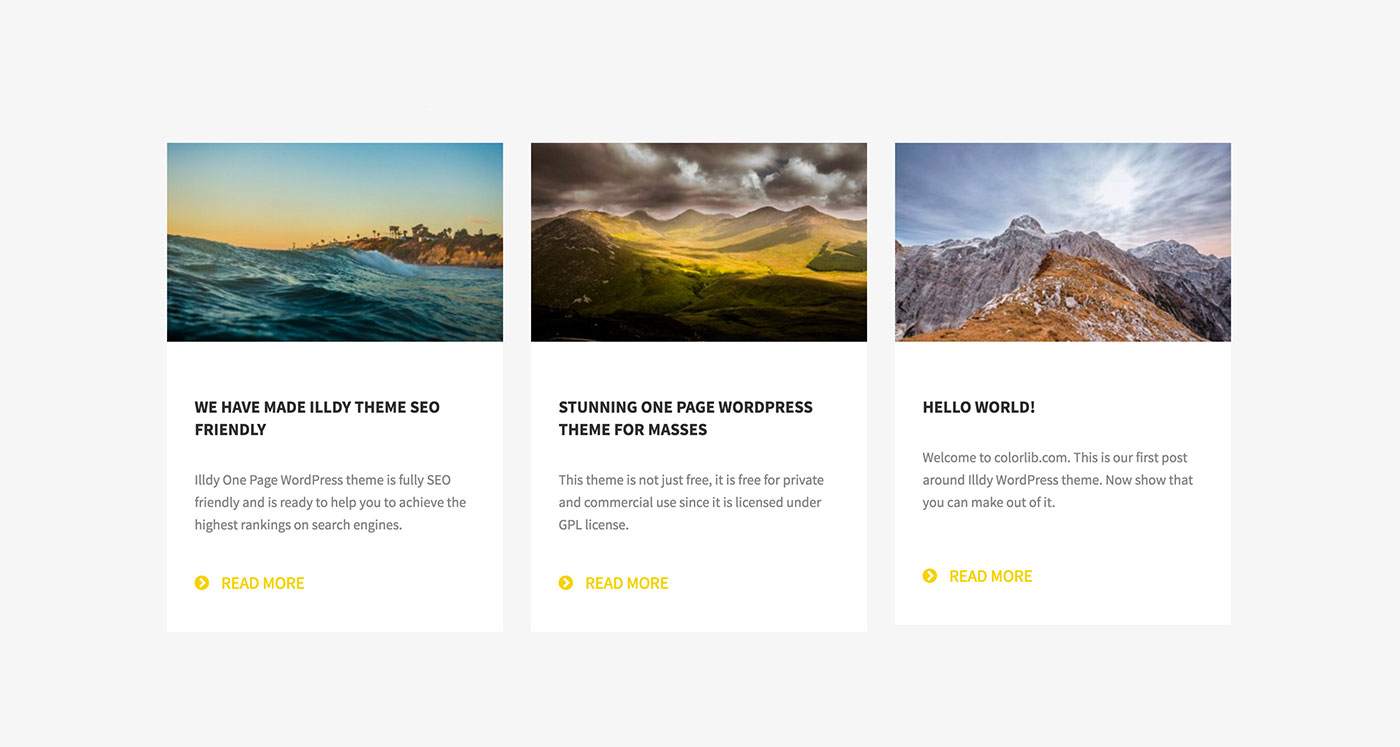
A featured image is the main picture for a post. It shows at the top or beside the article. This image grabs the reader’s attention. It tells a quick story about the content. Each post should have a unique featured image. This helps make the blog look nice and tidy.
Featured images in WordPress are very important. They add visual interest to your posts. They also help in organizing the content. These images show up in archives and search results. This makes them crucial for your blog’s look. A well-chosen featured image can improve engagement. It helps readers understand the topic better. Choose clear and relevant images for your posts.
Credit: glorify.com
Standard Image Sizes
WordPress has four default image sizes. These are thumbnail, medium, large, and full size. The thumbnail size is usually set at 150×150 pixels. Medium size images often measure 300×300 pixels. Large images can be as big as 1024×1024 pixels. Full size means the original size of your uploaded image. These sizes help keep your site fast.
Some websites need different sizes. Common custom sizes include 400×400 pixels or 600×600 pixels. These sizes fit better for specific layouts. Custom sizes help images look clear and neat. They also fit the design better. Always keep file sizes small. This keeps your site loading quickly.
Choosing The Right Size
Picking the right image size is key. Consider the website layout. Images should fit well. Check how they look on different devices. Big screens need larger images. Small screens need smaller ones. Think about image quality. Larger images often look better. But they can slow down your site. Fast loading pages are important for user experience.
Use the right file type. JPEG is good for photos. PNG works for graphics. Keep the file size small. Use tools to compress images. This helps with speed. Remember, a fast site keeps users happy. Balancing is key. Good quality without slow speed. Test your site often. See how images load. Adjust if needed.
Credit: enginescout.com.au
Impact On Website Performance
Large images can slow your website. They take longer to load. Slow websites can frustrate visitors. They may leave and not come back. This can hurt your site. It is important to use the right image size. Smaller images load faster. This can improve user experience.
Search engines care about speed. Fast sites rank better. Optimizing image size can help. Images should be clear but not too big. Small, clear images can help your site rank well. Keep your images under 100KB. This can help keep your site fast and friendly.
Optimizing Featured Images
Featured images must be small. They should load quickly. Image compression helps. It reduces file size without losing quality. Tools like TinyPNG are good. They compress images fast. They are easy to use. Beginners find them helpful. Large images slow down websites. This can annoy users. Search engines dislike slow sites. So, compress images for speed. Use formats like JPEG and PNG. They are popular. They balance quality and size. Choose the right format based on your needs. Keep file sizes below 100KB if possible. This keeps pages fast.
Plugins make image tasks easy. They automate compression. Plugins like Smush are popular. They compress images automatically. Users find them convenient. They save time. They improve site speed. Fast sites rank better. Search engines love fast sites. Users also love fast sites. Plugins can resize images. They can set default sizes. This helps with consistency. It keeps the site neat. Install plugins carefully. Check ratings and reviews. Ensure compatibility with your theme. Some plugins are free. Others may cost money. Choose the best one for your needs.
Responsive Design Considerations
Choosing the right image size is important. Images should be clear on all screens. Large images can slow down a website. Small images may look blurry. Adaptive sizing solves this. It changes images for different devices.
CSS and media queries help with this. They adjust images based on screen size. You can set rules for different devices. For example, mobile screens need smaller images. Desktop screens can show larger ones. This keeps images looking good everywhere.
Best Practices
Consistency is key for featured images on WordPress. Use the same size for each post. It helps the website look neat and organized. A common size is 1200×628 pixels. This size works well with many themes. It also fits social media sharing. Consistency makes your site look professional. It helps readers recognize your brand quickly.
Images should look clear and sharp. Avoid blurry pictures. A fixed size keeps your website looking good. It also improves loading speed. This is important for user experience. Your audience will enjoy reading more.
Test different sizes to find the best fit. Check how images look on phones and tablets. Adjust sizes if needed. Make sure images load fast and look great. It’s important to keep users happy. Fast loading images help your site perform better.
Credit: enginescout.com.au
Frequently Asked Questions
What Is The Ideal Size For WordPress Featured Images?
The ideal size for WordPress featured images is 1200×628 pixels. This size ensures optimal display on various devices and social media platforms. It also helps maintain image quality and consistency across your website. Adjust your theme settings to match this recommended size for best results.
Why Are Featured Image Sizes Important In WordPress?
Featured image sizes are crucial for maintaining website aesthetics and performance. Properly sized images ensure faster loading times and better user experience. They also improve SEO by enhancing visual appeal and engagement. Consistent image sizes across your site contribute to a more professional and cohesive appearance.
Can I Use Different Featured Image Sizes?
Yes, you can use different featured image sizes based on your theme’s requirements. However, maintaining consistency across your site is recommended for a cohesive look. Customizing sizes can be useful for specific layouts or design needs. Always ensure images are optimized for fast loading and quality display.
How Do I Change The Featured Image Size?
To change the featured image size, navigate to your WordPress dashboard. Go to Settings > Media and adjust the dimensions. You may also need to regenerate thumbnails using a plugin. Check your theme’s documentation for specific instructions on customizing featured image sizes.
Conclusion
Choosing the right featured image size matters. It affects your website’s look and performance. A well-sized image loads faster and looks better. Aim for clarity and speed. Test different sizes to find what works best. Remember, each theme may need a unique size.
Stay consistent with your choices. This keeps your site professional and neat. Always optimize images before uploading. This ensures quicker loading times. A good image size improves user experience. It also boosts your site’s appeal. Keep these tips in mind for an attractive, efficient website.



